This guide explains what not to share with ChatGPT or another AI chatbot before you paste a message, upload a document, attach a screenshot or connect an account. AI can help rewrite emails, summarize notes, explain files and organize information, but it usually does not need your real password, bank number, home address, medical record number or confidential client data.
The safest approach is not to avoid artificial intelligence completely. It is to provide only the information required for the task, remove details that could identify a person or unlock an account, and inspect every file before sharing it.
How to Decide What Not to Share With ChatGPT in 10 Seconds
Before entering text, attaching an image or uploading a document, pause and ask the following questions. This short test makes it easier to decide what not to share with ChatGPT without turning every ordinary prompt into a complicated privacy exercise.
What Not to Share With ChatGPT: 15 Privacy Risks
The following list covers the most important categories of what not to share with ChatGPT, whether you are entering a normal prompt, copying an email, attaching a photograph or uploading a complete document.
1Passwords, Passphrases and Recovery Answers
Never paste a password into an AI chatbot, even when asking why a password is being rejected or requesting help with a login script. The same rule applies to security-question answers, password-manager exports, backup codes, crypto-wallet seed phrases and recovery phrases.
A real credential is unnecessary for troubleshooting. The chatbot needs the format, error message or general situation—not the secret itself.
2One-Time Passwords and Verification Codes
One-time passwords, SMS codes, email login codes, authenticator codes and banking authorization codes may remain valid for only a short time, but that is exactly when they can be misused. A chatbot does not need a live code to explain multifactor authentication.
Never include a verification code in a prompt, screenshot, copied email or support conversation. Replace it with [6-DIGIT CODE REMOVED] and describe what happened after you entered it.
3Banking, Card and Payment Information
Full card numbers, CVV codes, bank-account numbers, routing numbers, payment-app credentials and online-banking screenshots belong near the top of any list explaining what not to share with ChatGPT.
A financial question can normally be answered using a generic transaction description, an approximate amount and a fictional account label. Before sharing a statement for budgeting assistance, remove account numbers, card endings, addresses, QR codes, payment references, employer information and the names of other people.
4Government Identification Numbers and Documents
Do not upload an unredacted Social Security card, passport, driver’s licence, national identity document, immigration record or tax document simply to ask what a field means.
These files can contain several identifiers at once, including a photograph, signature, address, birth date, document number, barcode and machine-readable code. Cropping one corner may not be enough. Check the entire image, the reverse side, reflections and the file name.
5Identifiable Medical and Health Information
Identifiable medical records are another essential part of what not to share with ChatGPT. A report may combine a person’s name with dates, diagnoses, provider details, insurance numbers, prescription information and a medical-record number.
Remove names, addresses, phone numbers, email addresses, exact dates, patient numbers, insurance details, provider identifiers and full-face photographs before asking a general question.
6Confidential Legal Information
Do not assume that sharing information with a chatbot creates attorney-client privilege, professional confidentiality or a legally protected relationship. Private correspondence with a lawyer, settlement discussions, witness details, case numbers and unredacted contracts may require special handling.
For a general explanation, replace names, organizations, addresses, exact payment amounts and distinctive facts. When the exact document matters, consult the relevant professional or use a system specifically approved for the information.
7Confidential Workplace, Employee or Client Data
Workplace data is often overlooked when people consider what not to share with ChatGPT. An internal document may contain client identities, employee records, pricing, meeting notes, unreleased financial information, product plans, legal discussions, proprietary processes or trade secrets.
Follow your employer’s AI policy and use only approved accounts and tools. A business-managed service may provide different contractual and administrative controls from a personal account, but that does not make every document suitable for uploading.
For writing assistance, replace identities with [COMPANY], [CLIENT], [MANAGER] and [EMPLOYEE]. Keep only the sentences needed for the task.
8Other People’s Personal Information
Your decision to use a chatbot does not automatically give you permission to disclose another person’s phone number, email address, home address, medical condition, workplace complaint, relationship history or private messages.
This matters when asking AI to analyze an argument, judge someone’s behavior or write a response. Replace every person with a role such as [CUSTOMER], [RELATIVE], [PERSON A] or [PERSON B].
The Office of the Privacy Commissioner of Canada advises users to limit personal information, alter identifiable details and avoid sharing information about other people.
9Children’s Names, Photos, Schools and Schedules
Children’s information must be included in any responsible guide to what not to share with ChatGPT. Avoid entering a child’s full name, birth date, school, class schedule, pickup arrangements, medical details, activity schedule or photographs showing uniforms and locations.
For homework, parenting or planning questions, “my child,” a broad age range and a general situation are usually enough. Do not upload another family’s child or school information without permission.
10Exact Home, Work or Travel Locations
An exact address is rarely required for a general recommendation. Remove apartment numbers, entry instructions, workplace locations, daily routines, live locations and dates when a home will be empty.
Travel confirmations can contain booking references, loyalty numbers, passport details, hotel addresses, QR codes and detailed schedules. For an itinerary, provide the city, broad neighborhood and approximate dates rather than the original booking email.
Separate facts may become identifying when combined. A job title, unusual event, precise date and small town may reveal more than any single field alone.
11Private Emails, Messages and Screenshots
Private conversations and screenshots are a frequent source of mistakes involving what not to share with ChatGPT. People often focus on the central message while overlooking names, notifications, profile photographs, usernames, timestamps, signatures and browser tabs.
Extract only the sentences needed for the task. Remove identities, order numbers, contact details, signatures, account references and personal comments about other people.
12Intimate Images and Biometric Information
Do not upload intimate photographs or highly personal images to a general AI chatbot. Avoid sharing fingerprint images, face scans, voiceprints, signature samples and other biometric data used for identification or authentication.
Ordinary photographs may also contain private details in the background: licence plates, house numbers, school uniforms, prescription bottles, computer screens, documents on a desk or reflections in a mirror.
When an image is unnecessary, describe the issue in words. When an image is essential, create a separate cropped and cleaned copy.
13API Keys, Access Tokens and Secret Code
Active API keys, OAuth tokens, cloud credentials, database passwords, private repository tokens and complete environment files are always part of what not to share with ChatGPT.
Remove secrets from code before requesting debugging assistance. Use obvious placeholders so the structure remains understandable.
API_KEY=[REDACTED]DATABASE_PASSWORD=[REMOVED]ACCESS_TOKEN=[PRIVATE TOKEN]
If a real credential was exposed, revoke or rotate it immediately. Deleting the conversation does not neutralize an active key.
14Copyrighted, Restricted or Unpublished Material
Privacy and copyright are separate concerns. Removing a name does not automatically give you permission to upload a paid book, licensed database, restricted workplace manual, confidential report, client-owned artwork or another person’s unpublished manuscript.
Ask whether you own the material, have permission to use it and are allowed to process it through the chosen service. Your own notes, a brief description or a limited excerpt may achieve the task without transferring the full work.
15Hidden Metadata and Invisible File Content
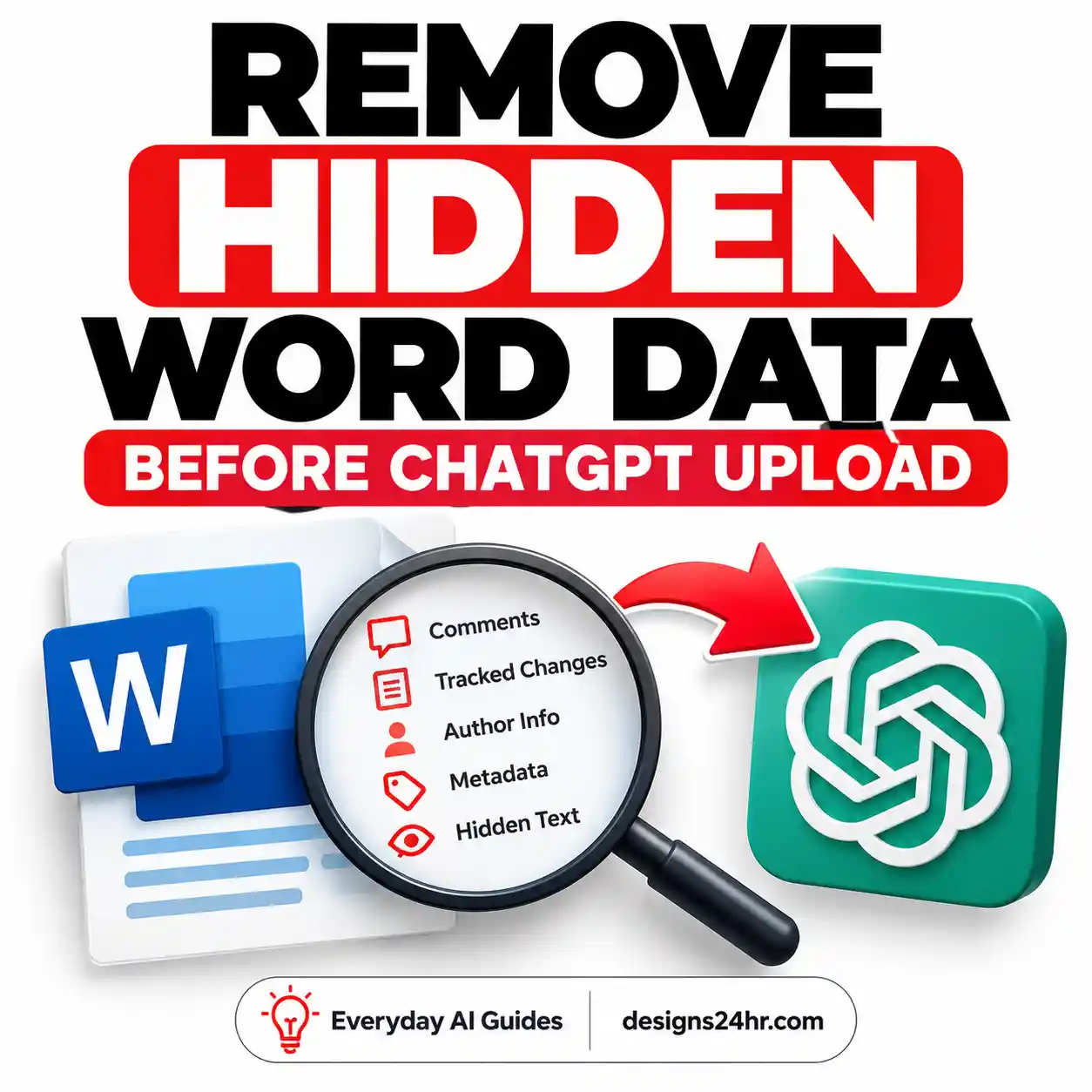
Hidden metadata is one of the least obvious categories of what not to share with ChatGPT. A document may contain author names, tracked changes, comments, revision history, hidden spreadsheet tabs, formulas, location data or identifying file properties.
File names can also reveal private information. A document named John-Smith-Medical-Appeal-2026.pdf remains identifying even after the visible pages have been redacted.
Make a separate sharing copy, remove hidden content, rename it generically and reopen the final version before uploading.
Safe Replacements for Personal and Confidential Information
Redaction does not require removing every useful detail. The goal is to preserve the pattern the AI needs while replacing the identity, credential or confidential fact.
| Original information | Safer replacement | Why it still works |
|---|---|---|
| Real full name | [PERSON A] |
Preserves the person’s role in the situation |
| Employer or client name | [COMPANY] or [CLIENT] |
Keeps the business context without identifying it |
| Street address | [CITY / REGION] |
Retains broad location context |
| Exact birth date | [AGE RANGE] |
Supports age-appropriate guidance |
| Account or record number | [NUMBER REMOVED] |
Shows where the value appears |
| Exact salary or invoice total | [APPROXIMATE RANGE] |
Allows general wording or calculations |
| Specific appointment date | [APPROXIMATE DATE] |
Preserves the sequence without exact timing |
| API key or access token | [API KEY REDACTED] |
Preserves the code structure safely |
| Contract party names | [PARTY A] and [PARTY B] |
Keeps responsibilities understandable |
| Customer email address | [CUSTOMER EMAIL] |
Allows editing without exposing contact data |
How to Check What Not to Share With ChatGPT Before Uploading a File
Uploading a document may disclose more information than typing a short prompt. Use this workflow to identify what not to share with ChatGPT when the file contains personal, professional, educational, financial, medical or client-related information.
- Make a separate copy. Keep the untouched original offline or in its approved storage location.
- Remove unnecessary pages. Share the smallest excerpt that can answer the question.
- Replace names and identifiers. Check every page, not only the first page.
- Delete comments and tracked changes. Accepted edits may still leave revision information behind.
- Inspect headers, footers and signatures. These frequently contain company and contact information.
- Check hidden tabs, rows and layers. This is especially important in spreadsheets and design files.
- Review screenshots completely. Look for notifications, profiles, faces, reflections and background documents.
- Inspect file properties and metadata. Remove author, location and device details when appropriate.
- Rename the sharing copy. Use a neutral file name such as
redacted-document.pdf. - Reopen the exported file. Confirm that the redaction is permanent and hidden data is gone.
Do Privacy Settings Change What Not to Share With ChatGPT?
Privacy settings can reduce how conversations are used, remembered or retained, but they do not fundamentally change what not to share with ChatGPT. A chatbot should not become a password manager, bank vault, legal office or protected medical-record system simply because a privacy setting was enabled.
OpenAI’s current Data Controls FAQ explains that signed-in users can turn off “Improve the model for everyone.” New conversations can remain in normal chat history while not being used to improve the models.
Temporary Chats are not used to train models, do not appear in normal history and do not create memories. OpenAI states that Temporary Chats are deleted from its systems after 30 days and may be reviewed to monitor abuse.
OpenAI also advises users not to share sensitive information they would not want used or reviewed. Privacy controls are useful safeguards, but they are not permission to enter passwords, payment credentials or highly sensitive records.
Five privacy controls to review
- Model-improvement setting: Choose whether new conversations may help improve models.
- Temporary Chat: Use it when you do not want a conversation in normal history or memory.
- Memory: Review, edit or delete saved memories and disable memory when unnecessary.
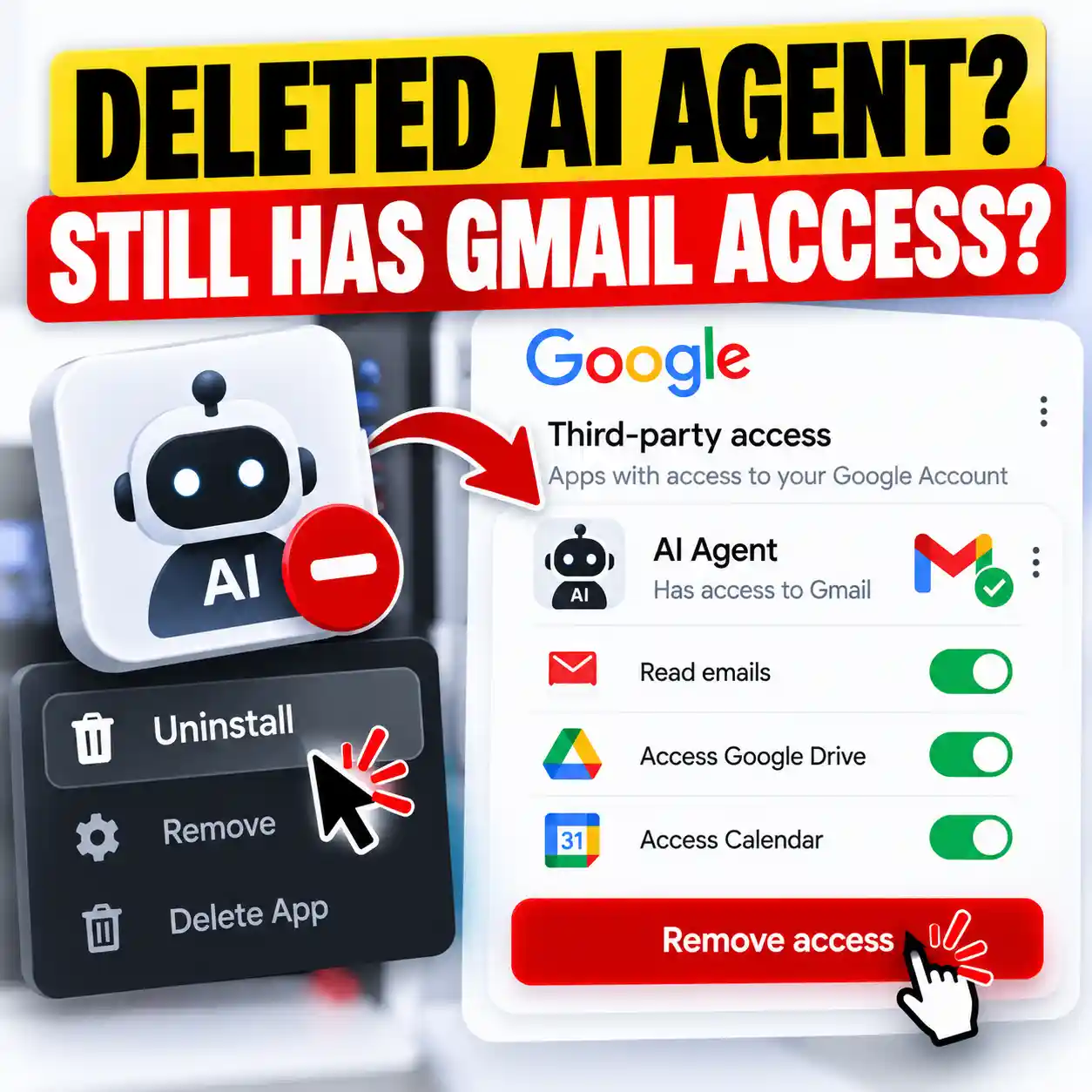
- Connected apps: Check which email, drive, calendar or other accounts the chatbot can access.
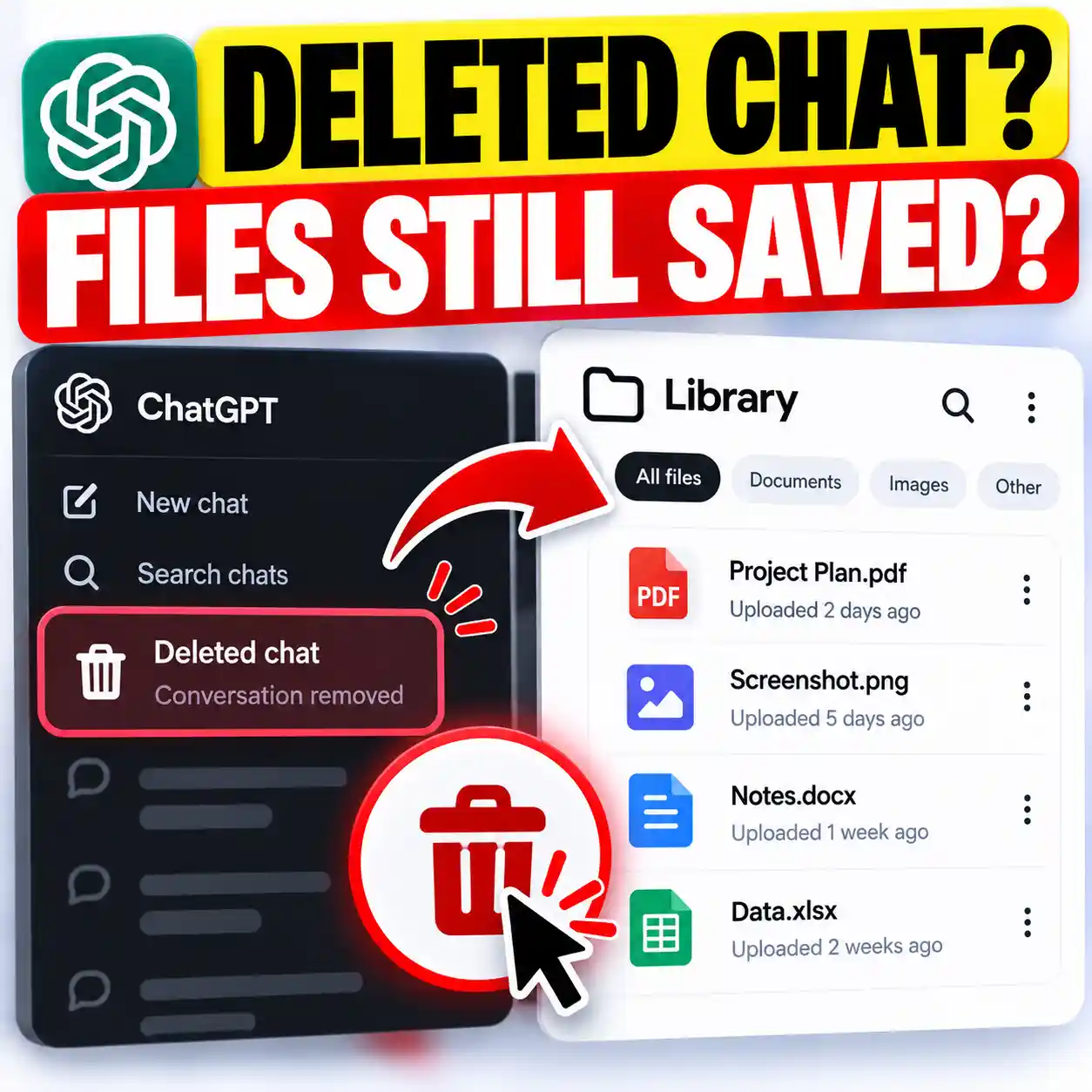
- Stored files: Review uploaded files separately from the conversations in which they appeared.
What to Do After Sharing Something You Should Not Have Shared
Understanding what not to share with ChatGPT is most useful before disclosure, but mistakes still happen. Take action according to the type of information involved. Deleting a conversation may help, but it is not always the only step.
If You Shared a Password, API Key or Access Token
- Change the password or revoke the credential immediately.
- Sign out other active sessions.
- Enable multifactor authentication where available.
- Review recent logins, account activity and connected applications.
- Change any other account that reused the same password.
If You Shared Card or Bank Information
- Contact the bank, card issuer or payment provider through an official channel.
- Lock or replace the card when advised.
- Review recent transactions and alerts.
- Change the password for the associated financial account.
- Continue monitoring for unfamiliar activity.
If You Shared Workplace or Client Information
- Follow the organization’s incident-reporting policy.
- Tell the appropriate manager, privacy contact or security team promptly.
- Revoke exposed credentials and shared-file links.
- Record what was disclosed, when it happened and which service was used.
- Do not hide or alter evidence of the incident.
If You Shared a Personal Document or Image
- Delete the relevant conversation where possible.
- Check whether the uploaded file remains in a separate Library or storage area.
- Review saved memories, connected apps and data settings.
- Take identity-protection steps appropriate to the document involved.
- Replace any credential or account number that can be changed.
OpenAI says deleted chats are removed from the account immediately and scheduled for permanent deletion from its systems within 30 days, subject to stated legal, security and de-identification exceptions. Do not assume that pressing delete instantly removes every copy everywhere.
Use the R.E.D.A.C.T. Rule Before Every Prompt
The R.E.D.A.C.T. rule turns the long list of what not to share with ChatGPT into a quick routine that can be used before prompts, screenshots, photographs and file uploads.
Risk Levels for Information Shared With AI
This table provides another way to judge what not to share with ChatGPT and what may be usable after careful anonymization.
| Information type | Risk level | Recommended action |
|---|---|---|
| Password, verification code or seed phrase | Critical | Never share; revoke immediately if exposed |
| Government ID or full payment credentials | Critical | Never paste or upload |
| Identifiable medical or legal record | High | Use approved systems or remove identifying information |
| Confidential workplace or client material | High | Follow organizational policy and approved tools |
| Private conversation or screenshot | High | Obtain permission, extract only what is needed and anonymize |
| General fictional scenario | Lower | Usually suitable when it contains no real private details |
| Public information | Lower | Confirm it is genuinely public and necessary for the task |
“Lower risk” does not mean completely risk-free. Consider the platform, account type, connected apps, privacy settings and purpose before sharing any information.
Frequently Asked Questions About What Not to Share With ChatGPT
What not to share with ChatGPT?
The main categories of what not to share with ChatGPT are passwords, verification codes, payment credentials, government identification numbers, identifiable medical records, confidential workplace files, active API keys, intimate images and personal information about children or other people.
Is it safe to share personal information with ChatGPT?
Share only the minimum information necessary for the task. Generic preferences and non-identifying context may be useful, but sensitive or unnecessary personal information should be removed. Review the current privacy, memory, training and retention controls for the account being used.
Are ChatGPT conversations private?
Privacy depends on the account, feature and settings. OpenAI offers controls for model improvement, Temporary Chat, memory, deletion and data export, but an ordinary chatbot conversation should not be treated as a secure vault for highly sensitive information.
Is it safe to upload documents to ChatGPT?
A non-sensitive or properly cleaned document may be suitable. Remove names, account numbers, contact details, comments, tracked changes, hidden worksheets, metadata and unnecessary pages first. Check whether uploaded files are stored separately from the conversation.
Can I paste work emails into ChatGPT?
Only when the organization’s policy permits the chosen tool and the content contains no restricted information. Remove client, employee and company identifiers, credentials, legal discussions, private attachments and unreleased business details.
Can I share medical information with an AI chatbot?
Avoid identifiable medical records and insurance details. A general, de-identified question may be safer, but a chatbot is not a replacement for a qualified healthcare professional and should not be relied on for emergencies or diagnosis.
Does Temporary Chat make sensitive information safe?
No. Temporary Chat provides additional controls but does not make it appropriate to share passwords, payment credentials, government IDs or confidential records. Temporary Chats are still retained temporarily for safety purposes.
What should I do after accidentally sharing a password?
Change it immediately, revoke active sessions, enable multifactor authentication and review account activity. Change the password on other accounts when it was reused. Deleting the chat alone does not neutralize the exposed credential.
How do I redact a document before uploading it?
Make a copy, remove unnecessary pages, replace names and numbers, delete comments and tracked changes, inspect headers and footers, check hidden sheets and metadata, rename the file and reopen the final copy to confirm the information is gone.
Can ChatGPT remember personal information?
ChatGPT includes optional memory features that can be reviewed, edited, deleted or disabled. Memory controls do not remove the need for data minimization. Avoid sharing unnecessary sensitive information merely because you plan to delete it later.
Final AI Privacy Checklist
- Remove names, contact details and identifying numbers.
- Never paste passwords, codes, keys or payment credentials.
- Use fictional labels instead of real people and companies.
- Share only the minimum excerpt required.
- Inspect screenshots beyond the central message.
- Check documents for comments, revisions and hidden content.
- Remove metadata and identifying file names.
- Follow workplace, school and professional policies.
- Review privacy, memory, model-training and connected-app settings.
- Revoke exposed credentials instead of relying only on deletion.
Knowing what not to share with ChatGPT does not mean avoiding useful AI tools. It means providing relevant context while removing details that can identify someone, unlock an account, expose protected information or violate another person’s privacy.
Explore Designs24hr
Authoritative Sources
- OpenAI, Data Controls FAQ.
- OpenAI, How ChatGPT Protects Privacy.
- Office of the Privacy Commissioner of Canada, Your Privacy and AI Chatbots.
Sources and product controls reviewed: July 24, 2026.
Get new AI guides every week
Short, practical how-tos and free tools from Designs24hr. No spam, unsubscribe anytime.