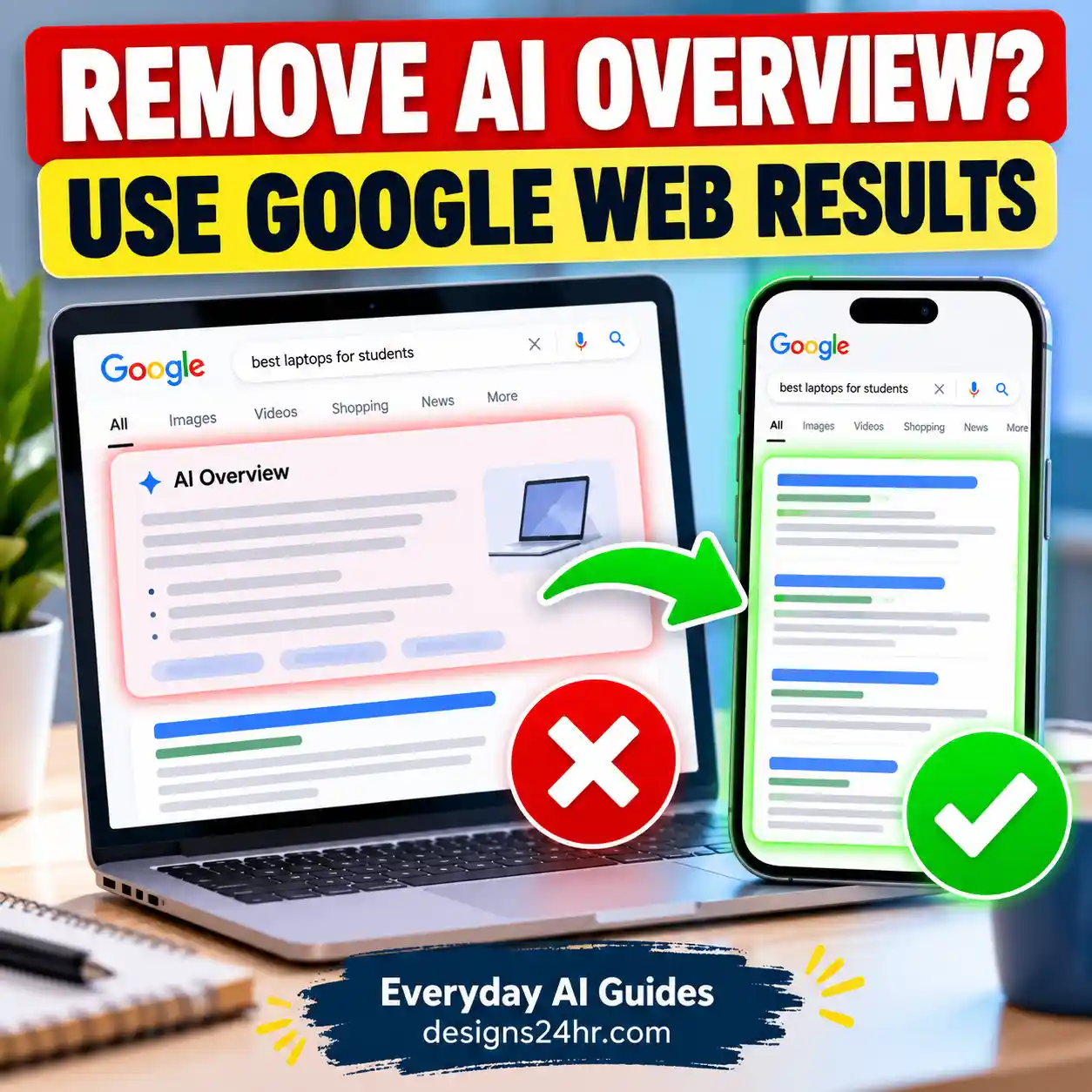
How to Get Rid of AI Overview in Google Search
Want Google results without AI Overviews? Learn the official Web filter method, a Chrome search shortcut, mobile steps, and which popular fixes do not work.

Learn AI safety, privacy and trust with clear guides on data controls, memory, account settings, scams, permissions, and safer everyday AI use.
Want Google results without AI Overviews? Learn the official Web filter method, a Chrome search shortcut, mobile steps, and which popular fixes do not work.
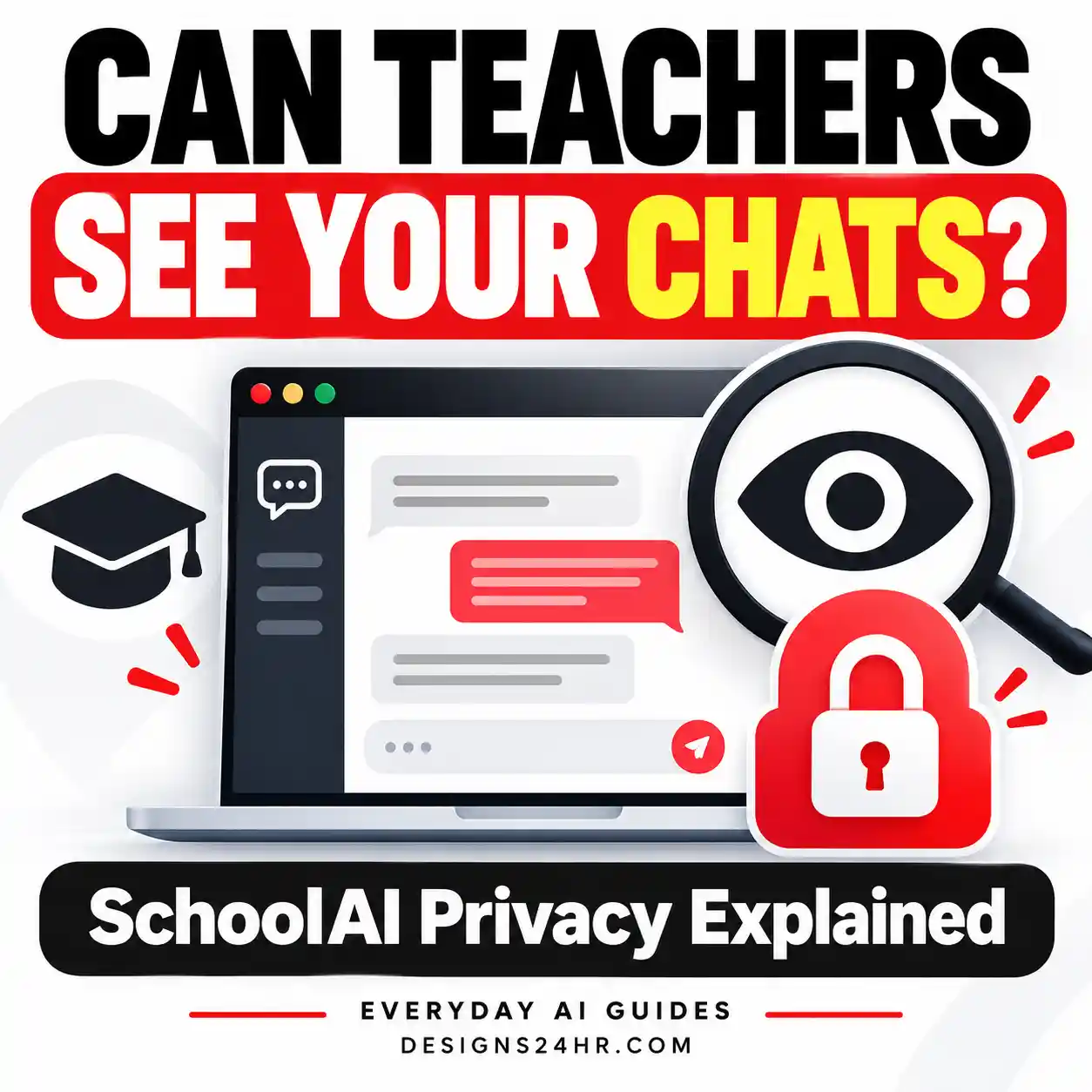
Can teachers see SchoolAI chats? Understand teacher access to classroom Spaces, Student Sidekick conversations, activity reports, and safety alerts—including important limits on privacy and visibility.
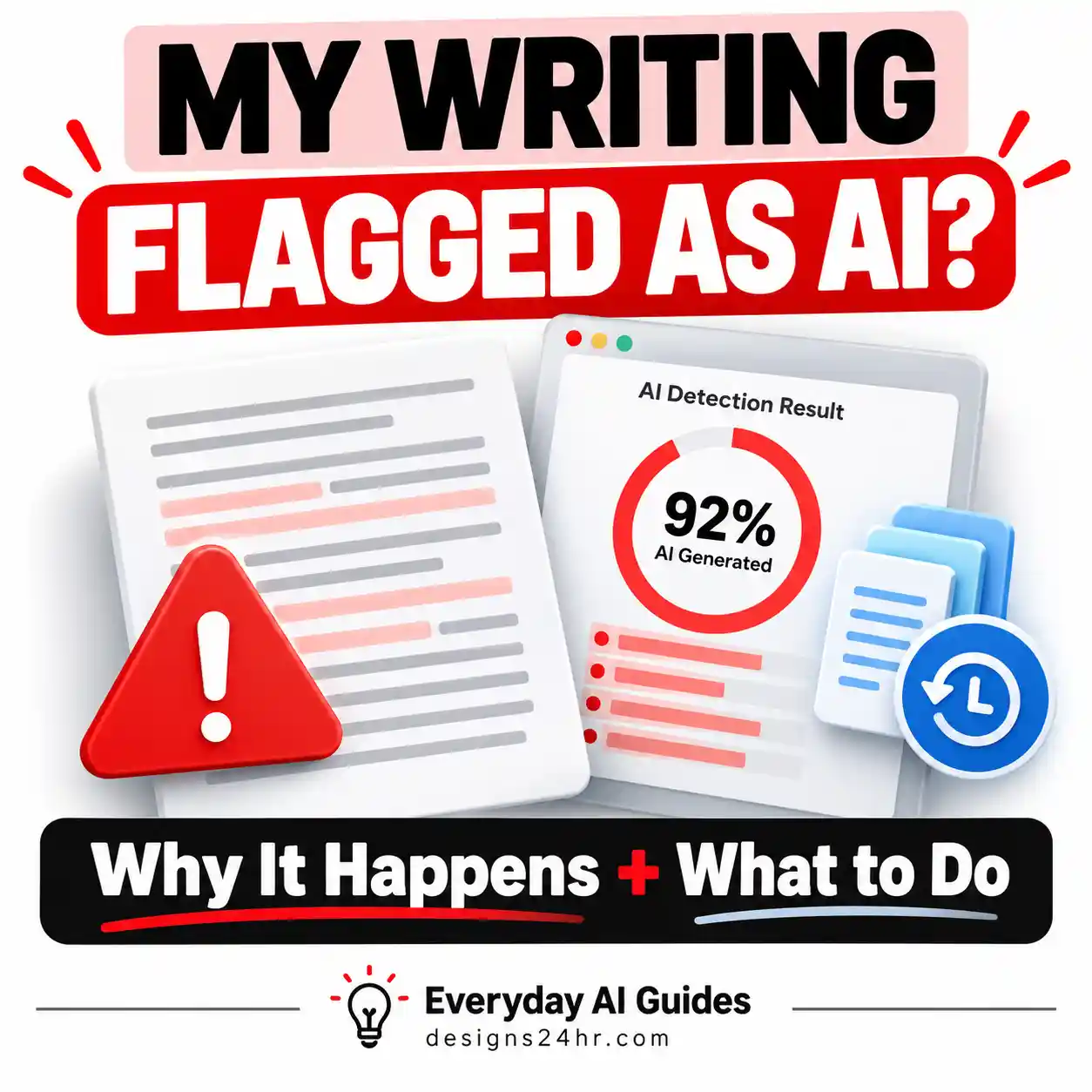
An AI detector flagged something you wrote yourself? Understand false positives, preserve drafts and version history, and prepare a clear response.
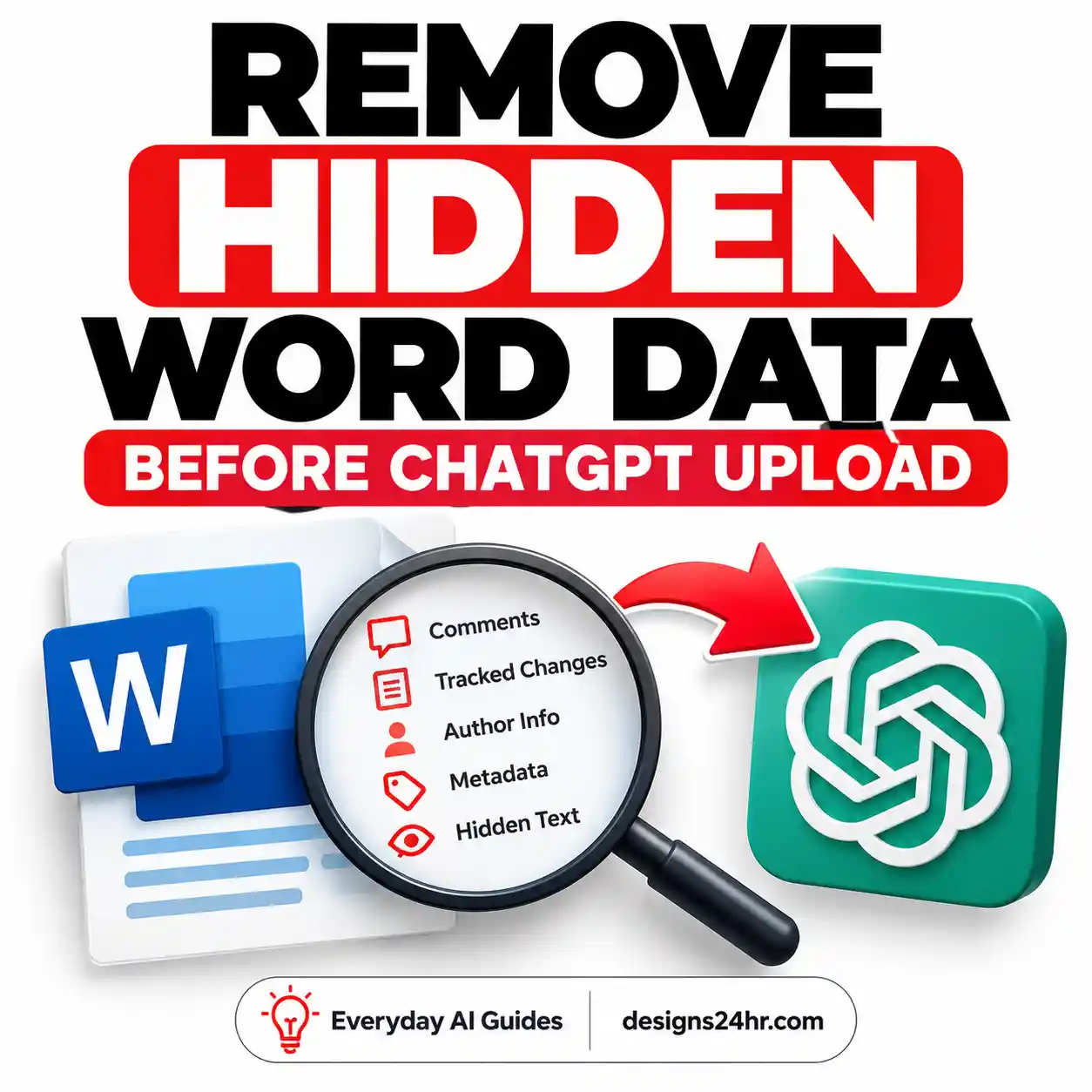
Learn how to remove hidden data from Word before uploading to ChatGPT. Check comments, tracked changes, metadata, and personal details, then verify your document before sharing.
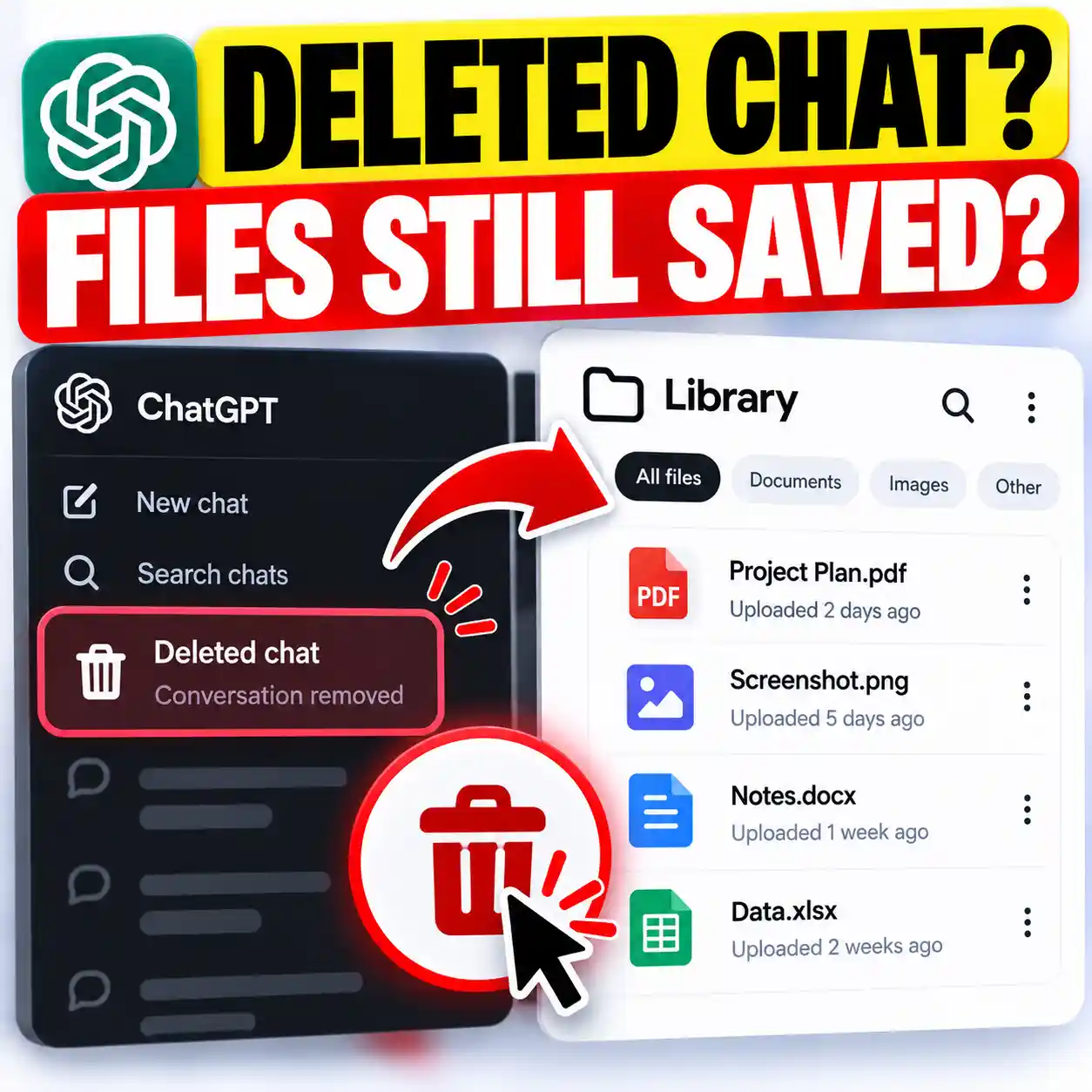
Deleted a ChatGPT conversation but worried your uploaded PDF, photo, or document is still saved? Learn how ChatGPT Library stores files separately, how to delete both files and chats, and what happens to Projects and Temporary Chats.
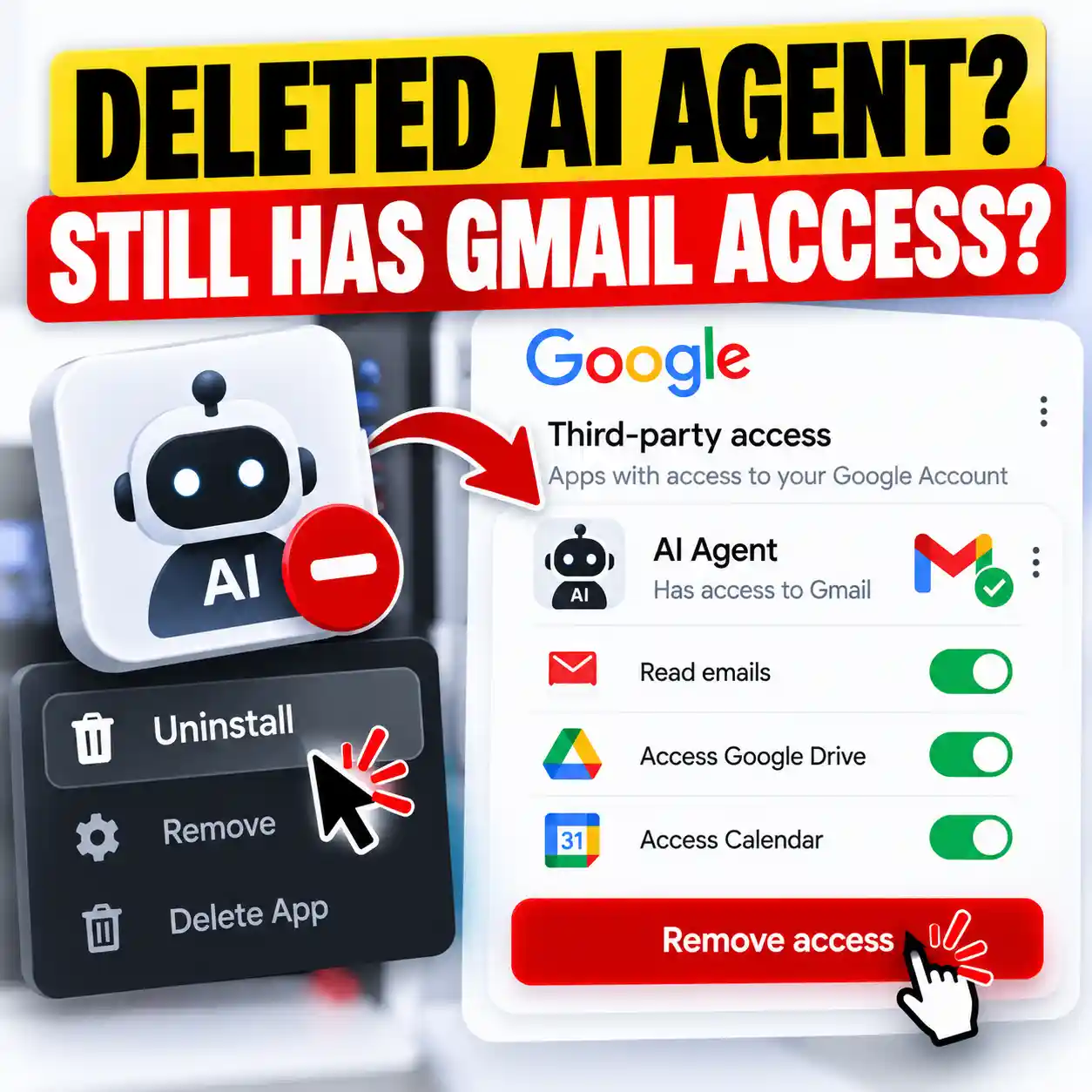
Deleted or uninstalled an AI agent? Its Gmail authorization may still be active. Learn how to check connected Google apps, revoke permissions, and handle information already shared.
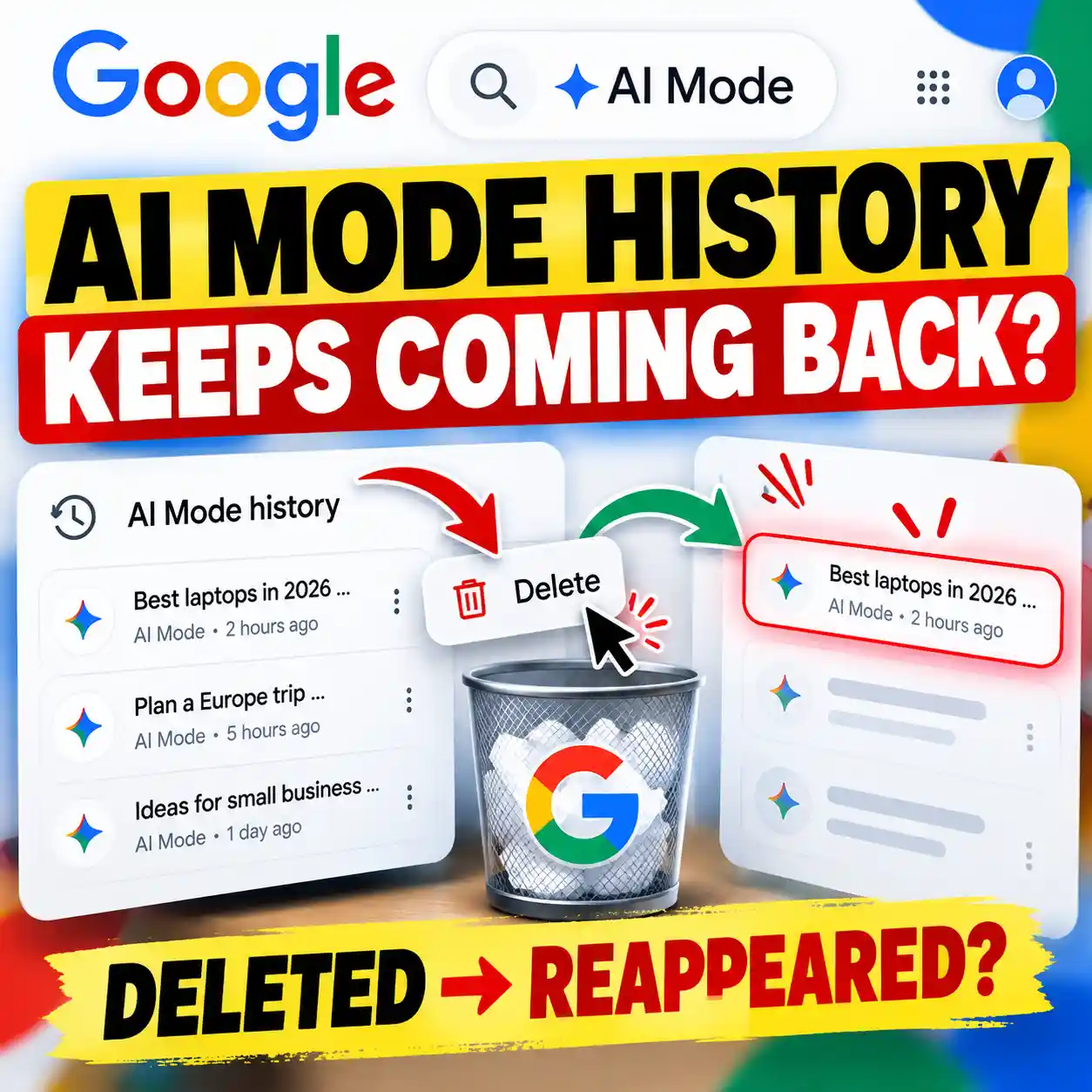
Deleted your Google AI Mode history, only to see it return? Learn why old searches can remain visible, how to remove duplicate entries, and what to check if your history still won't disappear.

Find and delete ChatGPT shared links, remove old conversation and task links, and check what others can still access after deletion.

Learn how to redact a PDF before uploading it to ChatGPT. Remove sensitive information, check hidden data, and verify your document before sharing.

Understand the ChatGPT Privacy Center, where to find it, what its privacy options mean, and which actual ChatGPT settings to review for memory, model training, Temporary Chat, apps, security and data access.

Is it safe to connect Gmail to ChatGPT? Learn what access you grant, how your email data may be used, what Memory changes, and how to protect your privacy.
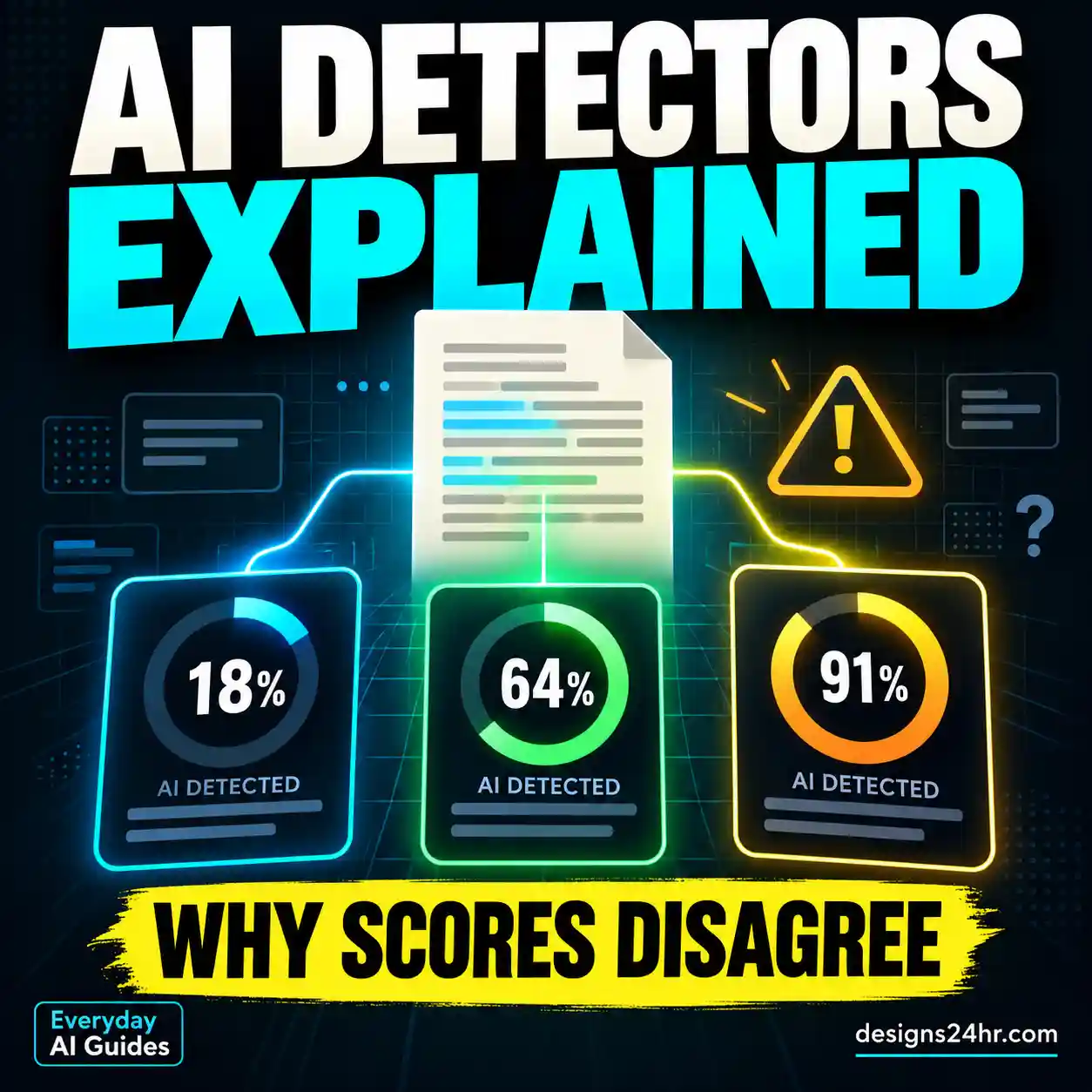
AI detectors estimate whether writing resembles AI-generated text, but their scores are not automatic proof. Learn how detection works, why results disagree, what false positives mean, and how to review a result responsibly.
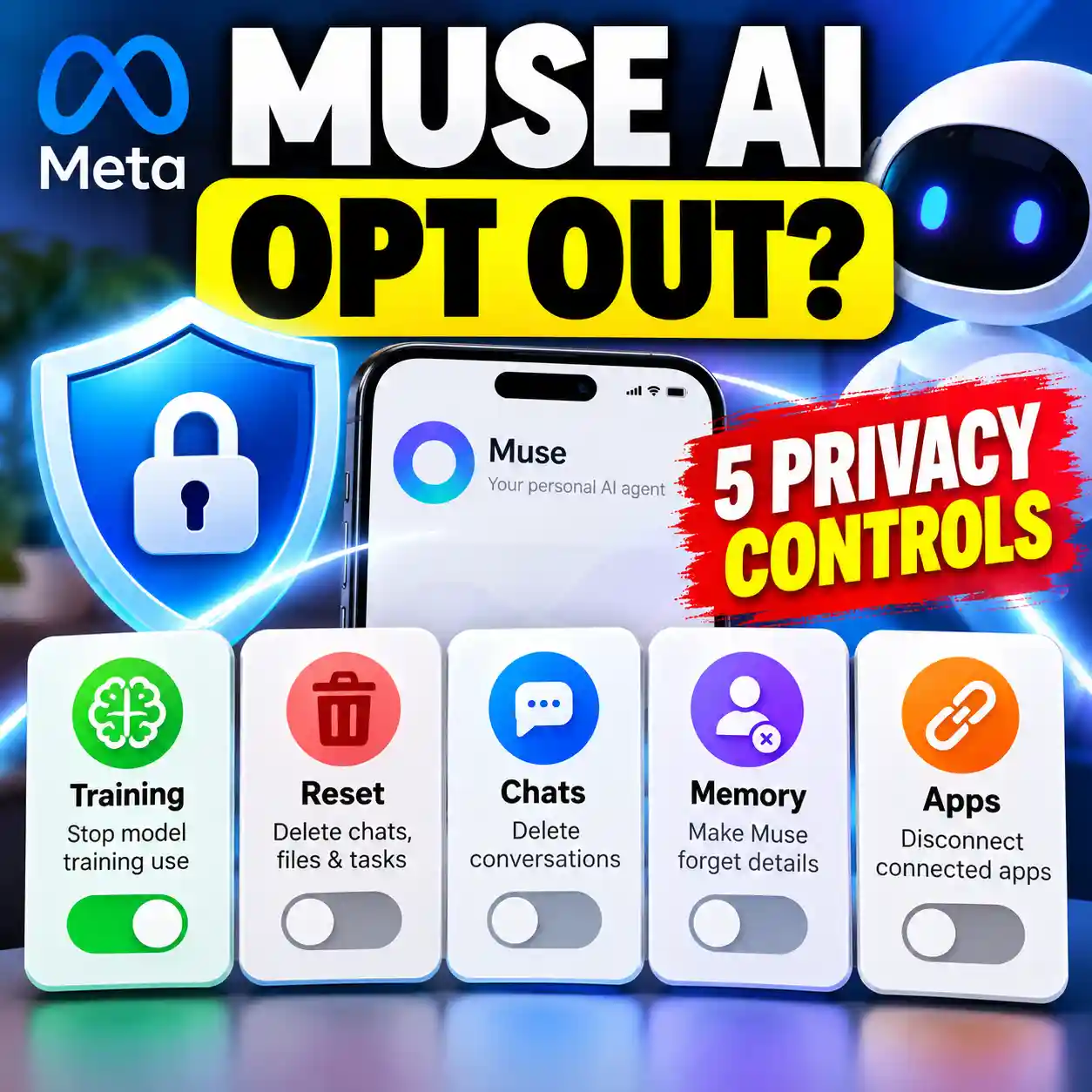
Muse AI opt out settings do different things. Learn how to stop training use, reset Muse, delete chats, remove remembered details and disconnect connected apps.
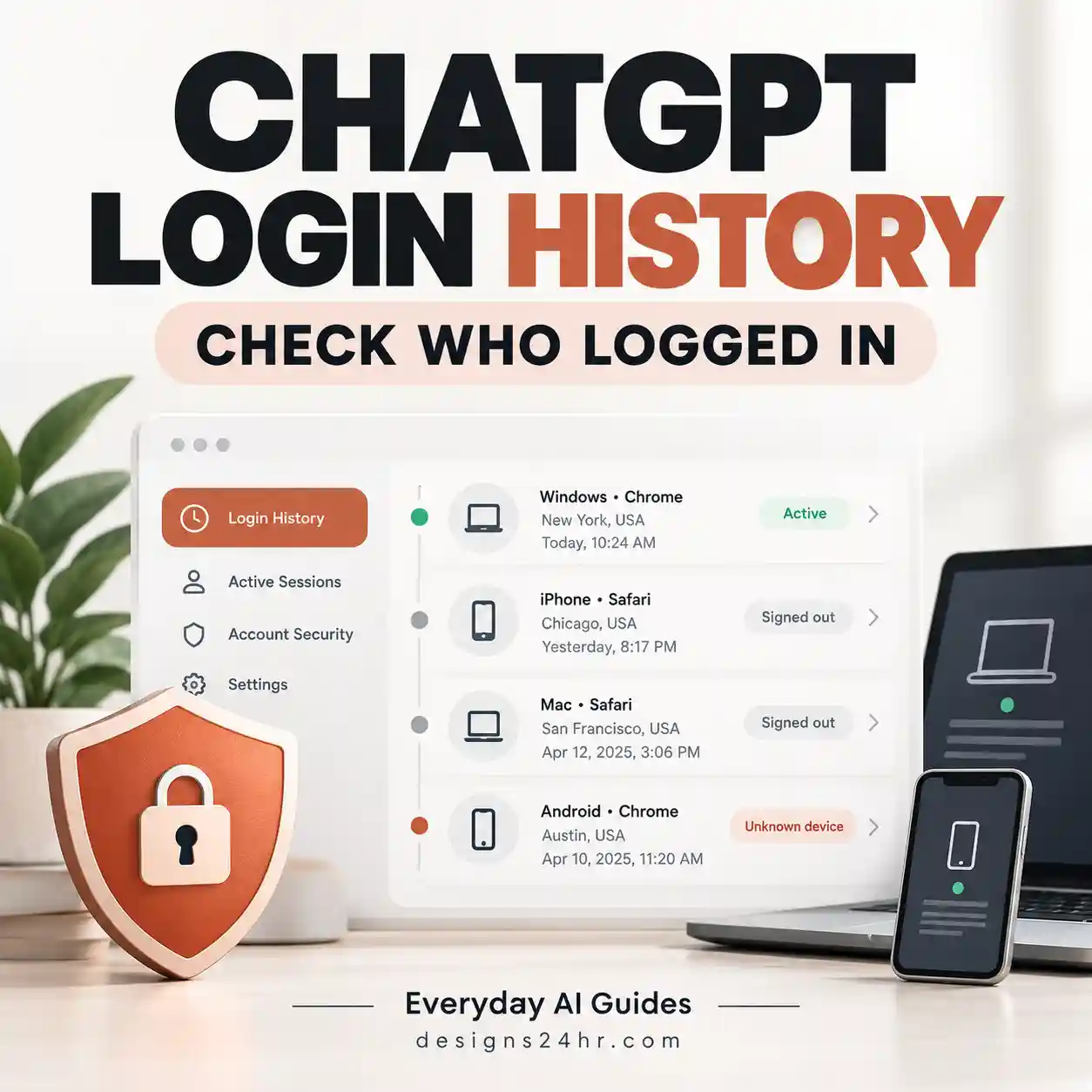
ChatGPT now has Security History for reviewing recent sign-ins and account-security changes. Learn how to check your login history, review active sessions, spot unfamiliar activity, and secure your account.
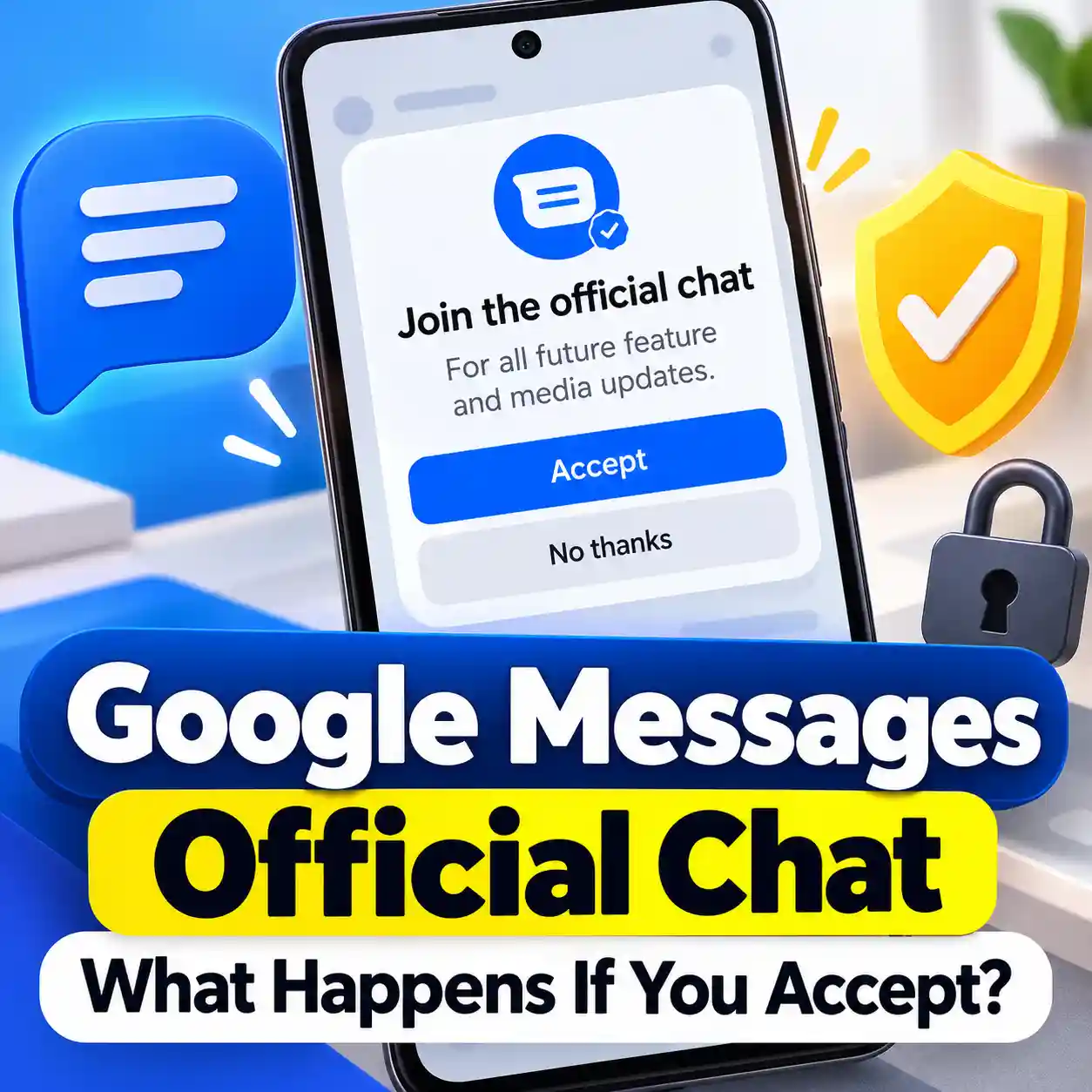
Seeing “Join the official chat” in Google Messages? Here’s what Accept actually does, what changes, what stays the same, how to verify the chat, and how to unsubscribe later.

Want ChatGPT to help with an email, note or document without sharing unnecessary personal details? Use this simple keep, replace, remove and check method to prepare your text first.

Claude gives you separate controls for model training, shared chats, data exports, conversation deletion and Incognito chats. This guide shows what to check, what each setting actually changes, and which privacy controls people commonly confuse.

ChatGPT may automatically create a Weekly finances update after you connect a financial account. Here’s why it appears, what it can use, and how to pause or delete it without disabling all notifications.
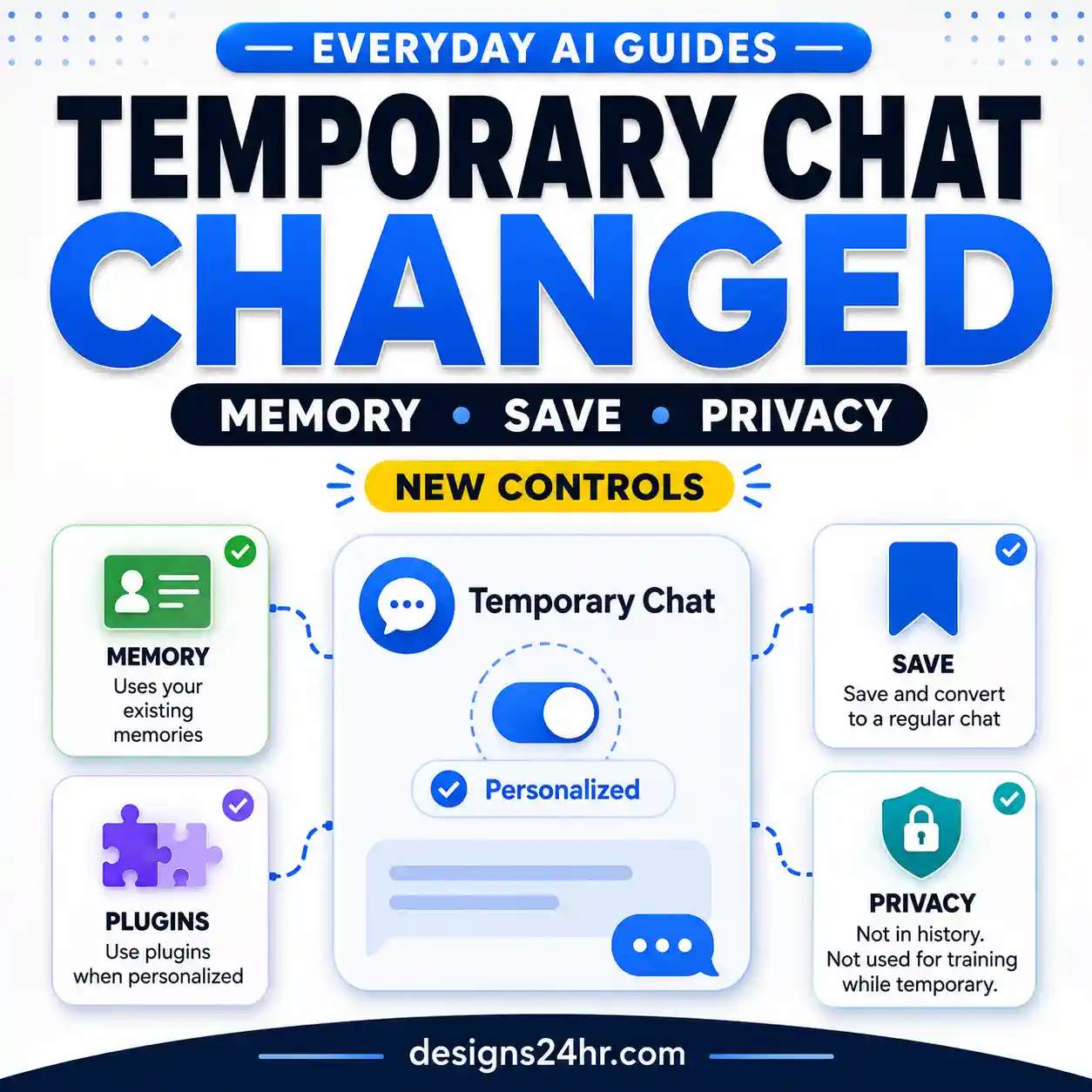
ChatGPT Temporary Chat can now be personalized with existing memories, custom instructions and plugins—or kept non-personalized. Learn what happens to memory, history, privacy and training when you personalize or save a Temporary Chat.
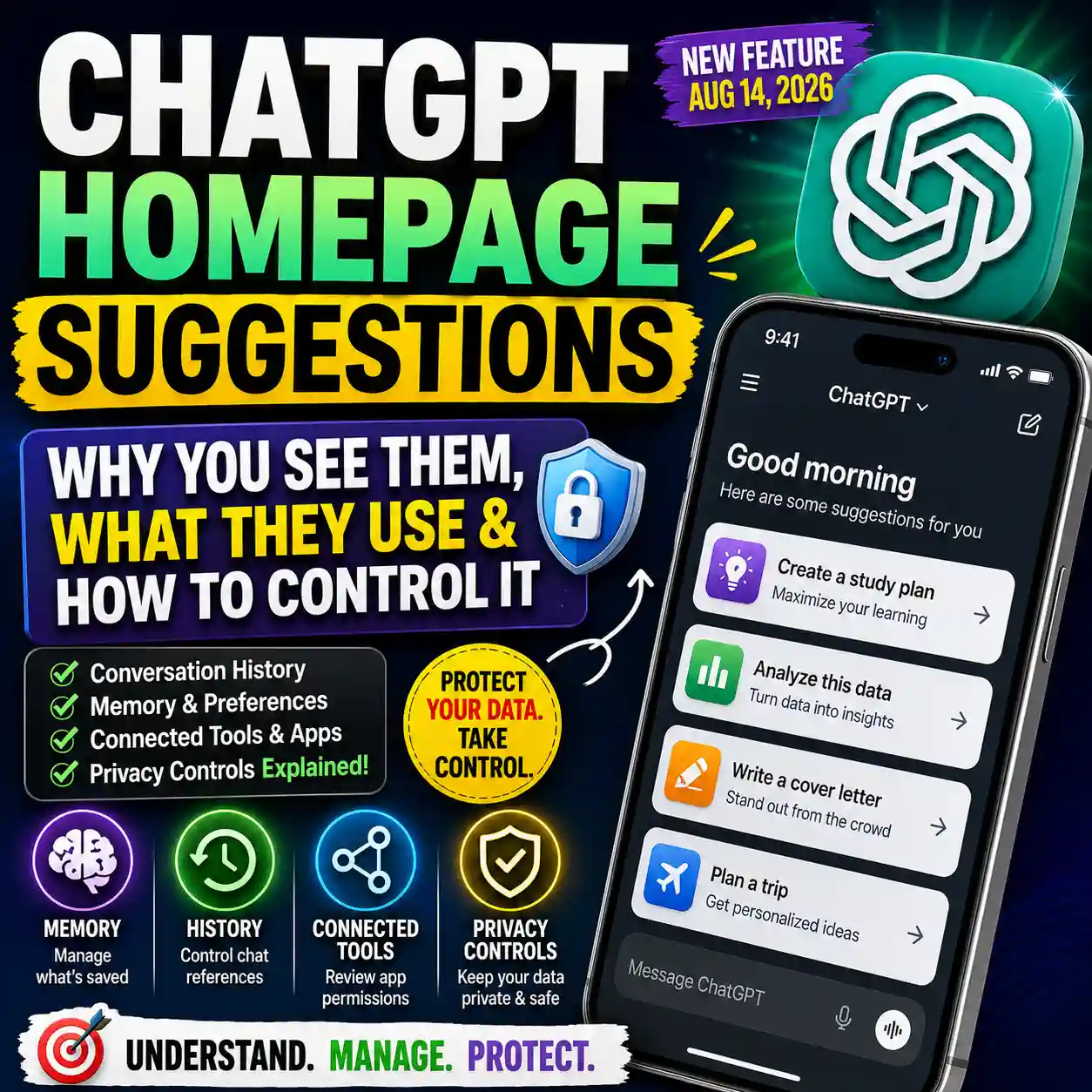
ChatGPT can now show personalized suggestions on its homepage based on how you use it. Learn why these suggestions appear, what conversation history or connected tools may influence them, and which privacy and personalization controls you can review.



