
Free AI Workflow Automation: Build Your First No-Code Workflow
New to AI automation? Learn how to build a simple no-code workflow using Make, compare free tools, and understand credits, testing, and common mistakes.
Copy

Discover AI for work and productivity guides that help you automate routine tasks, save time, stay organized, and get more done with practical AI workflows.
New to AI automation? Learn how to build a simple no-code workflow using Make, compare free tools, and understand credits, testing, and common mistakes.
Copy

A practical Claude Dashboards guide covering setup, connected data, chart verification, access requirements, and mistakes to avoid. Copy excerpt
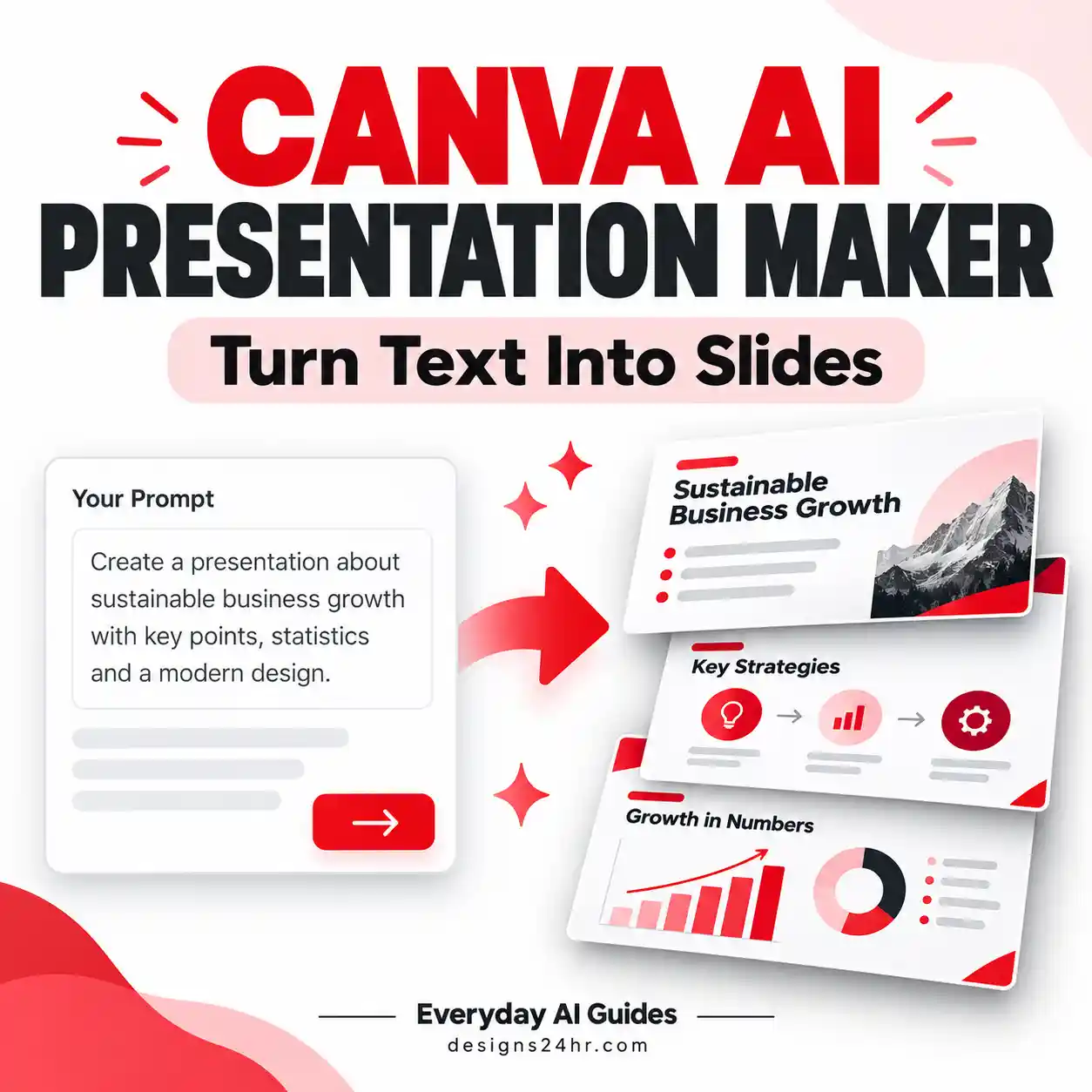
Learn how to create a presentation with Canva AI using text prompts. This beginner-friendly guide covers step-by-step instructions, ready-to-use prompts, free-plan limits, slide editing, and PowerPoint or PDF exports.
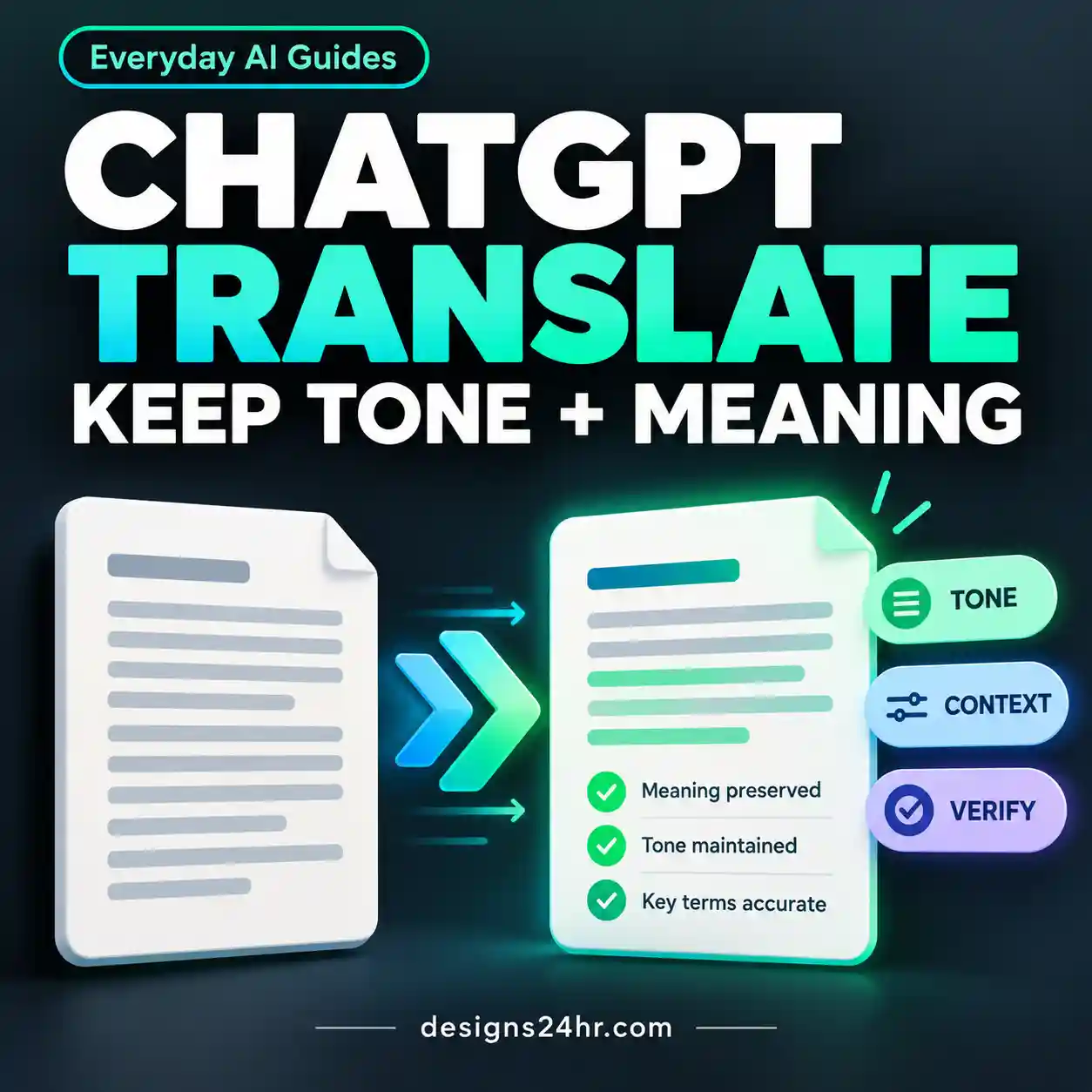
Use ChatGPT Translate more effectively with a practical workflow for preserving meaning, tone, terminology, names, numbers, and formatting. This guide includes copy-ready translation prompts, verification checks, common failure cases, and clear guidance on when AI translation needs human review.
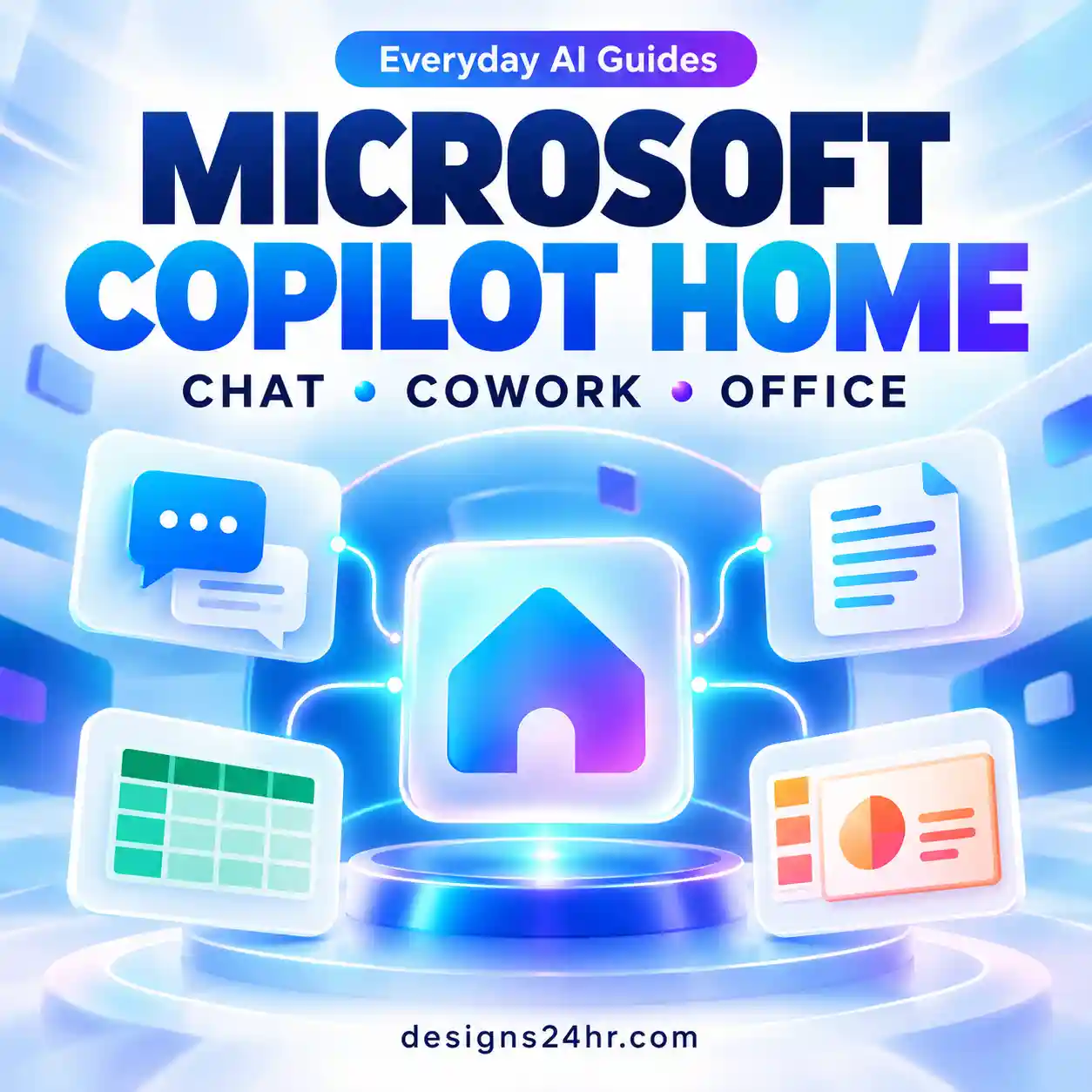
Microsoft Copilot Home is the new starting point for Copilot, bringing Chat, Cowork, recent activity and Office work into one place. Learn how Home works, what you can do with it, who currently gets access, how it differs from Code and Autopilot, and what to check if Copilot Home is not showing.
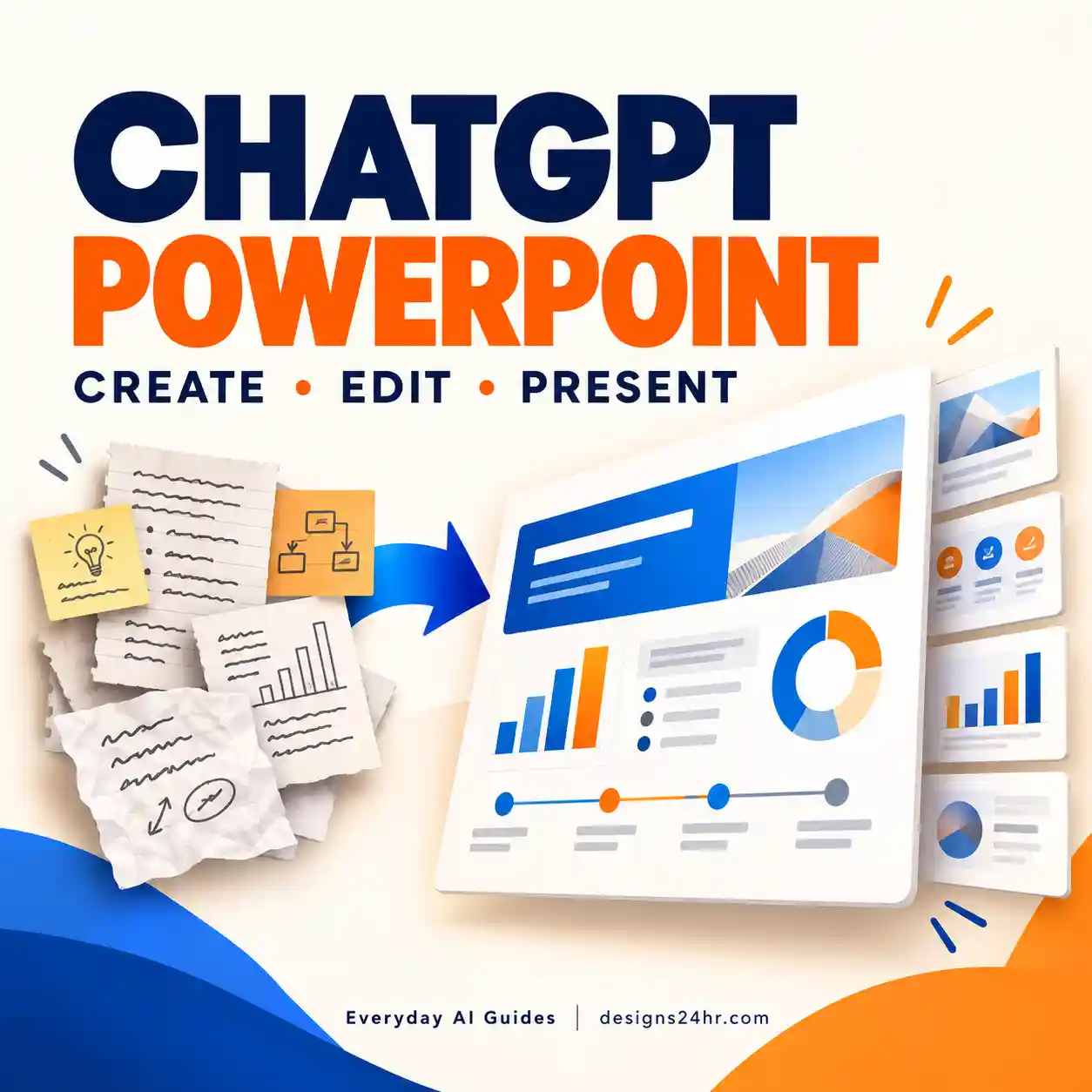
ChatGPT for PowerPoint puts OpenAI’s AI assistant directly inside Microsoft PowerPoint. Learn how to install it, create editable slides from notes, documents and spreadsheets, revise existing decks, turn Word content into presentations, troubleshoot access and review AI-generated slides before sharing.
ChatGPT for Word brings OpenAI’s official ChatGPT sidebar into Microsoft Word. Learn how to install it, draft and edit documents, summarize content, troubleshoot missing access, understand its limitations and compare it with Microsoft Copilot in Word.
Microsoft Copilot Code lets people build dashboards, trackers, apps and automations using natural-language instructions. This guide explains how it works, what it can create, who can access it, how usage-based billing fits in and when GitHub Copilot is the better tool.
Microsoft Copilot Autopilot is Microsoft's new persistent AI agent for ongoing work. Learn how it differs from Cowork, who can access it, how Scout became Autopilot, what usage-based billing means, and when an always-on agent actually makes sense.
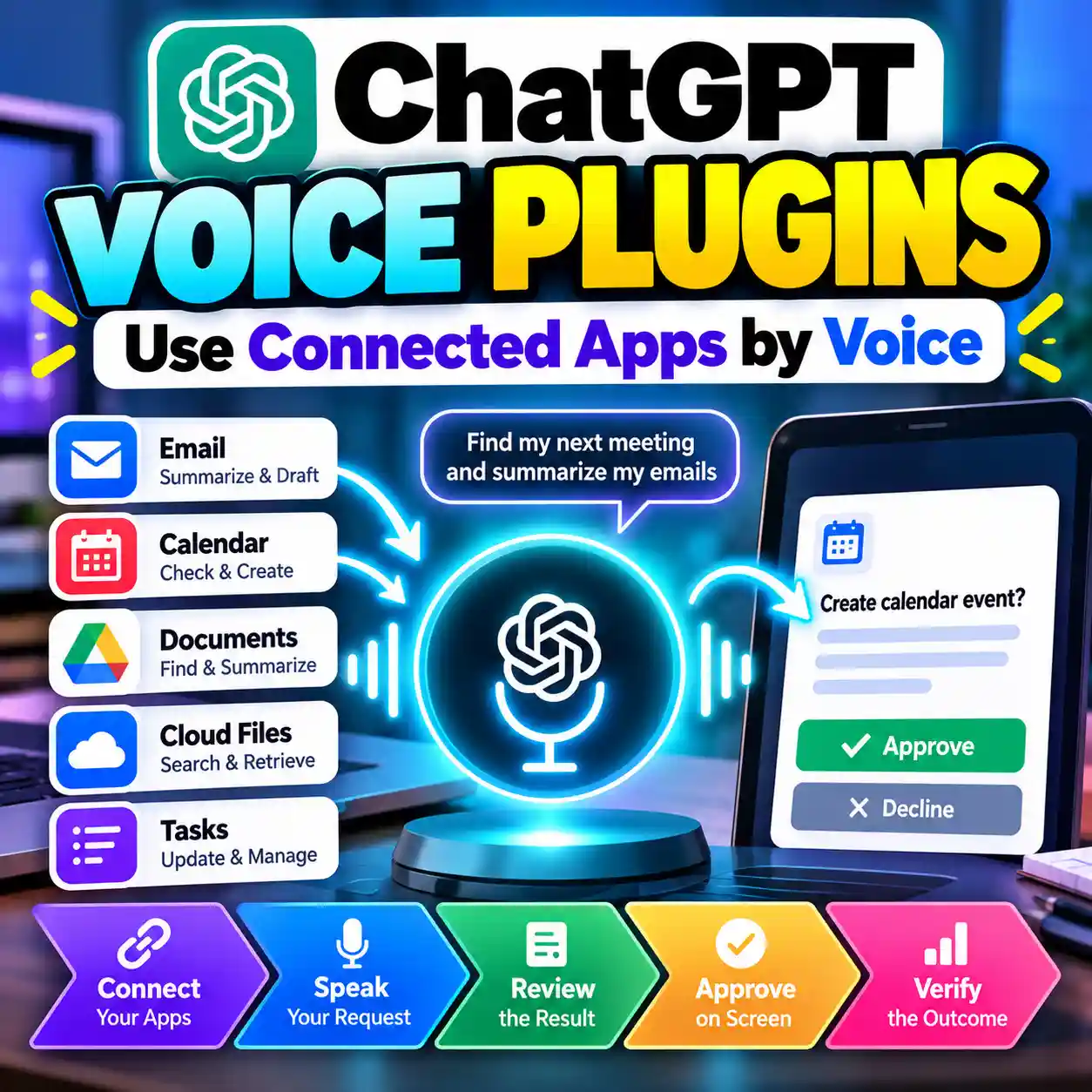
ChatGPT Live Voice can now use plugins and connected apps. Learn how to connect apps, make spoken requests, approve actions safely, fix missing plugins, and troubleshoot Voice workflows.
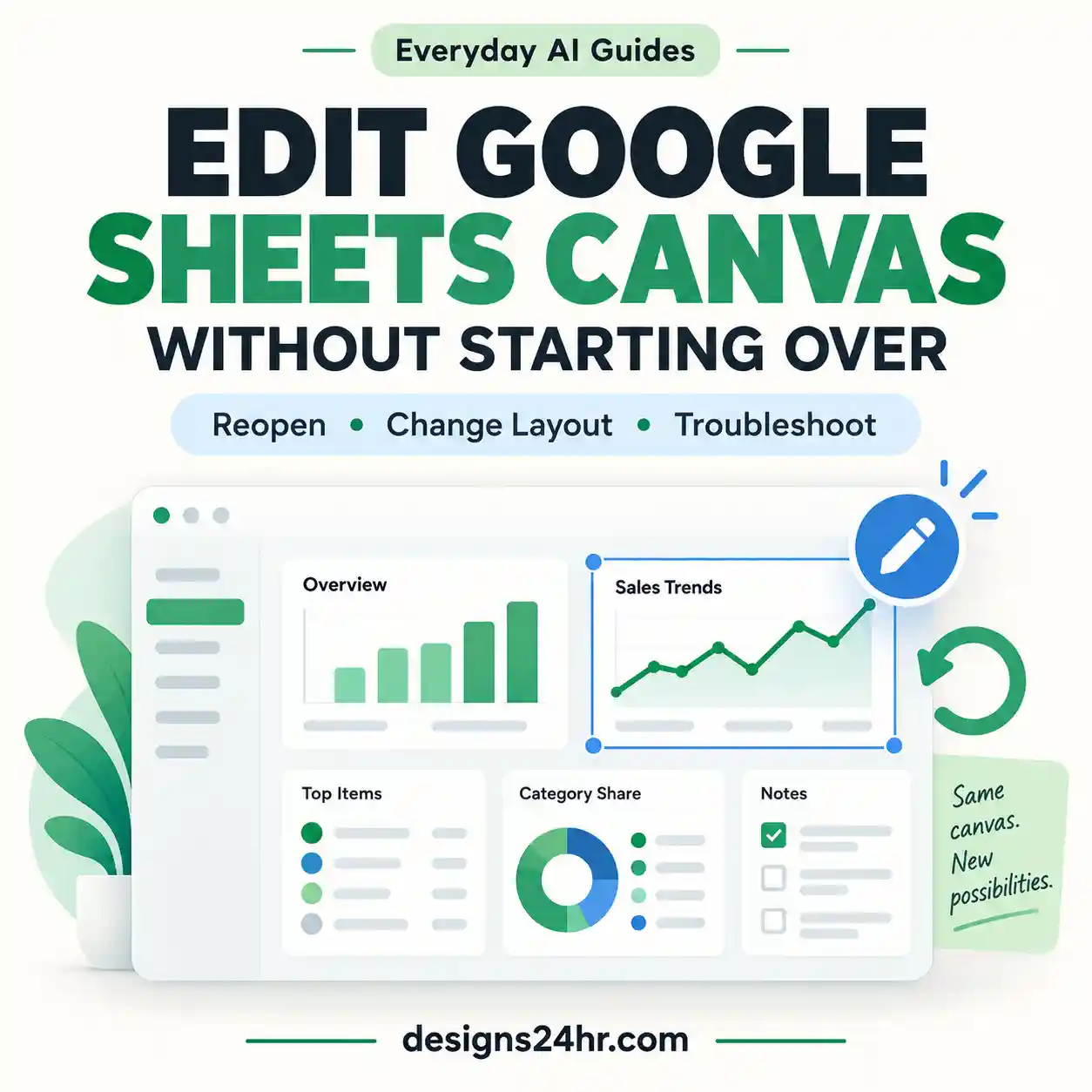
Already created a Google Sheets canvas but cannot edit it after reopening your spreadsheet? Learn how to find your existing dashboard, change its layout with Gemini, and troubleshoot common editing problems without unnecessarily starting over.

Claude Slides can turn reports, notes, files and conversations into editable AI presentations. Learn how to create a deck, improve individual slides, use better prompts, verify AI-generated content and export your presentation to PowerPoint, PDF or Google Slides.
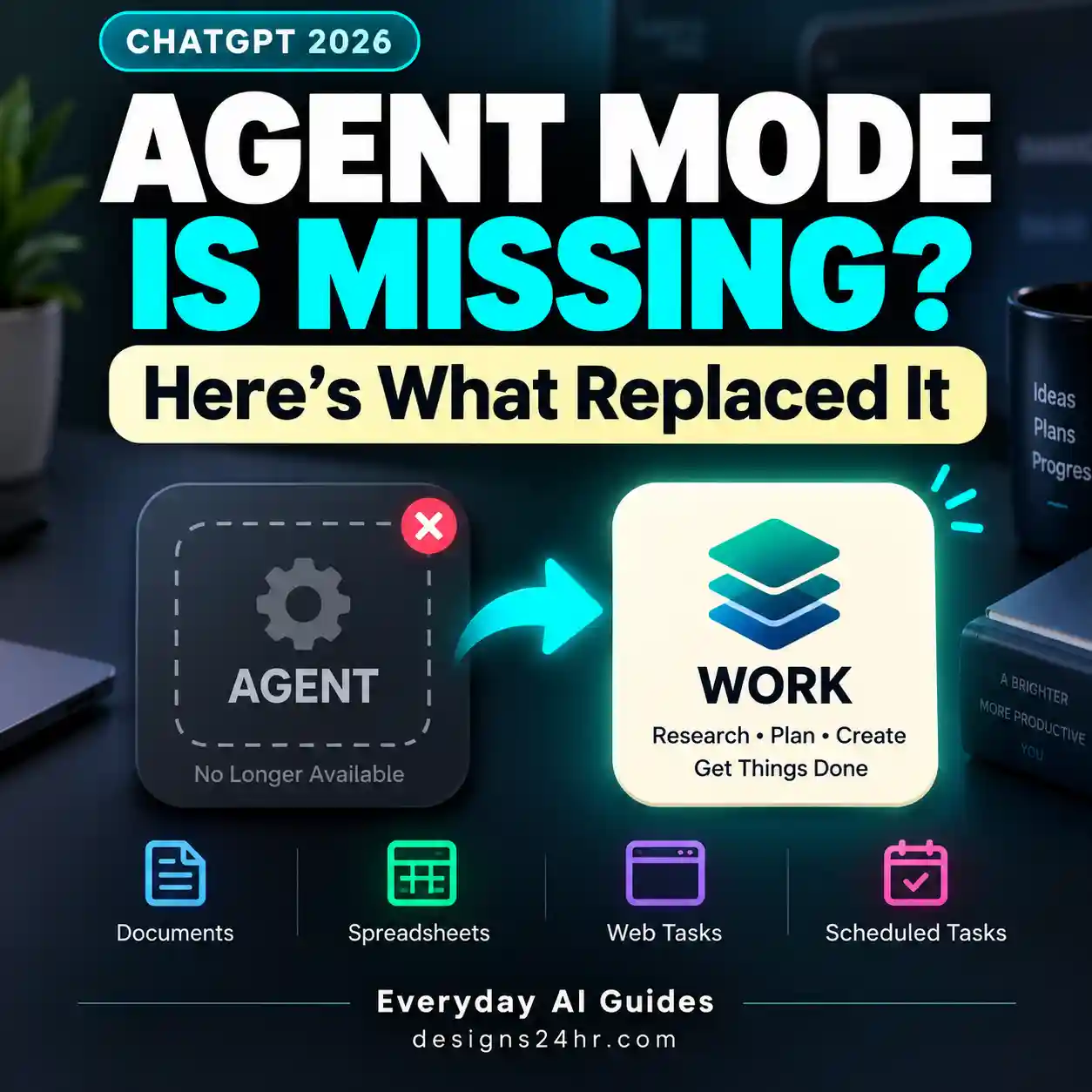
Can’t find ChatGPT Agent Mode anymore? It hasn’t simply moved to another menu. OpenAI now directs users to ChatGPT Work for longer, multi-step tasks. This guide explains what changed, what Work can do, and what you should use now.

Turn scattered work notes into a practical vacation handover with ChatGPT. This workflow helps you organize priorities, temporary owners, deadlines, decision limits, escalation rules, and the tasks that can safely wait until you return.
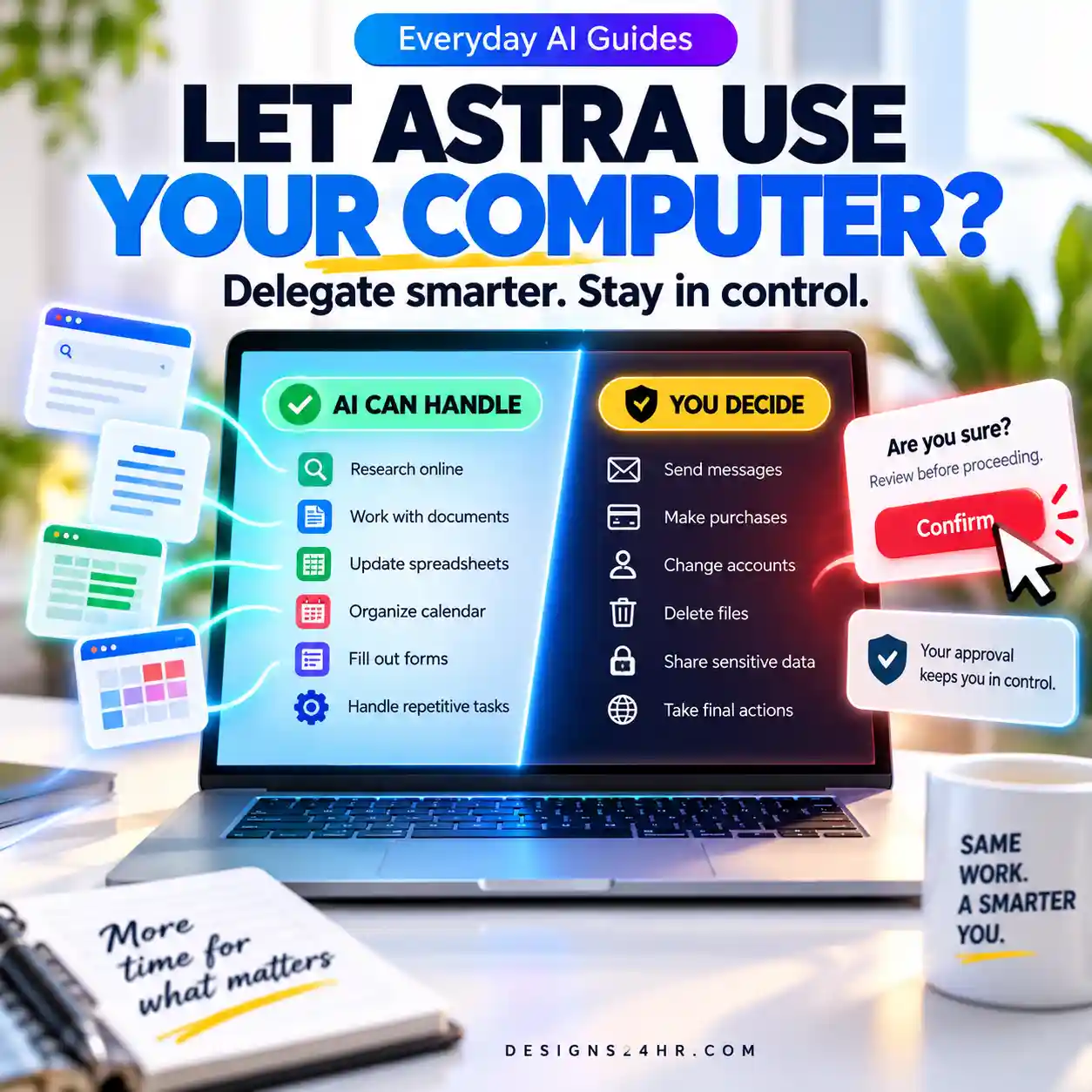
GPT-6 Astra can work across websites, documents and software, but that does not mean every task should run unattended. This practical guide shows what Astra computer use can handle, what you should approve yourself and how to stay in control.
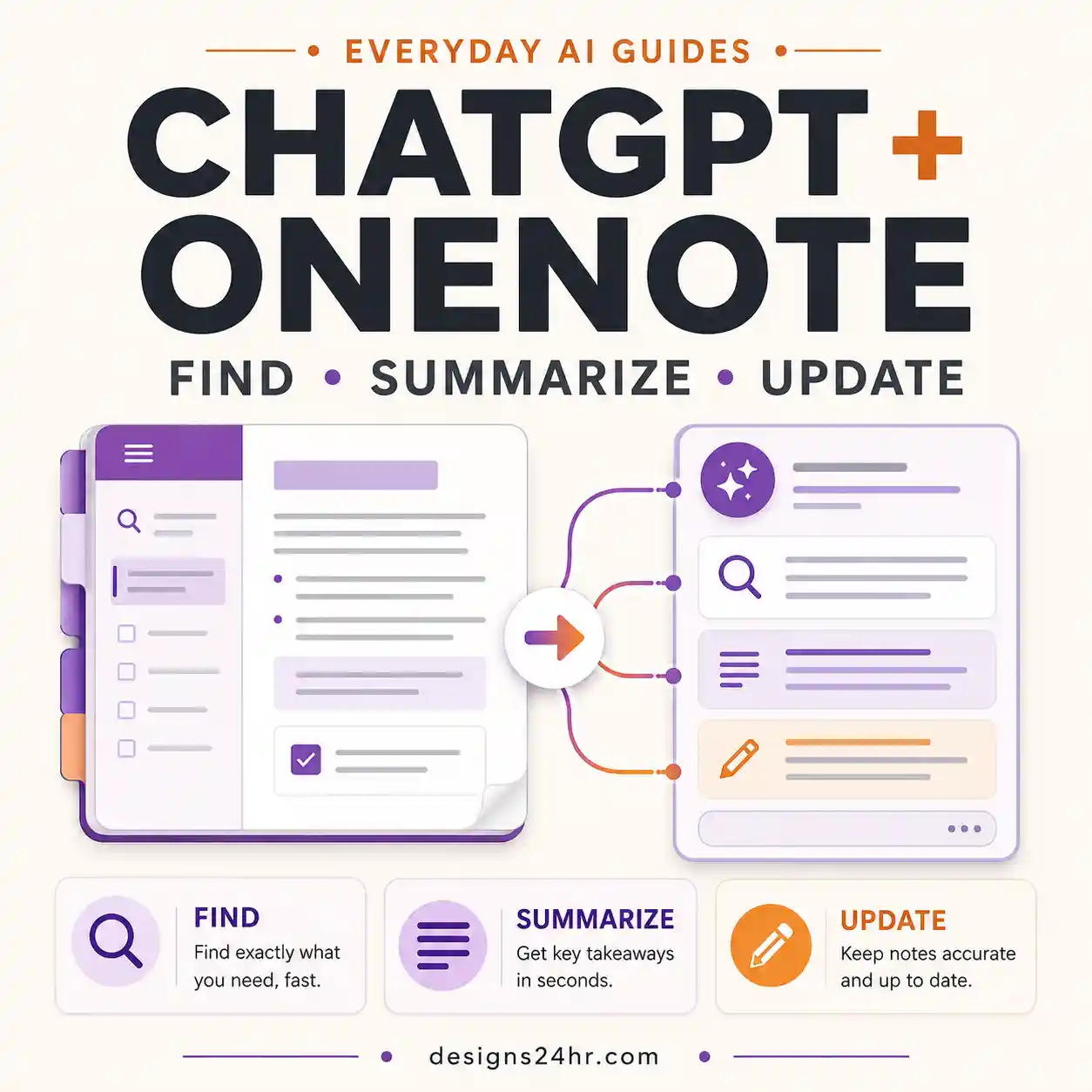
The new ChatGPT OneNote plugin can find and summarize notes, pull decisions and action items, and create or update supported notes. This guide explains setup, permissions, practical prompts, access limits and troubleshooting.
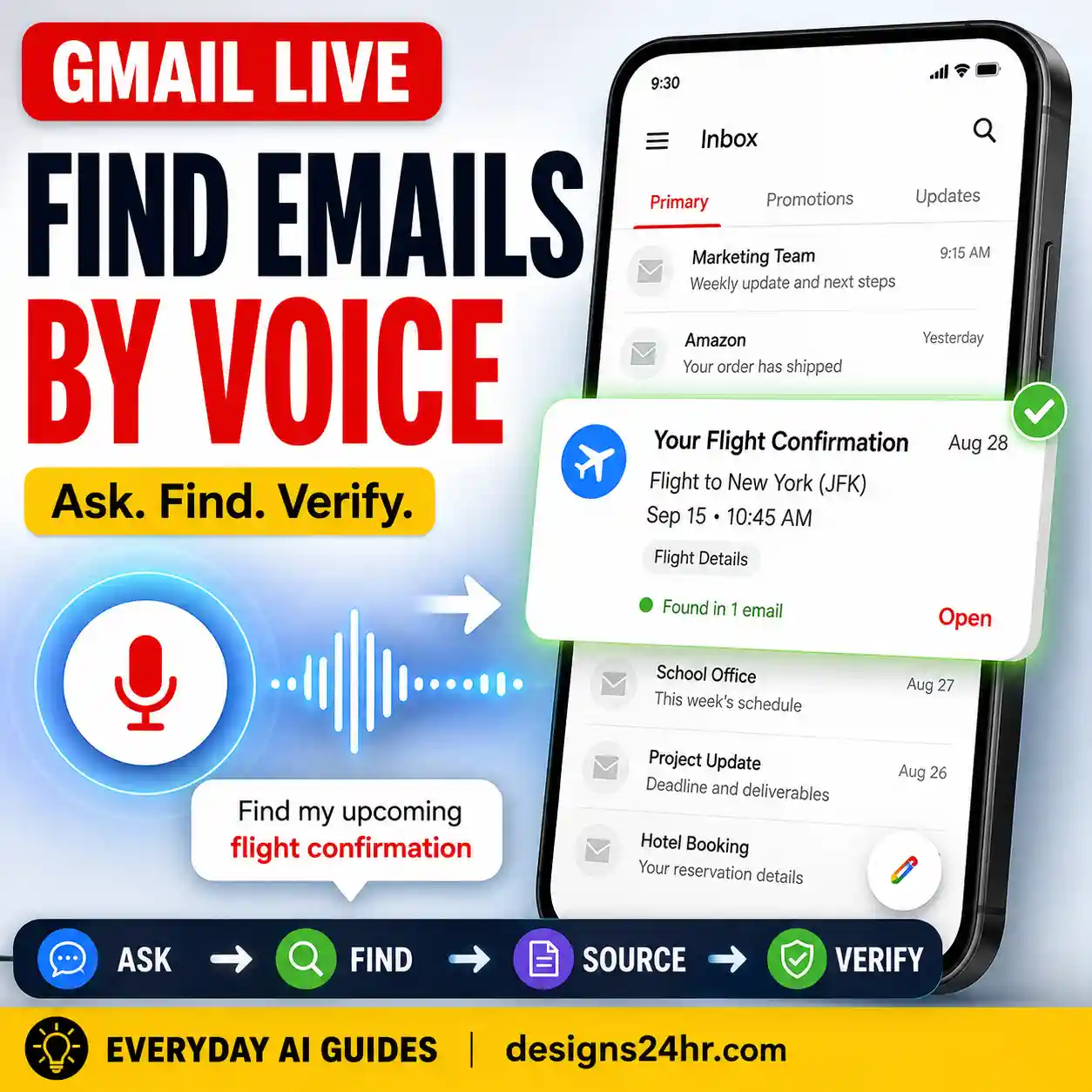
Gmail Live lets you search your inbox by speaking naturally instead of remembering exact keywords. Learn how to find buried emails, ask follow-up questions, verify the source messages, and understand what to do if Gmail Live is missing.
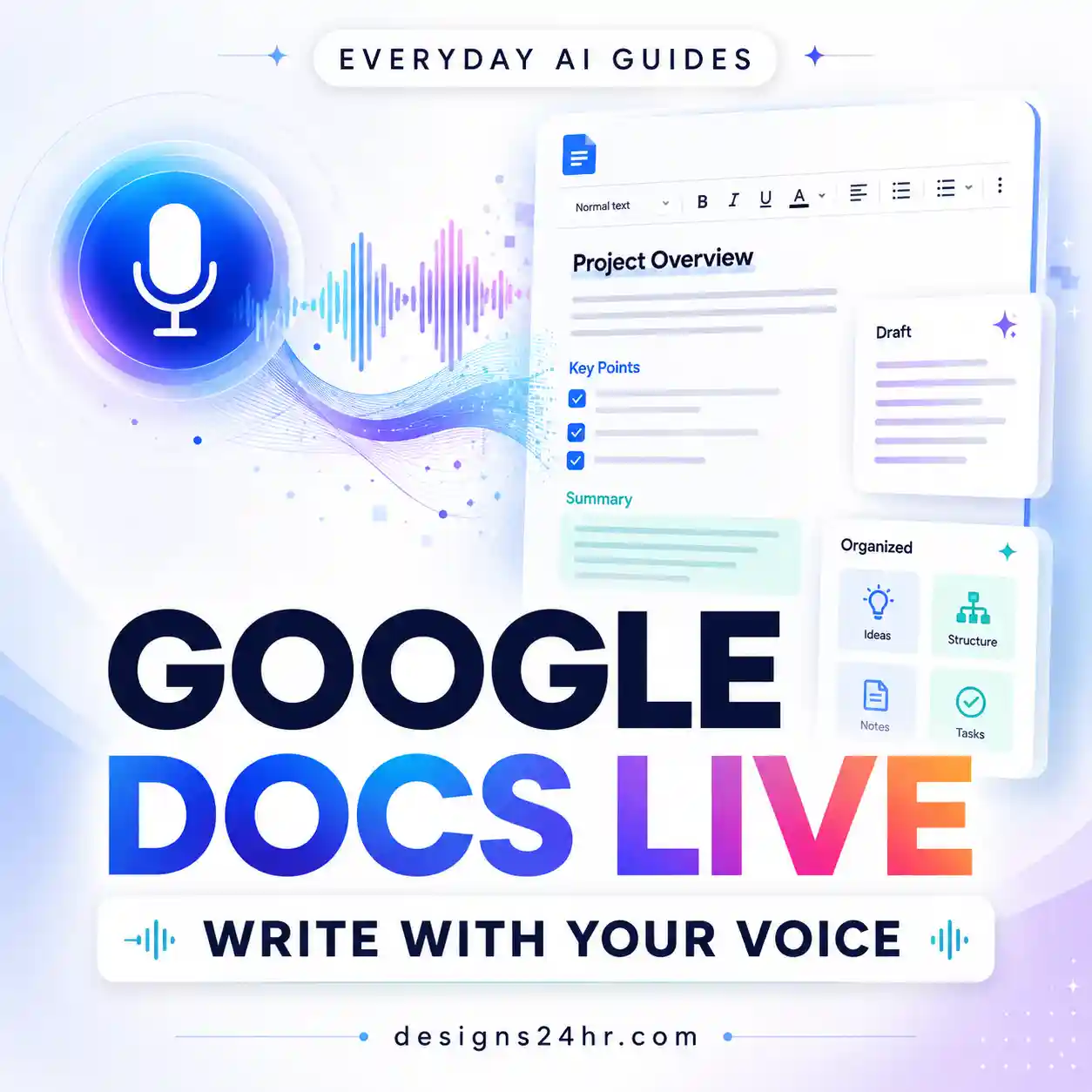
Google Docs Live lets eligible users draft and refine documents by voice. Learn how it works, who can use it, and what to check if it’s missing.
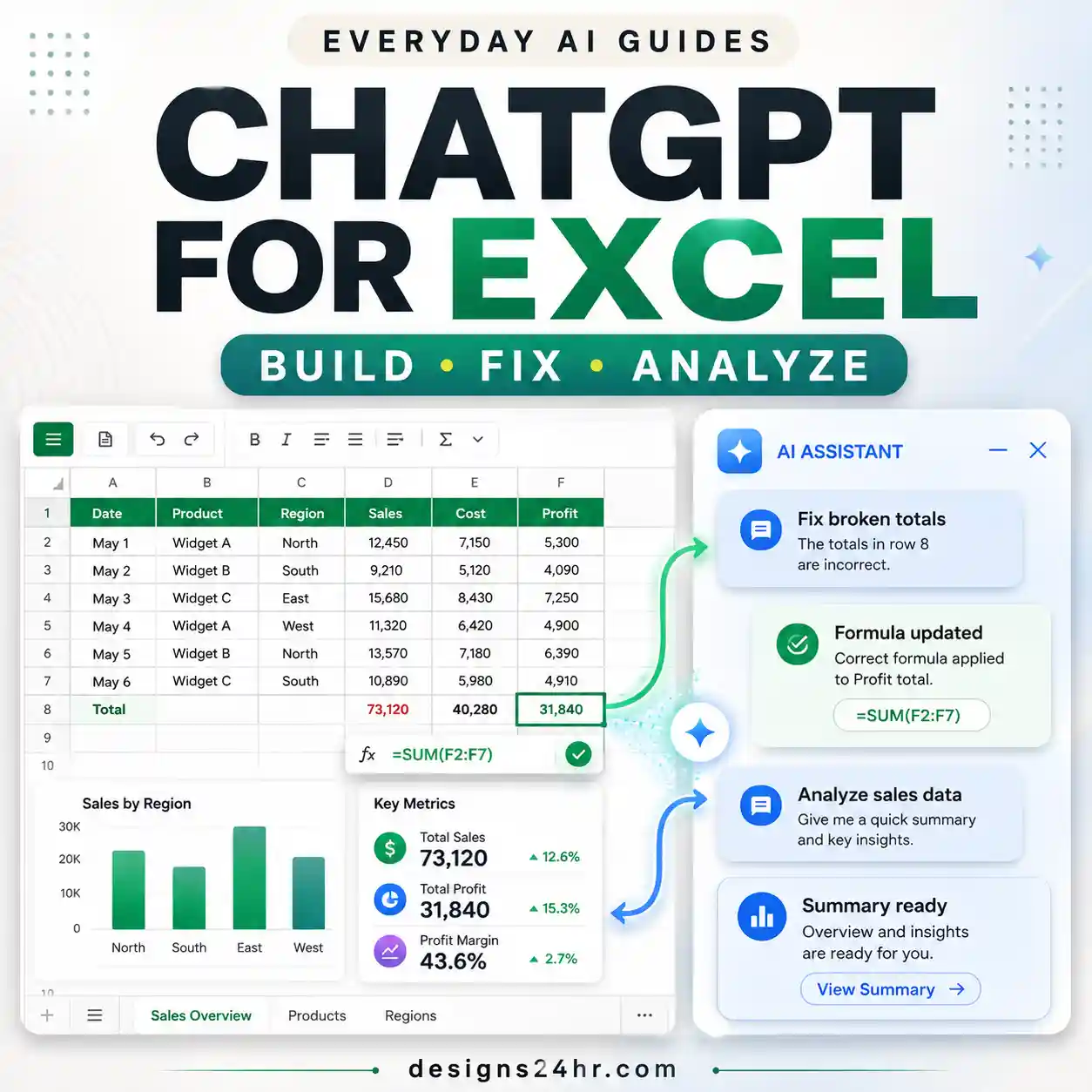
ChatGPT for Excel can build, edit, analyze and explain spreadsheets directly inside your workbook. Learn how to install it, use better prompts, review changes, understand its limits and use newer features like Skills, apps and Codex.
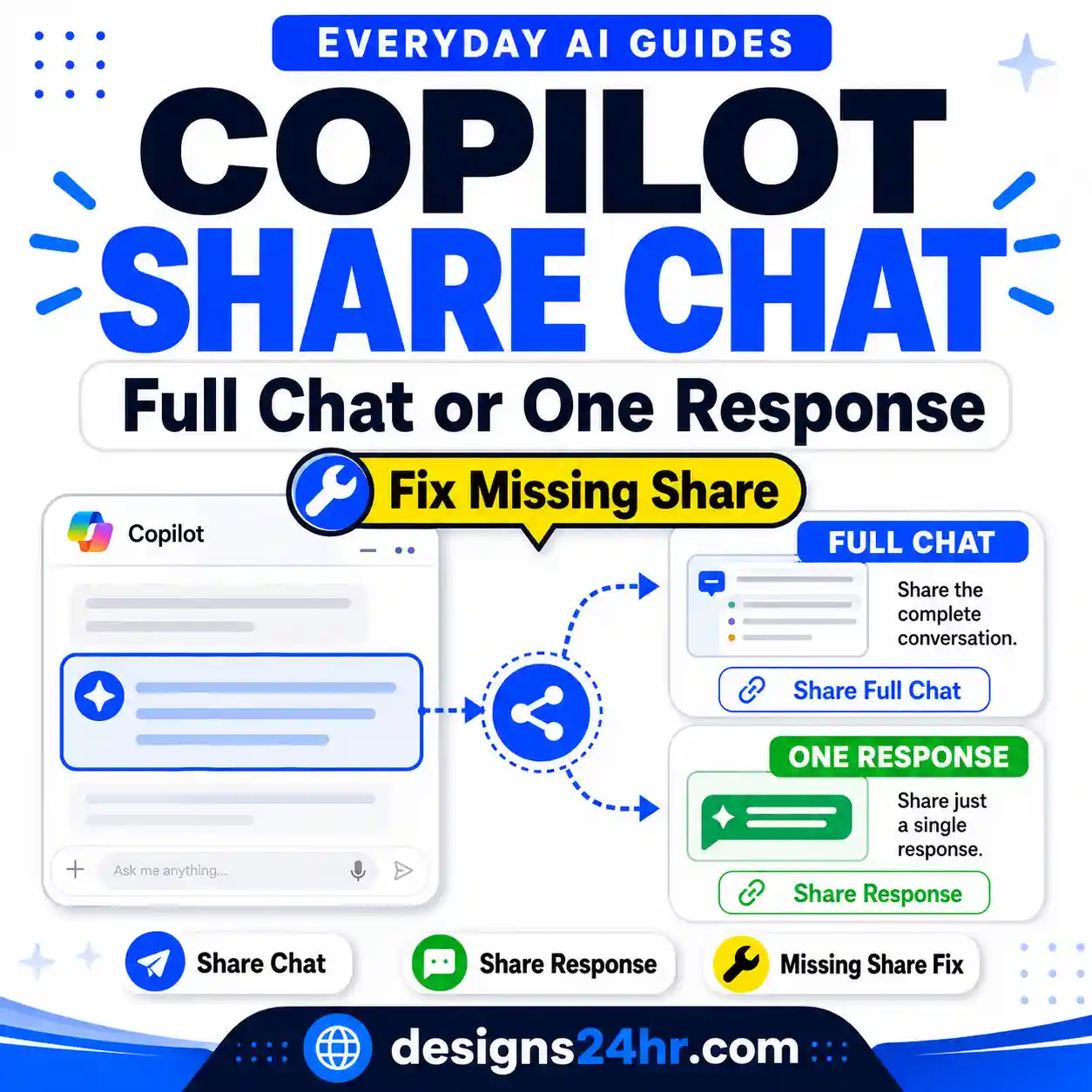
Microsoft Copilot can share an entire chat or an individual response through a link—but sharing works differently depending on the Copilot experience you use. This guide shows where to find Share Chat and Share Response, what recipients actually see, what happens to referenced Microsoft 365 content, and what to check if the Share option is missing.



