ChatGPT homepage suggestions can give eligible paid users personalized ideas based on how they have been using ChatGPT. OpenAI says those suggestions may be based on your conversation history and connected tools.
That makes the feature useful—but it also creates an obvious privacy question: why did ChatGPT show me this particular suggestion, and what information helped choose it?
This guide separates what OpenAI has actually confirmed from assumptions, then shows you which personalization and privacy controls are worth reviewing—including the new Temporary Chat controls introduced on August 27, 2026.
What Are ChatGPT Homepage Suggestions?
ChatGPT homepage suggestions are personalized ideas or starting points that eligible paid users may see on the ChatGPT homepage before beginning a new conversation.
OpenAI announced the feature on August 14, 2026. Its release notes say eligible paid users can see suggestions that fit how they use ChatGPT based on their conversation history and connected tools.
See the official ChatGPT Release Notes, under the August 14, 2026 update.
The important distinction is personalization. These are not necessarily generic starter prompts shown identically to every user.
For example, someone who regularly asks ChatGPT for help organizing study material could receive an idea related to studying. Someone who repeatedly uses connected productivity tools could receive a suggestion related to that workflow.
Those are examples of how personalization could work—not a published ranking formula. OpenAI has not documented every signal or weighting rule used to select an individual suggestion.
Conversation history and connected tools can influence ChatGPT homepage suggestions. That does not mean every old chat, file, memory, or app is used for every suggestion you see.
Why Am I Seeing Personalized Suggestions in ChatGPT?
If a suggestion feels surprisingly relevant to something you’ve discussed before, don’t immediately assume ChatGPT searched every conversation you have ever had.
A more useful approach is to separate the different sources of personalization.
Your conversation history
OpenAI specifically lists conversation history as a source for personalized homepage suggestions.
ChatGPT’s Reference chat history feature can also use useful information from previous conversations to make later interactions more personalized when the setting is available and enabled.
ChatGPT Memory
Memory is related to personalization but is not identical to homepage suggestions.
OpenAI says Memory can automatically remember useful context from chats, files, and connected apps when enabled.
Connected tools and apps
Connected tools are the second source OpenAI explicitly names for homepage suggestions.
The information available depends on the service, the connection you authorized, and the permissions attached to it.
Undisclosed ranking details
OpenAI has not published a complete technical formula explaining why one suggestion appears instead of another.
That means we should not claim to know the precise hidden signal behind any individual card.
If you want to inspect or remove remembered information, see our step-by-step guide to deleting ChatGPT Memory completely.
Personalization source mapWhat Information Can Influence ChatGPT Homepage Suggestions?
The safest way to understand the feature is to separate what OpenAI explicitly confirms for homepage suggestions from features that more broadly personalize ChatGPT.
| Source or feature | What OpenAI documents | What you can review |
|---|---|---|
| Conversation history | Explicitly named as a source for personalized homepage suggestions. | Past chats and applicable personalization settings. |
| Connected tools | Explicitly named as a source for personalized homepage suggestions. | Your connected apps, permissions, and whether each connection is still needed. |
| Memory | Used more broadly to personalize ChatGPT using useful context from chats, files, and connected apps when enabled. | Settings → Personalization → Memory and Memory summary. |
| Reference chat history | Can use relevant information from previous conversations to personalize later chats. | Settings → Personalization. |
| Connected-app data | Authorized apps can supply information or capabilities based on the connection and permissions. | Apps, connections, and individual permission settings. |
| Complete ranking formula | OpenAI has not published every factor used to rank individual homepage suggestions. | No complete user-facing breakdown is currently documented. |
Are ChatGPT Homepage Suggestions the Same as Memory?
No. Memory and ChatGPT homepage suggestions are related through personalization, but they serve different purposes.
Helps ChatGPT retain useful context for future interactions.
Lets ChatGPT use relevant information from earlier conversations when enabled.
Proactively show useful starting ideas before you begin your next chat.
The distinction matters because disabling or changing one personalization feature should not automatically be described as a universal master switch for every other feature.
OpenAI’s current Memory documentation explains that Memory can automatically incorporate useful context and provides controls in Settings → Personalization → Memory. You can read the official OpenAI Memory FAQ.
A common confusionAre ChatGPT Homepage Suggestions Ads?
A personalized homepage suggestion should not automatically be treated as an advertisement.
OpenAI documents homepage suggestions as ideas that fit how eligible users use ChatGPT. That is conceptually different from a separately labeled sponsored placement.
If you see an item in ChatGPT that is explicitly identified as sponsored, treat that as advertising rather than the same feature described in this guide.
| Feature | Main purpose | Typical question |
|---|---|---|
| Homepage suggestions | Suggest useful things you might do next in ChatGPT. | “Why is ChatGPT suggesting this?” |
| Memory | Personalize later interactions using useful retained context. | “What does ChatGPT remember about me?” |
| Connected apps | Provide authorized access to external information or actions. | “What can this app access?” |
| Sponsored content | Commercial placement shown separately from the assistant response. | “Is this item an ad?” |
Can You Turn Off ChatGPT Homepage Suggestions?
As of this review, OpenAI does not document a universal setting specifically called “Turn off ChatGPT homepage suggestions.”
That is important because it prevents us from pretending that one unrelated privacy setting is a guaranteed off switch for the feature.
What you can do is review the systems that provide ChatGPT with personalized context.
Changing Memory, history, or connected-app settings can reduce or change the information available for personalization. OpenAI has not documented that one of those controls alone guarantees that every homepage suggestion will disappear.
How to Reduce ChatGPT Personalization
If you want more privacy or less personalized context, use this review instead of looking for an undocumented master switch.
Open ChatGPT settings and go to Personalization → Memory. Check whether Memory is enabled and review the available Memory summary or management controls.
Where available, review whether ChatGPT can reference previous conversations for personalization. OpenAI says this setting can use relevant information from earlier chats to make future conversations more useful.
Review which services are still connected to ChatGPT. If you no longer need a connection, consider disconnecting it rather than leaving unnecessary access in place.
Permissions determine what connected tools can access or do. Treat app permissions separately from Memory because they control different parts of the experience.
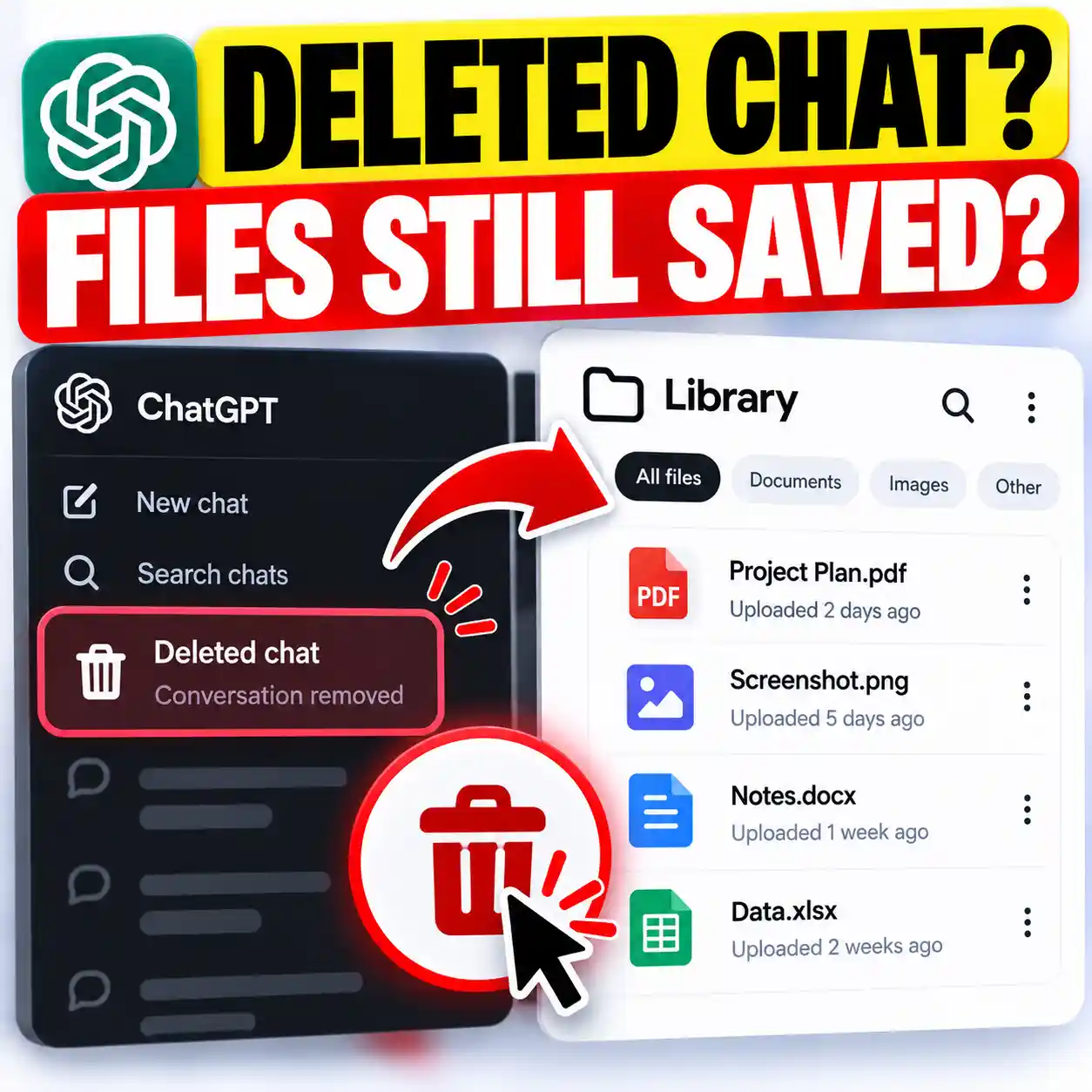
Deleting a conversation does not necessarily delete a separate memory created from that conversation. OpenAI says fully removing information can require deleting it from every source where it appears.
Temporary Chats now start non-personalized by default, so they do not use Memory, custom instructions, or plugins. If you deliberately enable personalization when starting the Temporary Chat, it can use your existing memories, custom instructions, and plugins without creating new memories while the conversation remains temporary.
For the current behavior and limitations, see OpenAI’s Temporary Chat FAQ.
August 27, 2026 updateTemporary Chat Now Has Personalized and Non-Personalized Modes
Older advice often described Temporary Chat as a single blank-slate mode that never used ChatGPT Memory. That is no longer the complete picture.
OpenAI changed Temporary Chat on August 27, 2026. Temporary Chats now start non-personalized by default, but you can choose personalization when you create the conversation.
Does not use Memory, custom instructions, or plugins and does not create new memories.
Can use existing memories, custom instructions, and plugins but does not create or update memories while the conversation remains temporary.
Becomes a regular conversation in chat history and then follows your normal personalization and model-improvement settings.
You must choose whether the Temporary Chat is personalized when you start it. OpenAI says that setting cannot be changed after the conversation begins.
A personalized Temporary Chat can use existing memories, but an unsaved Temporary Chat does not create or update new memories. If you save the conversation, it becomes a regular chat and starts following your normal account settings.
We explain the full behavior—including saving, history, training, custom instructions, plugins, and privacy—in our updated guide to ChatGPT Temporary Chat memory, personalization, saving, and privacy.
Connected servicesHow Connected Apps Change the Privacy Equation
Connected apps deserve special attention because ChatGPT homepage suggestions are not necessarily limited to information originating inside ordinary text conversations.
When you authorize an external tool, the capabilities available to ChatGPT depend on that service, the permissions you granted, your account type, and any relevant workspace controls.
The important privacy distinction is that app access, permissions, and Memory solve different problems.
- App access determines what the connection is capable of accessing.
- Permissions determine what ChatGPT is allowed to do with that connection.
- Memory affects broader personalization where supported.
- Disconnecting an app removes the ongoing connection rather than merely adjusting how it is used.
OpenAI’s current app documentation is available in Apps in ChatGPT.
If you connected a service months ago and no longer use it with ChatGPT, review whether keeping that connection still provides enough value to justify continued access.
What If a Suggestion Feels Too Personal?
A highly relevant recommendation can feel uncomfortable even when it comes from personalization features you intentionally enabled earlier.
Instead of guessing, work through the possible sources in order.
OpenAI’s current Memory experience can show sources used for personalization in supported situations, although OpenAI notes that those sources may not show every factor that shaped a response.
If your concern is instead about activity collected through ChatGPT’s desktop features, see our guide to ChatGPT Computer History and its privacy controls.
Try this inside ChatGPTAsk ChatGPT What It Remembers About You
A simple way to begin your review is to ask what ChatGPT currently remembers or uses for personalization. This does not replace checking your settings, but it can reveal information worth reviewing.
What do you currently remember about me or use to personalize my ChatGPT experience? Separate saved or summarized memories from information that may come from past chats or connected apps where possible. Do not infer anything you do not actually have access to.
If you find information you no longer want retained, follow our complete ChatGPT Memory deletion guide rather than assuming deleting one conversation removes everything.
Action checklistThe CONTROL Privacy Checklist
Use this framework whenever ChatGPT personalization starts feeling more extensive than you want.
Review whether Memory is enabled and inspect the current summary.
Identify connections you no longer need.
Check whether past conversations may be referenced for personalization.
Remove information or connections you no longer want available.
Understand what each connected service can access or do.
Use non-personalized Temporary Chat when you do not want normal Memory, custom instructions, or plugins used. Personalized Temporary Chat can still use existing context.
ChatGPT changes quickly, so revisit controls after major product updates.
Should You Be Concerned About ChatGPT Homepage Suggestions?
The existence of personalized suggestions is not, by itself, evidence that something has gone wrong with your privacy.
Personalization can be genuinely useful. If you repeatedly use ChatGPT for studying, planning, writing, research, or work, a relevant starting suggestion may save time and help you pick up where you left off.
The better question is whether you understand which information sources you have enabled and whether you’re comfortable with them.
Keep personalization that genuinely saves you time—but review Memory and connected apps periodically.
Disconnect services you no longer use, remove context you no longer want retained, and choose the appropriate Temporary Chat mode when you want a conversation outside normal history. Use non-personalized Temporary Chat when you do not want existing Memory, custom instructions, or plugins used; use personalized Temporary Chat only when that existing context is useful.
What OpenAI Has—and Hasn’t—Confirmed
| Claim | Status |
|---|---|
| Eligible paid users can see personalized homepage suggestions. | Confirmed |
| Conversation history can influence homepage suggestions. | Confirmed |
| Connected tools can influence homepage suggestions. | Confirmed |
| Every ChatGPT user receives the feature. | Not confirmed |
| Every past chat is examined for every suggestion. | Not documented |
| There is one dedicated homepage-suggestions off switch. | Not currently documented |
| Turning Memory off guarantees that homepage suggestions disappear completely. | Not documented |
Frequently Asked Questions
Why is ChatGPT showing suggestions on my homepage?
OpenAI says eligible paid users can receive ChatGPT homepage suggestions based on their conversation history and connected tools. The feature is designed to suggest useful things to do based on how you use ChatGPT.
Does ChatGPT use previous conversations for homepage suggestions?
Yes. OpenAI explicitly identifies conversation history as one source for personalized homepage suggestions. OpenAI does not say that every old conversation is used for every individual suggestion.
Can connected apps affect ChatGPT homepage suggestions?
Yes. OpenAI specifically lists connected tools as one source that can help shape homepage suggestions. What is available depends on the service, your authorization, and applicable permissions.
Can I turn off ChatGPT homepage suggestions?
OpenAI currently does not document a universal setting specifically for turning homepage suggestions off. You can instead review the personalization sources behind your ChatGPT experience, including Memory, chat-history reference, connected apps, and permissions.
Does turning off Memory stop all ChatGPT personalization?
You should not assume it does. Memory is one personalization system, while connected apps, permissions, history, custom instructions, and other product features have separate controls.
Are ChatGPT homepage suggestions advertisements?
No automatic assumption should be made that a homepage suggestion is an ad. OpenAI describes these suggestions as personalized ideas based on how eligible users use ChatGPT. Sponsored content should be treated separately when it is identified as sponsored.
Does deleting a ChatGPT conversation delete its Memory?
Not necessarily. OpenAI says remembered information can exist separately from the chat where it originally appeared. Fully removing something may require deleting it from every source where it remains.
Does Temporary Chat use my ChatGPT Memory?
Not by default. Temporary Chats now start non-personalized, so they do not use Memory, custom instructions, or plugins. If you enable personalization when starting the Temporary Chat, it can use your existing memories, custom instructions, and plugins. It still does not create or update new memories while the conversation remains temporary, and it stays out of normal chat history unless you save it. See our complete ChatGPT Temporary Chat memory guide for the current rules.
What to Remember About ChatGPT Homepage Suggestions
ChatGPT homepage suggestions are a personalization feature for eligible paid users. OpenAI confirms that conversation history and connected tools can help shape what you see.
The feature can make ChatGPT more useful, but it also makes understanding your privacy controls more important. Memory, history, connected apps, permissions, and Temporary Chat each play different roles.
Temporary Chat itself now has two modes: non-personalized by default, or personalized when you deliberately enable it at the start. Personalized Temporary Chat can use existing memories, custom instructions, and plugins, but an unsaved Temporary Chat does not create new memories or enter normal chat history.
Most importantly, there is currently no official documentation establishing one universal setting that should be presented as a guaranteed “turn off homepage suggestions” switch.
If you want less personalization, review the sources of context you’ve enabled rather than relying on a single setting.