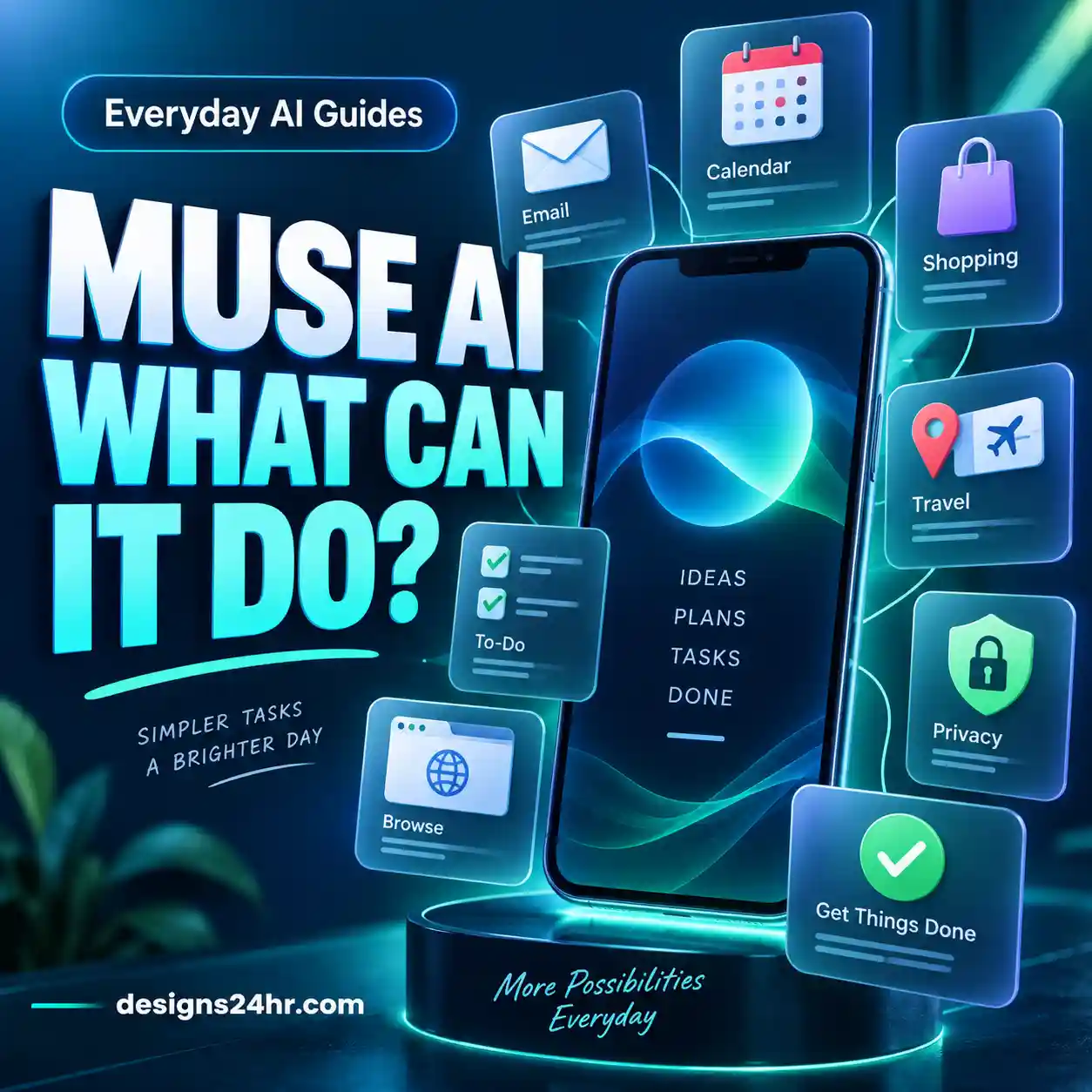
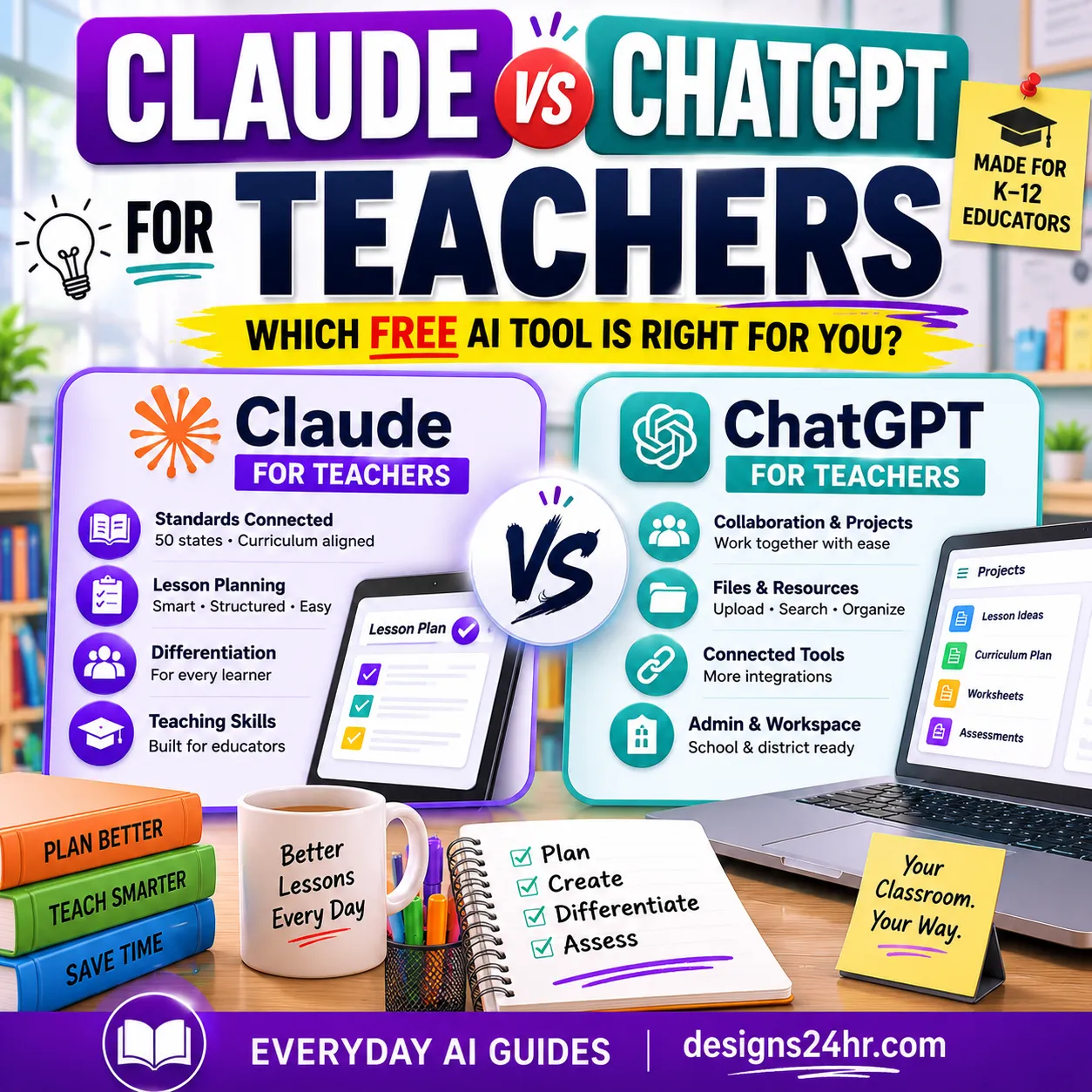
Meta Muse vs ChatGPT is no longer a simple comparison between an AI agent and a chatbot. Meta Muse can browse websites, work across connected services, fill forms, continue longer tasks and ask for approval before sensitive actions. ChatGPT has also moved beyond basic conversation through ChatGPT Work, connected apps, files, scheduled tasks and its Cloud Browser.
That makes the useful question less about which AI has the longest feature list and more about which one fits the task you actually need completed.
Meta Muse is built around personal delegation and everyday actions across services, while ChatGPT Work is especially suited to research, connected files and apps, multi-step projects and finished deliverables. Their capabilities overlap, so the better fit depends on where your information lives, what actions the AI needs permission to take and what happens if it makes a mistake.
This Meta Muse vs ChatGPT comparison looks at seven real-world differences instead of assigning an arbitrary overall winner. You will also get a simple Context → Control → Consequence framework you can reuse whenever you decide whether to delegate a task to either AI.
Meta Muse vs ChatGPT: Quick Comparison
Both products can now handle work that extends beyond answering a single prompt, but they are organized around different kinds of delegation.
| What you are comparing | Meta Muse | ChatGPT |
|---|---|---|
| Main orientation | Personal tasks, ongoing goals and actions across connected services | Conversation plus longer projects through ChatGPT Work |
| Web actions | Uses its own browser inside Muse Secure VM | ChatGPT Work can use Cloud Browser on supported public and signed-in websites |
| Files and deliverables | Can support projects and connected information, depending on available integrations | Work can research, analyze files and create documents, spreadsheets, presentations, reports and other finished outputs |
| Connected services | User chooses which services Muse can access and what it can do | Work can use supported connected apps, plugins and files with granted permissions |
| Long-running tasks | Can keep working after the app is closed and return when something changes or approval is needed | Work can continue multi-step projects and use Scheduled Tasks for recurring or trigger-based workflows |
| Sensitive actions | Meta says Muse checks before actions such as sending an email or making a purchase | Work and Cloud Browser can pause when input, sign-in or confirmation is required |
| Current positioning | Personal AI agent | General ChatGPT plus a dedicated Work experience for more substantial tasks |
If another Meta Muse vs ChatGPT article compares Muse mainly with ChatGPT Agent, check its date. OpenAI now says ChatGPT Agent is no longer available and directs users to ChatGPT Work for longer, multi-step tasks and to Cloud Browser for supported browser workflows.
You can read our separate guide to what ChatGPT Work is and how it works.
What Is the Biggest Difference Between Meta Muse and ChatGPT?
The biggest practical difference is not that one can take actions while the other cannot. That distinction is already outdated.
A more useful way to think about Meta Muse vs ChatGPT is this:
For beginners, that means you should avoid choosing between them based only on a long feature checklist. Start with the job you need completed.
For a deeper walkthrough of Muse itself, see our beginner guide to using Meta Muse AI.
Meta Muse vs ChatGPT for 7 Real-World Tasks
1. Researching and Comparing Information
If your main goal is researching a topic, comparing options, analyzing information or turning sources into a structured output, ChatGPT Work is designed directly around this kind of multi-step project.
OpenAI says Work can research and analyze information, use connected apps and files and produce finished deliverables. That makes it useful when the research itself is only the beginning and you eventually need something tangible such as a report, spreadsheet, presentation or document.
Meta Muse can also browse the web and work toward goals. The difference is that Muse’s broader product positioning is more personal and action-oriented. A research task may therefore make sense in either system, but the surrounding workflow matters.
Ask yourself: Do I only need information, or do I need the research turned into a structured work product?
2. Working With Documents and Files
Files are one of the clearer reasons to look closely at ChatGPT Work. OpenAI documents Work as being able to create and edit documents, spreadsheets, presentations, reports and analyses, subject to plan, file type and workspace availability.
It can also use source material and reference files, which is useful when the output needs to follow an existing structure or template.
That does not mean Muse cannot work with information from connected services. It means the current ChatGPT Work experience is particularly explicit about creating finished files and deliverables.
If your task is something like “analyze these three files and turn the findings into a presentation,” the file workflow is an important part of the comparison—not just the underlying AI model.
3. Browsing Websites and Completing Online Tasks
Both products can now move beyond simply giving you instructions about what to click.
Meta says Muse runs on a dedicated Muse Secure VM with its own browser. It can open websites, fill forms and work across services you allow it to access.
ChatGPT Work uses Cloud Browser for supported web tasks. OpenAI says Cloud Browser can read web pages, click buttons, enter information into forms and carry out steps on supported public and signed-in websites.
If browser delegation is your main interest, our separate ChatGPT Cloud Browser guide explains sign-ins, permissions and safer usage in more detail.
The practical difference is therefore not simply “Can it browse?” Both can. Instead check:
- Is the website you need supported?
- Will the task require you to sign in?
- What permissions will the AI receive?
- Which steps require human confirmation?
- Can you easily review the result before anything consequential happens?
4. Email, Calendar and Connected Apps
This category is where product ecosystems and permissions matter more than marketing labels.
Meta says people choose which apps Muse connects to and how much access it receives. For email, Meta specifically describes different permission levels, such as allowing Muse to read messages or also send on the user’s behalf.
ChatGPT can use supported connected apps and plugins when they are available to your plan or workspace. ChatGPT Work can then use relevant information from those tools as part of a larger project.
Before choosing either system for email, calendar or account-connected work, confirm the actual integration you need instead of assuming every service is available.
A product being capable of “using apps” does not automatically mean it supports your account, your service or the exact action you want.
5. Shopping, Forms and Transactions
Meta has made transactions a visible part of the Muse concept. Meta says Muse can work through forms and shopping tasks and that it checks with the user before sensitive actions such as making a purchase.
Meta also says Muse can use Link by Stripe for checkout in supported situations, with additional payment-related integrations planned.
ChatGPT’s Cloud Browser can also enter information and complete steps on supported websites, but you should not treat every website or transaction as automatically supported.
6. Longer Projects and Finished Deliverables
This is one of the strongest distinctions in the current Meta Muse vs ChatGPT comparison.
ChatGPT Work is explicitly built around longer, more involved projects. OpenAI says it can research and analyze information, use connected context and create finished documents, spreadsheets, presentations, reports and Sites.
You can also follow its progress, answer questions, change direction and approve important actions while it works.
Muse can take on longer goals as well. Meta describes it as being able to turn goals into plans, coordinate time and resources and continue working after the user closes the app.
The difference is mostly one of emphasis: Muse is framed around an ongoing personal agent, while Work is framed heavily around taking a substantial project from context to a finished deliverable.
7. Recurring and Ongoing Tasks
Both systems are moving toward AI that does not require you to restart every task manually.
Meta says Muse can remember relevant context, continue longer-running work and return when something changes or when it needs approval.
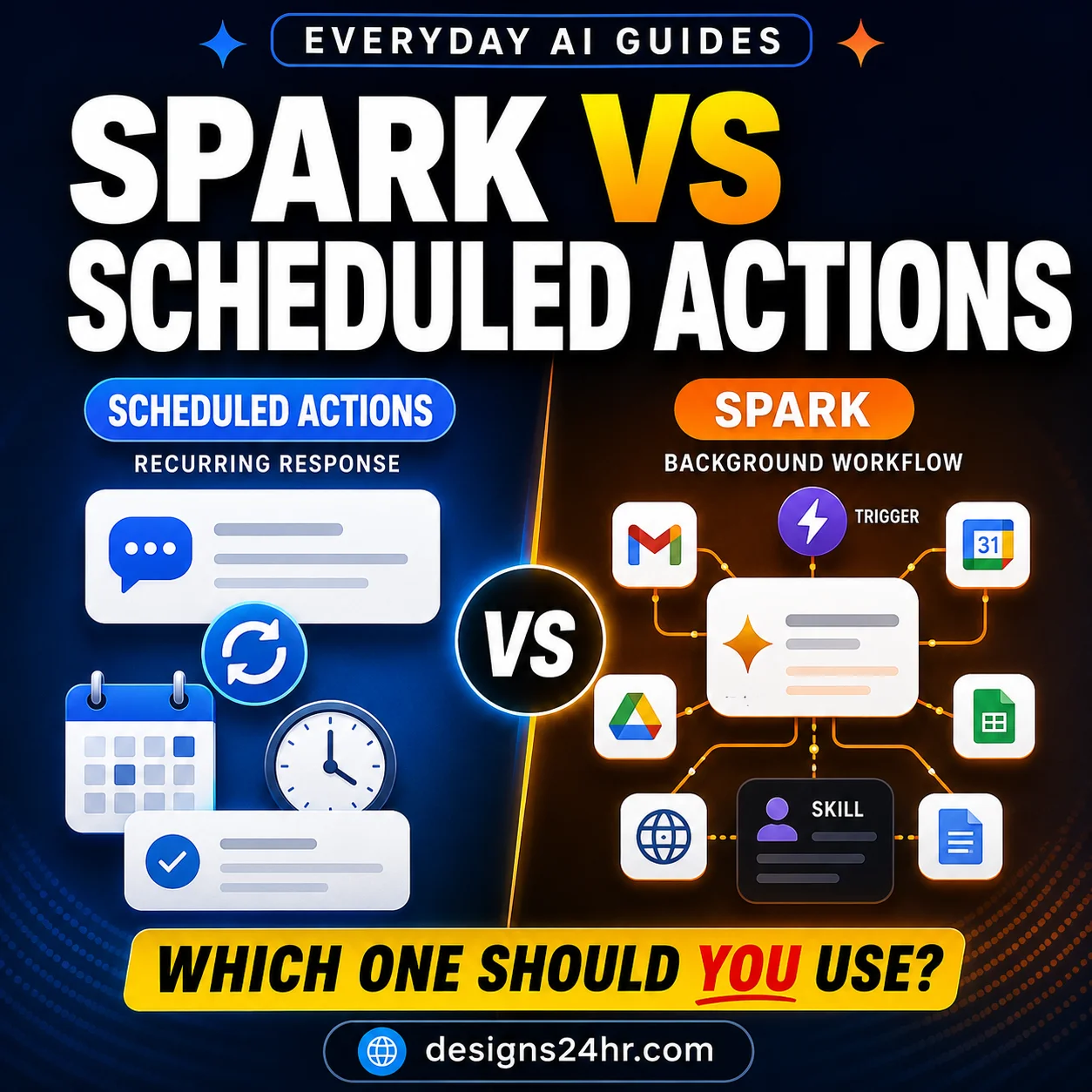
ChatGPT Work can use Scheduled Tasks that run once, repeat on a schedule, run from triggers or monitor for changes, depending on availability.
This distinction matters because an AI assistant becomes much more consequential when it moves from a one-time answer to ongoing delegation.
For recurring work, define what the AI should do, when it should act, when it should stay silent and what must still require your approval.
Help me define this recurring task before I automate it. Goal: [describe the outcome] Information you may use: [list sources] Actions you may take: [list permitted actions] Actions that require my approval: [list sensitive actions] When to run: [schedule or trigger] When NOT to act: [conditions] What to report back: [required result] First identify any missing limits or permissions that could cause an unwanted action.
Meta Muse vs ChatGPT Work: A More Useful Comparison
Many early comparisons use the phrase Meta Muse vs ChatGPT Agent. That made sense when ChatGPT Agent was the current product name, but it can now create confusion.
OpenAI’s current help documentation says ChatGPT Agent is no longer available. For substantial multi-step work, OpenAI now directs users to ChatGPT Work. Supported web actions are handled through Cloud Browser.
This changes how you should interpret older articles and videos. A comparison published around an older ChatGPT Agent workflow may still contain useful ideas, but its product availability, interface, limits or capabilities may no longer reflect the current experience.
For the current comparison, think of ChatGPT as several layers:
- Regular ChatGPT for questions, explanations, brainstorming and conversational help.
- ChatGPT Work for longer, multi-step projects and finished outputs.
- Cloud Browser for supported website interaction inside Work.
- Connected apps and plugins for approved external context and actions where available.
- Scheduled Tasks for supported recurring or trigger-based workflows.
That is why saying “Muse can act but ChatGPT only answers” is no longer an accurate comparison.
Meta Muse vs ChatGPT: Which Gives You More Control?
It is tempting to turn this into another winner-and-loser category, but control depends on what you connect, what permissions you grant and what the task requires.
A more useful comparison has five parts.
1. Access
What information can the AI reach?
That could include files, websites, email, connected apps, account data or information you provide directly in a conversation.
2. Action
What can the AI actually change?
Reading a calendar is very different from changing it. Reading an email is different from sending one. Finding a product is different from purchasing it.
3. Approval
Where does the system stop and ask you?
Meta says Muse checks before sensitive actions such as sending an email or making a purchase. OpenAI says Cloud Browser can pause when it needs input, sign-in or confirmation.
4. Auditability
Can you understand what the agent has done?
Meta says Muse provides an audit trail of actions it has taken and plans to take. With any agentic system, reviewing what happened is especially important when multiple steps are completed on your behalf.
5. Reversibility
What happens if the AI is wrong?
A bad draft can be rewritten. An incorrect purchase, submitted form, sent message or changed account setting may be harder to undo.
The more difficult an action is to reverse, the more human review you should require before the action is completed.
A 30-Second Meta Muse vs ChatGPT Decision Test
If the feature lists are starting to blur together, use this three-question test.
Then match the product to the workflow instead of trying to pick one permanent “best AI.”
I need help deciding whether this task is better suited to Meta Muse or ChatGPT Work. Task: [describe the task] Evaluate it using: 1. Context — where the required information lives. 2. Control — what permissions or actions are needed. 3. Consequence — what happens if the AI makes a mistake. 4. Deliverable — whether I need an action completed or a finished file/report. 5. Human review — which steps should still require my approval. Do not declare an overall winner. Explain which workflow fits this specific task and what I should verify before delegating it.
When Meta Muse May Fit the Task Better
Consider Muse when the task is centered on personal coordination, connected everyday services or actions that need to continue over time.
Examples could include workflows where the agent needs to browse, interact with connected services, manage parts of an ongoing goal or return when circumstances change.
That does not mean Muse should automatically receive broad permissions. Start with the minimum access required for the task and expand only when there is a clear reason.
When ChatGPT Work May Fit the Task Better
Consider ChatGPT Work when the task involves substantial research, multiple files, connected work apps, structured analysis or a finished deliverable.
Examples include turning research into a report, analyzing data and producing a spreadsheet, creating a presentation from approved source material or coordinating a longer project across several pieces of context.
This is also where our full ChatGPT Work guide can help if you want to understand Work before using it for a larger project.
What Neither AI Should Do Without Your Review
Better agents can reduce repetitive work, but greater capability increases the importance of review.
Keep a human checkpoint before actions involving:
- Purchases or financial commitments
- Sending consequential emails or messages
- Submitting important applications or forms
- Changing account permissions or settings
- Deleting or overwriting important information
- Sharing sensitive or confidential data
- Legal, medical or financial decisions
- Anything that would be difficult or expensive to reverse
The goal is not to avoid AI agents. It is to delegate the reversible parts freely and add more review as the consequences increase.
Meta Muse vs ChatGPT Availability and Access
Availability is another reason to check current documentation before choosing a workflow.
As of September 26, 2026, Meta says Muse is rolling out in the United States on iOS, Android and muse.ai. Meta says it is free for most needs, with subscription plans intended for people who want to do more.
OpenAI says ChatGPT Work is available on supported paid ChatGPT plans, while Cloud Browser is available through Work on paid plans in supported regions, excluding Free and Go. Availability can still depend on rollout, plan and workspace permissions.
That means a feature comparison on paper may not match what is currently available in your account.
So, Is Meta Muse Better Than ChatGPT?
There is no useful universal answer.
If your main requirement is a personal agent working across everyday services and ongoing goals, Meta Muse’s approach may align naturally with that workflow.
If your main requirement is deep research, multiple source files, connected work tools or producing a substantial finished deliverable, ChatGPT Work is designed around those kinds of projects.
But the boundary will continue moving. Both products are becoming more capable of browsing, taking actions and handling longer workflows.
The durable decision is therefore not:
“Which AI is better?”
It is:
“Which AI has the right context, permissions and output workflow for this particular task—with the right level of human review?”
That question will remain useful even as the product features change.
Meta Muse vs ChatGPT FAQs
What is the difference between Meta Muse and ChatGPT?
Meta Muse is positioned as a personal AI agent that can work across approved services, browse websites, pursue ongoing goals and take actions with user controls. ChatGPT is a broader AI assistant, while ChatGPT Work is designed for longer multi-step projects, connected files and apps, research and finished deliverables.
Is Meta Muse better than ChatGPT?
Not universally. Muse may fit workflows centered on personal delegation and connected everyday services, while ChatGPT Work may fit research-heavy projects, files and finished work products. The better fit depends on the specific task and permissions required.
Is Meta Muse the same as ChatGPT Agent?
No. Muse is Meta’s personal AI agent. ChatGPT Agent was a separate OpenAI experience, and OpenAI now says ChatGPT Agent is no longer available. OpenAI directs users to ChatGPT Work for longer multi-step tasks and Cloud Browser for supported browser workflows.
Can Meta Muse browse websites?
Yes. Meta says Muse runs inside a dedicated Muse Secure VM with its own browser and can open websites, fill forms and take supported actions on a user’s behalf.
Can ChatGPT complete tasks on websites?
Yes, in supported workflows. OpenAI says ChatGPT Work’s Cloud Browser can read web pages, click buttons, enter information into forms and perform steps on supported public and signed-in websites. It can pause when sign-in, input or confirmation is required.
What is ChatGPT Work?
ChatGPT Work is OpenAI’s agent experience for longer and more involved projects. It can research and analyze information, use supported connected apps and files and create finished deliverables such as documents, spreadsheets, presentations and reports.
Can Meta Muse make purchases?
Meta says Muse can support purchasing workflows and checks with the user before sensitive actions such as making a purchase. Payment availability and supported merchants can vary, so always review transaction details before approving payment.
Is Meta Muse available outside the United States?
At the time this guide was verified on September 26, 2026, Meta described Muse as rolling out in the United States on iOS, Android and muse.ai. Check Meta’s current availability information because geographic access can change as the rollout expands.
Final Takeaway
Meta Muse vs ChatGPT is becoming a much closer comparison than it first appears. Muse is built around the idea of a personal agent that can pursue goals and interact with connected services. ChatGPT now combines conversational AI with Work, connected apps, files, scheduled workflows and a Cloud Browser capable of performing supported web tasks.
Instead of choosing a permanent winner, use the Context → Control → Consequence test for each task:
- Context: Where does the information live?
- Control: What does the AI need permission to do?
- Consequence: What happens if it gets something wrong?
Then delegate only as much access and action as the task actually requires.