AI Safety, Privacy & Trust · ChatGPT account guides
Ready to leave ChatGPT for good? Here is how to delete your ChatGPT account permanently on the web, iPhone or Android, plus the three things to do first so you don’t lose your chats or keep getting billed. The short version: export your data, cancel any Apple or Google Play subscription, then delete the account in Settings. Deletion can’t be undone.
To delete your ChatGPT account on the web:
- Sign in at chatgpt.com.
- Open your account menu and choose Settings.
- Choose Account.
- Next to Delete account, choose Delete.
- Enter your account email or phone number and type DELETE.
- Choose Permanently delete my account.
In the iPhone or Android app, go to Settings > Data controls > Delete account (on some Android versions it reads Delete OpenAI account). Can’t sign in? Use OpenAI’s Privacy Portal instead (steps below).
Every step in this guide comes from OpenAI’s own help pages, checked on November 2, 2026. Menu names can shift between app versions, so if a label looks slightly different, pick the closest match.
First, make sure deletion is what you actually want
Deleting your account is the biggest, most permanent option. OpenAI itself points out that if you only want to stop paying, change your email, or remove a conversation, you can usually do that without deleting anything. Pick the row that matches your goal:
| Your goal | Do this instead | Account kept? |
|---|---|---|
| Stop paying for Plus or Pro | Cancel your ChatGPT subscription where you bought it | Yes, on the free plan |
| Remove some or all chats | Settings > Data controls > Delete all chats, or delete chats one by one | Yes |
| Make ChatGPT forget things about you | Delete ChatGPT memory in Settings > Personalization | Yes |
| Hide chats without losing them | Archive them (they stay searchable) | Yes |
| Change how you sign in | Settings > Security and login (for example, add a password) | Yes |
| Leave ChatGPT completely | Delete your account (this guide) | No, permanent |
One detail many people miss: deleting your account does not let you switch your sign-in method. If you signed up with Google, Apple or Microsoft and just want a password, OpenAI says to check Settings > Security and login, where you may be able to add one.
Before you delete ChatGPT account data: 3 must-do steps
1. Export your chats and data
Once the account is gone, your chats are gone. If there’s anything you want to keep, request an export first:
- Web: Settings > Data controls > under Export data, choose Export, then Confirm export.
- iPhone: Settings > Data controls > Export data > Confirm export.
- Android: Settings > Data controls > Export Data, then confirm.
OpenAI sends an email or text with a download link when the file is ready. Plan ahead: exports can take up to 7 days, and the link expires 24 hours after you receive it. Download it while signed in to the same account, open the ZIP and check your conversations are there before you delete. If you only need one or two chats, our guide to saving a ChatGPT conversation to PDF is faster.
2. Cancel any Apple or Google Play subscription
This is the costly mistake. OpenAI says deleting your account cancels subscriptions billed directly by ChatGPT, but it does not cancel an Apple subscription, and you should check and cancel any Google Play subscription yourself too.
- Bought on iPhone or iPad: iPhone Settings > your name > Subscriptions > ChatGPT > Cancel Subscription.
- Bought on Android: open Subscriptions in Google Play, choose ChatGPT, tap Cancel subscription and follow the prompts. Uninstalling the app does not cancel it.
Not sure who bills you? Look at your receipt: a “receipt from Apple” or a Google Play email tells you. Our full guide on how to cancel a ChatGPT subscription walks through every route.
3. Check whether your email runs an OpenAI Ads account
This only applies if you advertise. If the same email also signs in to an OpenAI Ads account, OpenAI warns that deleting your account may lock you out of it, and active campaigns may keep running and charging. Pause or end campaigns in Ads Manager, make sure another authorized person has access, or contact OpenAI Support first if you’re the only user.
How to delete your ChatGPT account on the web
This works in any browser on a computer, tablet or phone, and it is the most reliable route.
- Go to chatgpt.com and sign in to the account you want to delete.
- Open your account menu (your name or profile picture) and choose Settings.
- Choose Account.
- Next to Delete account, choose Delete.
- When prompted, enter your account email or phone number and type DELETE.
- Choose Permanently delete my account.
You may be asked to sign in again or verify that you own the account. Follow those prompts to finish.
How to delete your ChatGPT account on iPhone
- Open the ChatGPT app and open your account settings.
- Choose Data controls.
- Choose Delete account.
- If you have an active Apple subscription, you’ll see a warning. Choose Manage subscriptions and cancel it before continuing.
- Review the confirmation, then choose Delete account (or Cancel to keep it).
How to delete your ChatGPT account on Android
- Open the ChatGPT app and open Settings from your profile menu.
- Choose Data controls.
- Choose Delete OpenAI account. In older app versions it may say Delete Account.
- Review the confirmation, then choose Delete OpenAI account or Delete Account.
Watch for this on mobile: OpenAI notes that finishing a sign-in prompt does not, by itself, mean your account was deleted. If the app drops you back into your chats without a deletion confirmation, use the web steps above or the Privacy Portal below.
Can’t sign in? Delete your account through the Privacy Portal
Lost your password or can’t get into the app? You can still send a verified deletion request through OpenAI’s Privacy Portal:
- Go to the Privacy Portal.
- Choose Make a Privacy Request.
- Choose I have a consumer ChatGPT account.
- Choose Delete my ChatGPT account, then follow the verification steps.
You’ll need access to the email address or phone number already linked to the account. If you can’t reach either, OpenAI says to contact OpenAI Support for an ownership review.
Work or school account? You can’t delete it yourself
Self-service deletion isn’t available for accounts in a ChatGPT Business, Enterprise, Edu or ChatGPT for Healthcare workspace. Those accounts are managed by your organization, so contact your workspace owner or IT team. If you have a personal account on the same email, that one can be deleted with the steps above.
What happens after you delete your ChatGPT account
| Question | What OpenAI says |
|---|---|
| Can I still use the account? | No. It can no longer access OpenAI services, including ChatGPT and the API. |
| What happens to my data? | It is deleted within 30 days, except a limited set OpenAI may keep longer where required or permitted by law. |
| Can I undo it? | No. Deleted accounts can’t be reactivated. |
| Can I sign up again with the same email? | Yes, after 30 days, if the old account was fully deleted (not deactivated). |
| Can I reuse my phone number? | Usually yes. For a permanently deleted consumer account (not disabled for a policy violation), OpenAI removes the number after 30 days. |
| Does it reset API phone verification? | No. A phone number can verify the first API key for up to three accounts, and deleting doesn’t reset that count. |
| Can I still use ChatGPT at all? | Yes, signed out. ChatGPT supports one conversation at a time without an account, but nothing is saved. |
How to confirm your ChatGPT account deletion worked
- You saw a deletion confirmation in ChatGPT (not just a sign-in screen), or the Privacy Portal accepted your verified request.
- Your export ZIP is downloaded, opened and saved somewhere safe. It can contain sensitive information.
- Your Apple or Google Play subscriptions list no longer shows an active ChatGPT plan.
- If you advertised, your campaigns are paused and someone else can manage the Ads account.
- Later, trying to sign in shows “You do not have an account because it has been deleted or deactivated.” OpenAI says that message means the account linked to that email was deleted or deactivated.
Common problems and fixes
I don’t see the Delete account option
Check you’re signed in to a personal account, not a work or school workspace, where self-service deletion isn’t offered. On the web, the option is under Settings > Account; in the apps, it’s under Data controls. If it still isn’t there, use the Privacy Portal.
I was charged after deleting my account
That almost always means an Apple or Google Play subscription is still active, since deleting the account doesn’t cancel an Apple subscription. Cancel it in your device’s subscription settings. For Apple refund requests, Apple handles those, not OpenAI.
My export never arrived
Exports can take up to 7 days. Check spam and promotions folders, or your texts if your account uses only a phone number. Don’t delete the account until you have the file. If nothing arrives after 7 days, contact OpenAI Support.
I deleted my account by mistake
Unfortunately, it can’t be restored. You can create a new account with the same email after 30 days. While you wait, it’s a good moment to set a strong, unique password for the new account; our free password generator makes one in a click.
Frequently asked questions
Does deleting the ChatGPT app delete my account?
No. Removing the app only removes it from your phone. Your account, chats and any subscription stay in place until you delete the account in Settings or through the Privacy Portal, and cancel any app store subscription.
How long does it take to delete a ChatGPT account?
Access ends when the deletion goes through. OpenAI says your data is deleted within 30 days, with limited legal exceptions.
Does deleting my account cancel ChatGPT Plus?
If you pay OpenAI directly on chatgpt.com, yes. If you subscribed through Apple, no, and you should check and cancel a Google Play subscription yourself. Cancel app store plans first.
Will deleting my ChatGPT account delete my chats?
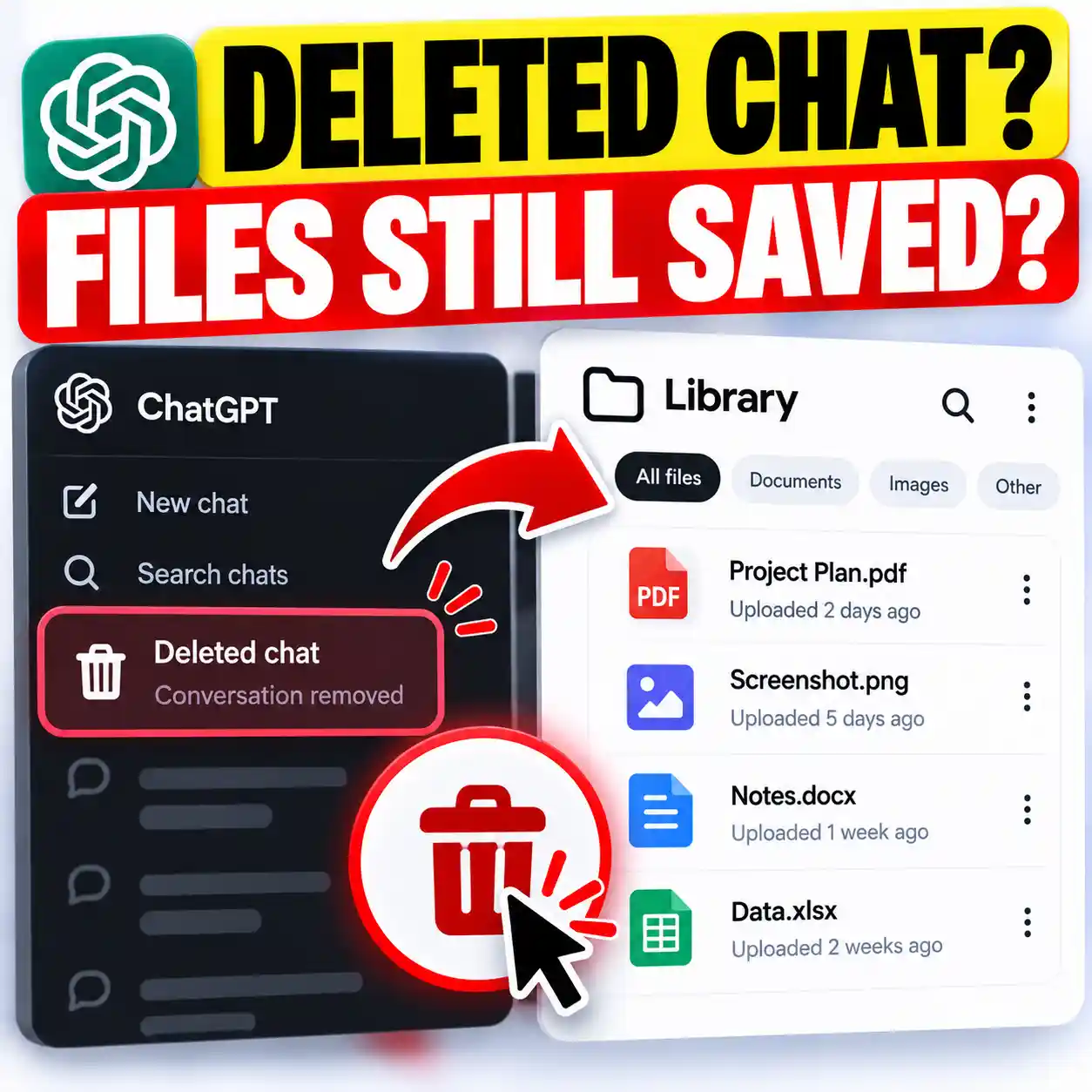
Yes. Your chats are part of the account data OpenAI deletes. If you only want the chats gone, use Delete all chats in Settings > Data controls and keep the account. Also see whether deleting a chat deletes uploaded files.
Can I delete ChatGPT account data without logging in?
Yes. Use the Privacy Portal and verify the email address or phone number linked to the account.
The bottom line
To delete ChatGPT account access safely and for good, do it in this order: export your data and check the file, cancel any Apple or Google Play subscription, then go to Settings > Account > Delete on the web (or Data controls in the app). Use the Privacy Portal if you can’t sign in. If you’re not sure you want to go that far, our ChatGPT Privacy Center guide covers the smaller controls. For more guides like this, browse AI Safety, Privacy & Trust or try our free online tools.
Sources
- OpenAI Help Center, Deleting your ChatGPT account: web, iOS and Android steps, Privacy Portal, subscriptions, Ads accounts, 30-day rules, reactivation, phone numbers, sign-in method.
- OpenAI Help Center, Exporting your ChatGPT history and data: export steps, 7-day delivery, 24-hour link.
- OpenAI Help Center, Deleting and archiving chats in ChatGPT: delete all chats, archive.
- Apple Support, Cancel a subscription from Apple.
- Google Play Help, Cancel, pause, or change a subscription on Google Play.
This guide is a documented process based on the official help pages above, checked on November 2, 2026. We did not delete a live account to test it.
ChatGPT is a trademark of OpenAI. iPhone, iPad and Apple are trademarks of Apple Inc. Android and Google Play are trademarks of Google LLC. Product names are trademarks of their respective owners; no affiliation or endorsement is implied.
This article was created with the help of AI, one of the many ways AI is making useful knowledge easier for everyone to create and access. It is provided for educational purposes only, to help readers understand and use AI tools better.
Get new AI guides every week
Short, practical how-tos and free tools from Designs24hr. No spam, unsubscribe anytime.