How to Check Your Resume Against a Job Description With AI
An AI resume checker can help you compare your resume with a job description, find missing keywords, improve weak bullet points, and make your experience easier to understand. But the goal is not to let AI invent a better version of you. The goal is to make your real experience clearer, more relevant, and easier for both applicant tracking systems and recruiters to scan.
Quick answer
To use an AI resume checker well, paste the job description, pull out the most important skills and requirements, compare them with your resume, rewrite only the parts that honestly match your background, remove generic AI wording, and check the formatting before you apply.
What Is an AI Resume Checker?
An AI resume checker is a tool or workflow that reviews your resume against a job description. It can help you spot missing keywords, unclear bullet points, weak formatting, and sections that do not match the role closely enough.
For example, if a job description repeatedly mentions SQL, reporting dashboards, stakeholder communication, and process improvement, your resume should make it easy to see where those skills appear in your real work history. You do not need to copy the job description word for word. You need to show the honest overlap between the role and your experience.
The safest way to think about it
Use AI like a resume editor, not a resume inventor. It can help you organize, compare, simplify, and polish. It should not create fake metrics, fake responsibilities, fake certifications, or fake tools you have never used.
Why Matching the Job Description Matters
ATS systems scan for relevance
Many employers use applicant tracking systems to organize applications. Clean formatting and relevant keywords can help your resume appear easier to understand.
Recruiters scan quickly
A recruiter may only spend a short time deciding whether your resume looks close enough to the role. Specific proof helps more than broad claims.
Generic AI wording can hurt trust
If your resume sounds over-polished, vague, or inflated, it can make your experience harder to verify. Clear and truthful wording is stronger.
AI Resume Checker Checklist: 7 Steps Before You Apply
Paste the job description
Start with the exact job description for the role you want. Look for required skills, tools, responsibilities, qualifications, and repeated phrases. Pay extra attention to what appears more than once because repeated terms often signal what the employer values most.
Pull out the core keywords
Create a short list of the role’s most important keywords. These may include software tools, job titles, certifications, soft skills, industry terms, and outcome phrases.
Compare your resume section by section
Check your summary, skills section, work experience, projects, certifications, and education. Ask yourself where the job description is asking for something your resume already supports but does not explain clearly enough.
Rewrite bullets with real proof
Strong resume bullets usually include an action, a skill, a project or responsibility, and a result. The result can be a metric, but it does not have to be fake or exaggerated. A truthful project detail is better than an invented number.
Add missing keywords naturally
If a keyword honestly matches your experience, add it where it fits naturally. Do not force keywords into random places. A resume that reads like a keyword list can feel less trustworthy.
Remove generic AI language
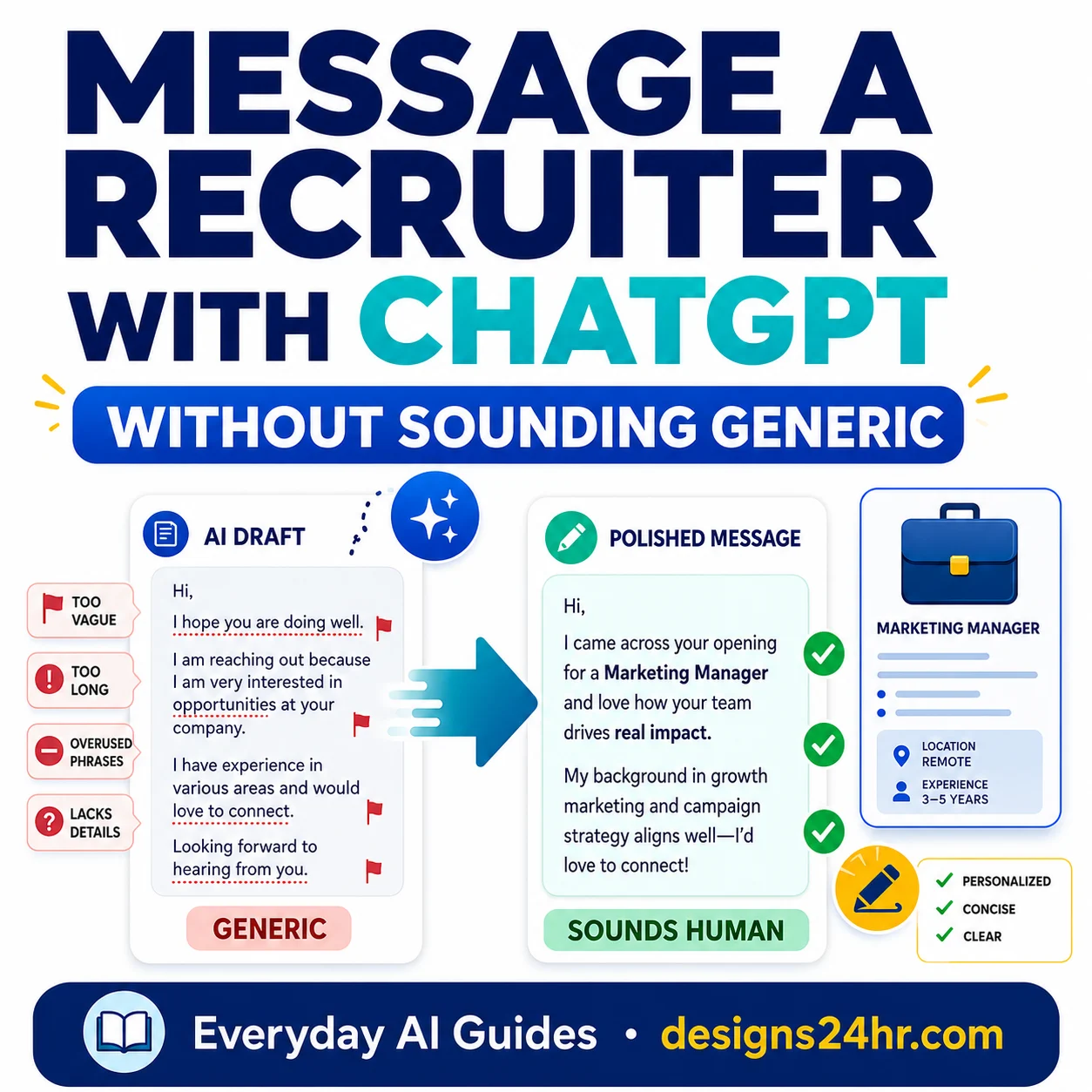
AI tools often produce phrases like “results-driven professional,” “dynamic team player,” or “proven track record.” These phrases take up space without proving much. Replace them with specific work, tools, responsibilities, and outcomes.
Check ATS formatting before applying
Use clear section headings, standard fonts, simple spacing, and common file types. Avoid complex tables, text boxes, graphics, and decorative layouts when applying through online portals.
Useful Prompt to Copy for Checking Your Resume
Use this prompt when you want AI to compare your resume with a job description without rewriting your background into something fake.
Useful prompt to copy:
You are a resume editor helping me tailor my resume to a specific job description without inventing experience.

First, compare my resume with the job description.
Second, list the most important keywords, tools, responsibilities, and qualifications from the job description.
Third, identify which of those already appear in my resume.
Fourth, identify which relevant items are missing or unclear, but only suggest additions if they honestly fit my real experience.
Fifth, rewrite weak bullet points to be clearer, more specific, and more ATS-friendly without adding fake metrics, fake tools, fake job titles, or inflated claims.
Sixth, flag any wording that sounds too generic, robotic, or AI-written.

Job description:
[Paste the job description here]

My resume:
[Paste your resume here]
Before you apply, verify every word. Do not use any bullet, metric, tool, or responsibility unless it is true.
Good Resume Match vs Too Generic
A good AI resume checker should help your resume become more relevant, not more artificial. Use this comparison before you accept any AI rewrite.
| Good Match | Too Generic |
|---|---|
| Uses role-specific keywords that match your real experience. | Copies keywords without context or proof. |
| Shows what you did, how you did it, and why it mattered. | Uses broad phrases like “hardworking,” “passionate,” or “results-driven.” |
| Includes truthful numbers, projects, tools, and responsibilities. | Adds fake metrics, exaggerated results, or tools you have not used. |
| Sounds clear, professional, and human. | Sounds overwritten, robotic, or like every other AI-generated resume. |
Do not let AI cross this line
Never let an AI tool invent degrees, certifications, software skills, job titles, employers, dates, awards, client names, sales numbers, revenue impact, or management responsibilities. If you cannot explain it in an interview, it does not belong on your resume.
Where to Add Resume Keywords Naturally
Resume keywords work best when they appear in the right section with real context. Here are the safest places to add them.
Skills section
Add tools, software, technical skills, languages, and role-specific abilities that you can confidently discuss.
Experience bullets
Use keywords inside work examples. This is stronger than simply listing them because it proves how you used the skill.
Professional summary
Use a few high-value terms from the role, but keep the summary short and specific. Avoid stuffing every keyword into the opening paragraph.
Projects and certifications
If the role asks for certain tools or methods, relevant projects and certifications can help support those keywords honestly.
Quick Keyword Areas to Check
When you compare your resume with a job description, scan for these five keyword groups.
Tools
Examples: Excel, SQL, Power BI, Figma, Salesforce, Google Analytics, QuickBooks, Python.
Skills
Examples: data analysis, project management, customer service, reporting, scheduling, budgeting, research.
Certifications
Examples: PMP, Google Analytics, HubSpot, AWS, CompTIA, bookkeeping, safety, teaching, healthcare credentials.
Job titles
Examples: analyst, coordinator, assistant, manager, specialist, designer, technician, representative.
Outcomes
Examples: reduced costs, improved efficiency, increased sales, resolved issues, trained staff, improved reporting.
Work environment
Examples: remote, hybrid, cross-functional, customer-facing, fast-paced, regulated, startup, enterprise.
How to Rewrite Resume Bullets Without Sounding Fake
The best AI resume edits are usually simple. They make your bullet points more specific without changing the truth.
| Weak Bullet | Stronger Bullet | Why It Works |
|---|---|---|
| Responsible for reports. | Prepared weekly Excel reports to track team activity, identify delays, and help managers prioritize follow-up. | It names the tool, task, purpose, and audience. |
| Helped customers. | Resolved customer questions by reviewing account details, explaining next steps clearly, and escalating complex issues when needed. | It shows what “helped” actually means. |
| Worked on projects. | Supported project timelines by updating task lists, coordinating status notes, and keeping stakeholders informed of progress. | It connects project work to communication and organization. |
| Used data analysis. | Reviewed spreadsheet data to spot patterns, summarize findings, and recommend practical process improvements. | It proves the skill with a real workflow. |
Useful prompt to copy:
Rewrite these resume bullets to be clearer, more specific, and more relevant to the job description. Keep every claim truthful. Do not add fake numbers, fake tools, fake responsibilities, or achievements I did not provide. If a bullet needs a metric but I did not give one, ask me what the real number is instead of inventing it.

Job description:
[Paste job description]

Resume bullets:
[Paste bullets]
This prompt is useful when your resume bullets are accurate but too vague.
ATS-Friendly Formatting Checklist
Even a strong resume can perform poorly if the formatting is hard to read. Keep the layout simple when you apply through job portals.
Use simple section headings
- Summary
- Experience
- Skills
- Education
- Certifications
- Projects
Avoid risky formatting
- Heavy tables
- Text boxes
- Important text inside images
- Unusual fonts
- Multiple columns that break the reading order
- Decorative icons replacing section labels
Design matters, but clarity matters more
A creative resume can look impressive as a portfolio piece, but many online applications need a clean, readable, ATS-friendly version. Keep a simple version ready for job portals.
Use the Free Designs24hr AI Resume Optimizer
If you want a faster way to improve resume bullets, compare your wording with a job description, and create a cleaner version before applying, try the free Designs24hr AI Resume Optimizer.
You can use it to improve resume bullets, make wording clearer, and prepare a more relevant version of your resume. After that, use the AI Interview Coach to practice explaining the same experience in a confident and honest way.
What to Do After Your Resume Is Updated
Once your resume matches the job description more clearly, do not stop there. Your next step is to prepare for the interview using the same facts you added to your resume.
- Save the job description so you can review the employer’s priorities before the interview.
- Highlight your strongest three resume bullets for that role.
- Prepare one short story for each bullet using the situation, task, action, and result format.
- Practice explaining the tools and keywords you added to your resume.
- Remove any resume line you cannot defend in a real conversation.
Your resume and interview should match
If your resume says you improved reporting, managed projects, analyzed data, or trained team members, be ready to explain what you did, what tools you used, who you helped, and what changed because of your work.
Common AI Resume Checker Mistakes to Avoid
Using the same resume for every job
A general resume is easy to send, but it often misses the specific language and priorities of the role. Create a tailored version for the jobs you care about most.
Letting AI over-polish your voice
If the resume sounds too formal, too perfect, or unlike you, simplify it. Clear and natural is better than inflated and robotic.
Adding keywords you cannot explain
Only include tools and skills you have actually used. If you are still learning something, describe it honestly as training, coursework, or a project.
Trusting AI without checking facts
AI can misunderstand your background, exaggerate your impact, or rewrite a bullet in a way that changes the meaning. Always review the final version yourself.
Simple Final Review Before You Apply
Before you submit the resume, read it one last time and ask these questions:
- Does my resume include the most important keywords from the job description?
- Are those keywords connected to real experience?
- Do my bullets show actions, tools, responsibilities, and outcomes?
- Did I remove generic AI phrases and filler words?
- Is the formatting simple enough for an ATS and easy enough for a human to scan?
- Can I explain every claim in an interview?
Final reminder
Your goal is not to sound more AI-written. Your goal is to look more relevant, truthful, and easy to understand.
AI Resume Checker FAQs
What is an AI resume checker?
An AI resume checker is a tool or workflow that compares your resume with a job description, looks for missing keywords, reviews clarity, and helps you improve weak resume bullets.
Can AI make my resume ATS-friendly?
AI can help you identify relevant keywords, simplify formatting, and rewrite unclear bullets. You still need to verify every claim, number, job title, and skill before applying.
Should I copy the full job description into my resume?
No. You should only add keywords and phrases that honestly match your real experience. Copying or stuffing keywords can make your resume sound fake and harder to trust.
What should I remove from an AI-written resume?
Remove vague phrases, inflated metrics, buzzwords, robotic wording, and claims that do not match your actual work history.
Is it safe to use AI for resume writing?
Yes, if you use AI as an editing assistant instead of letting it invent experience. Keep your resume truthful, specific, readable, and reviewed by you before sending.
Helpful Next Steps
Improve your resume
Use the AI Resume Optimizer to polish your resume bullets and make your job-description match clearer.
Practice the interview
Use the AI Interview Coach to practice explaining your experience after your resume is updated.
Create better prompts
Use the AI Prompt Generator if you want help turning your job search task into a clearer AI prompt.
Explore more job-search guides
Visit AI Careers & Job Search or browse more Everyday AI Guides.
Sources and Further Reading
For more context on AI in hiring, resume authenticity, and automated screening concerns, review guidance and research from Robert Half, the Robert Half press room, and the U.S. Equal Employment Opportunity Commission.