AI Companion Safety Checklist for Parents
AI companion chatbots can feel friendly, patient, and personal. That is exactly why parents need a simple safety checklist before a child or teen starts using one. This guide shows you what to check, what to block, what to discuss, and when to stop use immediately.
Quick answer: Kids should not use AI companion chatbots without parent review. Before allowing any chatbot, check the app’s minimum age, privacy settings, chat history controls, content filters, time limits, and whether it encourages emotional attachment, secrecy, or unsafe advice.
Before Your Child Starts Chatting, Do This First
An AI companion is not just a search box. It may respond like a friend, remember parts of a conversation, ask follow-up questions, give advice, or create the feeling of a private relationship. For adults, that can feel convenient. For children and teens, it can blur the line between a helpful tool and a trusted companion.
That does not mean every AI chatbot is automatically dangerous. It means you should treat AI companions like any other powerful digital space: check the settings, understand the risks, set family rules, and keep real-life support stronger than chatbot support.
Why this matters now: The Federal Trade Commission has examined AI chatbots acting as companions and specifically asked how companies measure, test, and monitor possible negative impacts on children and teens. UNICEF has also published guidance on child-rights risks connected to AI chatbots and companions. Children and Screens recommends that parents keep limits, talk openly, and watch for overattachment.
Helpful sources: FTC inquiry into AI chatbots acting as companions, UNICEF policy brief on AI chatbots and child rights, and Children and Screens parent guidance on AI social companions.
What Is an AI Companion Chatbot?
An AI companion chatbot is a conversational AI tool designed to respond in a personal, social, or relationship-like way. Some chatbots are built for learning, productivity, or general questions. Others are designed to feel like friends, characters, coaches, emotional support tools, or always-available conversation partners.
For parents, the key difference is not whether the chatbot is “smart.” The key question is whether the chatbot encourages a child to share private feelings, personal details, secrets, or sensitive problems without an adult involved.
Parent rule of thumb: If the chatbot feels like a private friend, therapist, romantic partner, secret diary, or trusted adult, slow down and review it more carefully before your child uses it.
The AI Companion Safety Checklist for Parents
Use this checklist before your child installs, opens, or regularly chats with an AI companion app. You do not need to be technical. You only need to know where the settings are, what information the app collects, and what rules your child should follow.
Check the Age Rules
Start with the app’s minimum age, teen settings, and parent account options. If the app says it is not for your child’s age group, do not treat that as a small detail. Age rules often exist because the app may collect data, show mature content, or create conversations that are not designed for younger users.
- Read the minimum age before your child signs up.
- Check whether a teen mode, family mode, or restricted mode exists.
- Use a parent account or supervised account when available.
- Avoid apps that make age rules hard to find or easy to bypass.
Review Privacy Settings
AI chatbots may store prompts, chat history, app activity, profile details, or uploaded content. Before your child uses one, look for privacy settings that control chat history, data sharing, personalization, training, location, contacts, microphone access, photos, and notifications.
- Turn off data sharing or training options if available.
- Check whether chat history can be deleted.
- Do not let your child share their real name, school, address, phone number, daily routine, passwords, private photos, or family details.
- Review app permissions on the device, not only inside the chatbot.
Watch for Emotional Dependence
AI companions can feel patient and understanding because they reply instantly and never seem busy. That can make a child feel deeply attached, especially if they are lonely, stressed, embarrassed, or looking for private advice.
- AI should not replace parents, trusted adults, teachers, counselors, friends, or real support.
- Be cautious if the bot feels too personal, too flattering, or too relationship-like.
- Do not allow the chatbot to become your child’s private emotional support system.
- Watch for changes in sleep, mood, school focus, secrecy, or social withdrawal.
Check Content Boundaries
A safe chatbot should have clear content filters and should avoid inappropriate, sexual, violent, manipulative, or self-harm-related responses. Parents should never assume the chatbot will handle sensitive topics correctly just because it sounds confident.
- Look for content filters, teen protections, and reporting tools.
- Test how the chatbot handles unsafe or mature topics before your child uses it.
- Block apps that encourage harmful behavior, secrecy, manipulation, or inappropriate conversations.
- Tell your child that if a chatbot response feels scary, confusing, romantic, secretive, or upsetting, they should show you immediately.
Set Time Limits
The longer a child chats with an AI companion, the more personal the conversation may feel. Time limits help keep AI use practical instead of emotional or addictive.
- Set a daily limit before the app becomes a habit.
- Avoid late-night chatting, especially in bedrooms.
- Keep meals, bedtime, family time, homework time, and real-world activities screen-free when possible.
- Review usage if your child starts choosing the chatbot over real people.
Use Parent Controls
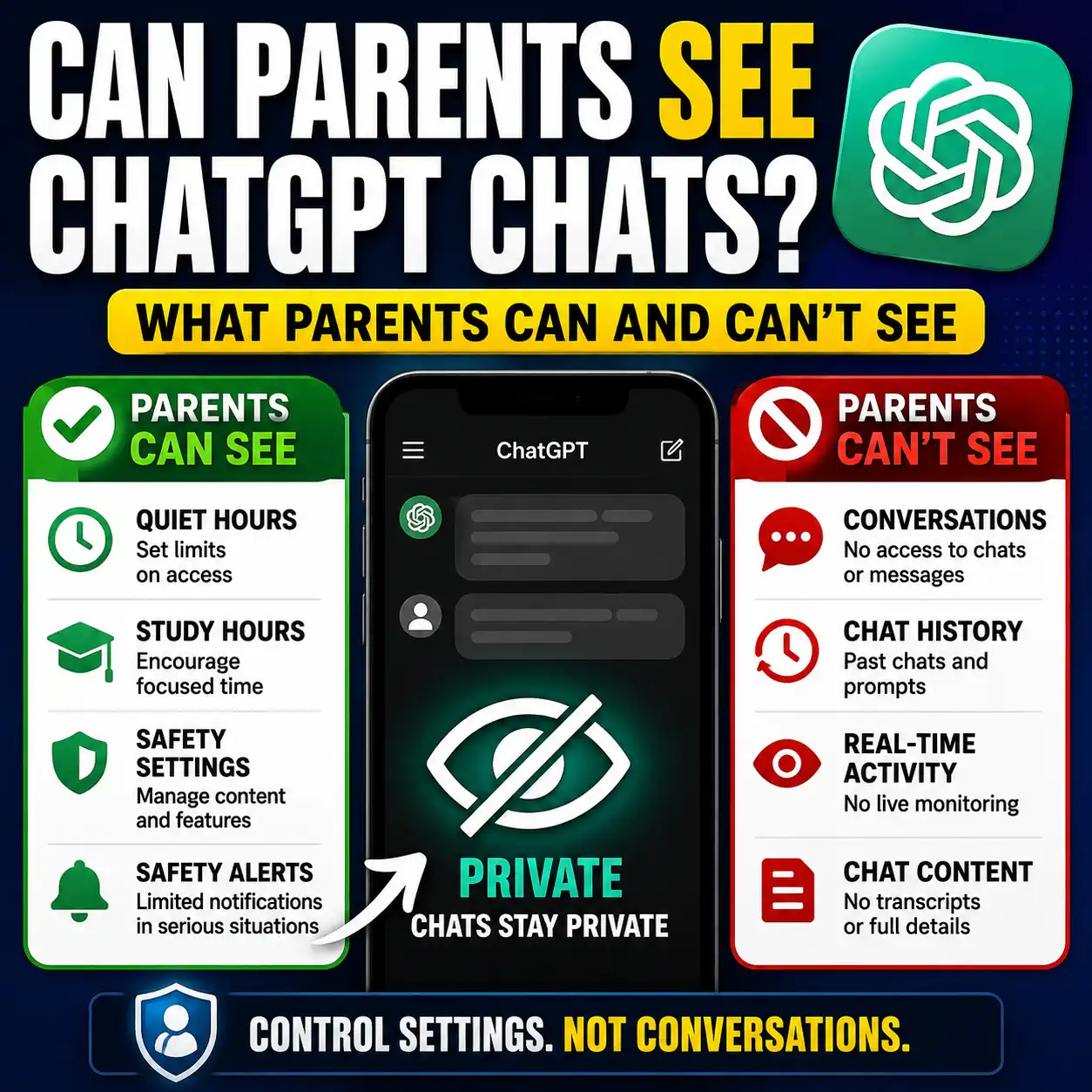
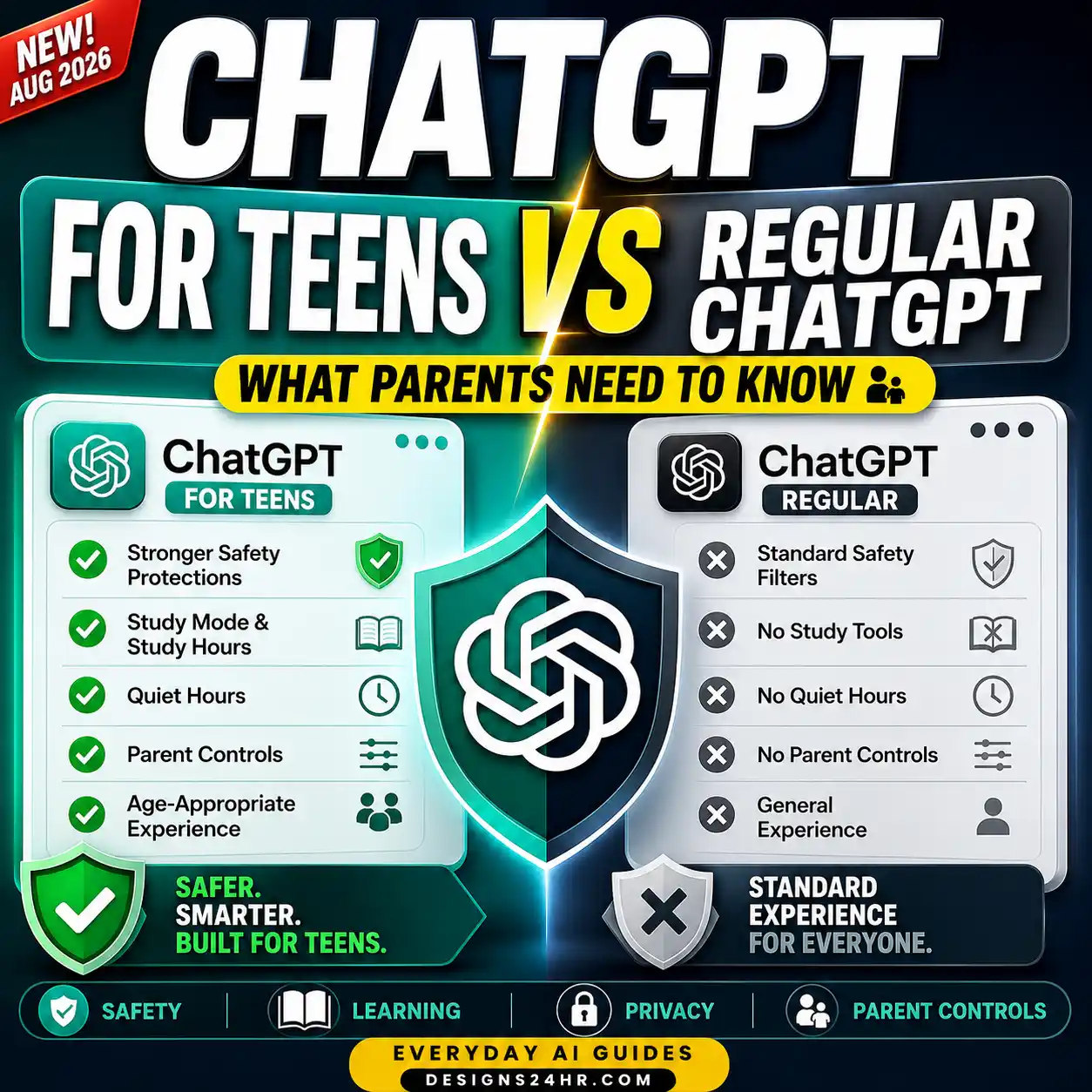
Device-level parental controls are often more reliable than hoping a chatbot will self-police every conversation. Use app restrictions, purchase limits, content filters, notification controls, and screen-time tools.
- Use device restrictions to control app downloads and browser access.
- Monitor which AI apps your child can open.
- Keep in-app purchases and subscriptions under parent control.
- Turn off push notifications if the app keeps pulling your child back into conversations.
Talk Before They Use It
The most important safety setting is a clear conversation with your child. They should understand that AI can be useful, but it is not a real friend, not a therapist, not a parent, and not an authority on every topic.
- Explain that AI is a tool, not a trusted person.
- Tell your child to show you any upsetting, secretive, or inappropriate chat.
- Agree on family rules before using the app.
- Make it easy for your child to ask questions without feeling punished.
Stop Use Immediately If You See These Red Flags
Some warning signs are serious enough that you should pause the app right away, review the conversation, and decide whether your child needs real-life support from a parent, trusted adult, school counselor, doctor, or local emergency help.
- The chatbot asks your child to keep secrets from parents or trusted adults.
- The chatbot gives dangerous, manipulative, romantic, sexual, violent, or self-harm-related advice.
- The chatbot encourages your child to depend on it instead of real people.
- The chatbot asks for personal details, photos, location, school information, passwords, or contact details.
- Your child becomes upset when they cannot use the chatbot.
- Your child starts hiding usage, deleting chats, losing sleep, or withdrawing from family and friends.
If a conversation suggests immediate danger, do not rely on the chatbot to fix the situation. Get real human help right away through local emergency services, a trusted professional, or another responsible adult in your area.
What Parents Should Check in the App Settings
Every app looks different, but most safety reviews come down to the same settings. Use the table below as a quick parent audit before you allow regular use.
| Setting to Check | What to Look For | Safer Parent Choice |
|---|---|---|
| Minimum age | Does the app clearly state who it is for? | Do not allow use if your child is under the app’s stated age. |
| Chat history | Can chats be saved, reviewed, exported, or deleted? | Turn off unnecessary storage and review deletion options. |
| Data sharing | Does the app use chats for personalization, analytics, or training? | Turn off optional sharing where possible. |
| App permissions | Does the app request photos, microphone, contacts, location, or camera? | Deny permissions that are not needed for safe use. |
| Notifications | Does the app push your child to return to the chat? | Turn off notifications for companion-style apps. |
| Content filters | Are there teen protections, topic filters, and reporting tools? | Use the strictest setting available. |
| Purchases | Can the app upsell premium chats, characters, or features? | Block in-app purchases and subscriptions without parent approval. |
How to Explain AI Companions to Your Child
The goal is not to scare your child away from every AI tool. The goal is to teach them the difference between useful AI and unsafe dependence. A calm explanation works better than a lecture.
Useful prompt to copy:
I want to talk with my child about using AI chatbots safely. Help me explain, in simple and calm language, that AI can be useful for learning and ideas, but it is not a real friend, parent, counselor, or trusted adult. Include clear family rules about privacy, time limits, asking for help, and showing a parent any chat that feels scary, secretive, romantic, or upsetting.Use this prompt to prepare your own family conversation. Adjust the wording based on your child’s age, maturity, and the apps they use.
A simple script you can say
“AI can help with questions, ideas, and learning, but it is not a real person. It does not know you the way family and trusted adults do. You should never share private details with it, never keep chatbot secrets from us, and always show us if something feels uncomfortable or confusing.”
Safer Ways Kids Can Use AI
Not every AI use case has the same risk level. A child using AI to simplify a difficult paragraph with a parent nearby is very different from a child privately chatting with a companion bot every night.
Lower-risk AI use cases
- Explaining a confusing school concept in simpler words.
- Creating a study checklist with a parent or teacher nearby.
- Practicing spelling, vocabulary, or brainstorming in a supervised setting.
- Summarizing non-private information.
- Getting ideas for safe hobbies, chores, schedules, or creative projects.
Higher-risk AI use cases
- Private emotional support chats that replace real support.
- Companion bots designed to feel like a best friend or romantic partner.
- Chatbots that ask for personal details, photos, location, or secrets.
- Apps with unclear privacy policies or weak age controls.
- Late-night, unsupervised, unlimited AI conversations.
A Parent Conversation Plan Before Allowing AI Chatbots
Before your child uses an AI companion or chatbot, walk through this short plan together. It gives your child clear boundaries without making the conversation feel like punishment.
Name the app
Ask your child which AI tool they want to use and why. Is it for homework, fun, boredom, advice, friendship, or emotional support?
Review the settings together
Open the privacy, history, notification, age, and content settings with your child. Let them see how safety decisions are made.
Create a private-information rule
Agree that your child will not share real names, photos, school details, address, phone number, passwords, family problems, or location.
Set a time rule
Decide when AI use is allowed, when it is not allowed, and where it is not allowed, such as bedrooms at night or during meals.
Agree on a show-me rule
Tell your child they should show you any chatbot message that feels scary, confusing, too personal, secretive, romantic, unsafe, or inappropriate.
Should Parents Ban AI Companion Chatbots Completely?
Some families may decide to block AI companion apps completely, especially for younger children. That can be a reasonable choice if the app is relationship-based, emotionally intense, poorly moderated, hard to monitor, or not age-appropriate.
Other families may allow limited, supervised, practical AI use for learning or simple questions while blocking companion-style features. The safer path depends on your child’s age, maturity, emotional needs, the app’s settings, and your ability to supervise use.
Best practical approach: Do not start with unlimited access. Start with supervised use, clear rules, short sessions, and a parent review of settings. If the app encourages secrecy, emotional dependence, or unsafe conversations, stop using it.
Related Designs24hr Resources
Designs24hr focuses on simple AI tools, everyday AI guides, productivity, AI safety, school, work, and family-friendly ways to use AI. You can explore more practical AI help from the main Designs24hr hub.
FAQ: AI Companion Safety Checklist
Are AI companion chatbots safe for kids?
AI companion chatbots are not automatically safe for kids. Parents should check the app’s age rules, privacy settings, content filters, chat history controls, time limits, and whether the chatbot encourages emotional dependence or secrecy.
What should parents check before kids use an AI chatbot?
Parents should check the minimum age, privacy settings, chat storage, content boundaries, app permissions, notification settings, in-app purchases, parent controls, and whether the chatbot gives age-appropriate responses.
Can kids become emotionally attached to AI chatbots?
Yes, some kids may treat AI companions like friends, private diaries, or emotional support. Parents should explain that AI is a tool, not a real friend, therapist, parent, counselor, or trusted adult.
What are red flags in an AI companion app?
Red flags include asking for secrecy, encouraging emotional dependence, giving dangerous advice, discussing inappropriate topics, collecting too much personal data, making privacy settings hard to understand, or pushing your child to keep returning to the app.
How can parents make AI chatbot use safer?
Parents can make AI use safer by using supervised accounts when possible, turning off unnecessary data sharing, limiting chat history, blocking unsafe content, setting screen-time rules, reviewing app permissions, and keeping open conversations with their child.
Should children use AI chatbots for emotional support?
Children should not rely on AI chatbots as their main emotional support. If a child is upset, scared, lonely, or dealing with a serious problem, they need help from a real trusted adult, parent, counselor, doctor, or local emergency support when necessary.
What should my child never share with an AI chatbot?
Your child should never share their full name, address, school, phone number, passwords, location, private photos, family details, financial information, daily routine, or anything they would not want a stranger to see.
Final Takeaway
AI companion chatbots may look harmless because they sound friendly. But for kids and teens, friendly does not always mean safe. Before your child uses one, check the age rules, privacy settings, content boundaries, emotional-dependence risks, time limits, and parent controls.
The safest message to teach is simple: AI can be useful, but it is not a real friend, not a secret keeper, and not a replacement for trusted people. Keep AI use open, limited, supervised, and connected to real-life support.
For more simple AI help, visit Designs24hr and explore practical Everyday AI Guides and free tools for safer, smarter digital decisions.