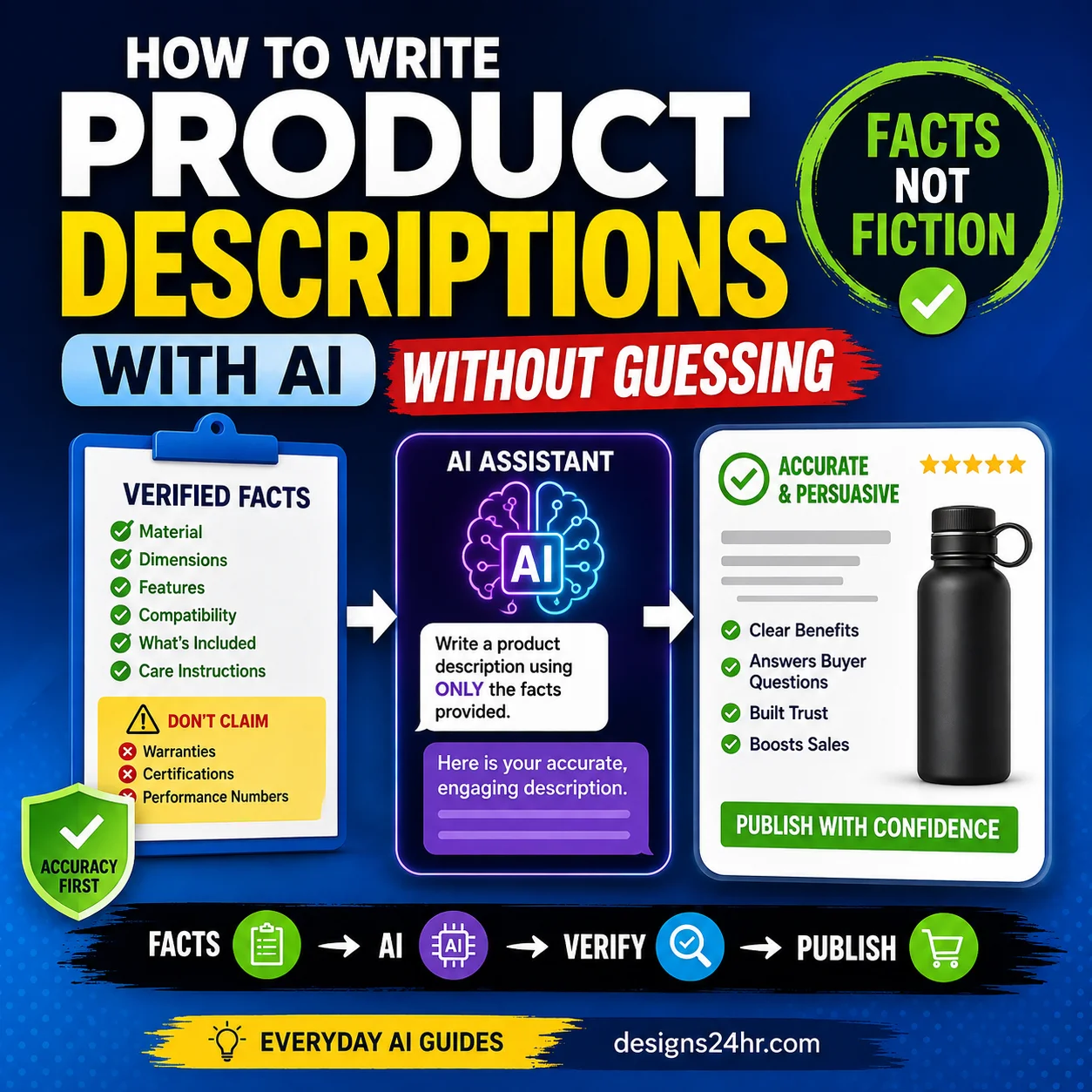
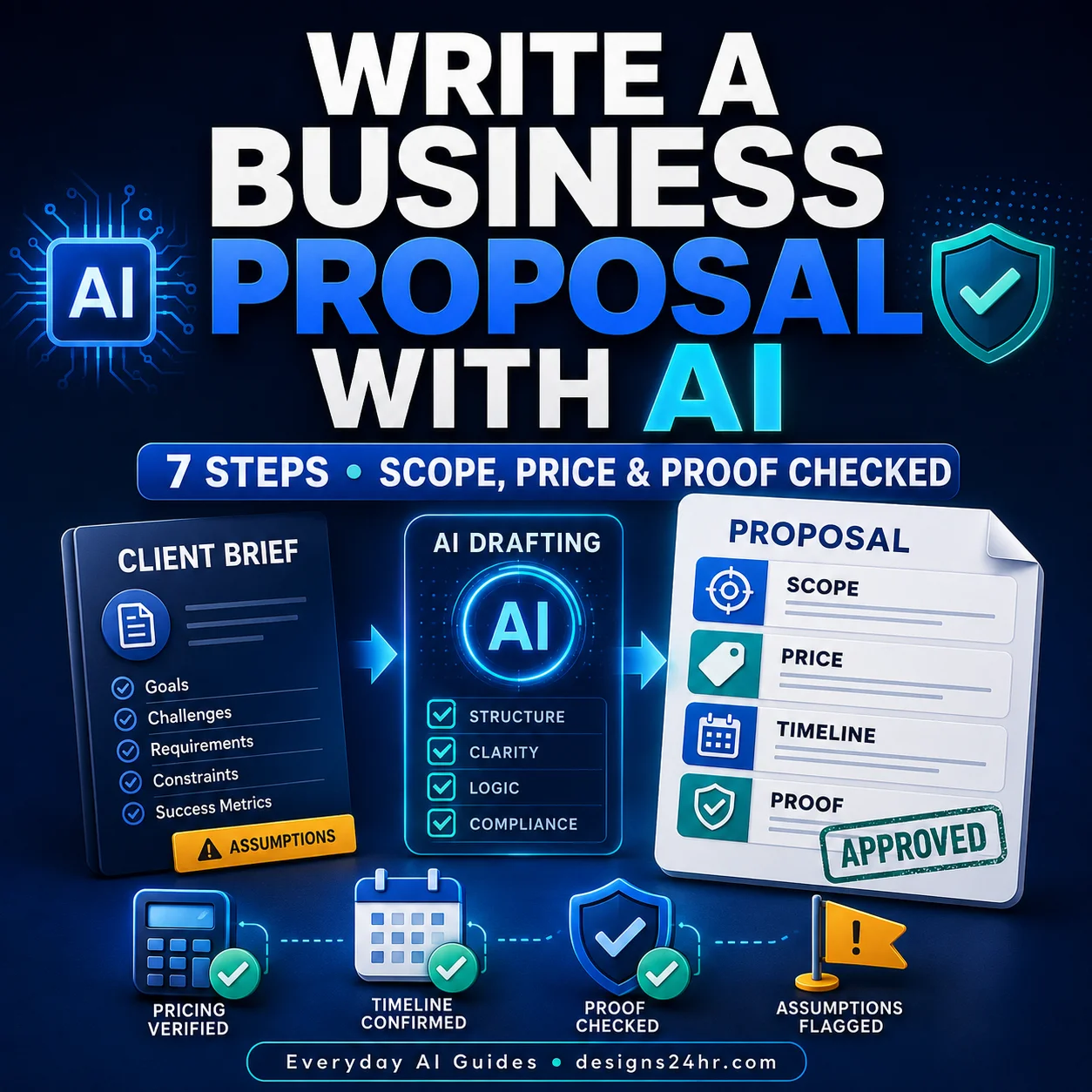
To create customer FAQ with AI, start with questions customers actually ask and a fact sheet your business has approved. Let AI organize and simplify that material—but never let it invent a price, policy, promise, exception, deadline, or legal answer.
The U.S. Small Business Administration notes that AI can help small businesses analyze their own data for common themes and improve customer service. Its current small-business management guidance also keeps the business—not the model—responsible for the decision. For related practical workflows, browse the AI for Small Business & Marketing guides.
What makes an AI-written customer FAQ trustworthy?
Give AI approved facts
- Questions copied from emails, calls, chats, reviews, and sales conversations
- Current prices, hours, service areas, fulfillment times, and contact routes
- Approved return, refund, booking, cancellation, shipping, and warranty policies
- Brand voice and words the business avoids
- Clear escalation rules for unusual cases
Do not ask AI to guess
- “What questions might customers ask?” as the only source
- Unverified prices or typical industry policies
- Promises the team cannot consistently keep
- Legal, medical, financial, or safety conclusions without qualified review
- Private customer messages containing unnecessary personal information
The 7-step customer FAQ workflow
-
Collect questions customers really ask
Review the last 30–90 days of customer emails, call notes, chat transcripts, sales objections, search queries, review themes, and employee questions. Remove names, order numbers, addresses, payment information, medical details, and other unnecessary personal data before using an AI tool.
Keep the customer’s natural wording. “Can I change my appointment the same day?” is more useful than the internal label “late-reschedule policy.”
-
Rank questions by customer impact
Do not publish a random list. Score each question from 0 to 2 for frequency, purchase importance, support burden, and risk if answered incorrectly. Start with the questions that score highest.
Priority rule: 6–8 points: answer prominently. 3–5: include if useful. 0–2: leave out or combine with a stronger question. -
Build an approved FAQ source sheet
Create one source row for every answer. If the answer varies by state, location, product, plan, customer type, or date, record the condition clearly.
Customer question Approved answer facts Source owner Exceptions Review date How soon can I book? Current scheduling window and booking link Operations Holiday hours vary Monthly Can I get a refund? Exact published refund policy Manager Special-order items excluded Quarterly Do you serve my area? Approved ZIP codes or service radius Sales Travel fee beyond core area Monthly If the team cannot agree on an answer, fix the policy first. AI cannot turn an unresolved business decision into a reliable public answer.
-
Draft from the source sheet with a no-guessing prompt
Use the same format for every answer. If you need help tailoring the instruction, start with the free AI Prompt Generator.
Copyable customer FAQ promptYou are drafting a public customer FAQ for a U.S. small business. Use only the approved source sheet I provide. Do not invent or assume prices, policies, promises, deadlines, service areas, exceptions, guarantees, legal requirements, or product capabilities. For each question: 1. Lead with the direct answer in the first sentence. 2. Use plain, warm, specific language. 3. State important conditions or exceptions clearly. 4. Give one accurate next step when useful. 5. Keep the answer between 35 and 90 words unless the source requires more. 6. If a required fact is missing or conflicting, write: NEEDS BUSINESS ANSWER. 7. Do not add sales hype or unsupported benefits. Return a table with: Question | Draft answer | Source facts used | Missing information | Human approver. Approved source sheet: [PASTE REDACTED SOURCE SHEET]
-
Verify every answer with the CLEAR test
Use this five-part check before anything goes public:
- C — Current: prices, hours, links, coverage, and policies match the latest approved source.
- L — Lead: the first sentence answers the question directly.
- E — Exceptions: meaningful limits and conditions are visible rather than buried.
- A — Action: the next step is accurate and helpful.
- R — Responsible owner: a named role approved the answer and owns its review date.
For the words and tone, apply the existing AI brand voice checklist. For high-risk or disputed answers, keep the response human-controlled.
-
Test findability and handoffs
Ask someone who did not write the FAQ to locate five common answers on a phone. Record whether they chose the right question, understood the answer, and knew what to do next. Combine duplicates, rewrite vague headings, and move high-impact questions closer to the relevant product, service, pricing, checkout, booking, or contact page.
If the FAQ will feed a phone system, use the AI receptionist checklist to test speech, handoffs, booking actions, privacy, and urgent-call rules. A public FAQ is a knowledge source; it is not permission for an automated system to make exceptions.
-
Publish with an owner and update loop
Add a review date for every time-sensitive answer and assign a role—not “the team”—to maintain it. Review after price, policy, hours, product, service-area, booking, shipping, or legal changes. When the process becomes repeatable, document it with the AI SOP workflow.
What belongs in a public FAQ—and what stays private?
| Question type | Public FAQ? | Safer handling |
|---|---|---|
| Hours, service area, booking steps | Usually yes | Use current approved facts and links. |
| General return or cancellation policy | Usually yes | State conditions without promising an exception. |
| Order-specific status or account access | No | Send the customer to a secure account or verified support channel. |
| Complaint involving personal details | No | Move the conversation to an approved private channel. |
| Medical, legal, safety, or financial judgment | Only with qualified review | Use precise boundaries and professional escalation. |
| Unpublished promotion or policy exception | No | Require manager approval before any customer promise. |
A worked example: turning five support emails into one reliable answer
A local service business receives five emails asking whether customers can reschedule on the appointment day. The AI’s first draft says, “Yes, we’re happy to reschedule at any time.” That sounds friendly but invents a policy.
The approved source says same-day changes must be requested by phone, are subject to availability, and may involve a fee disclosed during booking. A CLEAR answer becomes:
Call us as soon as possible. Same-day changes depend on availability, and the fee stated in your booking terms may apply. Use the phone number in your confirmation so the team can check your appointment and explain the available options.
The improved answer leads directly, states the condition, avoids an unauthorized promise, and gives an accurate action.
FAQ mistakes that create support problems
- Generating every question from AI instead of real customer evidence
- Publishing “typical” prices, policies, or turnaround times
- Combining different plans, locations, or customer types into one answer
- Hiding the actual answer under promotional copy
- Leaving important exceptions in fine print
- Sending account-specific issues to a public comment or insecure form
- Publishing the same answer on multiple pages and updating only one copy
- Adding FAQ markup solely in pursuit of a rich result
- Failing to name an owner or review date
The Federal Trade Commission says advertising claims must be truthful, non-deceptive, and evidence-based. Apply that standard to public FAQ promises about price, performance, guarantees, availability, savings, and results. Review the FTC’s current advertising and marketing guidance and obtain qualified advice when specialized rules apply.
Where to place the FAQ
Put the answer where the question occurs. Pricing questions belong near pricing; shipping questions near delivery information; booking questions near the booking action. A central FAQ page can still help, but it should not force customers to leave the decision page to find a basic condition.
Write descriptive question headings, keep the page easy to scan, and avoid hiding essential conditions behind scripts that fail without JavaScript. Before publishing, use the Title & Meta Description Previewer to check the search-facing message.
Frequently asked questions
Can ChatGPT create an FAQ page?
Yes, but it should draft from real customer questions and an approved business fact sheet. It should not determine prices, policies, exceptions, or guarantees.
How many FAQ questions should a small business publish?
Publish enough to resolve the important repeated questions without creating a long, unfocused archive. Start with the highest-impact questions, then add or combine entries based on support evidence and customer testing.
Should an FAQ be written for SEO?
It should be written primarily to help customers complete a task or make a decision. Natural customer wording can also support search relevance, but adding repetitive or invented questions for keyword coverage weakens the page.
Can I use the FAQ as chatbot knowledge?
It can be one approved source, but the chatbot still needs scope limits, privacy rules, testing, human handoffs, and a process for updating stale answers.
How often should the FAQ be updated?
Review whenever a relevant business fact changes and on the scheduled date assigned to each answer. High-change information such as hours, pricing, availability, and service coverage may require more frequent checks.
Build the FAQ from evidence, not guesses
Start with ten real questions and one approved source sheet. Publish only the answers that pass CLEAR. For more practical AI workflows, visit the Everyday AI Guides hub. If customer feedback arrives through public reviews, use the separate AI review-response checklist before posting.