If you want to turn off ChatGPT ads, there is now more than one setting to understand. Eligible Free users can choose an Ads-Free experience without paying, but the tradeoff is lower usage limits and reduced access to some tools. You can also keep ads while turning off personalization, stop past chats and memory from contributing to ad relevance, or clear advertising data.
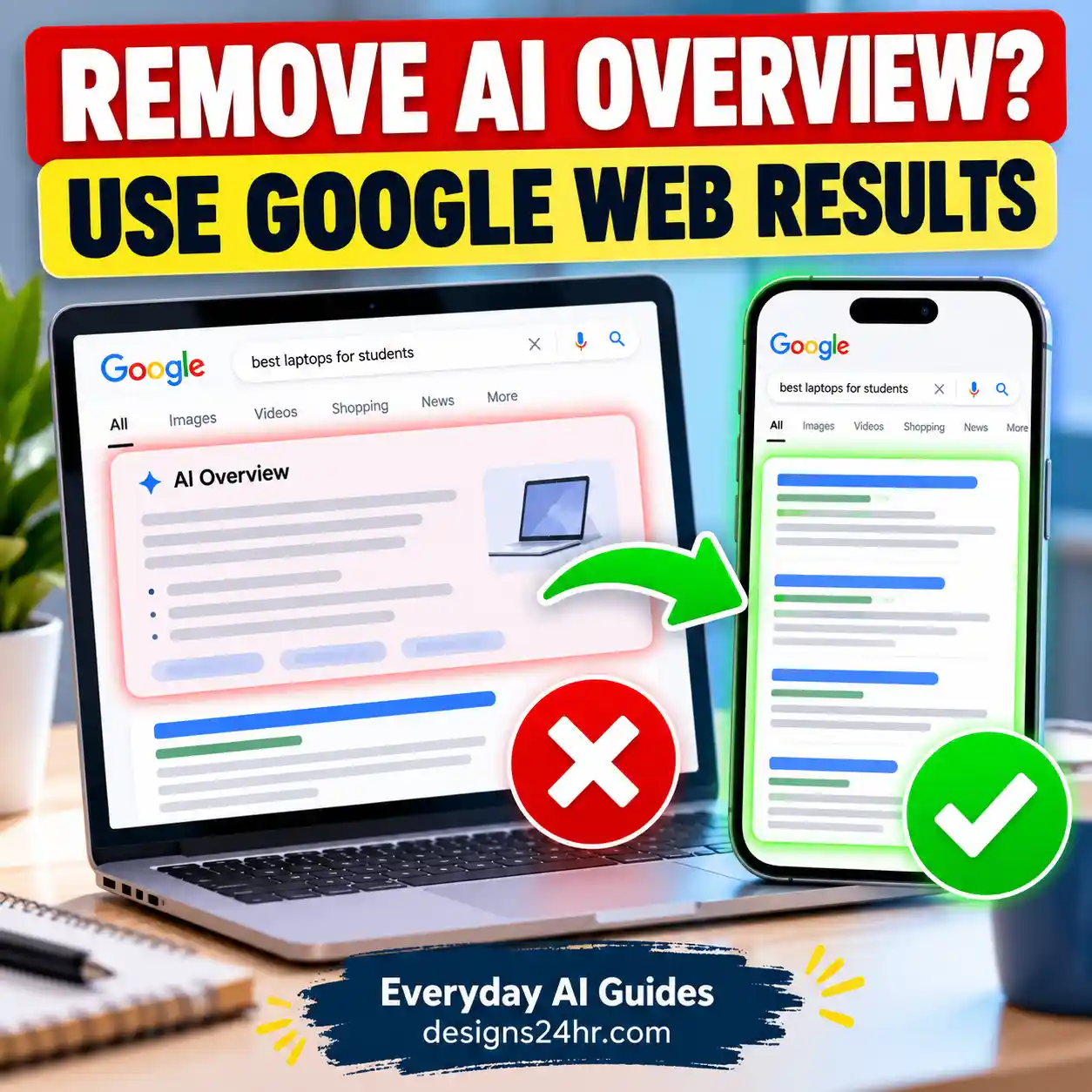
Yes, you may be able to turn off ChatGPT ads for free. On eligible Free accounts, go to Settings → Ads controls → Change plan to go ad-free → Reduce message limits. This removes ads but reduces Free-plan usage and feature access. Simply turning off Personalize ads does not remove ads.
Important: Ads and Ads Controls are being introduced by region, so you may not see the same options as another user. Interface wording can also vary by platform and app version.
Can You Turn Off ChatGPT Ads?
Yes. OpenAI currently provides several ways to avoid or reduce ChatGPT ads, depending on your plan, location and eligibility.
The most important distinction is between removing ads and changing how ads are personalized. These are separate controls.
| What you want | Setting or plan | Removes ads? | Main tradeoff |
|---|---|---|---|
| No ads without paying | Ads-Free Free experience | Yes | Lower usage limits and reduced tool access |
| Keep normal ad-supported Free access but reduce personalization | Personalize ads → Off | No | Ads can still use the current chat context |
| Stop past chats and memory contributing to ad relevance | Past chats and memory → Off | No | Ads may still use the current conversation |
| No ads with higher paid-plan access | Plus or Pro | Yes | Paid subscription |
ChatGPT ads may appear on Free and Go accounts. OpenAI currently states that Plus, Pro, Business, Enterprise and Edu accounts do not have ads.
How to Turn Off ChatGPT Ads for Free
If your Free account is eligible for the Ads-Free option, you can remove ChatGPT ads without purchasing Plus or Pro.
Do not skip the tradeoff: the free Ads-Free experience is not simply the normal Free plan with advertisements removed. OpenAI says it comes with lower usage limits and reduced access to some tools.
What Changes When You Choose ChatGPT Ads-Free?
The Ads-Free Free option is useful if your priority is removing advertising, but it comes with meaningful limitations.
- ChatGPT ads are removed.
- You remain on a free experience.
- You may reach usage or rate limits sooner.
However, you should also expect:
- Lower message or usage limits.
- Reduced access to certain ChatGPT tools.
- Some features such as image generation may be unavailable.
- Deep Research may be unavailable.
OpenAI does not promise one universal fixed message allowance for every Ads-Free user, so be cautious with third-party guides that quote an exact number without current official support.
Best for: occasional ChatGPT users who strongly prefer an ad-free interface and do not depend heavily on higher usage limits or advanced tools.
Ads-Free vs. Turning Off ChatGPT Ad Personalization
This is the most important difference to understand.
Going Ads-Free removes advertisements. Turning off ad personalization only changes some of the information that can be used to choose which advertisements are relevant to you.
| Control | Ads remain? | What changes? |
|---|---|---|
| Ads-Free | No | Ads are removed, but Free usage limits and features are reduced. |
| Personalize ads off | Yes | Ads become less personalized using broader ChatGPT activity. |
| Past chats and memory off | Yes | Past conversations and memory stop contributing to ad relevance. |
| Delete ads data | Yes | Stored advertising history/topics are cleared; chats are not deleted. |
How to Turn Off Personalized ChatGPT Ads
If you are comfortable seeing ads but want them to be less personalized, open:
Settings → Ads controls → Personalize ads → Off
Turning this setting off does not turn off ChatGPT ads. It limits how broader ChatGPT activity can contribute to ad selection.
Privacy nuance: even with personalization turned off, ChatGPT may still show an ad based on the context of the current chat thread. What changes is the use of additional information such as other chat threads, ads history or topics.
How to Stop Past Chats and Memory From Affecting Ads
Eligible users may also see a separate Past chats and memory control inside Ads Controls.
When enabled, selected signals from your past chats or ChatGPT memory can contribute to how relevant an advertisement appears. Turning the control off prevents past chats and memory from being used for that purpose.
This is an advertising setting. It does not automatically erase your ChatGPT memories.
If your goal is to remove saved memories themselves, follow our separate guide on how to delete ChatGPT memory completely.
Remember: disabling past chats and memory for ads is different from deleting memory from your ChatGPT account.
How to Delete ChatGPT Ads Data
ChatGPT also allows eligible users to clear data associated with their advertising experience.
Go to Settings → Ads controls and look for the option to Delete ads data.
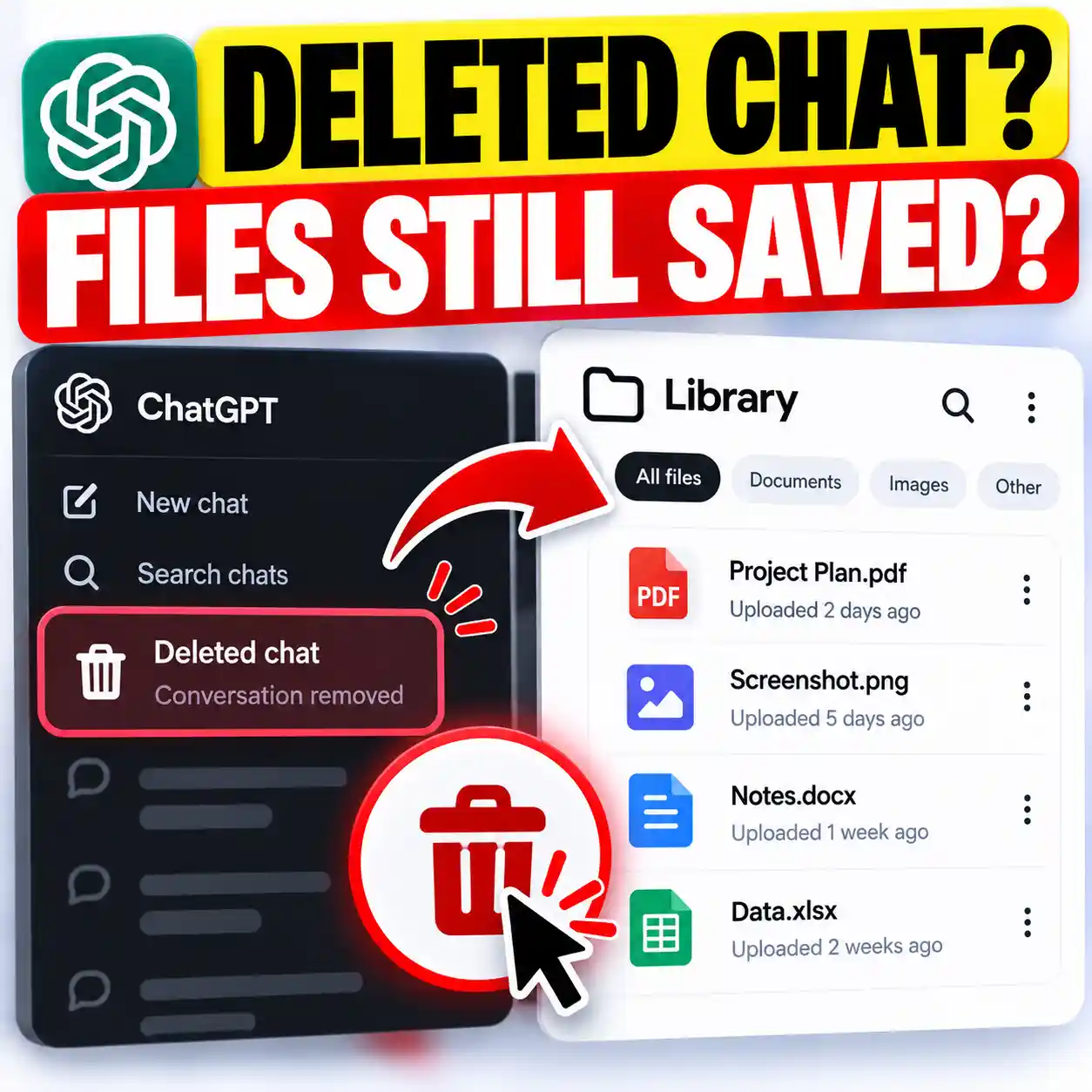
According to OpenAI, deleting ads data clears advertising history and topics data used for ads. It does not delete your ordinary ChatGPT conversations.
Once deleted, that ads data is no longer used to show you ads. OpenAI says it can remain on its servers for up to 30 days before full removal.
How to Hide or Report a ChatGPT Ad
You do not need to change your entire advertising setup just because you dislike one sponsored item.
Use the three-dot menu on the ad to access options such as:
- Hide ad — dismisses an advertisement you do not want to see.
- Report ad — reports a potentially misleading, unsafe or inappropriate advertisement and hides it.
- About this ad — provides more information about why the ad appeared.
- Ask ChatGPT — shares that specific advertisement into the conversation so you can ask questions about it.
By default, ChatGPT cannot see the sponsored item being displayed in the interface. Selecting Ask ChatGPT explicitly brings that particular ad into the conversation.
Do Advertisers See Your ChatGPT Conversations?
No. OpenAI says advertisers do not receive your ChatGPT conversations, chat history, memories or personal account details.
Advertisers may receive aggregated, non-identifying ad-performance information, such as overall views or clicks.
This does not mean conversation context plays no role in advertising. ChatGPT’s own advertising system can consider the context and intent of your current conversation when deciding whether an ad is relevant.
ChatGPT may use conversation context to select an ad, but the advertiser does not receive your conversation. Those are two different processes.
If you are reviewing your broader privacy settings as well, explore the AI Safety, Privacy & Trust guides for additional practical privacy walkthroughs.
Do ChatGPT Ads Influence the Answers You Get?
OpenAI says advertisements do not influence ChatGPT’s answers.
Ads operate separately from the chat model and are shown as sponsored placements. Advertisers do not get to shape, rank or alter the response ChatGPT gives you.
Seeing a sponsored item also does not mean OpenAI endorses or recommends the advertiser, product or service.
Which ChatGPT Plans Have Ads?
| ChatGPT plan | Can ads appear? | Notes |
|---|---|---|
| Free | Yes | Eligible users may see ads. A free Ads-Free option may be available with reduced access. |
| Go | Yes | Ads may appear. Ads-Free is specifically a Free-plan option. |
| Plus | No | Ad-free subscription. |
| Pro | No | Ad-free subscription. |
| Business | No | OpenAI currently lists Business as ad-free. |
| Enterprise | No | Ad-free. |
| Edu | No | Ad-free. |
If you are on ChatGPT Go and want to use the free Ads-Free option, OpenAI currently says you would need to move back to the Free plan or choose an already ad-free plan such as Plus or Pro.
Why Can’t I Find Ads Controls in ChatGPT?
Not every account receives ChatGPT advertising controls at the same time.
You may not see Ads Controls because:
- ChatGPT ads have not yet reached your region.
- Your account is not currently eligible for the advertising experience.
- Your plan is already ad-free.
- Your mobile ChatGPT app needs to be updated.
- Some ad-personalization features are restricted or unavailable in your region.
OpenAI specifically notes that personalized ads are not initially available in the European Economic Area or Switzerland.
ChatGPT’s advertising rollout is still evolving. If your menu does not exactly match a screenshot or tutorial, check your account plan, app version and regional availability before assuming a setting has been removed.
Do Temporary Chats Show ChatGPT Ads?
No. OpenAI currently says Temporary Chats do not show ads.
Temporary Chat can therefore be useful when you want an occasional conversation without ads and without using or updating ChatGPT memory. It is not the same as permanently switching your Free account to Ads-Free.
How to Switch Back From ChatGPT Ads-Free
If the lower usage limits become too restrictive, you are not necessarily stuck with the Ads-Free Free configuration.
OpenAI currently provides two routes back:
- If you hit a usage limit, select Show ads from the rate-limit message when offered.
- Open Settings → Ads controls and choose the option that returns your account to the ad-supported Free experience.
Wording may vary by platform, but the core tradeoff remains the same: ads can support more Free-plan access, while Ads-Free reduces that access.
Which ChatGPT Ad Setting Should You Choose?
Choose Ads-Free Free
Choose this if removing ads matters more to you than maximizing free usage limits or maintaining access to every supported tool.
Keep Ads, Disable Personalization
Choose this if you want the broader access of the ad-supported Free experience but prefer less use of your wider ChatGPT activity for ad relevance.
Use Plus or Pro
A paid ad-free plan makes more sense if you use ChatGPT frequently and do not want the lower limits of the Ads-Free Free option.
Use Temporary Chat
Temporary Chat can be useful when you only need an occasional ad-free conversation and do not want that chat using or updating memory.
What Professionals, Students and Everyday Users Should Consider
The right choice depends less on your job title and more on how heavily you rely on ChatGPT.
| User | What matters most | Practical choice |
|---|---|---|
| Occasional home user | Simple interface and fewer distractions | Ads-Free Free may be enough. |
| Student | Message availability and research tools | Check whether reduced Ads-Free limits would interfere with study sessions. |
| Professional | Reliable daily availability | A paid ad-free plan may make more sense for frequent work use. |
| Privacy-conscious user | Reducing use of wider activity for ads | Review Personalize ads, Past chats and memory, and ads-data deletion separately. |
Common Mistakes to Avoid
- Assuming that turning off personalization removes advertisements.
- Assuming the free Ads-Free option keeps the same usage limits as normal Free.
- Believing advertisers can read your ordinary ChatGPT conversations.
- Assuming deleting ads data also deletes your ChatGPT chats or memories.
- Following an exact message-limit number from an outdated third-party tutorial.
- Assuming everyone has Ads Controls simply because another user does.
Frequently Asked Questions
Can you turn off ChatGPT ads for free?
Does turning off personalized ads remove ChatGPT ads?
Why am I seeing ads in ChatGPT?
Does ChatGPT share my conversations with advertisers?
Does ChatGPT Plus have ads?
Does ChatGPT Go have ads?
Can I delete my ChatGPT ad data?
Does Temporary Chat show ads?
Why don’t I see Ads Controls?
Can I switch back after choosing ChatGPT Ads-Free?
Final Takeaway
If your goal is simply to turn off ChatGPT ads, the key setting to look for is the Free plan’s Ads-Free option—not the personalization switch.
Ads-Free removes advertising but reduces Free-plan usage and feature access. If you want to keep the normal ad-supported experience while limiting broader personalization, turn off Personalize ads and review the separate Past chats and memory setting.
For privacy, remember the most important distinction: ChatGPT’s advertising system may use conversation context to decide whether an ad is relevant, but OpenAI says advertisers themselves do not receive your conversations, memories or personal account details.