Everyday AI Guides · Claude beginner tutorial
Claude Chat vs Cowork is no longer simply a choice between two separate tabs. Anthropic began merging Claude Chat and Claude Cowork into one experience on September 16, 2026. Depending on your plan and rollout status, you may already be able to ask for quick answers, research, documents, spreadsheets, and longer tasks in the same conversation.
This updated 2026 guide explains what Claude Cowork is, how it differs from Claude Code, what changed, how to use Claude Cowork for a real task, and what to check if the Cowork option seems to be missing.
Claude Chat vs Cowork: Quick Answer for 2026
The short answer: Claude Chat historically handled conversational questions and writing, while Cowork let Claude carry out longer, multi-step work involving tools and files. In Anthropic’s new unified Claude experience, you can request both kinds of work from one conversation. Claude Code remains the developer-oriented coding tool, including use through a terminal or supported IDE.
If your account still displays Chat and Cowork separately, that does not mean something is broken. The rollout is staged. Anthropic says eligible Pro and Max accounts receive the unified experience at different times. Team and Enterprise organizations may still use the separate workflow.
Source: Anthropic’s official Chat/Cowork merger explanation.
What Is Claude Cowork?
Claude Cowork is Anthropic’s capability for delegating work rather than only exchanging messages. You describe an outcome, provide the necessary inputs and permissions, and Claude can perform a series of steps to deliver an output such as a research summary, spreadsheet, document, or presentation. The name remains useful for understanding older tutorials and accounts that still have a Cowork option.
For example, asking, “What should a weekly project report contain?” is a typical conversational request. Asking, “Review these three project updates, identify overdue work, make a report, and draft a five-slide summary” is closer to a Cowork-style task.
Ask and refine
Questions, explanations, outlines, drafts, brainstorming, and feedback that you direct as the exchange continues.
Define the outcome
Multi-step research, working across approved files, preparing finished deliverables, and reviewing the results.
The difference describes types of work, not two permanently separate products in accounts with the new interface.
What Changed When Claude Chat and Cowork Merged?
On September 16, 2026, Anthropic announced that Chat and Cowork were becoming one Claude experience. Previously, you needed to decide where a task belonged before starting. In the new version, the same conversation can handle an ordinary question or more involved work when your account and permissions support it.
| Before the update | In the new experience |
|---|---|
| Pick Chat or Cowork before you start. | Describe your request in one conversation. |
| Chats and Cowork tasks appear in separate contexts. | Chats and new tasks appear together in Recents. |
| Ask a question, then move to Cowork for a larger task. | Continue from a question into a delegated task in the same thread. |
| Separate Cowork-specific global instructions. | Check Instructions for Claude in Settings > General. |
| Older tutorials refer to a dedicated Cowork tab. | Some accounts no longer show that tab; older accounts still may. |
What did not disappear? Cowork-style capabilities, existing tasks, projects, and supported connectors are not simply removed. Anthropic says existing resources carry over as the account transitions. The Code tab and model picker remain available, although specific controls and integrations depend on the product and plan.
Claude Chat vs Cowork vs Claude Code: Key Differences
The search phrase claude cowork vs claude code asks a slightly different question from Chat versus Cowork. Claude Code is built for developers working with software projects, while Cowork-style delegation is broader. These tools can overlap in their use of AI and automation, but their intended workflows differ.
| Question | Chat-style request | Cowork-style request | Claude Code |
|---|---|---|---|
| Main purpose | Understand, draft, discuss. | Delegate a complete task. | Work on software and codebases. |
| Typical input | A question or short document. | A goal, files, constraints, and tools. | Repository, code, tests, issue description. |
| Typical output | Answer, explanation, or draft. | Report, spreadsheet, research, or presentation. | Code changes, tests, refactors, technical output. |
| Best for | Fast interactive help. | Business and productivity workflows. | Development workflows requiring code-level control. |
| Separate mode required? | No, if your account has the unified Claude experience. Otherwise use the available Chat or Cowork option. | Separate coding workflow remains available. | |
Example: If you want to understand how a spreadsheet formula works, start with a question. If you want several project files summarized into a polished report, delegate the task. If you want to modify a website repository, run tests, and review code changes, consider Claude Code.
Claude Code is not simply a renamed Cowork feature. Anthropic describes it as a coding tool available through the terminal or supported development environments. See Anthropic’s Claude Code overview.
Which Claude Experience Should You Use?
Instead of focusing on product names, use this decision framework to match the task to the amount of work and access it needs.
Ask a question
Choose a normal conversation for definitions, feedback, explanations, and small drafts. Keep the request specific.
Delegate a task
Describe the files, research, steps, format, and review requirements. Claude can use Cowork-style capabilities where enabled.
Use Claude Code
For code changes, testing, refactoring, and work in a repository, use a development-oriented Claude Code workflow.
Good instructions versus vague instructions
“Do my weekly report.”
Claude must guess the inputs, audience, and success criteria.
“Using only these anonymized updates, create a one-page report for a project manager. List completed work, blockers, owners, and next steps. Mark missing facts instead of guessing.”
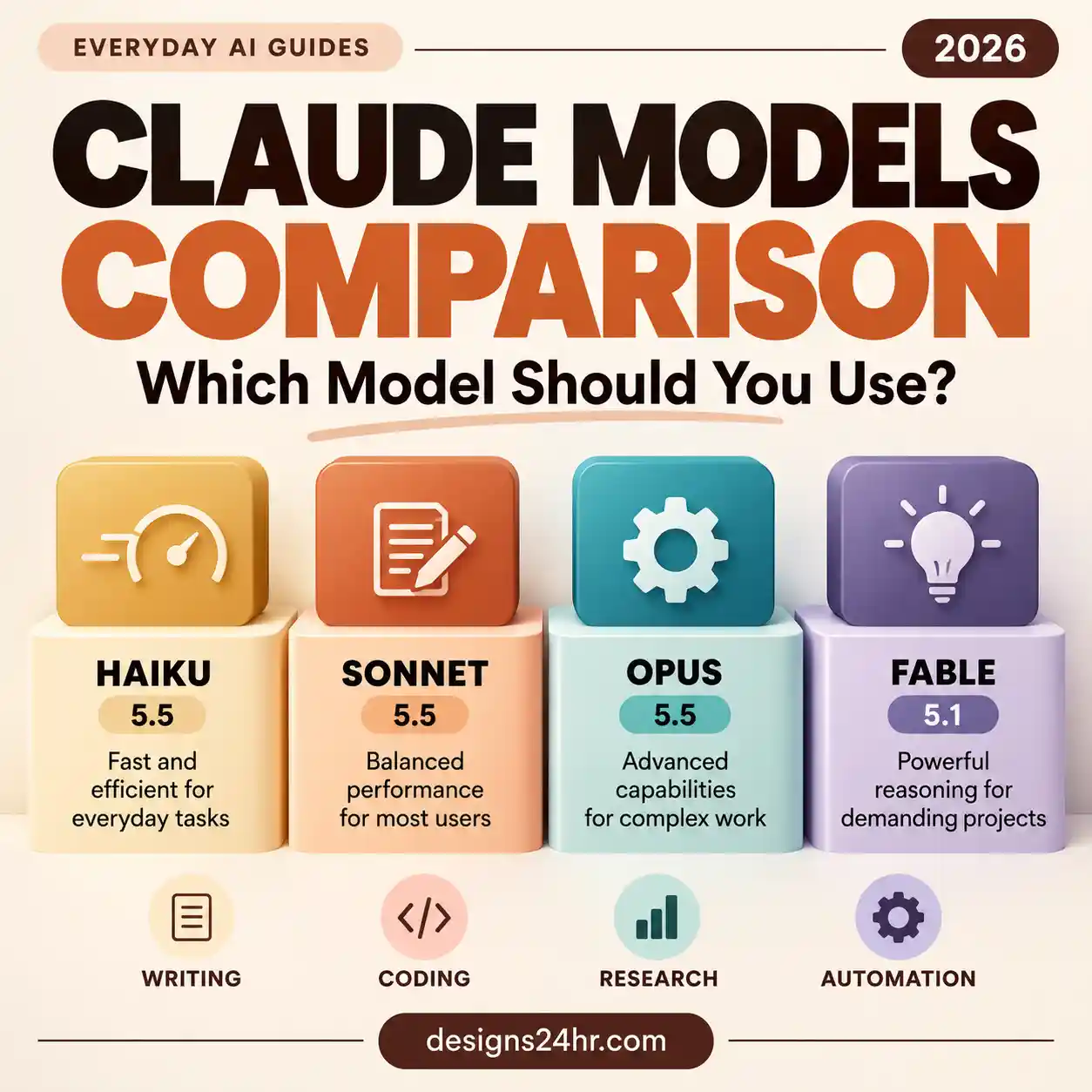
When working with a sensitive or important file, review its contents and access permissions before letting an AI system use it. For deeper questions about Claude’s model options, see our Claude models comparison. Models and workflow types are different decisions.
How to Use Claude Cowork: Step-by-Step Beginner Tutorial
This practice task uses fictional project updates. It does not require connecting a real account, granting folder access, or uploading private documents. Depending on your plan, the available tools and ability to export finished files may differ.
- Open Claude. Sign into your account on the supported web, desktop, or mobile experience. If you have the merged interface, begin in a normal conversation. If you still have separate options, select Cowork for the delegated task.
- Choose a harmless practice task. Ask for a one-page project-status report using the fictional notes below. No connector or folder permission is necessary for this example.
- Specify the outcome and limits. Tell Claude the audience, output format, and what it must not invent. For a first attempt, say not to access outside websites, other files, or connected apps.
- Review any permission request. If Claude asks to use a tool or access something you did not intend, decline or revise the task. For higher-risk actions, use manual approval where offered.
- Inspect the result. Check whether the report accurately reflects the notes. Make sure owners, dates, and blockers are not invented.
- Refine or export if supported. Ask for a shorter executive summary or an editable document. Check your final file before sharing it with anyone.
Act as a project reporting assistant. Use only the fictional notes below to create a one-page weekly update for a project manager.

Monday: Draft outline approved. Owner: Sam.
Tuesday: Research summary completed. Owner: Lee.
Wednesday: Design review delayed because feedback was not received. Owner: Jordan.
Thursday: Two corrections requested; one completed. Owner: Sam.
Friday: Launch date has not been confirmed.

Include: completed work, outstanding blockers, named owners, next steps, and three questions that need answers.

Rules: Do not invent deadlines, progress percentages, missing owners, or unprovided facts. Clearly label unknowns. Do not access websites, other files, or connected apps. Show the report in the conversation first and ask before using any external service.
What a successful result should include
- Monday’s outline approval and Tuesday’s completed research appear under completed work.
- The delayed design review and remaining correction appear as unresolved work.
- The unconfirmed launch date is marked unknown, not assigned a guessed date.
- Any follow-up questions are specific to the notes.
- No external account, website, or file access was needed.
Claude Cowork Prompts You Can Copy and Adapt
The examples below work as templates for explaining, delegating, and reviewing tasks. Replace bracketed text with non-sensitive information, and check which capabilities your Claude account actually supports.
Prepare a beginner-friendly comparison of [topic or three options] for a reader in the United States. First identify the decision criteria, then compare each option using the same criteria. Cite primary sources with links for factual claims, distinguish verified facts from uncertainty, and flag missing information. Deliver a concise table followed by an actionable recommendation. Do not sign into accounts, send messages, or make purchases.
Summarize only the files I explicitly attach or authorize for this task. Organize the findings into: key points, open questions, inconsistencies, and recommended next actions. Quote short supporting excerpts with file references where possible. Do not change, rename, move, share, or delete any file. Do not open unrelated folders or connected apps. Ask before taking any action outside this scope.
Audit the draft above before I use it. Identify unsupported claims, incorrect calculations, invented facts, missing citations, and unclear recommendations. Make a table with issue, evidence, consequence, and suggested fix. Do not silently change any factual value. Label every item that still needs human verification.
Prompts are editorial examples, not evidence of hands-on testing or a guarantee that any particular tool action will execute on your account.
Why Is Claude Cowork Missing From My Account?
A missing Cowork tab has several possible explanations. Start by checking whether your account already uses the unified Claude experience.
| What you see | Likely explanation | What to do |
|---|---|---|
| No separate Chat or Cowork toggle | Your eligible account may already have the merged interface. | Start a conversation and ask for the outcome you need; review available tools and permissions. |
| Separate Chat and Cowork options | Your account may not have received the update. | Continue using the existing options; do not force a switch. |
| Free plan, no Cowork capability | Cowork task capabilities are described as paid-plan features. | Check current eligibility rather than assuming ordinary free chat includes agentic work. |
| Workplace account shows different controls | Team or Enterprise features can depend on admin permissions and rollout. | Ask your organization administrator which features are enabled. |
| Can chat, but cannot use local files or browser | Local operations may require Claude Desktop, connector approval, or device access. | Check device requirements and granted permissions; avoid broad access. |
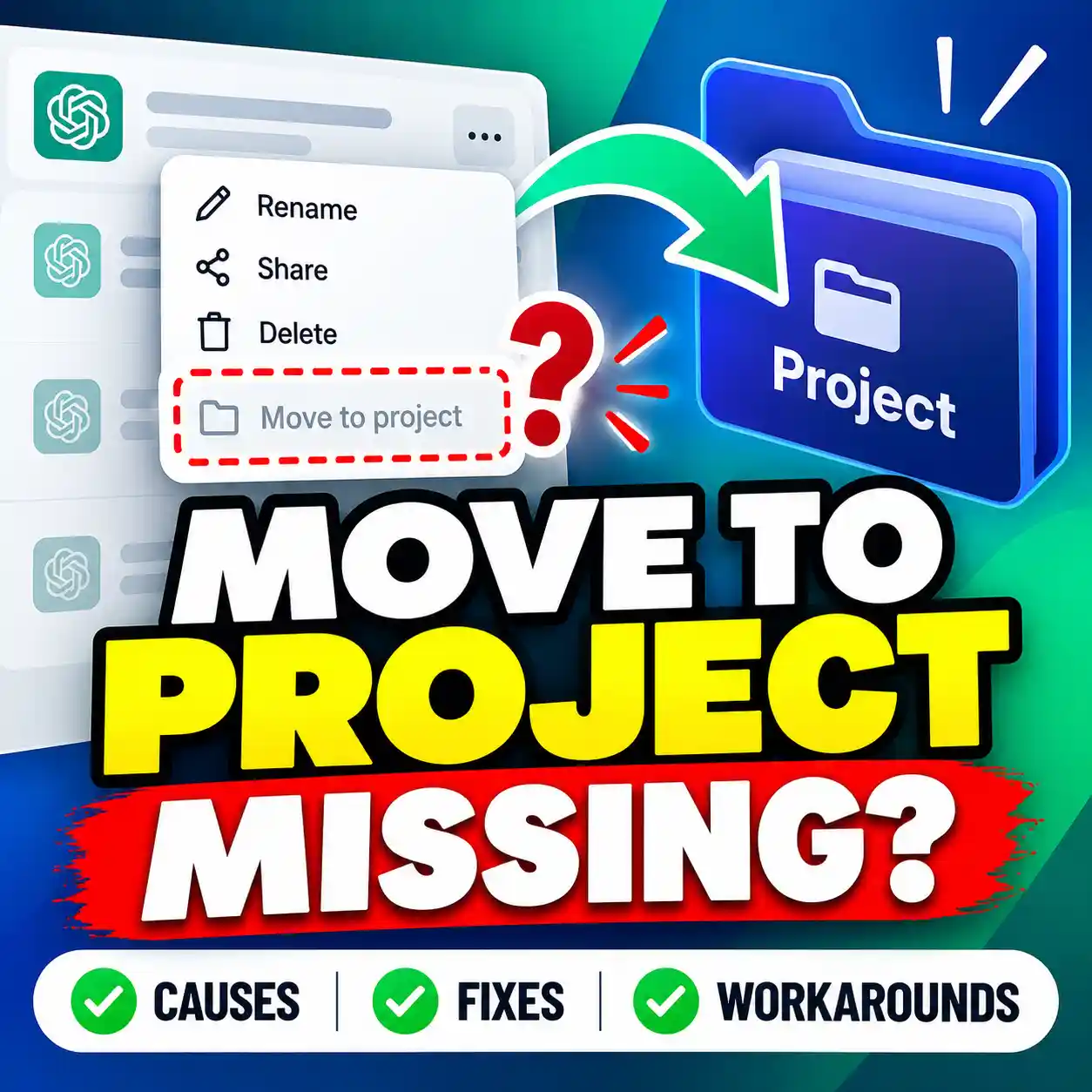
Do not reinstall everything immediately. First read Anthropic’s rollout and interface guidance. For browser-specific capabilities and the difference between Claude Desktop’s built-in browser and the Chrome extension, see our Claude in Chrome guide.
Claude Cowork Plans, Availability, and Usage Limits
Anthropic currently describes Cowork as available through its paid plans: Pro, Max, Team, and Enterprise, with differences by device and organization. Pro and Max are receiving the unified experience in stages. Some Team and Enterprise environments continue showing separate Chat and Cowork experiences while organization-level controls apply.
Cowork-related capabilities are available on supported desktop apps, with cloud-based Cowork available in beta on eligible web and mobile accounts. Availability of particular connectors, browser control, desktop computer use, and exports may vary. Consult Anthropic’s current availability documentation before subscribing for a specific feature.
Usage matters: Lengthy work involving research, code execution, or file creation generally uses more of your plan allowance than a short question. Check Settings > Usage inside your own account for the applicable limits. This guide intentionally does not reproduce volatile plan prices or promise unlimited tasks.
Claude Cowork Permissions, Privacy, and Safety
Delegating work can be useful, but it increases the importance of understanding what an AI assistant can read and what actions it can perform. Even when a task runs in an isolated environment, approved connectors and files may give it access to real accounts and information.
Before you approve a task
- Use sample or anonymized information for first-time experiments.
- Give access only to necessary files, folders, websites, and tools.
- Prefer manual approval for consequential tasks, especially those involving edits or outside services.
- Back up important original files before authorizing changes.
- Never put passwords, API keys, financial records, medical data, or other people’s private details into a routine test.
- Review sources and calculations; AI-generated results can be incorrect.
- Stop a task if Claude starts following unrelated instructions from a page, file, or message.
For more detail, review Anthropic’s Cowork safety guidance and our Claude browser permissions tutorial.
Claude Chat vs Cowork: Frequently Asked Questions
Is Claude Cowork the same as Claude Chat now?
Anthropic is merging Claude Chat and Cowork into a unified conversation experience. Eligible updated accounts can ask ordinary questions and delegate complex tasks in one place. Accounts still awaiting the rollout may retain separate options.
What is Claude Cowork used for?
Cowork-style capabilities help Claude complete multi-step tasks involving research, files, spreadsheets, presentations, and approved connected services. The exact capabilities depend on your plan, device, and permissions.
How do I use Claude Cowork for the first time?
Open Claude, describe a clear deliverable, provide only the required inputs, review permission requests, and verify the result. In the unified interface you can start from a normal conversation; in an older interface choose Cowork for a delegated task. Try the fictional project-report prompt above.
What is the difference between Claude Cowork and Claude Code?
Cowork-style delegation covers broader productivity tasks and finished deliverables. Claude Code is designed for software development, including working with a codebase through the terminal or a supported development environment.
Why can I not see the Cowork tab anymore?
Your account may have moved to the merged interface. Anthropic says the new experience no longer requires choosing between Chat and Cowork before starting. If you are unsure, inspect your account’s available task features and check the official rollout documentation.
Is Claude Cowork free?
Anthropic currently lists Cowork capabilities for paid Pro, Max, Team, and Enterprise plans, with rollout and device requirements. Ordinary Claude chat availability is not proof that Cowork-style tools are included on the free plan. Check the latest plan description before paying.
Can Claude Cowork continue when my computer is off?
Cloud-based tasks and scheduled tasks can continue without your laptop being open. Work that depends on local files, computer use, or the desktop browser requires the relevant Claude Desktop access to remain available.
Does Claude Cowork have access to all of my files?
Not automatically. Available access depends on the permissions and connectors you provide. Treat every access request carefully and start with an isolated practice folder rather than granting broad access to your computer or accounts.
Is Cowork better than Chat for every request?
No. A simple question rarely needs a longer agentic workflow. Use the lightest approach that can meet your goal, and delegate additional steps only when they create meaningful value.
Keep Learning: Related Everyday AI Guides
After you understand Claude Chat vs Cowork, these practical guides can help you apply Claude to an actual workflow:
Learn about browser use, connected sessions, and permission risks. Claude Slides
Turn an outline or source notes into an editable presentation. Claude Dashboards
Understand connected data, dashboards, and verification steps. Claude Models Comparison
Understand when models differ from tools and task workflows.
Share This Beginner Guide
Know someone asking where Claude Cowork went—or whether they should use Claude Code? Share this updated comparison rather than an older tutorial that assumes separate tabs are permanent.
Share on Pinterest Share on LinkedInSources and Editorial Notes
This guide was checked against Anthropic documentation available on October 12, 2026. Product features and availability may change as the rollout continues. Designs24hr is an independent educational website and is not affiliated with Anthropic. No first-hand feature testing is claimed.
- Anthropic: Claude Cowork and Chat Are Now One Claude (September 16, 2026)
- Claude Help Center: The Unified Claude Experience
- Claude Help Center: Cowork Availability and Organizational Plans
- Claude Help Center: Use Claude Cowork Safely
- Claude Help Center: Claude Code for Pro and Max
Editorial recommendation: choose the simplest Claude workflow that can complete your work safely. Always verify AI-generated claims and review permissions before allowing actions.