An AI shopping assistant can shorten product research, compare specifications and help you build a shortlist. It can also repeat outdated prices, overlook hidden costs, misread reviews or confidently recommend a product that does not fit your needs. This AI shopping assistant checklist gives you 12 practical checks to complete before trusting an AI-generated recommendation or buying anything.
AI Shopping Assistant Checklist: Quick Answer
Use AI to organize your choices—not to make the final purchasing decision. Before buying, independently confirm the exact model, compatibility, current price, complete cost, seller, reviews, return policy, warranty, privacy terms and checkout details. For expensive, safety-critical or health-related products, verify the recommendation with an appropriate expert or official source.
Editorial approach: This guide does not rank or endorse a particular AI assistant, retailer or product. Its purpose is to help everyday shoppers test recommendations consistently and retain control of the final decision.
What Can an AI Shopping Assistant Actually Do?
An AI shopping assistant is a chatbot, search feature or automated agent that helps find, summarize or compare products. Some assistants work inside a retailer’s website. Others search across multiple websites or use information you provide.
AI can help you
- Turn your needs into clear buying criteria.
- Build an initial product shortlist.
- Compare specifications in a consistent table.
- Explain unfamiliar product terminology.
- Identify questions to ask before purchasing.
- Summarize return or warranty language for review.
AI cannot guarantee
- That a price or stock level is current.
- That every cited review is genuine.
- That a recommendation is unbiased.
- That the product is compatible with your setup.
- That the seller will honor a return or warranty.
- That a product is safe for your personal circumstances.
The important distinction is between research assistance and purchase authority. AI can help organize information, but the retailer, manufacturer, official documentation and your own verification should determine whether you buy.
If the assistant can take actions instead of only answering questions, follow the additional permission and approval checks in our AI Agent Safety Checklist.
Use the SAFE CART Decision Framework
Before accepting any AI shopping recommendation, run it through the SAFE CART framework. It is a quick way to remember the eight areas most likely to change the quality, suitability or real cost of a purchase.
SAFE CART
Eight questions between an AI recommendation and your payment.
Suitability: Does the product solve your actual problem and meet every must-have requirement?
Accuracy: Are the model number, specifications, price and availability confirmed on a current source?
Funding: Could sponsorships, affiliate relationships or retailer incentives influence the recommendation?
Expenses: What will the product really cost after shipping, accessories, subscriptions, maintenance and taxes?
Company: Is the seller identifiable, reputable and reachable if something goes wrong?
Account privacy: What personal information, shopping history or payment access does the assistant receive?
Returns: Are the return window, restocking fees, warranty coverage and repair options acceptable?
Transaction: Have you reviewed the final seller, item, quantity, price and payment details yourself?
AI Shopping Assistant Checklist: 12 Checks Before You Buy
Complete these checks in order. If the product is expensive, difficult to return or important to your safety, spend more time on independent verification.
Define the Purchase Before Asking AI
Start with your problem, budget, must-have features and deal-breakers. Without these constraints, an assistant may recommend whatever is popular, highly reviewed or easy to find instead of what fits your situation.
Write down your maximum budget, three must-haves, two nice-to-haves and any brands, materials or features you want to avoid.
“Help me compare products for [purpose]. My maximum total budget is [amount]. My must-haves are [list]. Do not recommend anything that requires [subscription/accessory/incompatible feature]. Ask me questions before creating a shortlist.”
Confirm the Exact Model and Version
Similar product names may refer to different generations, sizes, storage capacities, regional versions or bundled accessories. An assistant may combine details from multiple versions into one answer.
Match the full model number, release year, size, color, capacity and region on the manufacturer’s page and the seller’s listing.
The recommendation lists impressive features but cannot provide an exact model number or a current product page supporting them.
Verify Compatibility Yourself
Check dimensions, operating-system requirements, voltage, connectors, replacement parts, smart-home compatibility and any equipment the product must work with.
Compare the manufacturer’s compatibility information with the exact devices, space or system you already own. Measure physical spaces rather than relying on a visual estimate.
“List every compatibility claim separately. For each claim, tell me what exact detail I must verify on the manufacturer’s page before buying.”
Ask for Comparable Options—not One “Best” Product
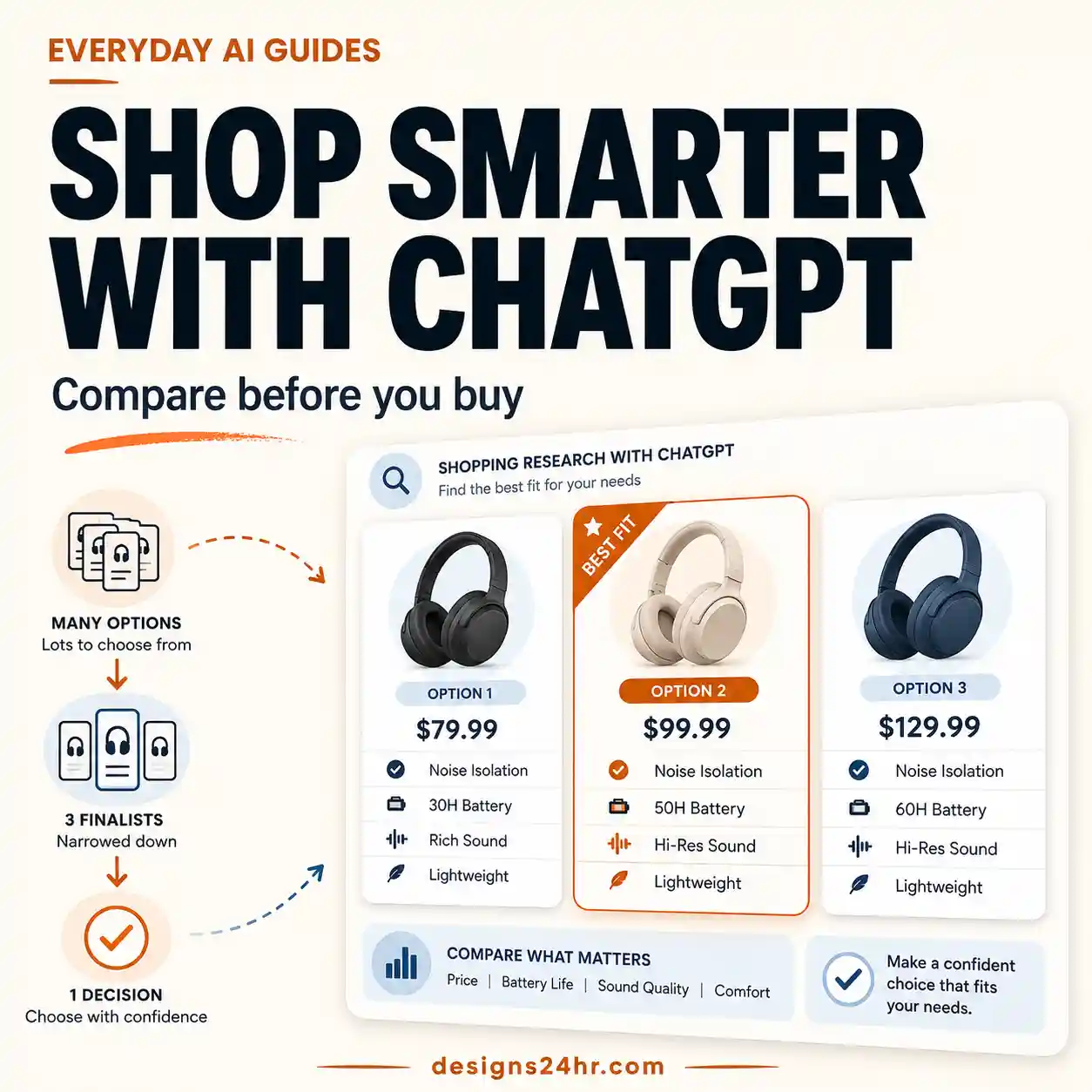
“Best” is meaningless without criteria. Ask for at least three suitable options compared using the same features, price basis and limitations.
Require the assistant to include one lower-cost option, one closest match and one reasonable alternative—not merely three variations of the same product.
“Compare three options using the same criteria. Separate confirmed facts from assumptions, identify missing information and explain why each option may be wrong for me.”
Check the Current Price, Stock and Delivery Date
Prices, discounts, availability and shipping estimates can change quickly. AI-generated answers may rely on cached pages, old search snippets or a different product variant.
Open the seller’s current product page and confirm the price for the exact variant. Check delivery charges and dates after entering the correct location, but before payment.
A claimed discount is not visible on the live product page, only appears after joining a membership or applies to a different size or version.
Calculate the Complete Cost of Ownership
The purchase price may exclude shipping, taxes, subscriptions, installation, batteries, accessories, replacement filters, proprietary supplies or repair costs.
Calculate the amount due today and the likely cost over the period you expect to own the product.
“Create a total-cost checklist for this product. Include required accessories, recurring fees, maintenance, consumables, installation and features that stop working without a subscription.”
Look for Sponsored or Affiliate Bias
A recommended product may appear because of a commercial relationship, preferred retailer, paid placement or limited product catalog. A disclosure does not automatically make a recommendation unreliable, but you should understand what shaped the shortlist.
Look for labels such as “sponsored,” “promoted,” “partner,” “commission” or “affiliate.” Ask whether the assistant searched broadly or only within one retailer’s catalog.
“Could commercial relationships, sponsored placement or catalog limitations affect these results? Identify what you cannot verify.”
Evaluate Reviews Across Multiple Sources
Do not rely on a star average or a few quoted comments. Check when reviews were posted, whether many use repeated wording, whether reviews match the exact model and whether independent sources report the same strengths and weaknesses.
Read recent positive, mixed and critical reviews. Search the product or seller name with terms such as “complaint,” “problem,” “return” or “scam.”
The Federal Trade Commission recommends consulting a variety of sources and watching for suspicious bursts of reviews. See How to Evaluate Online Reviews.
Verify the Seller and Product Safety
Confirm who is actually selling the item—not only the marketplace hosting the listing. Review the seller’s contact details, business history, shipping location and complaint patterns.
For relevant consumer products, search the U.S. Consumer Product Safety Commission recall database. For regulated or safety-critical items, use the appropriate official regulator and professional advice.
The seller identity is unclear, contact information is missing, the price is implausibly low or payment is requested outside the normal checkout system.
Protect Your Privacy and Shopping History
Avoid sharing passwords, complete payment-card details, government identification numbers, private documents, medical information or any data unnecessary for product research.
Review whether chats are saved, used for personalization or training, shared with retailers or connected to your purchase history. Remove unnecessary information from prompts.
Say “I need a laptop under $900 for photo editing” instead of uploading a receipt, financial statement, identification document or complete account history.
For connected assistants, use our AI Voice Assistant Privacy Checklist to review recordings, permissions and saved activity.
Read the Return, Warranty and Repair Terms
Verify the return deadline, original-packaging requirements, return-shipping cost, restocking fees, opened-item restrictions and whether marketplace sellers use different policies.
Save or screenshot the policy that applies on the purchase date. Confirm who provides the warranty and where repairs or returns must be sent.
The assistant says an item is returnable but cannot link to the exact seller policy, or the manufacturer’s warranty does not apply to the listed seller or region.
Review the Final Checkout Yourself
Do not let convenience remove the final human checkpoint. Immediately before payment, confirm the product, seller, quantity, variant, delivery address, total charge and whether a subscription or add-on was included.
Use the retailer’s normal secure checkout, keep the order confirmation and avoid sending payment through an unexpected link, message or off-platform request.
If the assistant cannot clearly explain why the product fits your requirements, pause the purchase. A confident answer is not evidence of an accurate answer.
Reusable AI Shopping Comparison Scorecard
Give each option 0, 1 or 2 points in every category. This is a personal decision aid—not a product-safety rating or substitute for expert advice.
| Criterion | 0 points | 1 point | 2 points |
|---|---|---|---|
| Needs fit | Misses a must-have | Mostly suitable | Meets every must-have |
| Facts verified | Claims unsupported | Some facts confirmed | Key claims independently confirmed |
| Total cost | Unclear or over budget | Some extra costs remain | Complete cost is clear and acceptable |
| Seller confidence | Identity or history unclear | Limited verification | Identifiable seller with credible history |
| Review quality | Only seller-controlled reviews | Mixed evidence | Consistent evidence across sources |
| Returns and warranty | Unclear or unacceptable | Some restrictions | Terms are clear and acceptable |
| Privacy | Unnecessary data required | Some uncertainty | Data use is understood and minimized |
| Checkout confidence | Unexpected or off-platform | Minor details unresolved | Seller, item and total fully verified |
How to interpret your score
Bad vs. Better AI Shopping Prompts
Better prompts do not make AI infallible, but they reduce vague recommendations and make unsupported assumptions easier to notice.
Weak prompt
“What is the best laptop?”
Why it fails: There is no budget, purpose, location, compatibility requirement or definition of “best.”
Better prompt
“Compare three laptops under $900 for photo editing and everyday work. I need at least 16 GB RAM and a color-accurate display. Identify the exact models, missing information, recurring costs and reasons each option may not suit me.”
Weak prompt
“Find me the cheapest smart camera.”
Why it fails: The cheapest purchase price may hide subscription fees, weak privacy controls or missing features.
Better prompt
“Compare three indoor cameras by total two-year cost, local-storage options, subscription requirements, privacy controls, return policy and compatibility. Separate confirmed facts from details I must verify.”
Weak prompt
“Summarize the reviews and tell me whether to buy it.”
Why it fails: The assistant may rely on a small, outdated or unrepresentative review sample.
Better prompt
“Group the most commonly reported strengths and problems, identify which exact model each review concerns, note review dates and tell me what evidence I should verify outside the seller’s website.”
When an answer includes surprising claims or unsupported comparisons, follow the verification process in How to Fact-Check AI Answers.
Stop the Purchase When You See These Warning Signs
Do not continue automatically if:
- The assistant creates a product, feature, discount or review that you cannot find on a live source.
- The price is unusually low and requires payment outside the retailer’s normal checkout.
- The seller identity, location or contact information is unclear.
- A recommendation is presented as unquestionably “best” without explaining the criteria.
- The cited review discusses a different model, size, generation or product variation.
- The tool requests passwords, full payment details, private documents or unrelated personal information.
- The assistant attempts to add upgrades, subscriptions or accessories without clear approval.
- The return or warranty terms cannot be verified before payment.
- You are pressured by a countdown, supposed