Angi in Gemini gives eligible U.S. users a conversational way to look for plumbers, electricians, roofers, handymen and other home-service professionals. The useful part is not simply asking Gemini for “someone near me.” It is describing the actual problem, narrowing the search with practical constraints, and then verifying the important details before you contact or hire anyone.
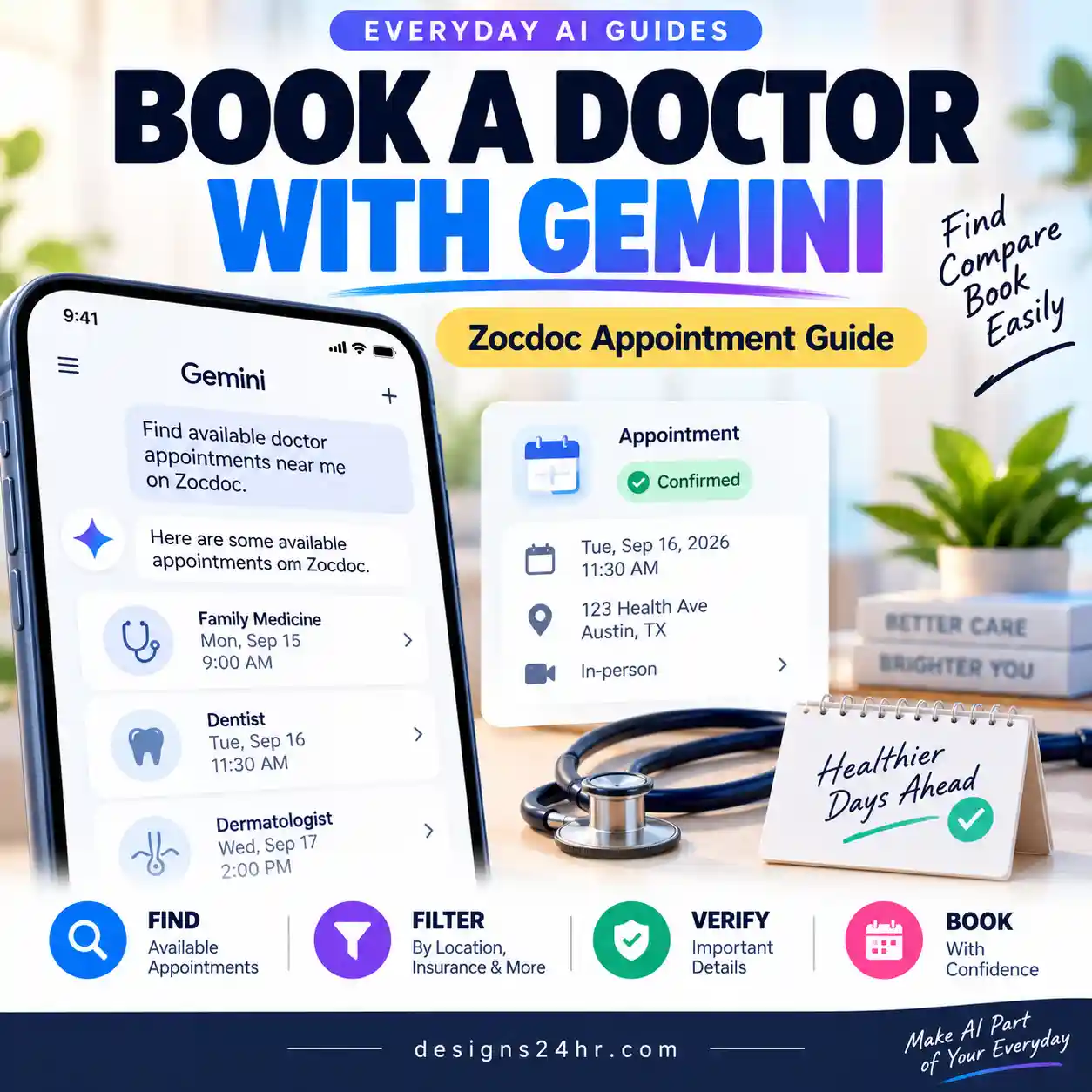
Gemini can also book doctor visits through Zocdoc in Gemini.
To use Angi in Gemini, open Gemini with an eligible personal Google Account, check that Angi is available under Connected Apps, then ask Gemini to use Angi or select @Angi in your prompt. Describe the repair or project, add your location and useful constraints, review the options, and verify current provider details directly before making a hiring decision.
Best workflow: FIX → FILTER → VERIFY → HIRE.
Google currently lists Angi for personal Google Accounts, users age 18 or older, the United States, and English. It is listed for the Gemini web and mobile apps in Gemini Chat and Gemini Spark. Availability can change, so Google’s live Connected Apps listing should remain the final source for current requirements.
What Is Angi in Gemini?
Angi is one of the third-party services available through Gemini’s Connected Apps system. Google describes the integration as a way to find and hire local home-service professionals across Angi’s network, including repair contractors, plumbers, electricians, roofers and handymen.
Google announced Angi as part of a broader expansion of Gemini Connected Apps in August 2026. But the feature becomes much more useful when you think about it as a home-pro discovery workflow rather than a product launch.
For example, you may know that water is appearing underneath your sink without knowing whether you need a plumber, appliance repair specialist or another type of professional. Gemini can help you turn that vague problem into a clearer search request and use Angi when the integration is available to your account.
Who Can Use Angi in Gemini?
Before troubleshooting, check the current requirements. According to Google’s Connected Apps availability table, Angi currently has the following eligibility:
| Requirement | Current Angi availability |
|---|---|
| Google Account | Personal Google Account |
| Age | 18 or older |
| Location | United States |
| Language | English |
| Gemini web app | Supported |
| Gemini mobile app | Supported |
| Gemini Chat | Supported |
| Gemini Spark | Supported |
Do not assume that every Connected App works in every Gemini experience. Google says availability can differ by location, language, device, account and Gemini app.
How to Connect Angi to Gemini
The exact menu labels can move as Gemini changes, but Google’s current Connected Apps documentation provides two practical ways to work with an available integration.
Open Gemini
Use the Gemini web app or mobile app and sign in with the personal Google Account you want to use.
Open Connected Apps
Open Gemini settings and look for Connected Apps. On some versions of the interface, Google says you may first see Personal Intelligence and then Connected Apps.
Look for Angi
If Angi is available to your account, review any connection or permission information shown and follow the on-screen instructions.
Invoke Angi explicitly when useful
Google says you can type @ and select a supported Connected App when you want Gemini to use a particular service. If an available app is not yet connected, Gemini may connect it or ask for permission.
How to Use Angi in Gemini to Find a Home Pro
The strongest way to use Angi in Gemini is to give Gemini the information that would actually change which professional is relevant.
1. FIX — Describe What Is Actually Wrong
If you are unsure which trade you need, do not guess. Describe the symptom first.
Useful details can include:
- Where the problem is happening
- What you can see, hear or smell
- When the problem occurs
- Whether it is getting worse
- What appliance, fixture or part of the home seems affected
- Anything you have already tried
Keep the description factual. Do not tell Gemini that something is definitely a wiring fault, broken pipe or failed appliance unless you actually know that.
2. FILTER — Add the Constraints That Matter
Once the type of job is clearer, narrow the Angi search with information such as:
- City or ZIP code
- Residential project type
- Type of service needed
- Preferred date or scheduling window
- How urgent the non-emergency job is
- Specific specialty when known
- Budget range if you have a genuine limit
You do not need to disclose more personal information than is necessary to search for the service.
3. VERIFY — Treat the Result as a Shortlist
A confident AI response is not evidence that every provider detail is current. Prices, availability, service areas, credentials, reviews and policies can change.
Use Gemini to reduce a large set of options into a manageable shortlist, then verify the important information.
4. HIRE — Make the Decision Using Confirmed Information
The final choice should depend on what the real service provider and relevant source information confirm, not only on Gemini’s summary.
5 Better Prompts for Angi in Gemini
These examples are designed to give Gemini enough context to produce a more useful search without assuming facts that still need verification.
I have water collecting underneath my kitchen sink whenever I use the faucet. I’m in [CITY, STATE]. Help me identify what type of home-service professional may be appropriate, then use Angi to find relevant local options. Separate anything that needs professional confirmation from general possibilities.
@Angi Help me find plumbers near [ZIP CODE] for a kitchen sink that drains slowly and backs up when the dishwasher runs. Prioritize professionals relevant to this type of job. Tell me which provider details I should verify before contacting anyone.
@Angi Find residential electricians near [ZIP CODE] who handle outlet and breaker issues. Help me compare the useful information available, but do not assume that pricing, availability, credentials or service details are current unless they are confirmed.
Compare these home-service options using only the information available. Separate confirmed information from anything uncertain. Then give me a short list of questions I should ask each provider before choosing one.
Based on this home repair problem, create five practical questions I should ask a service provider before agreeing to the job. Focus on scope, price, timing, warranty or guarantee information, and anything that still needs direct verification.
What to Verify Before You Hire a Home-Service Professional
Do not treat an Angi result or Gemini summary as the entire hiring process. The details that matter depend on the project and where you live, but a sensible verification checklist can include:
- Provider identity: make sure you know which actual business or professional you are considering.
- Service area: confirm that the provider currently works in your location.
- Scope: confirm that the provider handles your specific type of repair or project.
- Availability: verify the date and timing directly rather than assuming an AI result is still current.
- Price or quote: get current pricing from the provider and understand what the quote includes.
- Reviews: read recent reviews and look beyond a single summary score.
- Licensing or registration where applicable: requirements differ by trade and jurisdiction, so use the appropriate official source when this matters.
- Insurance where relevant: ask for current information when the nature of the job makes it important.
- Warranty or guarantee: understand what is actually offered and any conditions.
- Payment and cancellation terms: read the current written terms before committing.
Angi in Gemini vs. Using Angi or the Provider Directly
Using Gemini does not make Angi or the service provider unnecessary. Each is useful at a different stage.
| Use Gemini + Angi when… | Use Angi or the provider directly when… |
|---|---|
| You are not sure which professional you need | You need definitive provider information |
| You want to describe a problem in natural language | You are requesting a current quote |
| You want help narrowing multiple possibilities | You need confirmed availability |
| You want questions to ask before contacting someone | You need current payment or cancellation terms |
| You are building a shortlist | You are making the actual hiring decision |
The strongest workflow is therefore not Gemini instead of Angi. It is Gemini helping you formulate and narrow the search, followed by direct verification when the decision becomes consequential.
Angi Not Showing in Gemini? Check These First
If you cannot find Angi in Gemini, work through the highest-probability causes before changing unrelated settings.
Check your country
Google currently lists Angi’s Gemini integration for the United States.
Check your Google Account type
The current listing specifies a personal Google Account. Work and school accounts have different Connected Apps rules.
Check the age requirement
Google currently lists Angi for users age 18 or older.
Check the language
The current availability table lists English.
Check the Gemini experience
Google currently lists Angi for the Gemini web app and mobile app, with Gemini Chat and Gemini Spark as supported modes.
Open Connected Apps
Check Gemini settings for Connected Apps. If you do not see that label directly, Google’s current documentation says it may appear under Personal Intelligence on some interfaces.
Check Keep Activity
Google says Keep Activity affects Connected Apps availability. When Keep Activity is off, Connected Apps are unavailable on Gemini’s web app and iOS; Android retains only a limited set of exceptions. Angi is not one of those listed exceptions.
Try using @Angi explicitly
If Angi is available, type @ in a Gemini prompt and look for Angi. Google’s Connected Apps instructions support using the @ selector when you want a specific available app.
When Angi in Gemini Is Most Useful
You know the problem, not the trade
Describe the symptom and let Gemini help frame which type of professional may be relevant before you start searching.
You have several constraints
Location, timing, project type and other requirements can be combined into one conversational request.
You want a manageable shortlist
Use follow-up questions to reduce a broad search into a smaller group worth investigating further.
You need better questions
Gemini can help turn an unfamiliar repair into a practical list of questions to ask the real provider.
When You Should Not Use an AI Contractor Search
Do not spend time experimenting with Gemini or searching contractor listings when the situation requires immediate emergency action. Examples can include fire or smoke, a suspected gas leak, severe electrical danger, rapidly worsening flooding that poses an immediate hazard, or another urgent threat to safety.
Use the appropriate emergency service, utility emergency channel, property emergency contact or other relevant urgent-response option for your situation.
For ordinary non-emergency repairs and projects, AI can be useful for organizing the search. It should not delay urgent action when people or property are in immediate danger.
Privacy: Share Only What the Search Needs
A home-service search generally needs broad location and project information. It usually does not need sensitive personal data.
Avoid unnecessarily pasting:
- Payment card or bank information
- Passwords or security codes
- Alarm codes or door access codes
- Identification documents
- Full private contracts
- Information about other people that is not needed for the search
A ZIP code, general project description and scheduling constraint will often be more useful than an excessive amount of private information.
Common Mistakes to Avoid
Asking Only “Find Me a Plumber”
This gives Gemini very little context. Add the actual problem, general location and relevant constraints.
Assuming the First Result Is the Best Choice
Use the result as the beginning of your comparison, not the end of it.
Treating an AI Summary as Current Provider Data
Availability, quotes, service areas and business details can change. Verify the information that affects your decision.
Letting Gemini Diagnose a Home Problem With Certainty
Gemini can help you describe possibilities and identify useful questions. A text response is not an on-site professional inspection.
Ignoring Local Requirements
Licensing, permit and registration requirements can vary by job and location. Use the appropriate local or state source when those rules matter.
Sharing Too Much Private Information
Give Gemini the minimum information required to make the search useful.
Our Recommended Angi in Gemini Workflow
For most ordinary home-service searches, this is the simplest repeatable process:
- Describe the symptom. Explain what is happening without inventing a diagnosis.
- Ask what type of professional may fit. Let Gemini help turn the vague problem into a useful search category.
- Invoke Angi. Use @Angi when available or explicitly ask Gemini to use Angi.
- Add your constraints. Include location, project type, timing and other factors that genuinely affect the choice.
- Create a shortlist. Ask Gemini to organize the available options rather than prematurely declaring a winner.
- Mark unknowns. Ask which details still need direct confirmation.
- Verify the provider. Check the current details that matter for the job and your location.
- Request current information. Confirm quote, scope, scheduling and written terms directly.
- Make the decision yourself. Use the verified information rather than relying on the confidence of the AI response.
If you like this “AI helps, human verifies” approach, our AI Moving Checklist uses a similar method for mover details, costs, schedules and important confirmations. For another example of Gemini working with a third-party service, see how to use Ticketmaster in Gemini. You can also explore the wider AI for Everyday Life collection for more practical workflows.
Frequently Asked Questions
What is Angi in Gemini?
Angi is a Gemini Connected App that Google currently lists for finding and hiring local home-service professionals such as plumbers, electricians, roofers, handymen and repair contractors across Angi’s network.
How do I use Angi in Gemini?
Open Gemini with an eligible personal Google Account, check that Angi is available in Connected Apps, then ask Gemini to use Angi or select @Angi. Include your general location, the repair or project, and useful constraints.
Can Gemini help me find a plumber?
Yes. Google’s current Angi listing specifically includes plumbers among the types of home-service professionals the integration can help users find.
Can Gemini help me find an electrician?
Yes. Electricians are also specifically included in Google’s current description of the Angi Connected App. You can ask Angi in Gemini for electricians the same way you would for plumbers.
Why is Angi not showing in Gemini?
Check your country, language, age, Google Account type, Gemini app or mode, Connected Apps settings and Keep Activity status. Google currently lists Angi for U.S. users age 18+, in English, using a personal Google Account on Gemini web/mobile in Chat or Spark.
Does Angi work in Gemini Live?
Google’s current availability table lists Angi for Gemini Chat and Gemini Spark. Gemini Live is not currently listed as a supported Angi mode.
Should I trust the home professional Gemini recommends?
Treat AI-assisted results as a shortlist, not an automatic hiring decision. Verify current provider details, scope, price, availability, reviews, relevant credentials and written terms before committing.
Is it better to use Gemini or Angi directly?
Gemini can be especially useful when the problem is vague or you have several constraints to combine conversationally. Angi and the actual provider become more important when you need definitive business details, current quotes, availability and terms.
Final Takeaway
Angi in Gemini is most useful before the final hiring decision. Describe the household problem, let Gemini help turn it into a clearer home-service search, add the constraints that matter, and use Angi to narrow the possibilities.
Then switch from AI assistance to verification. Angi in Gemini can shorten the search, but the hiring decision stays with you.
The reusable framework is:
That approach makes Gemini useful without confusing a convenient AI summary with a professional diagnosis, confirmed quote or verified provider record.
Official Sources
Feature availability changes over time. The current requirements and Connected Apps behavior in this guide were reviewed against Google’s primary documentation on September 4, 2026.
- Google Gemini Apps Help — Connected Apps availability and requirements
- Google Gemini Apps Help — Use and manage Connected Apps
- Google — New Connected Apps coming to Gemini
If someone you know is trying to find a plumber, electrician or other home pro, share this guide so they can use the FIX → FILTER → VERIFY → HIRE workflow instead of blindly trusting the first AI result.
Get new AI guides every week
Short, practical how-tos and free tools from Designs24hr. No spam, unsubscribe anytime.