ChatGPT virtual try on lets you create an AI-generated preview of how clothes or accessories could look on you before you buy. You can start from an eligible ChatGPT shopping result or upload a picture of an item directly in a conversation.
The feature can help answer a visual question such as “Do I like this style on me?” But ChatGPT virtual try on is not a digital fitting room that can reliably measure your body or confirm a clothing size. This guide explains how to use it, manage saved reference photos, fix a missing Try on button, and understand the limits before spending money.
Quick answer: ChatGPT virtual try-on creates an AI-generated visual preview of clothing or accessories on a reference image of you. Select Try on on an eligible shopping result, or upload an item image directly in a conversation. The preview can help you judge style, but OpenAI says it does not guarantee real-world fit or size.
Best rule to remember: use the AI image to judge style. Use the merchant’s measurements, size chart, materials, product details and return policy to judge whether you should actually buy.
What Is ChatGPT Virtual Try On?
ChatGPT virtual try on is a shopping feature that uses ChatGPT Images to generate a visual preview of clothing or accessories on a reference image of you.
OpenAI introduced the feature as part of its ChatGPT shopping experience. It is currently documented for mobile and web.
There are two ways to use ChatGPT virtual try on: start from an eligible clothing or accessory shopping result, or upload your own image of an item directly in a conversation.
Use the Try on button
Start with a clothing or accessory product surfaced inside ChatGPT. Select Try on, then take or upload a reference photo.
Upload an item image
Upload a picture of clothing or an accessory in a normal conversation and ask ChatGPT to show how the item could look on you.
How to Use ChatGPT Virtual Try On
If ChatGPT shows a clothing or accessory product with a Try on button, the workflow is straightforward.
Do not judge the purchase from the generated image alone. AI image generation can alter details, proportions, texture, patterns or how an item appears to sit on the body.
Method 2: Upload Clothing or an Accessory Yourself
You do not have to begin with a product ChatGPT already surfaced. OpenAI also allows you to upload a picture of clothing or an accessory inside a conversation and ask how the item could look on you.
This can be useful when you already found a product elsewhere and want a rough visual preview before continuing your shopping research.
Copyright note: using an image as a private shopping reference is different from republishing it. If you plan to post, advertise, sell or redistribute a generated image that incorporates a merchant’s photography, branding or protected artwork, check that you have appropriate permission or rights.
Does ChatGPT Save Your Virtual Try-On Photo?
Because ChatGPT virtual try on can reuse a reference photo, it is worth knowing where that image is managed and how to replace or remove it.
OpenAI says your reference photos are saved for future try-ons so you can reuse them instead of uploading a new photo each time.
| Reference photo question | Current answer |
|---|---|
| Can ChatGPT save the reference photo? | Yes. OpenAI says reference photos are saved for future virtual try-ons. |
| Can I reuse it? | Yes. Reuse is the purpose of the saved reference-photo feature. |
| Can I replace it? | Yes. Use Change photo. |
| Can I remove it? | Yes. Use the delete control under Reference photos. |
| Where do I manage it? | Settings → Personalization → Reference photos. |
Important privacy distinction: OpenAI’s reference-photo instructions describe managing the saved reference photo. Do not assume that deleting a reference photo automatically deletes every chat or every generated image associated with previous try-ons. Treat chat history, generated images and reference-photo storage as separate things to review.
For the wider privacy controls behind ChatGPT personalization, data use and other settings, see our ChatGPT Privacy Center and privacy controls guide .
How to Delete or Replace a ChatGPT Reference Photo
If you no longer want ChatGPT to keep using a saved virtual try-on reference photo, OpenAI provides a direct management path.
That process manages the saved reference photo itself. If you are also concerned about sensitive information you have uploaded or typed into chats, use our separate guide on what not to share with ChatGPT .
What ChatGPT Virtual Try-On Can and Cannot Tell You
The biggest limitation of ChatGPT virtual try on is that the generated image is a visual approximation. It should not be treated as evidence that a particular size will fit correctly.
A generated image can help with visual exploration, but it is not a measurement system.
| Useful for visualizing | Do not treat it as proof of |
|---|---|
| General style | Exact real-world fit |
| Approximate color combination | Correct clothing size |
| Overall outfit coordination | Exact fabric drape or stretch |
| Rough silhouette | Comfort or ease of movement |
| How an accessory could suit the overall look | Exact physical dimensions |
| Whether you like the visual direction | That the generated image perfectly matches the real product |
Designs24hr buying rule: use ChatGPT to answer “Do I like how this looks?” Use the merchant’s real measurements and product information to answer “Will this actually fit?”
Can ChatGPT Virtual Try On Tell You Your Size?
No AI-generated try-on image should be treated as a reliable clothing-size recommendation.
OpenAI explicitly states that try-on images may not represent the product or your appearance exactly and do not guarantee fit or size. Before buying, compare your real measurements with the merchant’s current size chart.
For clothing, verify:
- chest or bust measurement;
- waist measurement;
- hip measurement where relevant;
- inseam or garment length;
- material and stretch;
- fit description such as slim, relaxed or oversized;
- the retailer’s actual size chart; and
- return or exchange conditions.
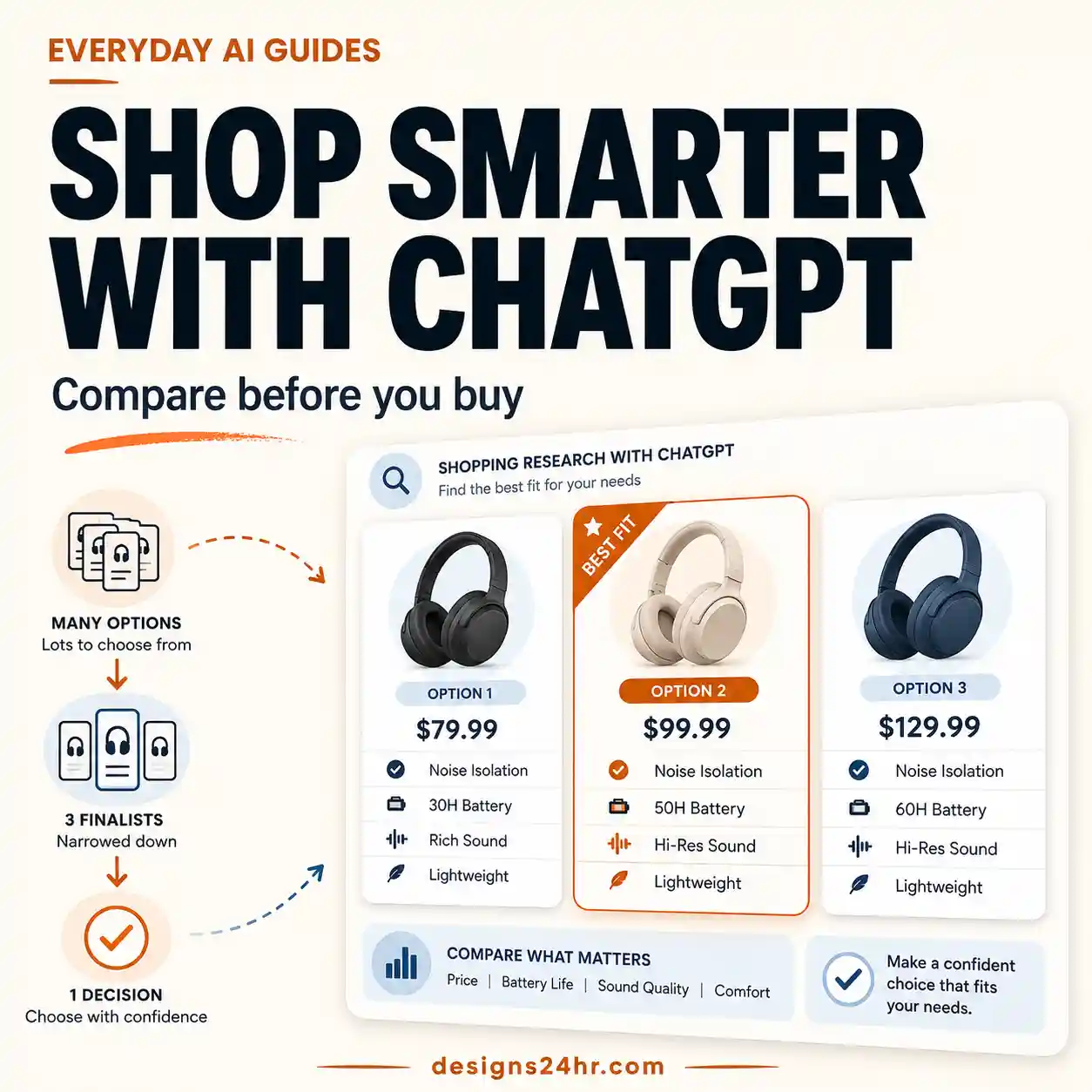
If you are comparing several products rather than evaluating only one, continue with our guide to using ChatGPT Shopping Research before you buy .
ChatGPT Try On Button Not Showing?
Do not assume every shopping result will always expose the same controls. If you cannot see Try on, work through the problem in this order.
Do not waste time repeatedly refreshing one product card. If Try on is absent, the direct image-upload route is a useful alternative because OpenAI officially supports that workflow too.
How to Get a Clearer Virtual Try-On Preview
These steps can give the image system clearer visual information, but they cannot turn an AI-generated image into a reliable clothing measurement.
- Use a clear, well-lit reference photo rather than a dark or heavily obstructed image.
- Use a product image where the garment or accessory is clearly visible.
- Tell ChatGPT which exact item you want changed if several objects appear in the source image.
- Ask it to preserve visible colors, patterns, proportions and major design details.
- Avoid requesting many unrelated image changes at the same time.
- Compare logos, patterns, text, closures, seams and accessories with the merchant’s original product images afterward.
- If repeated edits make the image drift, restart from the original reference and product images.
These are practical image-generation techniques, not guarantees published by OpenAI. The final generated image can still differ from the real item or your actual appearance.
What to Check Before Buying After a Virtual Try-On
A useful shopping workflow separates the visual decision from the factual buying decision.
| Use ChatGPT virtual try-on for | Verify with the merchant |
|---|---|
| Style direction | Exact product variant |
| Color coordination | Current color availability |
| Overall visual impression | Measurements and size chart |
| Accessory coordination | Physical dimensions |
| Whether the look interests you | Material and care details |
| Narrowing your shortlist | Current price, shipping and return policy |
□ Did I check the merchant’s current size chart?
□ Did I compare my real measurements rather than trusting the AI image?
□ Did I verify material, stretch and fit description?
□ Did I check the current price and availability?
□ Did I check shipping costs and delivery timing?
□ Did I read the return or exchange policy?
□ Am I treating the virtual try-on as a style preview rather than proof of fit?
Save Products to Favorites After Trying Them On
ChatGPT’s shopping experience also lets you save products for later. You can select the bookmark control to add a product to Favorites or create a folder to organize saved items in your ChatGPT Library.
A practical workflow is:
Find → Try on → Compare → Save promising items → Verify merchant details → Buy
Saving several promising products first can be more useful than buying the first item that looks good in a generated image. You can then compare them more carefully with ChatGPT Shopping Research .
Privacy Checklist Before Uploading a Reference Photo
A virtual try-on requires a photo of you, so it deserves more privacy attention than an ordinary text shopping query.
- Use a photo that reveals only what is necessary for the visual task.
- Check the background for addresses, documents, badges, screens or other sensitive information.
- Avoid including other people unless you have a legitimate reason and appropriate permission.
- Remember that your reference photo may be saved for future try-ons.
- Review Settings → Personalization → Reference photos if you want to replace or remove it later.
- Review your wider ChatGPT privacy controls separately if your concern is data use rather than only reference-photo storage.
For the broader privacy workflow, use the ChatGPT Privacy Center guide .
Frequently Asked Questions
Can ChatGPT virtually try on clothes?
Yes. ChatGPT currently supports virtual try-on for clothing and accessories. You can use a Try on button on eligible product listings or upload an item image directly in a conversation.
How do I use ChatGPT virtual try on?
Select Try on on a supported clothing or accessory listing, then take or upload a reference photo and review the generated image. Alternatively, upload a clothing or accessory image in a chat and ask how it could look on you.
Does ChatGPT save my virtual try-on photo?
OpenAI says reference photos are saved for future try-ons so they can be reused without uploading them every time.
How do I delete my ChatGPT reference photo?
Open Settings → Personalization → Reference photos, select the photo, then use the delete icon. You can also select Change photo if you want to replace it instead.
Does deleting my reference photo delete my old chats?
OpenAI’s reference-photo instructions describe removing the saved reference photo. They do not state that this action automatically deletes every conversation or generated image from previous try-ons. Review those separately if you want to remove them.
Can ChatGPT virtual try on tell me my clothing size?
Do not rely on it for that. OpenAI explicitly says try-on images do not guarantee fit or size. Use the merchant’s real measurements and size chart before buying.
Does ChatGPT virtual try-on guarantee that an item will fit?
No. The generated image is a visual preview, not proof of real-world fit. OpenAI recommends checking merchant measurements, product details and return policies before purchasing.
Why is the ChatGPT Try on button not showing?
First confirm that you are looking at a clothing or accessory result. If the control is still missing, try another relevant product or use the alternative workflow of uploading an item image directly in a conversation. Interface availability can change.
Can I upload clothing I found somewhere else?
Yes. OpenAI’s shopping documentation says you can upload a picture of clothing or an accessory in a conversation and ask ChatGPT to show how it could look on you.
Can ChatGPT virtually try on accessories?
Yes. OpenAI specifically describes the feature for clothing and accessories.
Is ChatGPT virtual try-on available on mobile?
Yes. OpenAI currently documents ChatGPT shopping and virtual try-on as available on mobile and web.
Do I need ChatGPT Plus for virtual try-on?
OpenAI’s current shopping help page states that the feature is available on mobile and web but does not publish a specific plan-by-plan eligibility list in that availability section. Do not assume a missing Try on control is caused by your subscription alone.
Where are products I save in ChatGPT?
Saved shopping products can be added to Favorites or organized into folders in your ChatGPT Library.
Official Sources and Further Reading
ChatGPT shopping features can change quickly. If your interface looks different from this guide, check OpenAI’s current documentation before assuming the feature has been removed.
Designs24hr Recommendation
ChatGPT virtual try on is best treated as a visual decision aid rather than a fitting tool. Use it to explore style, color and overall appearance, then verify measurements, materials, current product details and return terms with the merchant before buying.
If several products look promising, do not choose purely from the most convincing AI image. Save your shortlist and use ChatGPT Shopping Research to compare the trade-offs that matter before checkout.
This guide explains currently documented ChatGPT virtual try-on and shopping features. Interfaces, availability and feature behavior can change over time. Generated try-on images are visual approximations and should not be treated as guarantees of product appearance, fit or size.