Ticketmaster in Gemini gives eligible U.S. users a conversational way to search for concerts, sports, theater, festivals and other live events without starting with a traditional event search page. You can describe where you want to go, when you are free, how many tickets you need and roughly what you want to spend, then use Ticketmaster results inside Gemini to narrow down the options.
The important limitation is easy to miss: Gemini helps with event discovery and ticket comparison, while the final transaction still happens through Ticketmaster. Google currently describes the connected app as a way to search for events and tickets, and Ticketmaster says the flow continues to its marketplace when you are ready to complete the purchase.
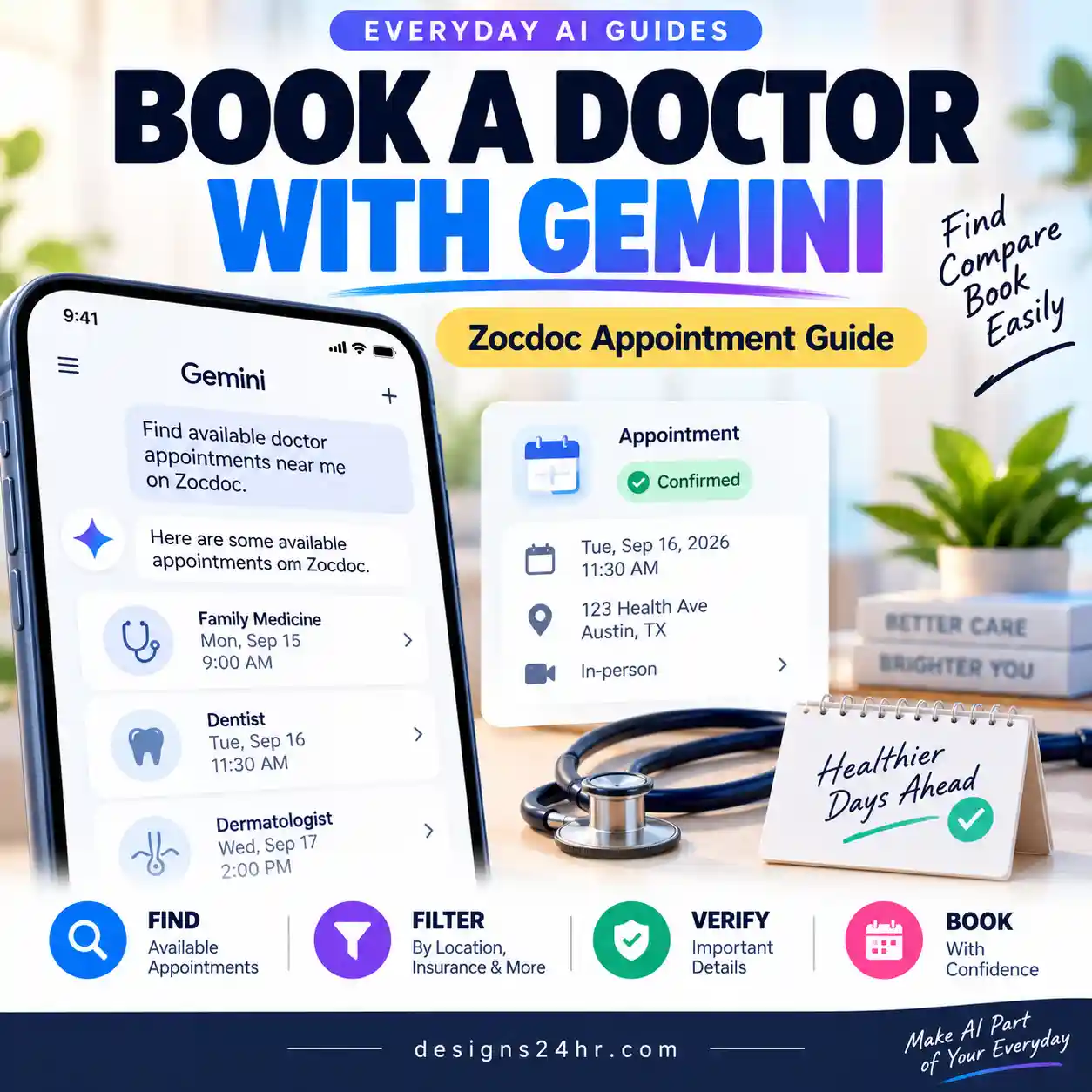
To use Ticketmaster in Gemini, open Gemini with an eligible personal Google Account, connect Ticketmaster from Connected Apps, then ask Gemini to use @Ticketmaster. Give it your location, dates, event type, ticket quantity, budget and any important preferences. Compare the returned options, verify the current price and details, then continue to Ticketmaster to complete the purchase.
The useful workflow is search → compare → choose → continue to Ticketmaster. Prices, seat availability, fees and event details can change, so confirm the final information on Ticketmaster before paying.
Who Can Use Ticketmaster in Gemini?
Ticketmaster is not currently available in every Gemini account. Google’s live Connected Apps availability table lists a specific set of requirements for the integration.
| Requirement | Current Ticketmaster availability |
|---|---|
| Google Account | Personal Google Account |
| Age | 18 or older |
| Location | United States |
| Language | English |
| Gemini web app | Supported |
| Gemini mobile app | Supported |
| Gemini Chat | Supported |
| Gemini Spark | Supported |
| Gemini Live | Not currently listed for Ticketmaster |
Availability can change as Google expands Connected Apps, so if you are reading this later, use Google’s current Connected Apps availability table as the final check.
Useful distinction: Ticketmaster being a Gemini Connected App does not mean it works in every Gemini mode. Google’s current table specifically lists Gemini Chat and Gemini Spark for Ticketmaster.
How to Connect Ticketmaster to Gemini
If you already use other integrations, the setup should feel familiar. If not, our Gemini Connected Apps guide explains the broader connection, permissions and privacy system in more detail.
Open Gemini
Use the Gemini web app or mobile app and make sure you are signed in with the personal Google Account you want to use.
Open Connected Apps
Open Gemini’s settings and look for Connected Apps. On some interfaces it may appear inside Personal Intelligence.
Find Ticketmaster
Locate Ticketmaster in the available app list and follow the connection instructions shown for your account.
Start with @Ticketmaster
Return to a Gemini chat and type @Ticketmaster before your event request when you want to explicitly use the integration.
Google also says you can start by naming a Connected App directly in a prompt. If the app is available to you but not connected yet, Gemini may offer the connection step from the conversation itself.
What if Connected Apps is missing?
One setting worth checking is Keep Activity. Google’s current Connected Apps documentation says turning Keep Activity off makes Connected Apps unavailable on Gemini’s web app and iOS, while Android keeps only a small set of exceptions. Ticketmaster is not listed among those Android exceptions.
That means a missing Ticketmaster option may be an eligibility or settings issue rather than a broken Gemini installation.
How to Find Events With Ticketmaster in Gemini
Once Ticketmaster is connected, you do not need to search like you would in a traditional search box. The advantage of using Gemini is that you can combine several requirements in one natural-language request.
Ticketmaster says Gemini can surface live-event information, seating options and ticket prices, allowing you to compare choices conversationally before continuing to Ticketmaster.
Instead of asking only:
Give Gemini enough information to reduce the results immediately:
The second version gives Gemini a much clearer decision problem instead of asking it to return a generic event list.
Use the EVENT Framework for Better Ticket Searches
A useful Ticketmaster prompt usually needs more than an artist or city. Use this simple EVENT framework whenever the first results are too broad.
EVENT Prompt Framework
Give Gemini the information that would actually change which ticket is right for you.
For example, instead of saying “find me a game,” you could specify:
Basketball + Denver + next month + 2 tickets + under $150 each.
This framework is useful because event search is a filtering problem. Every meaningful constraint removes options you would probably reject anyway.
7 Ticketmaster in Gemini Prompts to Try
1. Find concerts for a specific weekend
2. Find sports tickets within a budget
3. Find a date-night event
4. Find something to do when you do not know the performer
5. Search around a venue
6. Find family-friendly options
7. Compare several results before choosing
What Can You Search for With Ticketmaster in Gemini?
Ticketmaster’s official Gemini announcement specifically mentions several common live-event categories.
The feature becomes more useful when the goal is not merely “find this one event,” but rather help me choose between several possible events that fit my constraints.
Can Gemini Buy Ticketmaster Tickets for You?
Not as the final merchant transaction. Gemini helps you discover and compare Ticketmaster options, but the purchase is completed through Ticketmaster.
| Task | Gemini + Ticketmaster integration | Ticketmaster marketplace |
|---|---|---|
| Search for events | Yes | Yes |
| Use conversational preferences | Yes | Traditional filtering/search tools also available |
| Review ticket / seating options | Supported in the integration | Yes |
| Compare available options | Yes | Yes |
| Complete payment | No | Yes |
Ticketmaster says users can continue from Gemini to its marketplace to finish the purchase, and its integration announcement says selected seats can be carried into that handoff.
That is why you should think of Gemini as the discovery and comparison layer, not the checkout page.
5 Things to Verify Before Buying a Ticket
AI can make event discovery faster, but the final purchase deserves the same verification you would normally do when buying tickets online.
- Final ticket price: compare the current amount shown on Ticketmaster rather than relying only on an earlier Gemini result.
- Seat or section: confirm the exact seat, section, quantity and view information before paying.
- Date and time: double-check the event date, start time and venue—especially when an artist, team or show has several dates.
- Fees and total: review the final checkout total rather than treating the initial ticket price as the complete cost.
- Event requirements: verify venue rules, age restrictions, accessibility information or other conditions relevant to your visit.
Best habit: use Gemini to shrink a large option set into a manageable shortlist. Use Ticketmaster’s current checkout information for the final purchase decision.
When Ticketmaster in Gemini Is Most Useful
The integration is most valuable when you have several constraints at once. A simple search engine can already find the page for a specific event. Gemini becomes more interesting when you are trying to solve a question such as:
- What can we do in Chicago this weekend for less than $100 each?
- Which basketball games next month fit our two-ticket budget?
- What evening shows are available after dinner on Saturday?
- Which upcoming events at a specific venue fit our dates?
- What live events are available when we do not know exactly what we want to see?
This is similar to other AI-assisted planning workflows: the useful part is not getting one answer—it is combining your constraints so the tool can reduce the amount of manual searching you need to do.
If you also use Google for travel planning, our guide to Google AI Mode flight price tracking covers a similar “AI helps you monitor and narrow options, but you still verify before booking” workflow.
Why Can’t I Find Ticketmaster in Gemini?
If Ticketmaster does not appear, work through the eligibility checks before repeatedly reinstalling apps or changing unrelated settings.
1. Check your country
Google currently lists Ticketmaster’s Gemini integration for the United States only.
2. Check the language
The current listing specifies English.
3. Check your Google Account type
Google currently lists Ticketmaster for personal Google Accounts. A work or school account may have different Connected Apps availability.
4. Check the age requirement
The current minimum age listed for the integration is 18.
5. Check the Gemini mode
Ticketmaster is currently listed for Gemini Chat and Gemini Spark. Do not assume an integration that works in normal Gemini chat automatically works in Gemini Live.
If you are exploring the differences between Gemini’s newer modes, see our Gemini Live Gmail guide for an example of a Connected App workflow that specifically uses Gemini Live.
6. Check Connected Apps
Open Gemini’s Connected Apps settings and verify whether Ticketmaster appears for your account. Google notes that available integrations can vary based on location, device, account and Gemini experience.
7. Check Keep Activity
Google says Keep Activity affects Connected Apps availability. If it is off, many third-party Connected Apps will not be available.
8. Try invoking the app explicitly
Instead of a generic prompt such as “find concerts,” type @Ticketmaster and then the request. Google specifically supports using the @ selector when you want Gemini to use a particular available Connected App.
9. Simplify an over-complicated request
If Gemini struggles with a long list of conditions, start with the most important three—such as location + date + event type—then narrow the returned options with follow-up questions.
Ticketmaster in Gemini vs. Searching Ticketmaster Directly
Using Gemini does not make Ticketmaster’s own search tools obsolete. The two approaches are strongest at different stages.
| If you need to… | Better starting point |
|---|---|
| Explore several event types using natural-language preferences | Gemini + Ticketmaster |
| Ask follow-up questions about several choices | Gemini + Ticketmaster |
| Find one known event quickly | Either can work |
| Review the final seat and checkout details | Ticketmaster |
| Complete payment | Ticketmaster |
The strongest workflow is therefore not “Gemini instead of Ticketmaster.” It is Gemini before Ticketmaster when you need help turning a vague idea into a shortlist.
How This Fits Into Gemini Connected Apps
Ticketmaster is part of Google’s broader expansion of third-party services that Gemini can work with. Google announced the new Connected Apps wave in August 2026 across productivity, entertainment, local services, music and other everyday tasks.
If you want to understand how these app connections work more generally—including how to connect or disconnect services and what to consider about permissions—read our full Gemini Connected Apps guide.
Gemini’s newer capabilities are also expanding beyond connected services. For example, Gemini interactive simulations can turn some questions into manipulable models, charts and other visual explanations. The useful lesson across both features is the same: Gemini performs better when you define the outcome and constraints instead of giving it a vague request.
Frequently Asked Questions
What is Ticketmaster in Gemini?
Ticketmaster is a Gemini Connected App that lets eligible users search for events and tickets through Gemini. Ticketmaster says users can explore concerts, sports, theater, festivals and other live events, compare relevant options and continue to Ticketmaster when ready to purchase.
How do I use Ticketmaster in Gemini?
Connect Ticketmaster in Gemini’s Connected Apps settings, then ask Gemini to use Ticketmaster or select @Ticketmaster in your prompt. Add details such as your city, date, event type, number of tickets and budget for more useful results.
Can Gemini buy Ticketmaster tickets for me?
Gemini can help you search and compare Ticketmaster event and ticket options, but the final purchase is completed through Ticketmaster’s marketplace.
Can Gemini find concert tickets?
Yes. Ticketmaster specifically lists concerts as one of the event types users can discover through its Gemini integration.
Can Gemini find sports tickets?
Yes. Ticketmaster says the integration can be used to search sports events as well as concerts, theater, festivals and other live events.
Is Ticketmaster in Gemini available outside the U.S.?
Not according to Google’s current availability table. As of this guide’s latest review, Ticketmaster is listed for U.S.-based users only.
Does Ticketmaster work in Gemini Live?
Google’s current Connected Apps table lists Ticketmaster for Gemini Chat and Gemini Spark. Gemini Live is not currently listed as a supported Ticketmaster mode.
Why don’t I see Ticketmaster in Gemini?
Check your country, language, account type, age eligibility, Gemini mode, Connected Apps settings and Keep Activity status. Google’s current requirements list U.S., English, age 18+, personal Google Accounts, Gemini web/mobile and Gemini Chat or Spark.
Final Takeaway
Ticketmaster in Gemini is most useful as an event-discovery assistant, not as a replacement checkout system. Give Gemini your event type, location, dates, ticket quantity, budget and preferences; use it to reduce dozens of possibilities into a shortlist; then verify the current ticket, seat, fees, date and venue details on Ticketmaster before purchasing.
The simplest reusable formula is the EVENT framework: Event → Venue/vicinity → Exact timing → Number/needs → Target budget. The more clearly you define those five details, the less time you should spend sorting through events that were never a realistic fit.
Save This Before Your Next Event Search
If someone you know is comparing concerts, games or weekend events, send them this guide. The EVENT framework gives them a reusable prompt structure instead of starting every ticket search from scratch.
Keep Exploring Gemini
- Google Gemini Apps Help — Connected Apps availability and requirements
- Google Gemini Apps Help — Use and manage Connected Apps
- Google — New Connected Apps coming to Gemini
- Ticketmaster — Gemini and Ticketmaster live-event discovery announcement
- Ticketmaster — How to discover events with Ticketmaster and AI platforms
Reviewed against current Google and Ticketmaster documentation · August 31, 2026