Use AI for Marketing, But Do Not Hand It the Whole Brand
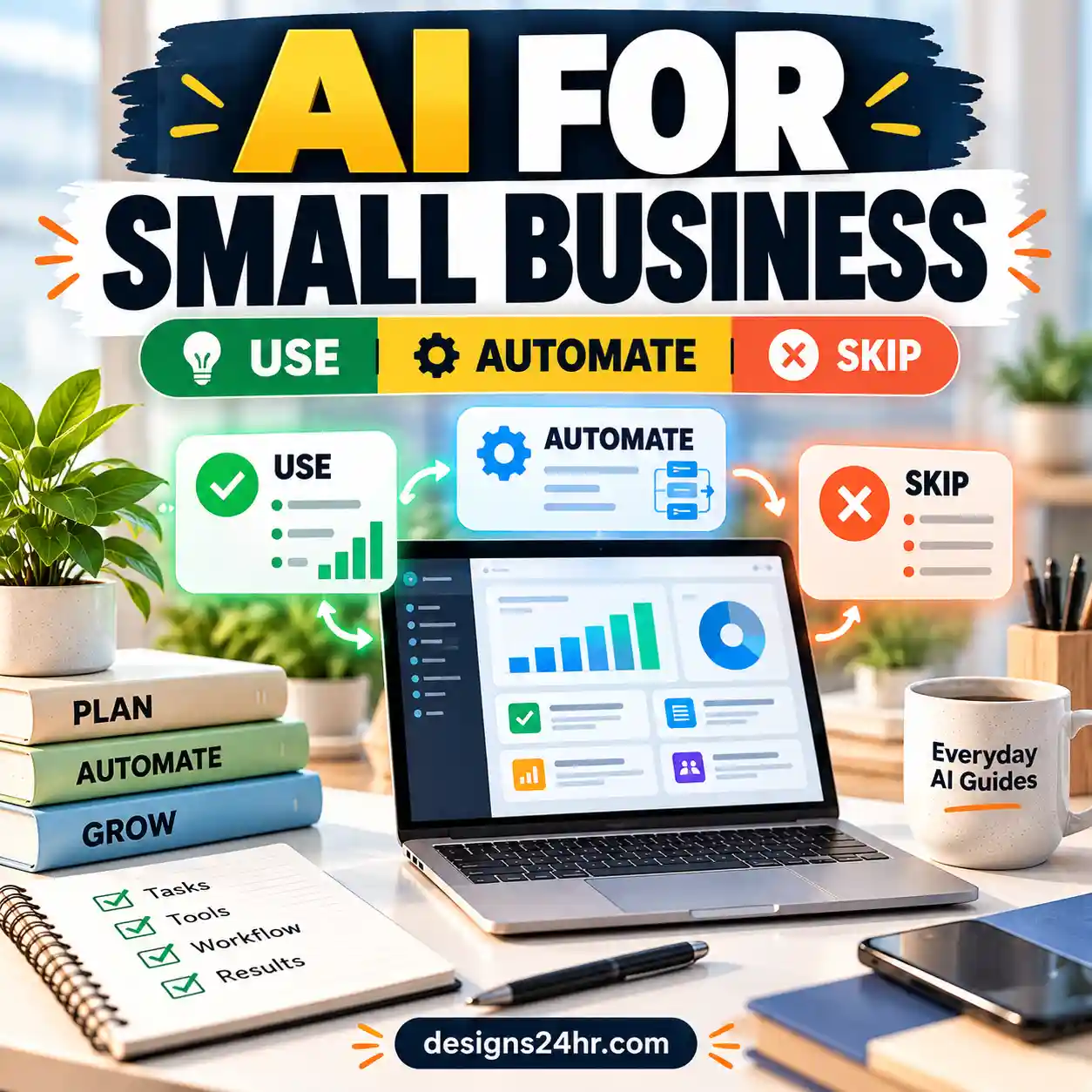
AI can help a small business move faster, plan better, and publish more consistently. But the best results come when you use AI as a drafting assistant, not as the final decision-maker for your brand voice, customer trust, offers, or reputation.
This small business AI marketing checklist shows what to automate, what to keep human, and how to use AI without sounding generic, making risky claims, or losing the personal touch that customers remember.
Why Small Businesses Are Using AI for Marketing Now
Small businesses are under pressure to create more content, reply faster, test more campaigns, and compete with larger brands. AI tools can help with that pressure because they make the first draft easier. Instead of starting from a blank page, you can start with an outline, a campaign idea, a subject line list, a social caption draft, or a customer reply template.
Recent small business technology research shows that generative AI adoption is rising quickly among small businesses. The U.S. Chamber of Commerce reported that small business use of generative AI has grown strongly in recent years. The U.S. Census Bureau has also tracked business AI usage and expected adoption, showing that AI is becoming a normal part of business operations rather than a future-only idea.
That does not mean every marketing task should be automated. The smart approach is simple: use AI where speed helps, and keep humans involved where judgment matters.
The simple rule
Let AI help with the draft. Let a human own the decision. AI can suggest, summarize, organize, and rewrite. Your business should still control the offer, tone, facts, final approval, and customer experience.
What Small Businesses Can Safely Automate With AI
The safest AI marketing tasks are usually repeatable, low-risk, and easy to review. These are tasks where AI saves time without making final decisions for your business.
First drafts
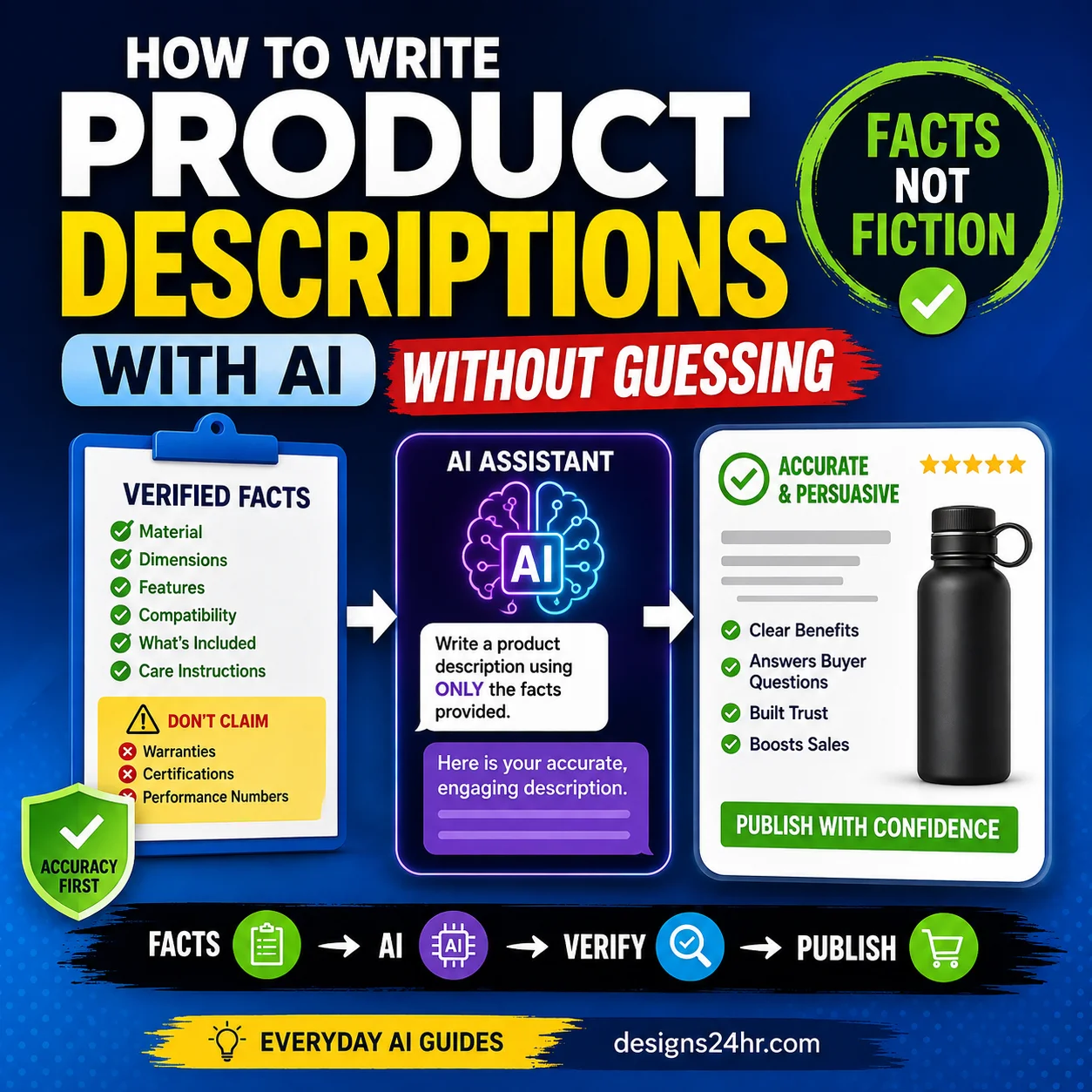
Use AI for blog outlines, product descriptions, email drafts, social caption ideas, landing page sections, and campaign angles. Then edit the final version before publishing.
Planning
Ask AI to organize a content calendar, group campaign ideas by theme, create a launch checklist, or turn rough notes into a structured marketing plan.
Rewriting
AI can help make content clearer, shorter, friendlier, more professional, or better matched to a specific audience when you provide clear brand rules.
| Marketing Task | Good AI Use | Human Review Needed |
|---|---|---|
| Blog posts | Outline sections, suggest subtopics, draft introductions, create FAQ ideas. | Check accuracy, add real examples, improve voice, remove generic filler. |
| Email replies | Create a polite first draft for common questions, follow-ups, and support responses. | Review tone, customer details, pricing, promises, and sensitive information. |
| Social captions | Generate caption variations, hooks, short CTAs, and post ideas. | Make sure the message sounds like your brand and matches the actual offer. |
| SEO metadata | Draft title tag ideas, meta descriptions, slugs, and keyword variations. | Check search intent, readability, length, keyword stuffing, and click accuracy. |
| Campaign planning | Build a basic launch checklist, content calendar, or promotional sequence. | Approve budget, offers, timing, audience, and final campaign direction. |
What You Should Keep Human
AI can move quickly, but speed is not the same as judgment. Some parts of marketing should stay human because they involve trust, emotion, brand identity, or business risk.
Keep these human
- Brand strategy: Your positioning, promise, values, and customer experience should not be outsourced to AI.
- Final approval: Every public message should be reviewed before it goes live.
- Sensitive replies: Complaints, refunds, legal issues, health claims, financial questions, and emotional customer messages need human care.
- Big campaign decisions: Budgets, audiences, offers, timing, and risk should be decided by a person.
- Your unique voice: AI can imitate tone, but your examples, opinions, and lived business experience make the content trustworthy.
Use AI as support
- Ask AI to create options, not final truth.
- Use AI to organize messy notes into clear sections.
- Let AI suggest angles, but choose the one that fits your customers.
- Use AI to rewrite for clarity, but keep your brand personality.
- Let AI help you move faster, not replace your responsibility.
The Small Business AI Marketing Checklist
Use this checklist before you ask AI to create marketing content and before you publish anything AI helped produce.
Choose the right task
Start with repeatable, low-risk work. Good examples include blog outlines, caption ideas, email drafts, keyword brainstorming, content calendars, and simple campaign checklists.
Set brand rules
Tell AI your audience, tone, offer, goal, banned phrases, preferred style, and what the message should not do. Better instructions usually produce better drafts.
Draft with AI
Ask for a first draft, not a final answer. Request multiple options so you can compare hooks, headlines, angles, and calls to action.
Fact-check everything
Review claims, dates, links, prices, offers, tool names, product details, and any statement that could affect trust or buying decisions.
Humanize the message
Add your real examples, customer language, brand personality, specific details, and helpful context. Remove generic phrases that sound like every other AI-written post.
Review cost, privacy, and risk
Check whether your AI workflow uses paid credits, customer data, private business information, or risky claims. Keep sensitive information out of prompts unless you fully understand the tool’s privacy settings.
Publish and track
After publishing, measure clicks, replies, conversions, saves, shares, and customer feedback. Use those results to improve future AI prompts and campaigns.
How to Give AI Better Brand Rules
Most generic AI marketing content comes from generic instructions. If you ask for “a caption for my business,” the result will usually sound plain. If you give AI your audience, tone, product, goal, and constraints, the output becomes easier to use.
Give AI this context
- Your business type
- Your target customer
- Your offer or product
- Your brand tone
- Your goal for the content
- Your call to action
- Words or claims to avoid
Ask AI for this output
- Three headline options
- A short and clear first draft
- A version for beginners
- A version with a stronger CTA
- A checklist of anything that needs human review
- A list of possible risks or unclear claims
Useful prompt to copy:
You are helping me draft marketing content for my small business. Business type: [describe your business] Target customer: [describe the customer] Offer: [describe the product, service, or promotion] Brand tone: [friendly, expert, premium, practical, warm, simple, etc.] Goal: [get clicks, replies, bookings, signups, sales, or awareness] Do not include: [claims, words, discounts, promises, or details to avoid] Create 3 marketing draft options. Keep them clear, specific, and helpful. After the drafts, add a short “human review checklist” showing what I should verify before publishing. Use this prompt when you want stronger first drafts for emails, captions, blog sections, product descriptions, or campaign ideas.
You can also use the free AI Prompt Generator to turn a rough idea into a clearer marketing prompt before you create content.
How to Avoid Generic AI Marketing Content
Generic AI content is usually vague, over-polished, and missing real business details. It may use phrases like “unlock your potential,” “take your business to the next level,” or “revolutionize your workflow” without saying anything specific.
Replace vague content with specific value
Instead of saying, “Our service helps you save time,” explain how it saves time, who it helps, when it helps, and what the customer can do next.
Add real details
Include product details, service steps, delivery times, use cases, customer questions, local context, or specific examples from your business.
Use customer language
Write the way your real customers talk. If your customers ask simple questions, answer them simply instead of using marketing buzzwords.
Cut empty claims
Remove claims that sound impressive but do not prove anything. Replace them with clear benefits, examples, or next steps.
Useful prompt to copy:
Review this AI-generated marketing draft and make it sound less generic. Draft: [paste the draft] Please improve it by: 1. Removing vague buzzwords 2. Making the benefit more specific 3. Keeping the tone natural and trustworthy 4. Adding a clearer next step 5. Flagging any claim that needs fact-checking Keep the final version concise and easy for a real customer to understand. This is useful before publishing a landing page section, email, caption, product description, or blog introduction.
Smart AI Marketing Tasks to Start With
If your business is new to AI, do not start by automating everything. Start with small tasks that are easy to review and easy to improve.
Email reply drafts
Use AI to draft polite replies to common questions, quote requests, booking questions, order updates, and follow-ups. Try the free AI Email Reply Generator when you need a faster starting point.
SEO titles and meta descriptions
Ask AI for title and meta description options, then check the final version with the Title/Meta Previewer so it looks clean in search results.
Campaign tracking
When you run a campaign from email, social, QR codes, or ads, use the UTM Builder so you can track where visits came from.
Keyword balance
Use AI to draft SEO copy, but check for overuse. The Keyword Density Checker can help you avoid content that feels stuffed or unnatural.
Offline-to-online promotions
For local business flyers, menus, packaging inserts, signs, and review links, the Smart QR Code Generator can help connect offline customers to online actions.
Clean campaign URLs
When AI suggests a blog title, landing page, or campaign name, turn it into a clean URL with the Slug Generator.
AI Marketing Automation Checklist by Task
Use this quick guide to decide whether a task is a good fit for AI, needs human review, or should stay mostly human.
| Task | Automation Level | Best Practice |
|---|---|---|
| Blog outline | Good to automate | Use AI to structure the article, then add expertise, examples, internal links, and accuracy checks. |
| Blog body draft | Draft with AI, edit heavily | Use AI for a first pass only. Improve usefulness, add original insight, and remove filler. |
| Customer support reply | Draft with AI, review manually | Never send sensitive replies without checking tone, facts, promises, and customer details. |
| Social captions | Good to automate | Ask for several variations, then choose the one that sounds most natural for your audience. |
| Ad copy | Draft with AI, approve manually | Check claims, offer details, targeting, platform rules, and brand fit before launching. |
| Brand strategy | Keep human | AI can brainstorm, but your business should own positioning, promise, values, and audience decisions. |
| Final approval | Keep human | Review every public message before publishing, sending, or scheduling. |
How to Review Cost, Privacy, and Risk
AI tools can save time, but they can also create hidden costs if you use too many tools, overpay for features, or publish content that needs cleanup later. A simple review process protects your budget and your reputation.
Cost questions to ask
- Is this task worth using a paid AI tool for?
- Can one tool handle this instead of five separate tools?
- Are you paying for features you rarely use?
- Does the AI output reduce real work, or create more editing?
- Can you measure whether the AI-assisted campaign performed better?
Privacy questions to ask
- Are you pasting private customer data into the prompt?
- Are you sharing order details, addresses, phone numbers, or sensitive messages?
- Do you understand how the tool stores or uses your prompts?
- Can the same draft be created without private information?
- Should this task be handled manually instead?
When in doubt, remove personal details before using AI. You can replace private customer information with placeholders such as [customer name], [order number], [product], or [issue]. After the draft is ready, add the correct details manually.
Useful AI Marketing Prompts Small Businesses Can Copy
These prompts are designed to help you create better drafts while keeping human review built into the process.
Useful prompt to copy:
Blog outline prompt
Create a helpful blog outline for a small business audience. Topic: [your topic] Target reader: [describe your customer] Goal of the article: [educate, explain, compare, sell, build trust, etc.] Primary keyword: [keyword] Internal links to include: [add relevant pages or tools] Tone: practical, clear, trustworthy, and beginner-friendly Create an SEO-friendly outline with H2 and H3 headings. Include a short note under each section explaining what the section should cover. Avoid generic advice and include a final checklist section. Use this when planning a blog post, landing page, or long-form guide.
Useful prompt to copy:
Email reply prompt
Draft a customer email reply using the details below. Customer message summary: [summarize the message] Business response goal: [answer question, schedule call, explain next step, offer help, etc.] Tone: warm, professional, clear, and not pushy Important details to include: [details] Details to avoid promising: [limits] Write a concise reply. Then add a checklist of anything I should verify before sending. Use this for common replies, but always check customer details before sending.
Useful prompt to copy:
Social caption prompt
Create 10 social media caption ideas for this small business campaign. Business: [describe your business] Offer or topic: [describe the offer] Audience: [describe the customer] Tone: [friendly, premium, helpful, local, simple, etc.] Goal: [click, comment, save, share, book, buy, visit, sign up] Platform: [Instagram, Facebook, LinkedIn, Pinterest, etc.] Make each caption specific, natural, and easy to understand. Include a short CTA for each one. Avoid hype, fake urgency, and generic phrases. Use this when you need caption options but still want to choose and edit the final version yourself.
Useful prompt to copy:
Human review prompt
Review this marketing draft before I publish it. Draft: [paste draft] Check for: 1. Generic wording 2. Unclear claims 3. Wrong facts 4. Missing customer benefit 5. Off-brand tone 6. Weak call to action 7. Any privacy, pricing, legal, or trust concerns Give me a revised version and a short list of what I still need to verify manually. Use this as a final quality-control step before publishing AI-assisted marketing content.
Quick Red Flags Before You Publish AI Marketing
Before you publish an AI-assisted blog post, email, caption, ad, or landing page, check for these warning signs.
It sounds generic
If the content could fit any business, it probably needs more specific examples, customer language, and brand personality.
It includes unverified claims
Check every statistic, tool name, price, guarantee, product detail, link, and comparison before publishing.
It feels off-brand
If the tone feels too formal, too hype-driven, too robotic, or too different from your real voice, rewrite it.
It over-automates trust
Customer complaints, sensitive questions, refunds, or big decisions need human review and care.
It has no clear next step
Good marketing should tell the reader what to do next, whether that is reply, book, read, save, compare, or buy.
No one reviewed it
If AI created it and nobody checked it, it is not ready. Human review is part of the workflow, not an optional extra.
Example Workflow: From Rough Idea to Published Campaign
Here is a simple workflow a small business can use without making AI too complicated.
Start with a real customer problem
Example: customers keep asking which service package is best for them.
Ask AI for a simple content plan
Prompt AI to create a blog outline, email idea, social caption set, and FAQ list around that problem.
Choose the strongest piece
Pick the draft that best answers the customer’s question. Do not publish every AI idea just because it was generated.
Edit with your business knowledge
Add details AI cannot know: your process, service limits, customer examples, real benefits, and honest next steps.
Check SEO and tracking
Use tools such as the Title/Meta Previewer, Keyword Density Checker, Slug Generator, and UTM Builder to review the content before promotion.
Publish, measure, and improve
Track clicks, replies, bookings, sales, saves, shares, and questions. Use that feedback to improve the next prompt and the next campaign.
Where New AI Marketing Tools Fit In
AI marketing tools are moving toward more brand-aware workflows. For example, Google has introduced Pomelli, an experimental AI marketing tool designed to help small and medium-sized businesses create on-brand social media campaigns from their website. Marketing platforms are also increasingly focused on AI-assisted content, customer insights, automation, and campaign planning.
That trend is useful, but the same rule still applies: your business should define the brand, the audience, the offer, the promise, and the final decision. AI can help you move faster, but it should not be the only voice your customers hear.
Marketing research from sources such as HubSpot’s State of Marketing continues to point toward a future where AI supports speed and efficiency, while trust, brand point of view, and human judgment remain important for standing out.
Final Takeaway: Automate the Draft, Humanize the Decision
The best small business AI marketing workflow is not “AI does everything.” It is “AI helps us start faster, and we make the final version better.”
Use AI for repeatable tasks like outlines, drafts, captions, calendars, email replies, and basic research. Keep humans responsible for brand strategy, customer trust, sensitive replies, final approval, and the unique voice that makes your business different.
Your 5-second rule before publishing
Before you publish anything AI helped create, ask: Is it accurate, useful, specific, on-brand, and reviewed by a human? If the answer is yes, AI is helping your marketing. If the answer is no, keep editing.
Frequently Asked Questions
What is a small business AI marketing checklist?
A small business AI marketing checklist is a step-by-step guide that helps you decide which marketing tasks AI can safely draft or organize, and which tasks still need human review, judgment, and brand strategy.
What marketing tasks can small businesses automate with AI?
Small businesses can usually use AI for low-risk tasks such as blog outlines, first drafts, email reply drafts, social caption ideas, content calendar planning, basic research, and campaign brainstorming.
What should small businesses not fully automate with AI?
Small businesses should not fully automate brand strategy, final approvals, sensitive customer replies, legal or financial claims, major campaign decisions, or anything that could damage customer trust if it sounds wrong.
How do I keep AI marketing content from sounding generic?
Give AI your audience, brand voice, offer, examples, tone rules, banned phrases, and goal before asking for a draft. Then edit the final version so it sounds specific, useful, and human.
Is AI marketing safe for small businesses?
AI marketing can be useful when treated as a drafting and planning assistant. It becomes risky when businesses publish AI content without checking facts, privacy, tone, claims, costs, and customer impact.
How often should I review AI-generated marketing content?
Review every AI-generated message before publishing or sending it. Check facts, dates, links, offers, pricing, tone, privacy details, and whether the message sounds like your actual business.
Before choosing AI marketing tools, use our AI search visibility checklist to check whether ChatGPT, Gemini, and Google AI can find and understand your business.
Build a Smarter AI Marketing Workflow
Use AI to save time, but keep your strategy, customer care, and final approval human. Start with one repeatable task, create a better prompt, review the draft carefully, and improve the workflow as you learn what your customers respond to.