AI can help make a LinkedIn profile clearer and more focused, but it can also introduce exaggerated claims, incorrect dates, generic language, irrelevant keywords, or private information you never intended to publish. This AI LinkedIn profile checklist helps you review each important section before your changes go live.
The goal is not to create a perfect-sounding online identity. It is to build an accurate, useful profile that supports your real professional direction and remains consistent with your resume, applications, portfolio, and interview answers. For more practical resources, explore the AI career and job-search guides from Designs24hr.
Quick Answer
Use AI to draft, not to verify. Before publishing an AI-written LinkedIn update, check your headline, About section, experience, skills, dates, achievements, links, profile image, and privacy choices. Remove anything invented, exaggerated, confidential, generic, or inconsistent with your resume. Publish only claims you can explain confidently during an interview.
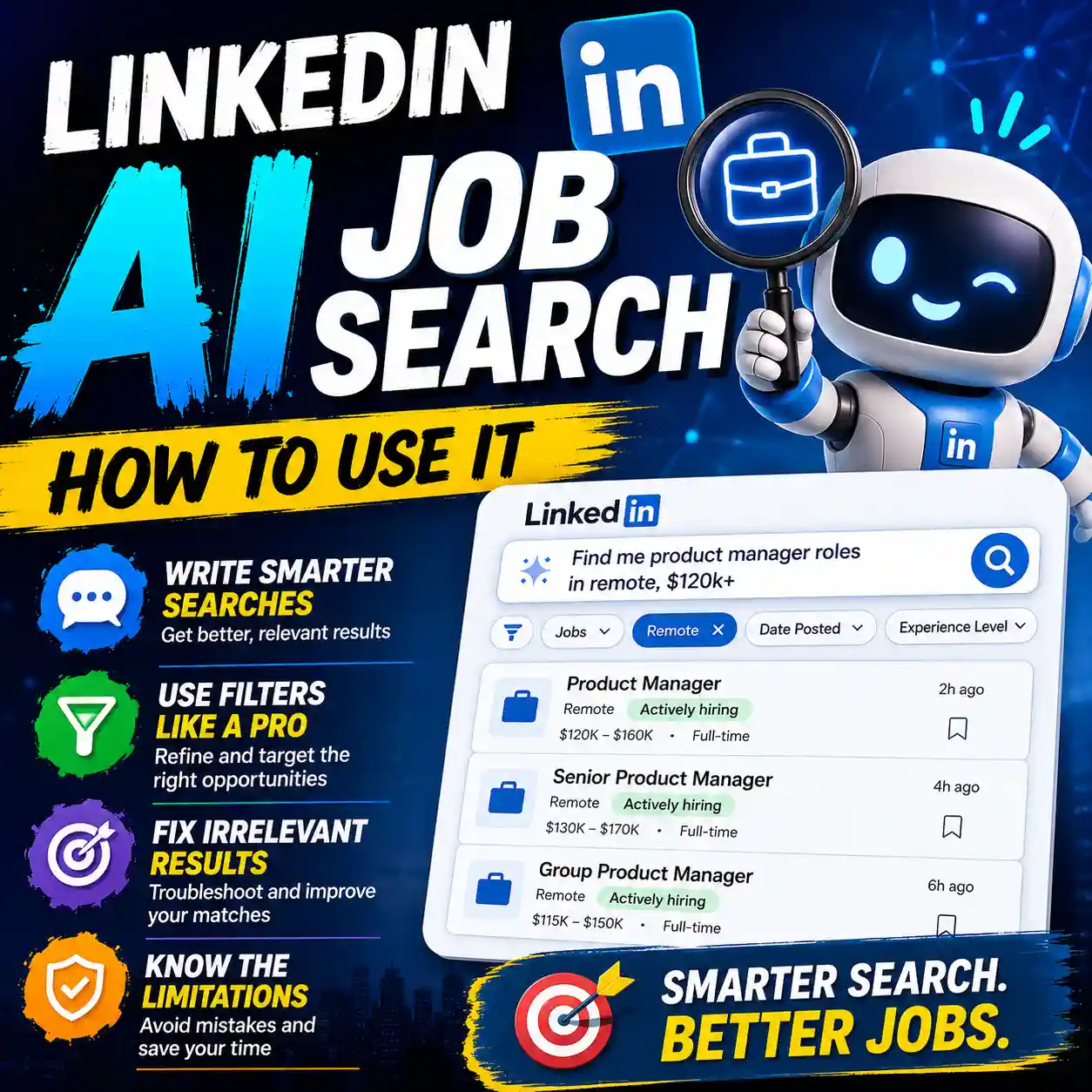
Why this matters: LinkedIn currently documents an AI-powered writing assistant for selected Premium users that can suggest content for the Headline, About, and Experience sections. LinkedIn also allows users to edit, skip, or revert the suggestions before saving them. That review step is essential because polished wording is not the same as verified information. Read LinkedIn’s official explanation of its AI-powered profile writing assistant.
What Should an AI LinkedIn Profile Checklist Verify?
A useful LinkedIn profile review goes beyond spelling, tone, and keyword placement. It checks whether the profile is truthful, specific, internally consistent, safe to publish, and relevant to the opportunities the person actually wants.
Focus on five core risks:
- Inaccurate information: wrong titles, dates, employers, qualifications, responsibilities, or metrics.
- Generic AI language: polished phrases that sound impressive but provide no evidence.
- Resume inconsistencies: facts that conflict with your resume, applications, portfolio, or employment records.
- Privacy exposure: confidential employer details, private client information, personal contact data, or unnecessary identifying information.
- Unclear professional direction: a profile that tries to target too many unrelated roles and ends up helping none of them.
The safest principle: AI may improve how a fact is explained, but it cannot decide whether that fact is true. You remain responsible for checking every public claim.
Before Using AI, Prepare a Safe Profile Draft
Do not begin by pasting your entire profile, resume, personal email address, phone number, client list, and confidential work history into an AI tool. Give the tool only the information required for the specific task.
Collect your source material
Keep these materials nearby so you can verify the generated text:
- Your current resume or CV
- Your original LinkedIn profile text
- A target job description or clear career goal
- Employment dates and official job titles
- Verified certifications and qualifications
- Real projects, responsibilities, and measurable results
- Your portfolio or professional website links
Remove information the AI does not need
Before pasting text into any online AI service, remove full addresses, identification numbers, private contact details, confidential client names, internal reports, unreleased projects, proprietary methods, passwords, and information belonging to another person.
Do not paste more data merely to get a “better” rewrite. A safer input containing verified facts usually produces a more useful review than a large, unfiltered data dump.
AI LinkedIn Profile Checklist: 12 Checks Before You Publish
Work through the checks in order. The early steps define your professional direction. The middle steps test your claims and wording. The final steps protect your privacy and confirm that you can defend the finished profile in a real conversation.
Define Your Target Role and Reader
Decide who the profile is meant to help. The intended reader might be a recruiter, hiring manager, potential client, business partner, professional contact, or graduate-program reviewer.
- Name one primary role or professional direction.
- Identify the industry or type of organization.
- List the strongest real skills supporting that direction.
- Remove unrelated positioning that makes the profile confusing.
A profile can support more than one opportunity, but it should still tell a coherent professional story.
Verify Your Headline
Your headline should describe your real professional value without inventing seniority, expertise, credentials, or results.
- Does it reflect your current or realistic target role?
- Are the listed skills part of your genuine experience?
- Would a professional contact understand what you do?
- Have you removed unsupported labels such as “industry-leading expert”?
A useful headline is specific enough to create context but natural enough to sound like a person rather than a collection of search terms.
Review the About Section for Specificity
The About section should explain what you do, what kind of work you understand, and where you are heading. It should not be a long list of flattering adjectives.
- Open with a clear professional focus.
- Include specific skills, responsibilities, or work areas.
- Support claims with brief evidence or context.
- Use first-person language when it feels more natural.
- End with a realistic next step or professional interest.
Delete any sentence that could be pasted into thousands of unrelated profiles without changing its meaning.
Remove Generic and Robotic AI Phrases
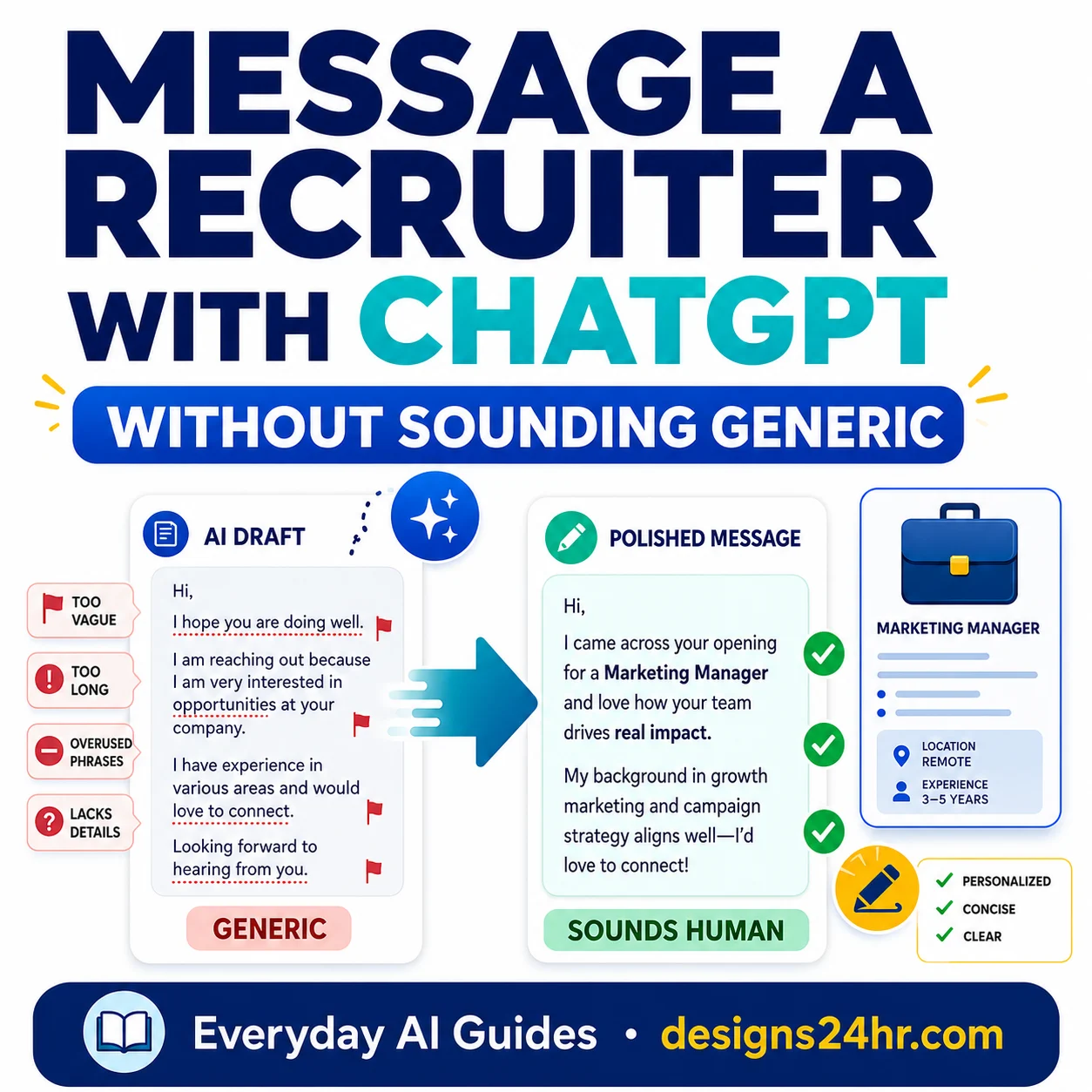
Phrases such as “results-driven professional,” “dynamic leader,” and “proven track record” often sound polished while proving almost nothing. Replace broad claims with actual work, methods, responsibilities, tools, or outcomes.
When a career bullet is accurate but too vague, use the free AI Resume Optimizer to create a clearer draft. Add only real details and verify the final wording before using it on a resume or LinkedIn profile.
- Replace adjectives with examples.
- Name the task, method, tool, or result.
- Shorten sentences that sound over-produced.
- Read the text aloud to test whether it sounds natural.
Verify Employers, Titles, Dates, and Education
Cross-check your profile with your resume, employment records, contracts, portfolio, education records, and certifications. Small inconsistencies can create questions even when they were accidental.
- Use accurate employer and organization names.
- Confirm each job title and employment date.
- Check degree, course, certification, and license details.
- Do not upgrade your seniority because the AI suggested it.
- Explain career transitions honestly rather than hiding them with vague wording.
LinkedIn’s Professional Community Policies require members to use their true identity and provide accurate, authentic professional information. They also prohibit misleading claims about qualifications, work experience, affiliations, and achievements.
Challenge Every Metric and Achievement
Numbers can make professional writing more specific, but an unsupported number is worse than an honest description without one.
For every metric, ask:
- Where did this number come from?
- Can I support it with a report, record, or reasonable explanation?
- Was it my individual result or a team result?
- What time period does it cover?
- Does it need context to avoid being misleading?
- Could I explain my contribution during an interview?
If the AI invents a percentage, revenue figure, time saving, team size, client count, or performance result, remove it. Never keep a fabricated number because it makes the profile sound stronger.
Review Skills and Qualifications
AI tools may suggest popular skills based on a target role. That does not mean those skills belong on your profile.
- Keep only skills you can demonstrate or discuss.
- Separate basic familiarity from genuine proficiency.
- Confirm certifications before listing them.
- Remove tools you have never used.
- Avoid presenting a short exposure as deep expertise.
A smaller set of credible, relevant skills is more useful than a long collection of terms chosen only because they appear in job descriptions.
Match the Profile With Your Resume
Your LinkedIn profile and resume do not need identical wording. They may serve different formats and audiences. Their factual information, however, should not conflict.
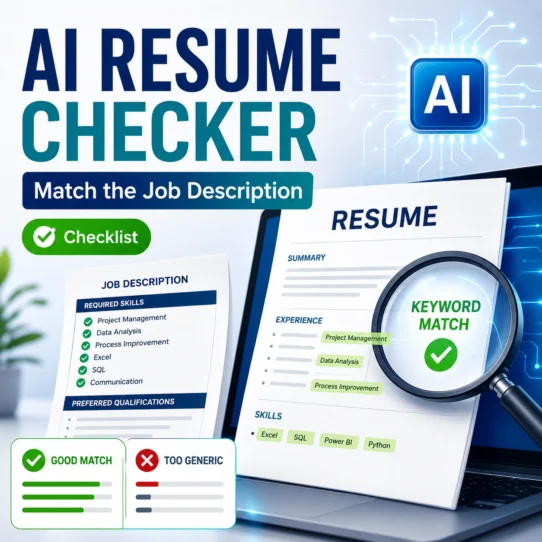
Use the AI Resume Checker Checklist to compare your real experience with a relevant job description without copying keywords blindly or allowing AI to invent qualifications.
- Compare job titles and employers.
- Check employment and education dates.
- Review responsibilities and achievement numbers.
- Confirm skills, certifications, and tools.
- Resolve contradictions before applying for a role.
Use Job-Relevant Keywords Naturally
Relevant language can help readers understand your fit, but keyword stuffing can make a profile repetitive, artificial, and difficult to trust.
- Use accurate role names and industry terms.
- Place skills where you show how they were used.
- Include tools only when they reflect real experience.
- Prioritize clarity for human readers.
- Do not repeat the same phrase in every section.
Do not promise yourself that a certain number of keywords will guarantee visibility. Use keywords to communicate relevance, not to manufacture expertise or manipulate an unknown ranking system.
Remove Confidential and Private Information
A public profile should demonstrate professional value without exposing information you do not have the right or need to disclose.
- Remove private client and customer names.
- Do not reveal internal financial or performance data.
- Avoid unreleased product, campaign, or project details.
- Remove personal addresses and unnecessary contact data.
- Do not publish another person’s private information.
- Check confidentiality agreements and workplace policies.
LinkedIn’s User Agreement prohibits disclosing information you do not have permission to share, including confidential information belonging to an employer or another party.
Review Links, Profile Image, Privacy, and Visibility
Check the parts of your profile that AI writing tools may not review. A strong About section cannot compensate for a broken portfolio link, an inaccurate profile image, or an unwanted privacy setting.
- Open every portfolio and website link.
- Confirm public contact information is intentional.
- Review profile visibility and notification choices.
- Check that your profile image represents your real appearance.
- Remove altered images that could misrepresent your identity.
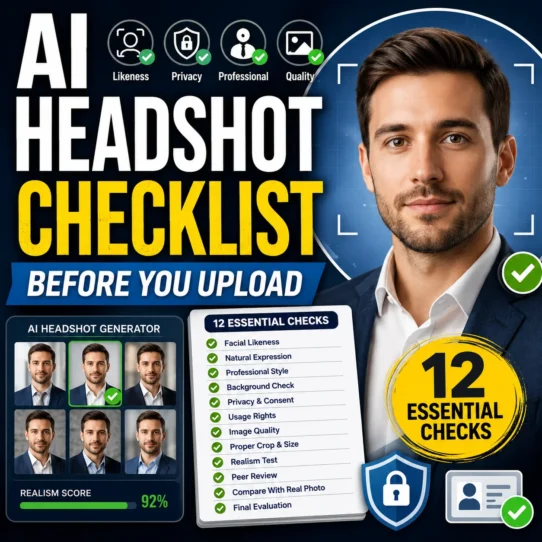
If you created or edited a professional image with AI, use the AI Headshot Generator Checklist to review likeness, visual errors, professional suitability, privacy, and misleading alterations before uploading it.
You can also review LinkedIn’s official explanation of the Data for Generative AI Improvement setting to understand the choice LinkedIn provides for certain uses of member data in training content-generating AI models.
Perform the Interview-Defensibility Test
Imagine an interviewer selects any sentence from your profile and asks, “Tell me more about this.” Could you answer clearly, honestly, and without relying on the AI-generated draft?
- Can I explain every achievement?
- Do I know where each metric came from?
- Can I describe my individual contribution?
- Can I provide a real example?
- Does the wording match how I actually communicate?
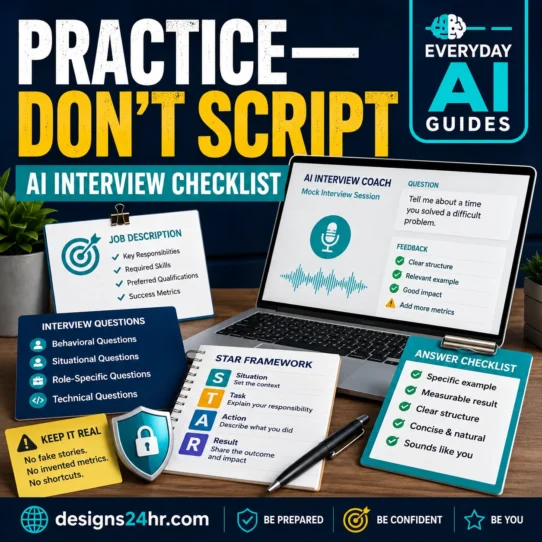
Use the AI Interview Practice Checklist to prepare clear answers without sounding memorized. You can then rehearse relevant questions with the free AI Interview Coach.
If you cannot explain or support a claim, revise or remove it before publishing.
Use the PROFILE Audit Before You Publish
The seven-part PROFILE framework provides a final review after you complete the individual checks. It helps you judge the entire profile consistently rather than approving isolated sentences one at a time.
PROFILE audit rule: A profile is not ready merely because six categories look strong. A serious problem in one category—such as a false qualification or exposed confidential information—should stop publication until it is corrected.
Good and Bad AI LinkedIn Profile Rewrites
A stronger rewrite replaces broad praise with accurate context. It does not invent a more impressive career history.
| Weak AI wording | Stronger direction | Why it is better |
|---|---|---|
| Results-driven marketing professional. | Planned email and social campaigns for a regional retail team, using campaign reports to improve future content decisions. | It names the work, audience, and process without inventing a result. |
| Proven track record of leadership success. | Coordinated a six-person project team, assigned weekly priorities, and reported progress to department managers. | It explains what leadership meant in practice. |
| Leveraged innovative solutions to drive growth. | Introduced a shared lead-tracking process that helped the sales team identify overdue follow-ups. | It describes a specific change and realistic value. |
| Strategic expert who transformed operations. | Reviewed recurring service delays, documented the main causes, and helped create a clearer escalation workflow. | It avoids unsupported seniority and exaggerated transformation language. |
| Increased sales by 75%. | Supported the sales team by preparing weekly pipeline reports and organizing follow-up priorities. | Use the percentage only when it is real, attributable, and supportable. |
How to improve a vague sentence
Ask four questions:
- What did I actually do?
- How did I do it?
- Who or what did it help?
- What result can I honestly support?
You do not need a dramatic number in every sentence. A clear description of a real responsibility is stronger than a fabricated achievement.
LinkedIn Profile and Resume Consistency Check
Your profile can be broader than a role-specific resume, but the underlying career facts should agree. Use this table before submitting an application.
| Area | What must match | What may differ |
|---|---|---|
| Job titles | The title should be accurate and not inflate seniority. | The resume may add a short clarifying label when the official title was unusually vague. |
| Employment dates | Start and end periods should not contradict one another. | One format may show months while another shows years, provided it remains truthful. |
| Responsibilities | The core work and level of ownership should agree. | The resume can prioritize duties most relevant to a specific application. |
| Achievements | Metrics, project scope, team size, and contributions must remain consistent. | The profile may summarize several related accomplishments more broadly. |
| Skills | Listed expertise should reflect real capability. | A tailored resume may emphasize a smaller subset of relevant skills. |
| Education and certifications | Institution, credential, subject, and status should be accurate. | Less relevant coursework may appear on only one document. |
| Professional direction | Neither document should tell a contradictory career story. | The resume may target one opening while the profile supports a broader field. |
Safe Prompt for Reviewing an AI-Written LinkedIn Profile
This prompt asks AI to audit the supplied information before rewriting it. Replace the placeholders with carefully selected, non-confidential information.
Copyable Profile Review Prompt
You are reviewing a LinkedIn profile draft for accuracy, clarity, consistency, privacy, and natural language.

Use only the information I provide. Do not invent employers, job titles, dates, skills, qualifications, certifications, projects, responsibilities, achievements, metrics, clients, tools, or results.

First, audit the draft. Do not rewrite it yet.

For each section:
1. Identify claims that need factual verification.
2. Flag job titles, dates, metrics, or qualifications that conflict with my resume.
3. Mark wording that sounds generic, exaggerated, robotic, or unsupported.
4. Identify confidential, private, or unnecessary information.
5. Flag keywords that do not match my real experience.
6. Identify areas where the professional direction is unclear.
7. Ask a question when important context is missing instead of inventing an answer.
8. Explain whether each issue should be published, revised, or removed.

After the audit, suggest a revised version using only verified facts. Preserve my normal voice and keep the language clear, specific, professional, and realistic.

Do not promise recruiter views, search visibility, interviews, or job offers.

Target role or opportunity:
[Add the role or professional direction]

Current profile draft:
[Paste the profile text after removing sensitive information]

Verified resume facts:
[Paste only the facts needed for comparison]
Review the review: An AI audit can still miss contradictions, misunderstand context, or produce unsuitable rewrites. Compare the output with your source documents before accepting any change.
Should You Publish, Revise, or Remove the AI-Written Text?
Do not rely on an arbitrary profile score. Use an action-based decision that reflects the seriousness of each issue.
Publish
- Facts are accurate.
- Metrics are supportable.
- The profile and resume agree.
- No private information is exposed.
- The writing sounds natural.
- Keywords reflect real experience.
- Every claim is interview-defensible.
Revise
- The wording is vague or generic.
- Important context is missing.
- A metric needs explanation.
- Keywords feel forced.
- The professional direction is unclear.
- The tone does not sound like you.
- A claim needs stronger evidence.
Remove
- Experience was invented.
- A qualification is false.
- A metric cannot be supported.
- The title misrepresents seniority.
- Confidential information is exposed.
- The content belongs to another person.
- You cannot defend the claim.
Final AI LinkedIn Profile Checklist
Complete this final review immediately before saving or publishing your changes:
- I have defined the primary role or opportunity the profile supports.
- My headline accurately reflects my real skills and professional direction.
- My About section includes specific evidence instead of generic claims.
- I removed robotic, exaggerated, and unsupported AI wording.
- Every employer, title, date, qualification, and certification is accurate.
- Every number and achievement has a reliable source or explanation.
- I listed only skills and tools I can demonstrate.
- My LinkedIn profile and resume do not contain conflicting facts.
- Job-relevant keywords appear naturally and match my experience.
- I removed confidential, private, and unnecessary information.
- My links, contact information, profile image, and visibility settings are correct.
- I can explain every public claim confidently during an interview.
Final rule: Publish a truthful profile that is easier to understand—not an AI-created version of a career you have not actually had.
Frequently Asked Questions
Can AI write my LinkedIn profile?
AI can help draft or rewrite profile content, identify vague sections, organize supplied facts, and suggest clearer wording. It cannot confirm that your career history, qualifications, dates, metrics, or achievements are correct. Treat the output as an editable draft and verify every public claim yourself.
Which LinkedIn sections should I check after using AI?
Check your headline, About section, experience, skills, education, certifications, achievements, contact information, links, profile image, privacy choices, and visibility settings. Also compare important facts with your resume and application materials.
Should my LinkedIn profile match my resume exactly?
The wording does not need to be identical. A LinkedIn profile can provide broader context, while a resume is often tailored to one opening. Employers, titles, dates, qualifications, skills, and achievement claims should remain factually consistent.
How do I stop AI-written profile text from sounding generic?
Replace broad phrases with specific tasks, tools, responsibilities, audiences, projects, and verified outcomes. Remove sentences that could apply to almost anyone. Read the draft aloud and rewrite language you would not naturally use in a professional conversation.
What information should I remove before using an AI tool?
Remove full addresses, identification numbers, passwords, private contact details, confidential client names, unreleased projects, internal reports, proprietary methods, sensitive financial data, and information belonging to another person. Share only what the tool needs for the specific task.
Should I add every keyword from a job description?
No. Add a keyword only when it accurately reflects your experience, skill, qualification, or work. Use it in a natural context that helps a reader understand your fit. Copying unsupported terms can make the profile misleading and harder to defend.
Can an optimized LinkedIn profile guarantee recruiter views?
No. Clearer and more relevant profile content may help people understand your experience, but no checklist, keyword formula, AI tool, or profile rewrite can guarantee visibility, recruiter attention, interviews, or employment.
Is it safe to use an AI-generated headshot?
It depends on the output and how the service handles your photos. Check whether the image still represents your real appearance, contains visual errors, changes important facial features, or creates a misleading professional identity. Review the service’s privacy terms before uploading personal photographs.
Continue Your Career Preparation
A LinkedIn profile is only one part of a credible job-search system. Continue with the resource that matches your next task.
Official Sources
This independent educational guide is not affiliated with, sponsored by, or endorsed by LinkedIn. LinkedIn is a trademark of its respective owner. Platform features, policies, and settings may change, so review the current official documentation before making important account or privacy decisions.