How to message a recruiter on LinkedIn is surprisingly easy to get wrong. A message can be too generic, too long, overly enthusiastic, or sound like it was copied directly from ChatGPT. The better approach is to use AI for the first draft while keeping the facts, personalization, and final judgment firmly in your hands.
ChatGPT can make recruiter outreach faster, but it cannot know which parts of your experience are true, why you chose a particular recruiter, or what professional next step makes sense unless you provide that information.
Give ChatGPT the exact role, company, recruiter context, and only verified facts about your experience. Ask it to draft a short message containing one specific reason for reaching out, one relevant proof point, and one easy next step. Then remove generic AI language and edit the message until it sounds like something you would actually send.
This guide uses the HUMAN framework to turn a generic AI draft into recruiter outreach that is truthful, specific, concise, and easy to understand.
Before You Ask ChatGPT to Write Anything
Do not begin with a vague instruction such as, “Write a great LinkedIn message to a recruiter.” ChatGPT does not know which claims about you are accurate, what the recruiter actually handles, or why the opportunity matters to you.
Gather a small set of source facts first:
- Recruiter’s name: confirm that you have the correct person.
- Recruiter’s area: check whether they appear to recruit for the role, team, location, or profession you are targeting.
- Exact opportunity: verify the correct job title and employer.
- Your application status: note whether you have not applied, already applied, or were contacted first.
- Your strongest relevant experience: choose one or two genuine skills, responsibilities, projects, or achievements.
- Your evidence: use a result or number only when it is real and supportable.
- Your desired next step: decide what you are actually asking the recruiter to do.
If you have also used AI to improve your profile, check your LinkedIn profile before contacting recruiters. Your recruiter message, LinkedIn profile, resume, application, and eventual interview answers should remain consistent.
Choose the Right Type of Recruiter Outreach
The right message depends on where you are in the hiring process. A person who already applied needs a different approach from someone networking before a suitable vacancy exists.
| Situation | Best Message Goal | Avoid |
|---|---|---|
| You have not applied yet | Show relevant interest and ask one useful question not already answered in the listing. | Asking a recruiter to decide from a cold message whether you are qualified. |
| You already applied | Briefly introduce yourself and add one relevant piece of context. | “I applied. Please review my resume.” |
| The recruiter posted the vacancy | Reference the specific opening or post and explain your relevant connection to it. | Generic praise that could apply to any recruiter or company. |
| No suitable vacancy is listed | Open a professional networking conversation around your field or future opportunities. | Demanding a job, referral, or immediate call. |
| You are sending a connection request | Give a short and specific reason for connecting. | Trying to fit your entire resume into the note. |
| The recruiter contacted you first | Reply directly, answer what they asked, and make the next step easy. | Starting a new cold pitch instead of answering their message. |
LinkedIn messaging options can vary by connection status, account type, and recipient settings. First-degree connections can generally message each other directly, while other options may include connection requests, message requests, Open Profile, or InMail. Because LinkedIn changes product limits and eligibility over time, verify the current rules before relying on a specific messaging feature.
LinkedIn references: Review the current LinkedIn Help documentation for personalized connection invitations and InMail messages.
How to Message a Recruiter on LinkedIn With the HUMAN Framework
Once you understand how to message a recruiter on LinkedIn, ChatGPT becomes much more useful because you can give it a clear structure instead of asking for a generic networking message.
H — Hook: Why This Recruiter?
Start with a real reason you chose this person. That might be a vacancy they posted, a recruiting specialty, the team they support, or a professional topic they discussed publicly.
Weak: “I came across your impressive profile and wanted to connect.”
Better: “I saw your post about the Product Operations opening at Northstar and wanted to reach out.”
The better version answers the recruiter’s immediate question: Why are you messaging me?
U — Useful Context: Which Role, Company, or Conversation?
Give the recipient enough context to understand your message without making them investigate. Name the relevant job, company, team, application, or post when appropriate.
Vague outreach creates work for the reader. Specific context makes the conversation easier to place.
M — Match: Why Are You Relevant?
Choose one strong and supportable reason your background connects with the opportunity.
This might be:
- experience with a similar type of project;
- a skill specifically requested in the role;
- experience in the same industry;
- a genuine measurable result;
- a responsibility you already perform.
You usually do not need to summarize your whole career. The recruiter can review your profile or application if the conversation progresses.
A — Ask: What Small Next Step Makes Sense?
Do not make the recruiter guess what you want.
Your ask could be:
- whether a particular qualification is especially important;
- whether the role is still being actively considered;
- whether one part of your background appears relevant;
- whether they would be open to a brief conversation;
- or whether staying connected for future relevant openings makes sense.
Ask for one realistic next step, not several unrelated favors.
N — Naturalize: Make the Draft Sound Like You
This is where many AI-written messages fail. ChatGPT can produce polished wording that sounds professional but does not sound like the actual person sending it.
Remove phrases you would never say. Shorten overly formal sentences. Replace broad praise with real context. Read the message aloud before sending it.
Use This ChatGPT Prompt for a Recruiter Message
You do not need dozens of prompt templates. One reliable prompt is more useful when it forces ChatGPT to work only with verified information.
Help me draft a short LinkedIn message to a recruiter.

Use ONLY the facts I provide below. Do not invent or assume any employer, job title, qualification, skill, relationship, achievement, metric, project, responsibility, or result.

If an important fact is missing, leave it out or tell me what information would improve the message instead of making something up.

My situation:
Recruiter name: [Name]
Company: [Company]
Role or opportunity: [Role]
Why I am contacting this recruiter: [Reason]
Application status: [Not applied / Applied / Recruiter contacted me]
Relevant experience: [1–2 verified points]
Verified achievement or evidence: [Optional]
What I want to ask: [One realistic next step]

Write the message using this HUMAN framework:
H — Hook: Give a specific reason for contacting this recruiter.
U — Useful Context: Name the relevant role, company, post, or situation.
M — Match: Include one credible reason my real experience is relevant.
A — Ask: End with one small, reasonable next step.
N — Naturalize: Make the wording conversational and professional rather than robotic.

Requirements:
- Keep it concise.
- Do not use exaggerated praise.
- Do not call me a perfect fit.
- Do not use "I hope this message finds you well."
- Do not invent urgency.
- Do not copy the job description.
- Do not add unsupported numbers.
- Avoid corporate buzzwords.
- Make it sound like a real professional wrote it.
- Give me one final draft, not multiple versions.

After the draft, list any sentence that still needs factual verification before I send it.
Six Recruiter Message Examples for Different Situations
The best way to learn how to message a recruiter on LinkedIn is to compare generic outreach with messages built around a real opportunity, relevant experience, and one clear next step.
Use the following examples as structures rather than scripts. Replace every placeholder and adapt the wording to your real situation.
1. Before Applying
Hi [Name], I hope this message finds you well. I am extremely interested in opportunities at [Company] and believe my diverse skill set would make me a great fit. I would love to connect and learn more.
Hi [Name], I saw the Marketing Operations opening at [Company]. I currently work with campaign reporting and CRM workflows, so the role caught my attention. Before I apply, may I ask whether the team is prioritizing analytics experience or lifecycle campaign experience more heavily?
Why it works: The stronger version identifies the exact opportunity, provides relevant context, and asks one focused question instead of relying on broad enthusiasm.
2. After Applying
Example:
Hi [Name], I applied yesterday for the Customer Success Operations role at [Company] and wanted to briefly introduce myself. My current work includes onboarding-process reporting and identifying overdue customer follow-ups, which seemed especially relevant to the position. No action needed if the application is already with the right team—I simply wanted to add that context. Thanks for your time.
This adds something useful without implying that a LinkedIn message should move your application ahead of other candidates.
3. When the Recruiter Posted the Job
Example:
Hi [Name], I saw your post about the Senior Data Analyst opening at [Company]. I’ve worked on reporting dashboards and recurring performance analysis for the past three years, so the role is closely aligned with the work I already do. I’ve submitted an application and wanted to introduce myself. Thanks for sharing the opening.
If you use a number or result, include it only when it is genuine and you could comfortably explain how it was measured.
4. Cold Outreach When No Job Is Listed
Example:
Hi [Name], I noticed you recruit operations roles in the healthcare technology space. My background is in process documentation and operations reporting, and I’m beginning to explore my next move in that area. I’m not reaching out about a specific opening, but I’d be glad to connect if that background overlaps with roles you typically handle.
The goal here is to open a professional relationship, not pressure someone to find you a job.
5. Connection Request Note
Connection-request notes leave little room for context, so do not try to compress a cover letter into one.
Example:
Hi [Name] — I saw your post about the Product Operations role at [Company]. My background is in workflow and reporting operations, so I’d be glad to connect.
Check LinkedIn’s current limits before sending because availability and character limits can vary by account type and can change.
6. When the Recruiter Contacted You First
If the recruiter already contacted you, answer their question instead of sending a separate networking pitch.
Example:
Hi [Name], thanks for reaching out. Yes, I’m open to learning more about the Operations Analyst role. My current work includes weekly reporting, workflow documentation, and cross-team follow-up. I’m available Tuesday after 2 p.m. or Wednesday morning if either works for a brief call.
If the conversation moves to email, you can use the free AI Email Reply Generator to create a clearer first draft, then verify and personalize it before sending.
Generic ChatGPT Message vs. Human-Sounding Message
| Generic AI Habit | Better Approach | Why It Helps |
|---|---|---|
| “I hope this message finds you well.” | Start with the real reason for contacting the recruiter. | The recipient understands the context immediately. |
| “I am excited to express my interest.” | Name the specific role or opportunity. | Specific information communicates more than generic enthusiasm. |
| “My diverse skill set aligns perfectly.” | Name one real skill, responsibility, or result. | Evidence is more credible than broad self-praise. |
| A long summary of your resume. | Choose one or two relevant points. | The message remains easy to scan. |
| “I’d love to pick your brain.” | Ask one concrete question or next step. | The recruiter knows what a response requires. |
| Invented percentages or achievements. | Use verified evidence or leave the metric out. | Your message remains truthful and defensible. |
| Excessive praise for the company. | Reference a real role, post, project, or professional connection. | The personalization becomes meaningful. |
What Not to Paste Into ChatGPT
You usually do not need to paste your entire resume, complete LinkedIn history, private recruiter conversations, and every personal detail into an AI tool just to create a short message.
Remove information the drafting task does not need, including:
- Social Security or other government identification numbers;
- passwords or account credentials;
- your full home address;
- private phone numbers when unnecessary;
- confidential employer information;
- private customer or client details;
- internal reports or unreleased projects;
- proprietary documents;
- another person’s unnecessary private information.
Share only the information needed for the drafting task.
OpenAI provides ChatGPT Data Controls that allow users to manage whether conversations are used to improve its models. OpenAI also provides Temporary Chat for conversations that should not appear in normal history or create memories. Privacy settings and retention practices can change, so review the current documentation when handling sensitive information.
OpenAI reference: See the current ChatGPT Data Controls FAQ.
Should You Message a Recruiter After Applying?
Sometimes—but a message is most useful when it adds relevant context.
Your application already tells the employer that you applied. Ask what additional value your LinkedIn message provides.
Post-application outreach can make more sense when:
- the recruiter publicly shared the vacancy;
- you have one especially relevant experience point worth highlighting;
- you previously interacted with the recruiter;
- the recruiter invited questions;
- you need to clarify a meaningful application detail.
It is less useful when the entire message amounts to, “I applied. Please review my resume.”
How to Follow Up Without Becoming Spammy
There is no universal number of hours or days that guarantees the perfect follow-up time. Recruiters work with different hiring schedules, workloads, employers, and processes.
Use a judgment-based approach:
- Check whether a timeline was provided. If the recruiter said they would respond next week, give them that time.
- Do not follow up immediately. A second message shortly after the first rarely adds useful information.
- Give the recipient reasonable working time.
- Follow up once when you have a clear reason.
- Keep the follow-up shorter than your original message.
- Do not repeatedly pursue someone who has not engaged.
Simple Recruiter Follow-Up Example
Hi [Name], just following up on my earlier note about the [Role] position. My interest remains strong, particularly because of the role’s focus on [relevant area]. I know hiring timelines vary, so no problem if there is nothing to share yet. Thanks again for your time.
That is usually enough. You do not need to manufacture urgency or send a new sales pitch.
Before You Send: The 10-Point Human Check
ChatGPT has finished drafting. Your most important work starts now.
- Is every fact in the message true?
- Did I give a specific reason for contacting this recruiter?
- Is my strongest relevant qualification obvious?
- Did ChatGPT invent, exaggerate, or assume anything?
- Does the opening sound generic?
- Is there one clear next step?
- Could the recruiter understand and answer the message quickly?
- Did I remove unnecessary personal or confidential information?
- Does this sound like my normal professional voice?
- Would I be comfortable explaining every sentence in an interview?
If you would be uncomfortable defending a sentence during an interview, revise it before sending.
What to Do After a Recruiter Replies
A reply is not the end of the workflow. It is the beginning of the next stage.
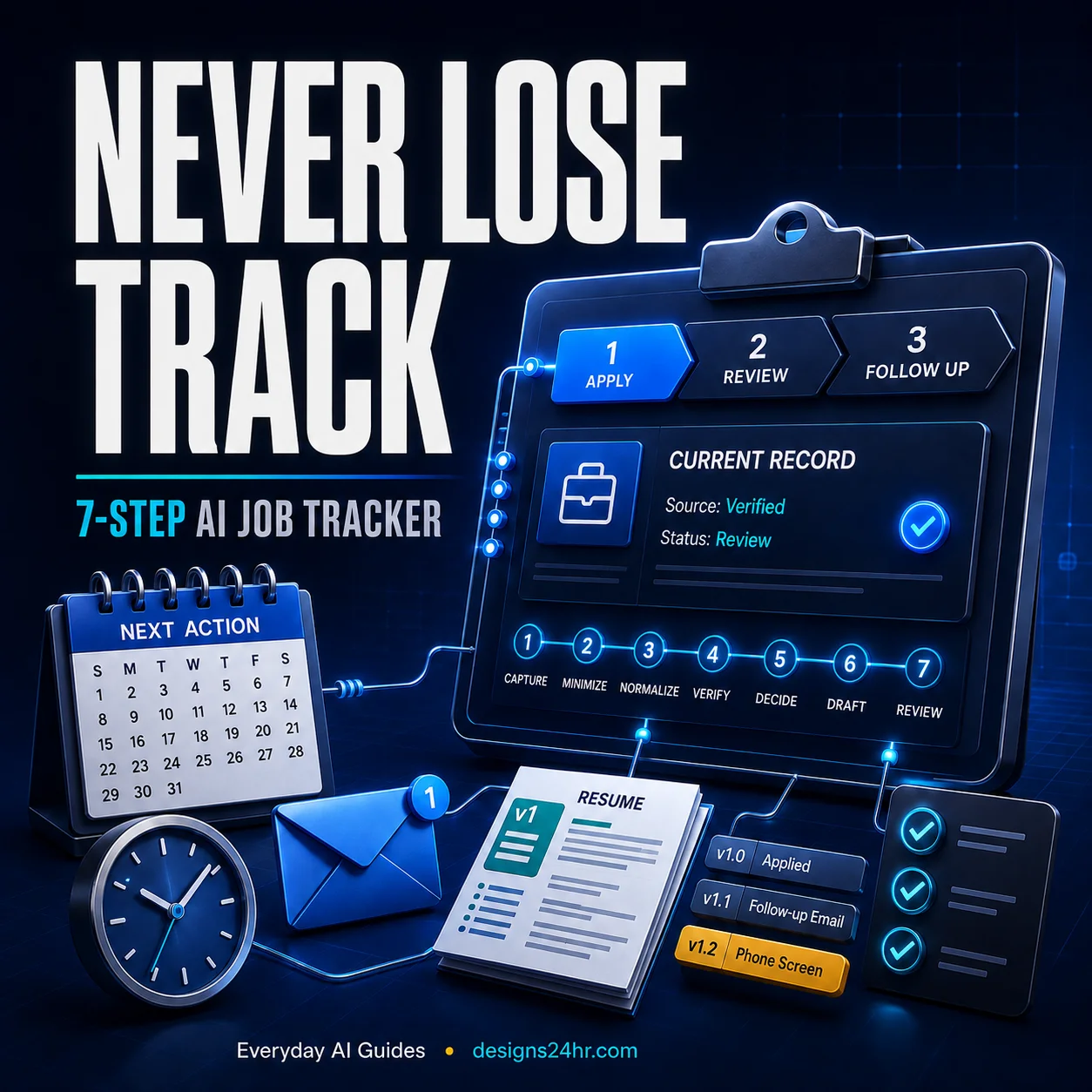
Use the Designs24hr guide to track your applications and recruiter follow-ups so dates, contacts, and next actions do not disappear across LinkedIn, email, notes, and job boards.
If your resume needs role-specific cleanup, try the free AI Resume Optimizer. If the conversation progresses to a recruiter screen or interview, use the AI Interview Coach to practice without memorizing robotic answers.
Frequently Asked Questions
Can I use ChatGPT to message recruiters on LinkedIn?
Yes. ChatGPT can help organize, shorten, and rewrite recruiter outreach, but give it only verified information and review the finished draft yourself. Do not allow AI to invent qualifications, experience, achievements, relationships, or job details.
What should my first LinkedIn message to a recruiter say?
Give a specific reason for contacting the recruiter, identify the relevant role or context, mention one credible reason your experience is relevant, and finish with one realistic next step. Keep it easy to scan.
Should I message a recruiter before or after applying?
Either can make sense. Before applying, you might ask a useful question that is not already answered in the job description. After applying, outreach is more valuable when it adds relevant context instead of merely asking the recruiter to review your application.
How do I make a ChatGPT recruiter message sound human?
Remove generic openings, exaggerated enthusiasm, corporate buzzwords, and sentences you would never normally use. Add the real reason you chose that recruiter, name the opportunity, include a verified detail about your experience, and read the message aloud before sending it.
Should I send a connection request or InMail?
It depends on your relationship with the recruiter, your account, and the recipient’s LinkedIn settings. Messaging options and limits can change, so check LinkedIn’s current documentation rather than relying on an old fixed rule.
What should I say if there is no open position?
Treat the message as professional networking rather than a job demand. Briefly explain your field, why the recruiter is relevant to your search, and the type of work you may explore in the future.
Should I follow up if the recruiter does not respond?
A single polite follow-up can be reasonable after giving the recruiter appropriate working time, especially when you have a useful reason to contact them again. Avoid repeatedly messaging someone who has not engaged.
Final Takeaway
Ultimately, how to message a recruiter on LinkedIn comes down to relevance, truthfulness, brevity, and making it easy for the recipient to understand why you contacted them.
ChatGPT works best as a drafting assistant rather than the source of your professional story. Start with real facts, follow the HUMAN framework—Hook, Useful Context, Match, Ask, Naturalize—and verify every sentence before sending.
A polished message is not automatically a good message. The strongest version is truthful, specific, relevant, respectful, and recognizably yours.