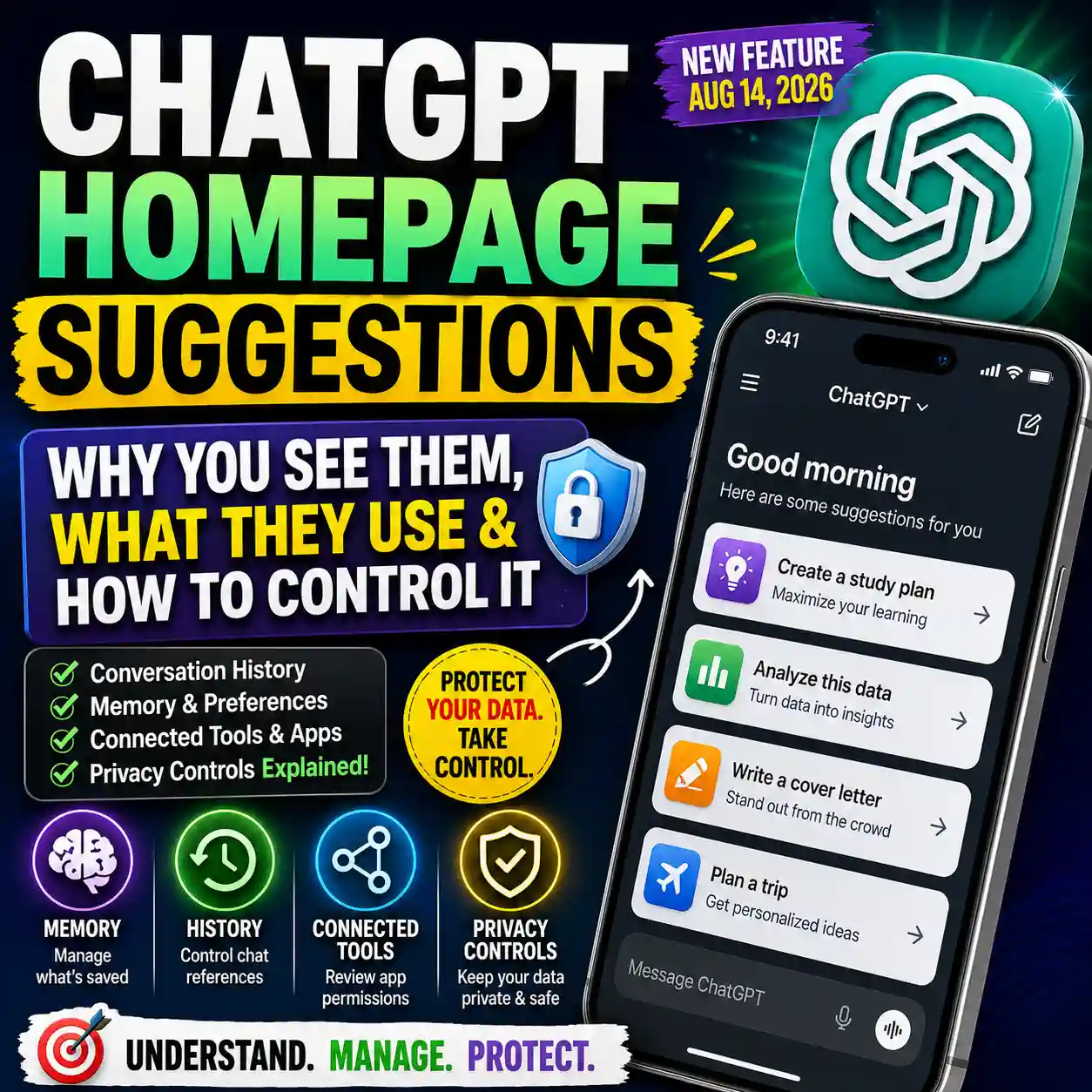
The ChatGPT Privacy Center gives you one place to understand privacy features such as memory, Temporary Chat, model improvement, connected apps, account security, data export and other available controls. But there is an important distinction: Privacy Center mainly explains those choices and sends you to the relevant ChatGPT setting when you want to change something.
That makes Privacy Center useful, but it can also be confusing if you expect one master privacy switch. This guide shows you where to find it, what each section actually covers, which ChatGPT privacy settings control different types of data use, and what to review if Privacy Center is not showing on your account.
Quick answer: The ChatGPT Privacy Center is an in-product privacy guide that explains available privacy options and helps you find the settings that manage them. Opening Privacy Center by itself does not turn off model training, erase memory, delete chats, disconnect apps or change your account settings.
Think of Privacy Center as a map to your privacy controls, not as the controls themselves. Your actual settings still live in places such as Data controls, Personalization, Security and login, plugin or app settings, and individual features such as Temporary Chat.
Where Is the ChatGPT Privacy Center?
OpenAI currently describes Privacy Center as rolling out to signed-in ChatGPT Free, Go, Plus, Pro and Business users. Availability can still depend on your account, region, app version, plan and workspace settings.
At the time of writing, OpenAI says the Privacy Center rollout itself does not include ChatGPT Enterprise, Edu or ChatGPT for Healthcare, although those products have their own privacy and administrator controls.
What Is Inside the ChatGPT Privacy Center?
Privacy Center groups related controls into three broad areas. You do not necessarily have every setting shown below because available options vary by plan, account, region and workspace.
Personalized chats & ads
Covers features including Memory, available advertising preferences and location-related privacy information.
Chat privacy
Explains Temporary Chat, including history, personalization, model improvement and retention behavior.
Data use & access
Covers apps, multi-factor authentication, model improvement, eligible data export and account-deletion options.
Do not assume every privacy concern uses the same setting. Memory, model training, Temporary Chat, app permissions and account security are separate controls. Changing one does not automatically disable the others.
ChatGPT Privacy Control Map: Which Setting Does What?
This is the simplest way to decide which ChatGPT privacy setting you actually need.
| Your goal | Where to look | What it changes |
|---|---|---|
| Understand available privacy options | Privacy Center | Explains features and directs you to relevant controls. |
| Stop eligible new chats from helping improve OpenAI models | Settings → Data controls → Improve the model for everyone | Controls model-improvement use for eligible new conversations. |
| Review what ChatGPT remembers | Settings → Personalization → Memory | Controls available memory and personalization behavior. |
| Have a chat outside normal chat history | Temporary Chat | Keeps the chat out of normal history unless you later save it. |
| Avoid using existing personalization in a Temporary Chat | Temporary Chat → Unpersonalized | Starts the temporary conversation without Memory, custom instructions or plugins. |
| Review external service access | Settings → Plugins / connected app | Lets you review connections, permissions and available accounts. |
| Add another sign-in verification step | Settings → Security and login → MFA | Adds an additional authentication step when signing in. |
| Download eligible ChatGPT account data | Data controls → Export data | Requests an export when self-service export is available. |
| Submit a formal personal-data request | OpenAI Privacy Portal | Handles privacy requests outside the in-product Privacy Center. |
| Permanently close your personal ChatGPT account | Account deletion controls | Starts permanent account deletion when available for your account. |
ChatGPT Privacy Center vs Data Controls
Privacy Center and Data Controls are not the same thing. This is one of the easiest parts of ChatGPT privacy to misunderstand.
| Privacy Center | Data Controls |
|---|---|
| Explains several privacy-related features. | Contains actual account controls for specific data choices. |
| Helps you find the right setting. | Lets you change settings that are available to your account. |
| Covers Memory, Temporary Chat, apps, security and more. | Includes model-improvement preferences, export options and other data settings. |
| Opening it does not automatically change anything. | Changing a toggle or action can change future account behavior. |
For example, if your goal is to keep your normal chat history while stopping eligible new conversations from being used for model improvement, the relevant setting is Improve the model for everyone under Data Controls—not simply opening Privacy Center.
OpenAI’s Data Controls documentation explains the currently available controls and where to find them.
1. Memory and Personalized Chats
ChatGPT Memory is a separate privacy and personalization feature. Privacy Center can explain it and take you toward available Memory controls, but your Memory settings themselves are managed under Settings → Personalization.
One detail is especially important: deleting a chat does not automatically delete a memory that was saved from that conversation. That means deleting conversation history and reviewing stored memory are different actions.
If your real goal is to remove remembered information rather than understand Privacy Center, use our separate guide on how to delete ChatGPT memory .
Best question to ask yourself: “Do I want ChatGPT to stop remembering information, or do I only want my future chats excluded from model improvement?” Those are different privacy choices with different controls.
2. Personalized Ads and Location Privacy
Privacy Center may also show information about personalized ads and location. Advertising controls are relevant only where ads are available. OpenAI currently says ads may appear for eligible Free and Go users, while other plans such as Plus, Pro, Business, Enterprise, Edu and ChatGPT for Healthcare do not have ads.
Location options also depend on availability. OpenAI says location may be used to make some results more relevant, and available location-sharing controls can be managed where supported.
This should not be confused with information you voluntarily type into a chat. If you tell ChatGPT your home address, workplace or other sensitive information in the conversation itself, that information is part of what you shared in the chat.
For a practical safety checklist, see what not to share with ChatGPT .
3. Temporary Chat: Privacy Without a Normal Saved Chat
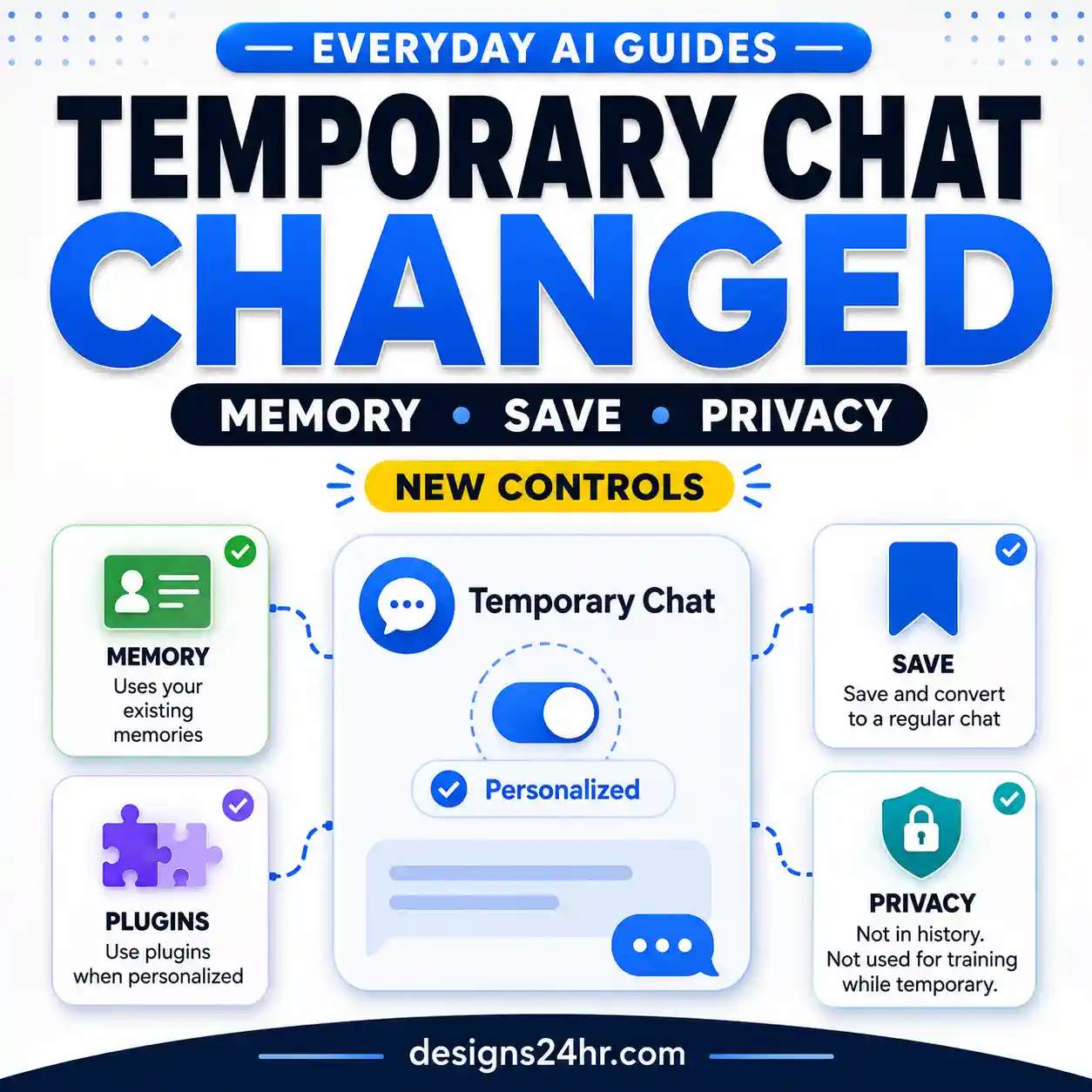
Temporary Chat is useful when you want a conversation to stay outside your normal chat history unless you later choose to save it. Current ChatGPT behavior gives you an additional choice before the conversation begins: Personalized or Unpersonalized.
| Temporary Chat option | Can use existing personalization? | Creates or updates Memory? |
|---|---|---|
| Personalized | Yes. It can use existing Memory, custom instructions and plugins where available. | No, while the conversation remains temporary. |
| Unpersonalized | No. It does not use Memory, custom instructions or plugins for personalization. | No, while the conversation remains temporary. |
Temporary Chats are not used to improve OpenAI models while they remain temporary. OpenAI may keep a copy for up to 30 days for safety purposes. If you later save the conversation, it becomes a regular chat and then follows your account’s normal personalization and model-improvement settings.
Current behavior matters: older explanations that say a Temporary Chat can never use existing memories are now incomplete. A Personalized Temporary Chat can use existing personalization, while an Unpersonalized Temporary Chat does not.
Read our dedicated explanation of how ChatGPT Temporary Chat and memory work if Temporary Chat is your main concern.
You can also check OpenAI’s current Temporary Chat documentation .
4. Plugins and Connected Apps
Privacy Center’s data-use section also points users toward information about plugins and connected apps. These can connect ChatGPT with services you already use and may be able to read information or perform supported actions depending on the permissions you approved.
This is a separate privacy layer from Memory or model-training settings. App permissions determine what access is available and when ChatGPT asks before using that access. Your provider account, workspace rules and the permissions granted during connection also matter.
Connected-app privacy check: review which services are connected, which account is connected, what permissions were granted, whether the connection is still needed, and the third party’s own privacy policy.
OpenAI currently says that for personal Free, Go, Plus and Pro accounts, information accessed from connected apps may be used to improve models when Improve the model for everyone is enabled. For Business, Enterprise and Edu customers, connected-app information is not used for model training by default.
See OpenAI’s connected apps documentation for current permission and data-use details.
5. Model Improvement: The Setting That Controls Eligible New Chats
If your specific concern is whether eligible new ChatGPT conversations can help improve OpenAI’s models, the setting to review is Improve the model for everyone.
For an eligible personal account, go to Settings → Data controls and review that setting. Turning it off means new eligible conversations will not be used to improve OpenAI models. Your normal conversations can still remain in chat history.
OpenAI also says eligible users can opt out through its Privacy Portal. For ChatGPT conversations and ordinary Codex tasks, using either the account setting or the relevant Privacy Portal opt-out is sufficient; you do not need to apply both.
One exception worth knowing: if you deliberately submit feedback on an interaction, such as rating a response, OpenAI says the conversation associated with that feedback may be used to improve models even if you otherwise opted out.
OpenAI’s current explanation is available in How your data is used to improve model performance .
6. MFA, Data Export and Account Security
Privacy is not only about model training. Privacy Center also surfaces account-security and data-access topics.
Multi-factor authentication
MFA adds another verification step when you sign in. Current ChatGPT settings place MFA under Settings → Security and login. Available verification methods can vary by account, device and country.
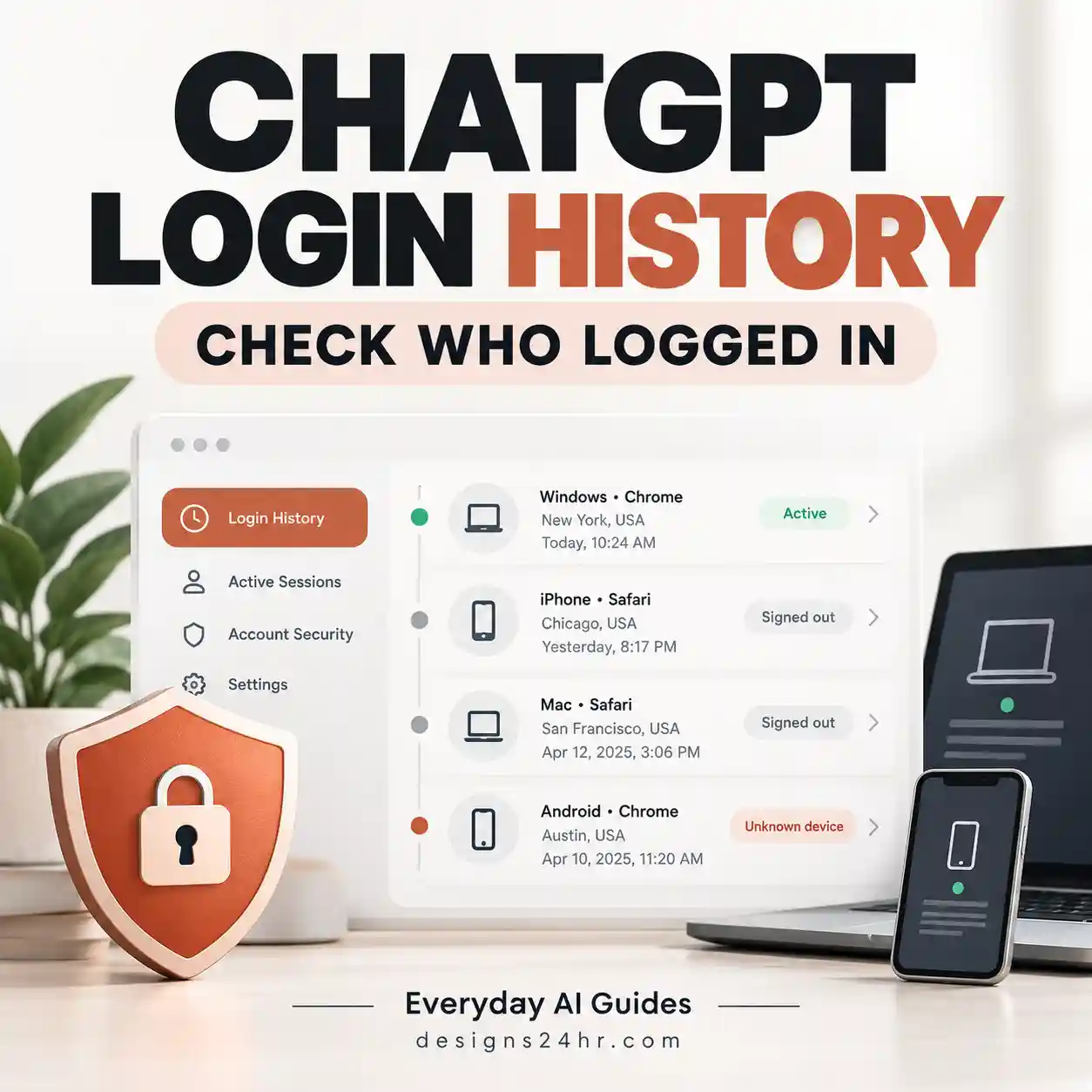
Enabling MFA does not automatically sign every existing device out. If you are investigating suspicious access, review your active sessions separately. Our ChatGPT login history and security guide explains the broader account-access checks.
Exporting your data
Eligible signed-in users can request a copy of their ChatGPT data from Settings → Data controls → Export data or through available Privacy Portal options. Export availability differs for managed workspaces.
Deleting your account
Account deletion is a much broader action than deleting a conversation, clearing a memory or disabling training. Treat it as a permanent account action and review OpenAI’s current instructions before proceeding.
Official references: MFA , data export , and account deletion .
ChatGPT Privacy Center Not Showing? Check These First
If you cannot find ChatGPT Privacy Center, that does not necessarily mean something is wrong with your account. OpenAI describes the feature as a rollout, and individual availability can differ.
Practical recommendation: if Privacy Center is missing but you urgently want to change a particular privacy choice, go directly to the underlying setting rather than repeatedly checking for Privacy Center.
Privacy Center vs OpenAI Privacy Portal
The names sound similar, but these are different tools.
| ChatGPT Privacy Center | OpenAI Privacy Portal |
|---|---|
| Part of the ChatGPT privacy experience. | A separate privacy-request website. |
| Explains privacy features and helps locate settings. | Lets eligible users submit privacy and personal-data requests. |
| Useful for understanding which ChatGPT control you need. | Useful for formal privacy requests and available data-rights actions. |
In other words, use Privacy Center when you are trying to understand ChatGPT’s privacy controls. Use the OpenAI Privacy Portal when you need an available privacy-request process.
The 5-Minute ChatGPT Privacy Review
You do not need to disable every personalization feature to improve privacy. A better approach is to review each setting according to what you actually want ChatGPT to remember, save, access or use.
□ Review Settings → Data controls → Improve the model for everyone.
□ Review Settings → Personalization → Memory.
□ Decide when I should use Personalized vs Unpersonalized Temporary Chat.
□ Review connected plugins and apps I no longer need.
□ Review app permissions before allowing reads or actions.
□ Enable or review MFA under Security and login.
□ Check active account sessions if I am concerned about unauthorized access.
□ Export my data if I need a personal copy before making major account changes.
□ Avoid sharing information in chats that I would not want exposed unnecessarily.
Which ChatGPT Privacy Setting Should You Change?
There is no single “best” privacy configuration for everyone. Use this decision framework instead.
Common Privacy Mistakes to Avoid
| Mistake | Better approach |
|---|---|
| Assuming opening Privacy Center changes privacy settings. | Use Privacy Center to identify the control, then change the relevant setting. |
| Assuming deleting a chat deletes any saved Memory from it. | Review Memory separately under Personalization. |
| Assuming every Temporary Chat is automatically unpersonalized. | Choose Personalized or Unpersonalized before starting the temporary conversation. |
| Assuming disabling training deletes existing chats. | Model-improvement preference and chat-history retention are separate controls. |
| Ignoring connected-app permissions. | Review account connections, permissions and third-party privacy terms. |
| Treating privacy settings as a substitute for safe sharing habits. | Still avoid entering unnecessary passwords, financial details, private identifiers or highly sensitive information. |
Frequently Asked Questions
What is the ChatGPT Privacy Center?
ChatGPT Privacy Center is an in-product guide that explains available privacy options and helps you find the settings or features that manage them. It does not act as one universal privacy toggle.
Where is Privacy Center in ChatGPT?
On the web, open your account menu, choose Help, then choose Privacy Center. On supported mobile apps, open Settings and look for Privacy Center.
Why is ChatGPT Privacy Center not showing?
The feature is still described as a rollout. Availability can depend on your plan, account, region, app version and workspace settings. OpenAI currently lists signed-in Free, Go, Plus, Pro and Business users in the rollout and excludes Enterprise, Edu and ChatGPT for Healthcare from the Privacy Center rollout itself.
Does Privacy Center turn off ChatGPT training?
No. For eligible personal accounts, review Settings → Data controls → Improve the model for everyone if you want to control whether eligible new conversations can help improve OpenAI’s models.
Is ChatGPT Privacy Center the same as Data Controls?
No. Privacy Center explains several privacy topics and helps you find relevant settings. Data Controls contains actual controls for areas such as model-improvement preferences and eligible data-export options.
Does Privacy Center delete ChatGPT Memory?
No. Memory is managed separately through the available Personalization controls. Opening Privacy Center does not delete existing memories.
Can Temporary Chat use my existing ChatGPT Memory?
A Personalized Temporary Chat can use existing Memory, custom instructions and plugins where available, but it does not create or update memories while it remains temporary. Choose Unpersonalized before the conversation starts if you do not want those personalization sources used.
Are Temporary Chats used to train OpenAI models?
OpenAI says a Temporary Chat is not used to improve its models while it remains temporary. If you save it, the conversation becomes a regular chat and follows your account’s normal model-improvement and personalization settings.
Does disabling model training remove my chat history?
No. Turning off Improve the model for everyone does not by itself remove your normal chat history. Chat history, retention, Memory and model-improvement settings are related privacy topics but are not the same control.
Is Privacy Center the same as the OpenAI Privacy Portal?
No. Privacy Center is part of ChatGPT and explains available privacy controls. The OpenAI Privacy Portal is a separate website for submitting available privacy and personal-data requests.
Is ChatGPT Privacy Center available on Plus?
Yes. OpenAI currently includes signed-in ChatGPT Plus users in the Privacy Center rollout, although individual availability can still depend on factors such as account, region and app version.
Is ChatGPT Privacy Center available for Business?
Yes. OpenAI currently includes ChatGPT Business in the rollout. Business administrators and workspace policies may still control which features are available, and Privacy Center does not override organization policies.
Official Sources and Further Reading
ChatGPT privacy features can change, so Designs24hr recommends checking current OpenAI documentation when a setting or menu looks different from what you see here.
Data Controls in ChatGPT
Memory in ChatGPT
Temporary Chat in ChatGPT
Connected apps in ChatGPT
How your data is used to improve model performance
Final Privacy Check
The ChatGPT Privacy Center is most useful when you treat it as a guide to several separate privacy decisions rather than a single on/off switch. Review model-improvement settings, Memory, Temporary Chat, connected apps and account security individually, then choose the configuration that matches how you actually use ChatGPT.
If your next concern is what information is safe to enter in the first place, continue with our guide to what not to share with ChatGPT .
This guide explains currently documented ChatGPT privacy controls for everyday users. Features, availability and menu names may change by plan, region, workspace and app version. It is not legal advice.