LinkedIn AI job search lets you describe the kind of role you want in normal language instead of relying only on exact job-title keywords. Start with a specific role, add useful context such as location, experience level, skills or employment type, then use the filters LinkedIn surfaces to narrow the results.
The safest approach is SEARCH → REFINE → VERIFY: use AI to discover opportunities, use filters to tighten the results, and manually check the actual job description before deciding that a role meets an important requirement.
Job searching gets frustrating when the title in your head is not the exact title an employer uses. A role that looks like “customer success” to you might be listed as client success manager, customer enablement specialist or account success partner. Traditional keyword search can miss some of those connections.
That is the problem LinkedIn AI job search is designed to address. According to LinkedIn’s current AI-powered job search documentation, the system interprets the meaning of a natural-language search and matches that intent against job descriptions instead of requiring only exact keyword overlap.
That flexibility is useful, but it also introduces a new problem: a search can sound precise to you while the system interprets part of it more loosely than you intended. The goal of this guide is therefore not to give you a list of clever prompts. It is to help you search systematically, recognize where AI matching can fail, and know what to verify before applying.
What is LinkedIn AI-powered job search?
Traditional job search is largely keyword-driven: type a title, choose a location, apply filters and review whatever matches those fields. AI-powered search adds a semantic layer. You can describe what you want in conversational language, and LinkedIn attempts to understand the intent behind that description.
LinkedIn’s engineering team explains that the newer system uses large language models and semantic retrieval so it can connect a search with relevant jobs even when the wording is not identical. That means a person searching for an “entry-level marketing job” may discover titles that express the same general concept differently.
This makes LinkedIn AI job search especially useful during the discovery phase—when you know what kind of work you want to do but do not know every title employers might use.
LinkedIn reported in January 2026 that more than 1.3 million members were already using the tool each day and that it was powering more than 25 million searches per week. The company also said the experience was expanding globally in multiple languages.
How to use LinkedIn AI job search step by step
The biggest improvement you can make is surprisingly simple: stop treating the search box like a pile of keywords. Give it one understandable job-search request.
LinkedIn itself recommends starting with a role rather than making the request too broad. A search such as “remote jobs” gives the system much less context than a request that names a type of work and explains what matters.
Use the SEARCH formula for better job searches
To keep a natural-language query focused, use the Designs24hr SEARCH formula. You do not need every element every time. The framework simply stops you from forgetting the details most likely to change your results.
A simple structure is:
You are not writing instructions to a chatbot that must obey every clause. You are giving a search system enough context to understand the opportunity you are trying to discover.
LinkedIn AI job search examples you can adapt
1. Recent graduate
Show me entry-level marketing roles in Chicago where Excel, analytics and content skills are useful, posted recently.
This is more informative than searching only for “marketing jobs.” It identifies the level, location, skill mix and recency preference while leaving room for LinkedIn to surface related titles.
2. Career changer
Find customer success roles where project management, client communication and process improvement experience would be useful.
A career changer can benefit from describing transferable work rather than searching only for a previous job title.
3. Remote professional
Find senior content strategy roles that are remote in the United States and value SEO, editorial planning and analytics experience.
4. Specialized professional
Show me senior product management roles in healthcare technology where B2B SaaS and analytics experience are relevant.
5. Exploring adjacent job titles
Find roles related to customer education, onboarding and enablement for someone with experience creating training content for software users.
This last example highlights one of the best reasons to use LinkedIn AI job search: discovering job titles you may not have thought to enter manually.
How to use LinkedIn AI job search filters effectively
Natural-language searching and filters do different jobs. The query communicates intent. Filters help enforce structure.
LinkedIn says relevant suggested filters may appear under the search bar based on what you entered. The available options can vary with the query and the current product experience.
| Requirement | Use natural language for | Then verify/refine with |
|---|---|---|
| Role | Explaining the type of work you want | Actual listing title and responsibilities |
| Location | Describing your preferred area | Location and remote/hybrid details in the listing |
| Experience | Providing your target seniority | Experience-level filter and stated requirements |
| Skills | Helping semantic search understand fit | Required and preferred qualifications |
| Employment type | Explaining full-time, contract or other preference | Available filter and job-post details |
| Posting freshness | Expressing that you want recent roles | Date-posted filter where available |
Do not assume that including a condition in a sentence turns it into an absolute rule. If working remotely, location eligibility or employment type is non-negotiable, confirm it separately before investing time in an application.
What LinkedIn AI job search cannot reliably do
This is where many guides become misleading. A natural-language search feels conversational, but the current feature does not support every kind of conversational instruction.
- Do not rely on “exclude Company X” as a guaranteed search rule.
- Do not assume “jobs I’m qualified for” will evaluate your entire profile and produce a definitive answer.
- Do not treat an AI-surfaced result as proof that you meet the employer’s qualifications.
- Do not assume every account sees the exact same search interface or filters.
LinkedIn also notes that the experience is being made available gradually. If someone else has the feature and you do not, that does not necessarily mean there is a problem with your account.
Why is LinkedIn AI job search showing irrelevant results?
Poor results usually mean the system has too little context, part of the query is ambiguous, or a preference you considered mandatory was interpreted more loosely.
Problem 1: Your search is too broad
“Remote jobs” gives the system little information about the work itself. Start with a real role or job family.
Instead of: Remote jobs paying well
Try: Senior B2B customer success roles that are remote in the United States and use SaaS account-management experience.
Problem 2: You used an ambiguous abbreviation
LinkedIn specifically advises against vague terms that may have multiple meanings. Spell out titles and specialties when ambiguity could alter the results.
Instead of: PM jobs in healthcare
Try: Product manager jobs in healthcare software where analytics and B2B SaaS experience are useful.
Problem 3: You packed too many unrelated goals into one search
A query that asks for multiple job families, several industries and conflicting working arrangements creates unnecessary ambiguity. Run separate searches for genuinely different directions.
Problem 4: You expected an exclusion to behave like a database filter
If a particular employer, role type or characteristic must be excluded, current LinkedIn documentation says exclusion-style natural-language searches are not supported. Refine using the available interface and skip unwanted results manually rather than assuming the AI applied the exclusion.
Problem 5: You are treating preferences as hard requirements
Separate the two before searching.
Put useful preferences in your search, but manually verify every hard requirement before you treat a listing as a serious match.
LinkedIn AI search vs. traditional job filters
You do not need to choose one method permanently. The strongest workflow uses each method for what it does best.
| Task | AI-powered search | Traditional filters |
|---|---|---|
| Discover unfamiliar job titles | Excellent | Limited if you do not know the title |
| Describe transferable skills | Useful | Less flexible |
| Explore adjacent careers | Useful | Requires more manual searching |
| Apply a precise structured filter | May interpret context | Prefer the explicit filter when available |
| Exclude a company via conversational instruction | Currently unsupported | Use available controls/manual review |
| Confirm job requirements | Not sufficient | Not sufficient—read the posting |
The 3-pass check before you apply
A good LinkedIn AI job search workflow should end with verification, not with the search-results page.
SEARCH
REFINE
VERIFY
- Confirm the employer and exact job title.
- Read the actual responsibilities rather than relying on the result snippet.
- Verify the stated work location and remote/hybrid conditions.
- Check required versus preferred qualifications.
- Confirm employment type and relevant scheduling expectations.
- Use the employer’s stated compensation information where available rather than assuming a salary from similar listings.
- Save the original posting URL before customizing an application.
Once you choose a real opportunity, move from discovery to evidence-based application preparation. The AI resume checker checklist can help you compare your resume with the actual job requirements without treating AI suggestions as facts.
Who benefits most from this kind of job search?
What to do after you find a promising job
Search is only the first stage. The quality of an opportunity depends on what the actual posting says and how well your real experience matches it.
- Open and save the original job posting. Do not work only from a search-result snippet.
- Separate required qualifications from preferred qualifications.
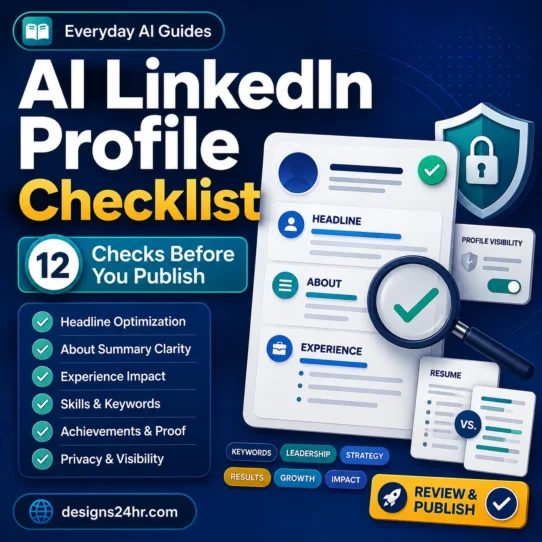
- Check your public professional profile. Use our AI LinkedIn profile checklist to review clarity and consistency before applying.
- Review the resume you intend to submit. Use the AI resume checker checklist as a structured review process.
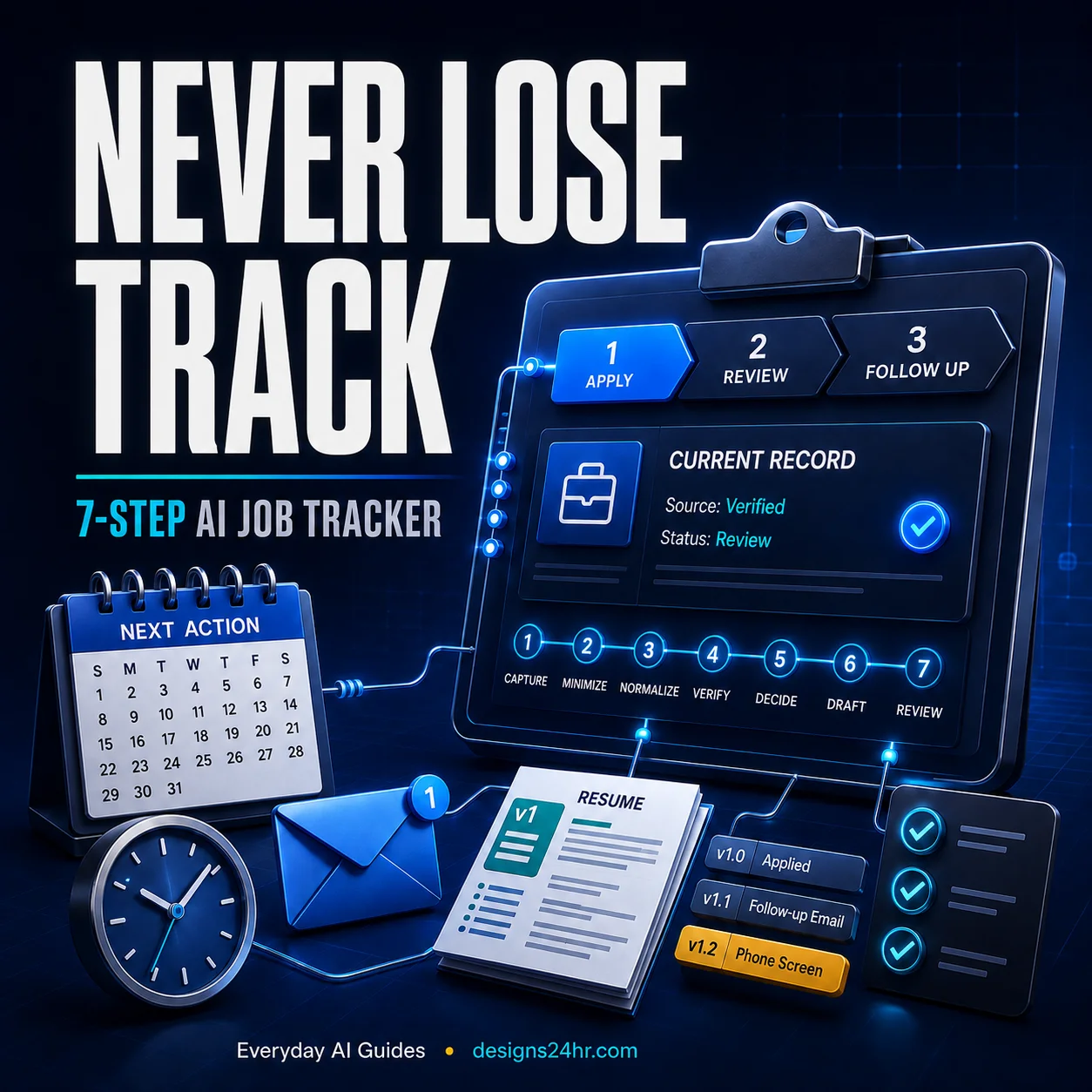
- Track the application from verified facts. Our 7-step AI job application tracking system shows how to maintain one reliable record instead of letting AI infer statuses.
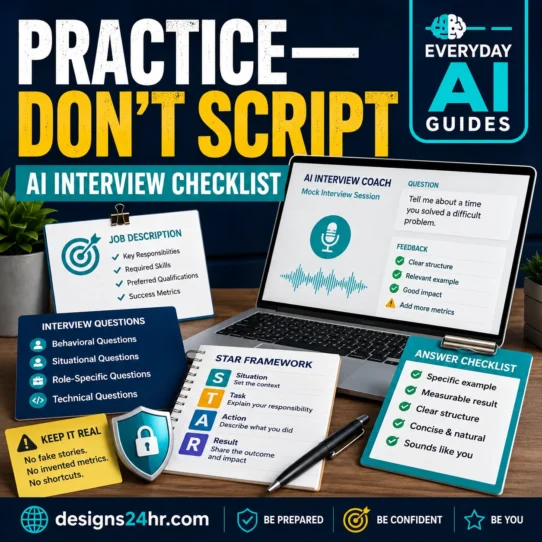
- Prepare from the actual role if you get an interview. The AI interview practice checklist can help you practice without memorizing robotic answers.
That creates a more reliable career workflow: discover → verify → prepare → apply → track → interview.
Frequently asked questions
What is LinkedIn AI job search?
LinkedIn AI job search is a natural-language job-discovery experience that attempts to understand the meaning behind the role you describe rather than relying only on exact keywords. You can add context such as location, level, skills, specialty and employment type, then refine the results using available filters.
How do I use AI job search on LinkedIn?
Start with a specific role or job family, add the few details that materially affect relevance, review the results, use available filters, and then open each promising job posting to verify important requirements. Avoid making the first query unnecessarily broad.
Why don’t I see LinkedIn AI job search?
LinkedIn says the experience is being made available gradually, so availability and interface details may vary. A missing feature does not automatically mean there is a problem with your account.
Can LinkedIn AI job search find remote jobs?
You can include remote work in your natural-language request and use relevant filters where available. However, open the listing and verify the employer’s exact remote, hybrid and geographic requirements before treating the job as a match.
Can I tell LinkedIn AI job search to exclude a company?
Not reliably. LinkedIn’s current help documentation says AI-powered job search does not support excluding specific jobs, companies or job aspects through the natural-language query. Use available controls and manual review instead.
Can it show me every job I am qualified for based on my profile?
LinkedIn currently says profile-based AI searches such as “jobs I’m qualified for” are not supported. Your profile and activity may contribute to personalization, but that is different from asking the search system to make a definitive qualification judgment for you.
Why are my AI job-search results irrelevant?
Common causes include a query that is too broad, an ambiguous title or abbreviation, too many unrelated goals in one search, or a condition that the system interpreted more loosely than you expected. Start with one clear role, add useful context, and refine based on what the first results reveal.
Is AI-powered job search better than traditional filters?
They solve different problems. AI-powered search is particularly useful for discovering related roles and expressing nuanced intent. Explicit filters are better when you need to narrow results using a structured option. The strongest workflow combines both and then verifies the actual job posting.
Turn the search result into a real job-search system
Finding a promising role is only useful if you can evaluate it, prepare accurately and keep track of what happens next. Continue with the part of your job search that needs attention now.