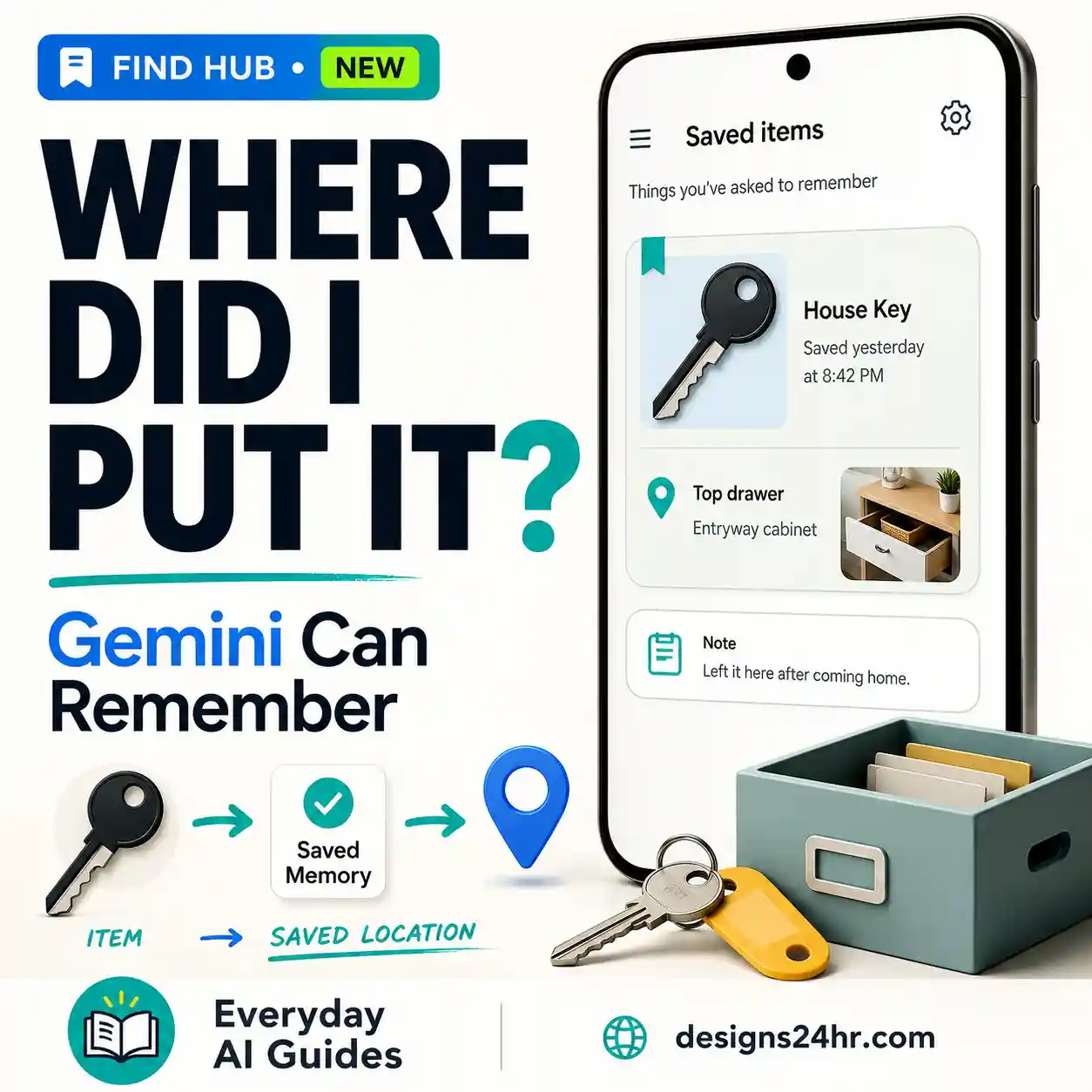
Google Keep Live is designed for the moment when your thoughts arrive faster than you can organize them. Instead of carefully dictating a polished note, you can speak naturally, brain dump what is on your mind, and let Keep turn the useful parts into structured notes and lists.
That makes Keep Live different from a normal voice note. Traditional voice input mainly turns speech into text. Keep Live is meant to understand the intent behind a stream of thoughts and help organize the result.
Google Keep Live is a Gemini-powered voice experience that turns spoken brain dumps into organized notes and lists. Google says the feature is rolling out this week for Google AI Plus, Pro, and Ultra subscribers.
Current rollout reporting also says Keep Live can create multiple notes in a session, add information to existing notes, and check list items off by voice. At launch, that reporting identifies Keep Live on Android.
What Is Google Keep Live?
Google Keep has always been useful for capturing something before you forget it: a grocery item, a task, an idea, a short list, or a reminder to revisit later.
Keep Live changes the input process. Instead of first deciding exactly how the note should look, you can speak through the messy version of the idea and let the AI help structure it.
Google describes the feature as understanding your stream of consciousness and processing it into structured lists and notes. In practical terms, the workflow looks more like this:
The main value is not simply avoiding the keyboard. It is reducing the mental work required before you capture something.
Google Keep Live vs Regular Voice Notes
If you already use speech input with note-taking apps, the difference can sound subtle. It becomes clearer when you compare the jobs each workflow is designed to handle.
| Capability | Google Keep Live | Regular Voice Input |
|---|---|---|
| Capture spoken words | Yes | Yes |
| Handle an unstructured brain dump | Designed for this | Mostly transcribes what you say |
| Interpret what type of note you need | Yes, within the AI workflow | No |
| Create structured lists | Yes | Usually requires manual formatting |
| Create multiple notes from one session | Current rollout reporting says yes | Not automatically |
| Edit an existing note conversationally | Current rollout reporting says yes | Not as an AI conversation |
| Check list items off by voice | Current rollout reporting says yes | Depends on separate app controls |
Use ordinary voice input when you already know the exact words you want written.
Use Keep Live when the thought itself is still messy and you want help turning it into something more organized.
Who Can Use Google Keep Live?
Google’s official September 3 announcement currently lists Keep Live for:
Google AI Plus
Google’s primary launch announcement includes Plus in current Keep Live eligibility.
Google AI Pro
Pro is included in Google’s announced consumer rollout.
Google AI Ultra
Ultra is also included in Google’s announced consumer rollout.
Workspace business users
Google says the new conversational features are coming soon for Workspace business customers.
How to Use Google Keep Live
Because Keep Live is rolling out now, the exact controls can change as Google expands availability. The more important part is understanding how to use the conversational workflow once it appears on your eligible account.
Make sure you are using the Google account connected to your eligible Google AI subscription.
Use the new Live voice control when it becomes available to your account. If you cannot find it yet, check the troubleshooting section below before assuming there is a problem.
Say everything you need to remember. You do not have to manually decide the final order first.
If the desired format matters, say whether you want a shopping list, checklist, separate notes, or one normal note.
Check whether important items were grouped correctly and whether any details were changed, omitted, or misunderstood.
Where supported, continue conversationally to add information, update an existing note, or check completed items off.
Use the Designs24hr DROP Method
The best Keep Live workflow is not to turn your voice into another complicated prompting exercise. Use the simple DROP method instead.
A four-step workflow for turning scattered spoken thoughts into useful notes.
1. Dump the thoughts first
You do not need to sound organized for the feature to be useful. In fact, the ability to process an unstructured stream of thoughts is one of the main reasons Keep Live exists.
I need milk and bananas, I have to call the plumber tomorrow, I still need birthday candles for Saturday, and I want to remember to research a standing desk.
2. Request the output when it matters
If several ideas are mixed together, tell Keep how you would like them separated.
Separate the shopping items from the things I need to do. Put the shopping items in a checklist and keep the other items in a separate task note.
3. Inspect the interpretation
Do not assume an AI-organized note means the interpretation is automatically correct. Look for missing items, accidental grouping, wording changes, and details that matter.
4. Polish instead of starting over
Current rollout reporting says Keep Live can work with existing notes and can update list items conversationally. That means a useful workflow can continue after the first note has been created.
Add coffee filters to my grocery list and mark milk as done.
How a Brain Dump Can Become Organized Notes
Consider a messy spoken input containing several unrelated ideas:
- Milk
- Bananas
- Birthday candles
- Call plumber tomorrow
- Research standing desk
This example illustrates the idea rather than guaranteeing that Keep Live will always choose those exact categories. The important step is to review how the AI interpreted your stream of thoughts and correct the result when needed.
Can Keep Live Create Multiple Notes in One Session?
Current September 3 rollout reporting says multiple notes can be generated in the same Keep Live session.
That can make Keep Live especially useful when your spoken thought stream contains several separate jobs. Instead of stopping after every idea and manually creating another note, you can potentially keep talking and let Keep separate the outputs.
For example, one voice session might cover:
The key is still to tell Keep what outcome you want if the correct separation is important.
How to Create a Shopping List With Keep Live
Shopping lists are one of the clearest everyday use cases because a spoken request can contain both the items and the desired destination.
Create a shopping list with tomatoes, basil, pasta, garlic, parmesan, coffee filters, and dish soap.
You can also speak more naturally:
For dinner I still need tomatoes, basil, pasta, garlic, and parmesan. Also remind me to get coffee filters and dish soap. Put all of that in my shopping list.
The second version demonstrates why Keep Live is different from ordinary dictation: you can provide context around the items rather than speaking a perfectly formatted list.
Can Keep Live Add Items to an Existing Note?
According to current rollout reporting, yes. Keep Live is not limited to generating brand-new notes.
One reported example involves an existing grocery list. If you tell Keep that you need to remember bananas, the system can understand that intent and add bananas to the existing list.
That opens up a more practical everyday workflow:
Add bananas to my grocery list.
Can Google Keep Live Check Items Off by Voice?
Current rollout reporting also says you can use your voice to edit notes, including telling Keep Live to check items off.
This matters because it changes voice from a capture-only tool into part of the maintenance workflow.
Mark coffee filters as done on my shopping list.
For anything important, still inspect the note afterward. Similar item names or ambiguous wording can make confirmation worthwhile.
Google Keep Live vs Google Docs Live
The two features both let you think out loud, but they serve different output types.
| What you need | Keep Live | Docs Live |
|---|---|---|
| Quick notes | Best fit | Usually unnecessary |
| Shopping or task lists | Best fit | Not its primary purpose |
| Messy brain dump | Yes | Yes |
| Multiple lightweight notes | Strong fit | Not the main use case |
| Proposal or report | Limited fit | Better fit |
| Structured first draft | Lightweight notes | Designed for this |
| Edit existing lists by voice | Current reporting says yes | Different document workflow |
A simple rule is:
Use Keep Live when the output needs to stay lightweight.
Use Docs Live when the spoken idea needs to become a substantial document.
Why Is Google Keep Live Not Showing?
Because Keep Live is launching through a phased rollout, missing access does not automatically mean your account or app is broken.
1. The rollout has not reached your account yet
Google says the new conversational Workspace features are rolling out during the week of September 3, 2026. Eligible users may receive access at different times.
2. You are using an iPhone
Current same-day rollout reporting identifies Keep Live availability on Android. Do not assume Android launch availability means the same interface is already available on iPhone. Platform support may expand later.
3. You are signed into the wrong Google account
If you use multiple personal, work, or school Google accounts, confirm that Keep is currently using the account connected to your eligible subscription.
4. Your Google Keep app may need updating
Check for an available app update before troubleshooting more aggressively. An updated app does not guarantee immediate access because server-side rollouts can still vary by account.
5. Your account or subscription may not be eligible
Google’s official launch announcement currently lists Google AI Plus, Pro, and Ultra for Keep Live. Subscription eligibility can change, so use Google’s current documentation if your account behaves differently.
6. You are using a managed Workspace account
Google says the new conversational features are coming soon to Workspace business customers. A company-managed or school-managed account should not be assumed to have the same rollout as an eligible personal account.
7. You are looking for ordinary voice input instead of Keep Live
Keep already has familiar note-taking and voice-input behaviors. Keep Live is the newer conversational AI experience for interpreting and organizing spoken thoughts, so do not confuse ordinary speech input with the Live feature.
Does Google Keep Live Work on iPhone?
Current September 3 rollout reporting identifies Keep Live as available on Android. That reporting does not list iOS availability for Keep Live at launch.
This is different from some of the other new Workspace voice features, which have broader mobile-platform availability.
What Should You Review Before Saving an AI-Organized Note?
Most Keep notes are low stakes, but automatically organized information can still be misunderstood. A quick review is worth doing whenever the details matter.
When Is Keep Live Actually Worth Using?
The feature makes the most sense when organizing the thought would otherwise slow down capturing it.
Good situations include:
If you already know exactly what you need to type and the note only takes a few seconds, ordinary text or voice input may still be faster. Keep Live becomes more valuable as the thought gets messier.
Google Keep Live FAQs
What is Google Keep Live?
Google Keep Live is a Gemini-powered conversational voice feature that turns spoken brain dumps into organized notes and lists. Google says it can understand a stream of consciousness and structure the result without requiring you to type every item manually.
How do I use Google Keep Live?
Open Keep on an eligible account and start the new Live voice experience when it is available to you. Speak naturally, explain the output you need when necessary, review the generated notes, and continue refining them conversationally where supported.
Is Google Keep Live free?
Not in the current consumer rollout. Google’s September 3 announcement lists Keep Live for eligible Google AI Plus, Pro, and Ultra subscribers.
Does Google AI Plus include Keep Live?
Google’s official September 3 launch announcement currently says yes and lists Keep Live for AI Plus, Pro, and Ultra. One same-day rollout report lists Pro and Ultra only, so users should rely on Google’s current primary documentation if their account shows different eligibility.
Can Keep Live turn a brain dump into a list?
Yes. Google specifically describes Keep Live as understanding a stream of consciousness and turning those spoken thoughts into structured notes and lists.
Can Keep Live make multiple notes?
Current rollout reporting says multiple notes can be generated during the same Keep Live session.
Can Google Keep Live edit an existing note?
Current rollout reporting says Keep Live can add information to existing notes. One reported example involves adding a new grocery item to an already existing shopping list.
Can Keep Live check off list items?
Current rollout reporting says yes. Voice can be used to edit a note, including telling Keep Live to check list items off.
Does Google Keep Live work on iPhone?
Current September 3 rollout reporting identifies Keep Live availability on Android and does not list iOS availability for Keep Live at launch. Platform availability may expand, so check current Google documentation for later changes.
Why don’t I see Google Keep Live?
The rollout may not have reached your account yet. Also check your Google account, subscription eligibility, app version, device platform, and whether you use a managed Workspace account.
Is Keep Live the same as a Google Keep voice note?
No. Ordinary voice input mainly captures or transcribes what you say. Keep Live is designed to interpret an unstructured spoken thought stream and organize it into useful notes or lists.
Continue Your Voice-First AI Workflow
Keep Live works best for lightweight capture. If your task becomes larger, there are better tools for turning the same rough idea into email work, a multi-step AI task, or a more structured prompt.
Useful next steps on Designs24hr
Choose the guide or tool that matches what your note needs to become next.
The Bottom Line
Google Keep Live is most useful when capturing the thought is easy but organizing it is not. You can speak before deciding exactly how everything should be arranged, let Keep interpret the brain dump, and then review or refine the result.
The best workflow is simple: Dump the thoughts, Request the result, Organize and inspect, Polish by voice. That DROP method keeps the AI useful without treating every quick note like a complicated prompt-engineering project.
Just keep the final review step. If an item, date, quantity, name, or list destination matters, confirm it before relying on the organized note.
Editorial note: Designs24hr is not affiliated with Google. Google Keep, Gemini, Google AI, and other Google product names are trademarks of their respective owners. Feature availability, subscriptions, interfaces, supported platforms, and rollout timing can change. This guide reflects publicly available information reviewed on September 3, 2026. Where Google’s primary announcement and same-day third-party rollout reporting differ, this guide identifies the discrepancy rather than presenting uncertain details as settled fact.
Get new AI guides every week
Short, practical how-tos and free tools from Designs24hr. No spam, unsubscribe anytime.