The shortest safe answer
Use AI to clean, summarize, and prioritize information you already verified. Keep the tracker—not the AI—as the source of truth, and require a human decision before any status change or follow-up is sent.
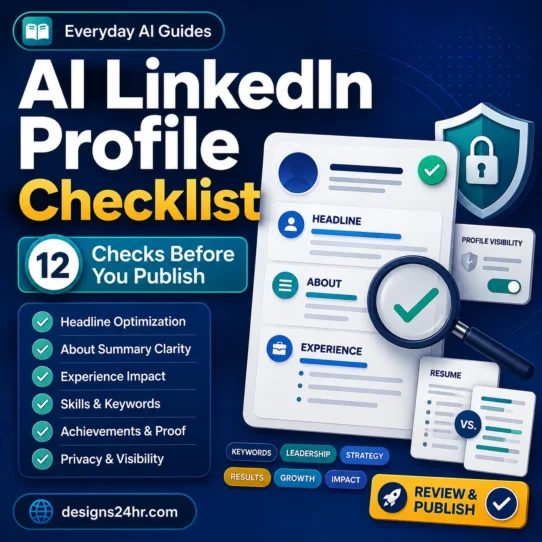
To track job applications with AI safely, begin with records you control and evidence you can reopen. If you are still preparing your materials, start with the AI resume checker checklist and the AI LinkedIn profile checklist. This guide begins after you have a real role to track.
Build the tracker before you add AI
A spreadsheet, database, or task board can work. Choose the simplest format you will actually update. The important part is the data structure: every field should help you answer what happened, how do I know, and what should I do next?
| Field | What to record | Why it matters |
|---|---|---|
| Company + role | Employer’s exact name and job title | Prevents similar roles from being mixed up |
| Source + posting | Where you found it, the original URL, and a dated snapshot or saved description | Keeps requirements available if the listing changes or disappears |
| Applied date | The date and channel used to submit | Anchors your timeline without guessing |
| Document versions | The exact resume and cover-letter filenames sent | Lets you prepare consistently for a later interview |
| Contact + source | Recruiter or hiring contact, how they contacted you, and verified company channel | Supports follow-up and scam checks |
| Verified status | The latest stage supported by an email, portal, call note, or your own action | Stops AI inference from becoming a false fact |
| Next action | One specific task, owner, date, and reason | Turns tracking into useful action |
| Last verified | Date and evidence source for the latest update | Makes stale records obvious |
Keep stages mutually exclusive so summaries remain reliable:
The seven-stage verified tracking workflow
Capture the source facts at submission
Save the role title, employer, posting URL or snapshot, application date, submitted document filenames, and confirmation message. Do this while the details are open; reconstruction later is slower and less reliable.
Remove data the task does not need
Before using an AI tool, delete or mask Social Security numbers, birth dates, government ID details, bank information, passwords, private references, and unrelated email content. The tracker rarely needs any of them.
Ask AI to normalize—not invent—the record
AI is useful for turning messy confirmation emails and notes into consistent fields. Give it an allowed-field list, require “not provided” for missing facts, and tell it to separate source facts from suggestions.
Convert my job-application source notes into a tracker-ready record.

Allowed fields: company, role, source URL, posting date if stated, applied date, application channel, submitted resume filename, submitted cover-letter filename, verified contact, current verified status, last verified date, next action, target date, and reason.

Rules:
1. Use only facts explicitly present in my source notes.
2. Write “not provided” when a fact is missing.
3. Never infer application status, deadlines, salary, contact identity, or employer intent.
4. Put uncertain or conflicting details in a separate “needs human review” list.
5. Suggest at most one next action, label it “suggestion,” and explain the source fact behind it.
6. Return a compact field-value list followed by the review list.
Compare every output with the source
Review the employer name, role, dates, contact, stage, and document versions before the row becomes current. If the source does not support a status, use “needs review” rather than letting a plausible guess enter your system.
Choose one next action and record the reason
Examples include checking a portal, preparing for a scheduled interview, sending a promised document, or reviewing a stated decision date. A reason is essential: it distinguishes a deliberate follow-up from an AI-generated nudge.
Draft follow-ups from verified context
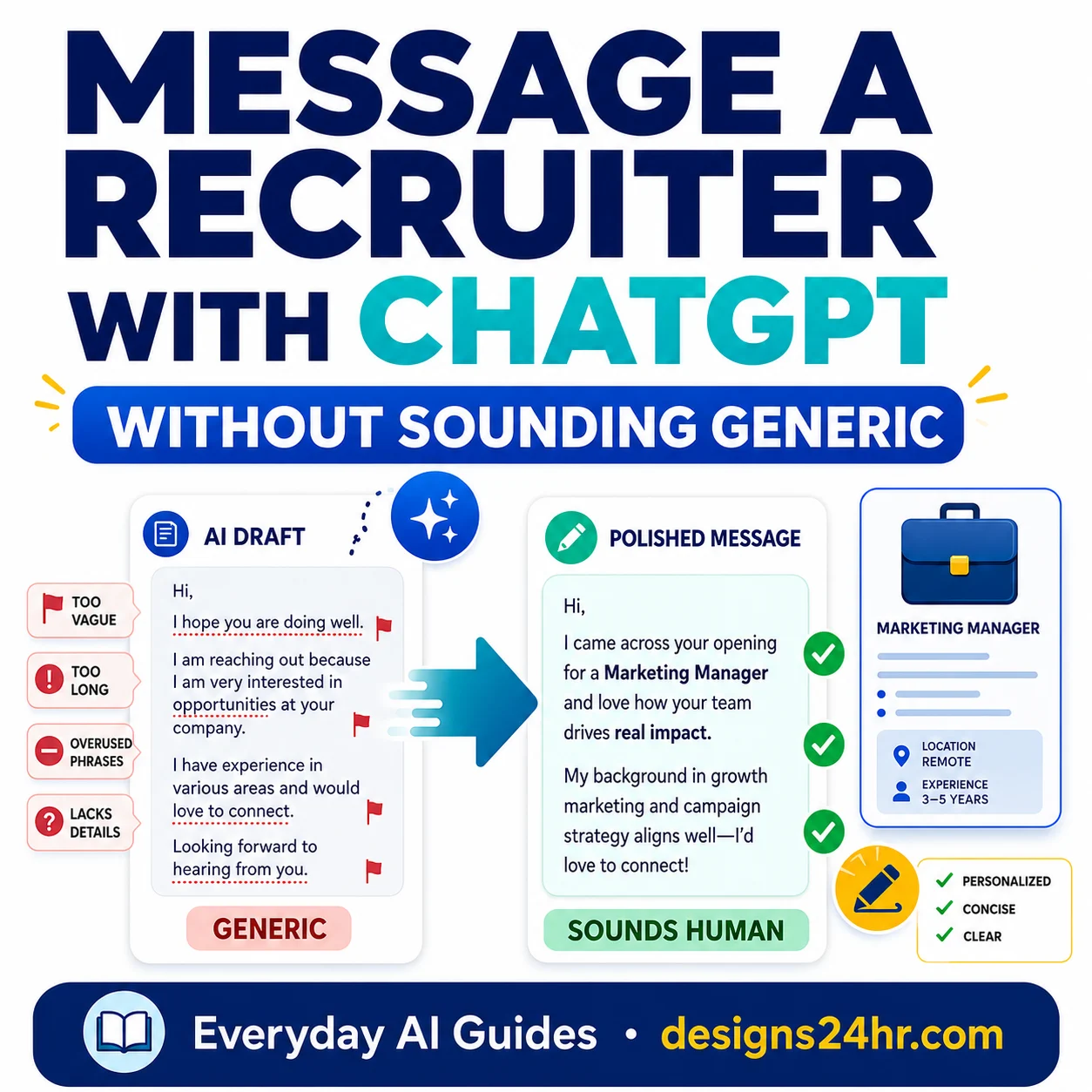
Use only the confirmed role, contact, interaction, and timeline. Keep the message brief, edit it yourself, and send it through the channel the employer actually uses. For polished recruiter or scheduling language, the free writing and career tools provide task-specific starting points.
Review the system on two rhythms
Use a short daily scan for dated actions and a weekly cleanup for evidence, stale statuses, duplicates, and backups. The tracker stays useful because you verify it regularly—not because AI touched it once.
Use evidence-based follow-up rules
There is no universal follow-up interval for every employer or hiring stage. Base the next date on the job posting, portal instructions, recruiter message, or a commitment made during the last conversation. When none exists, choose a reasonable date yourself and mark it as your decision—not an employer deadline.
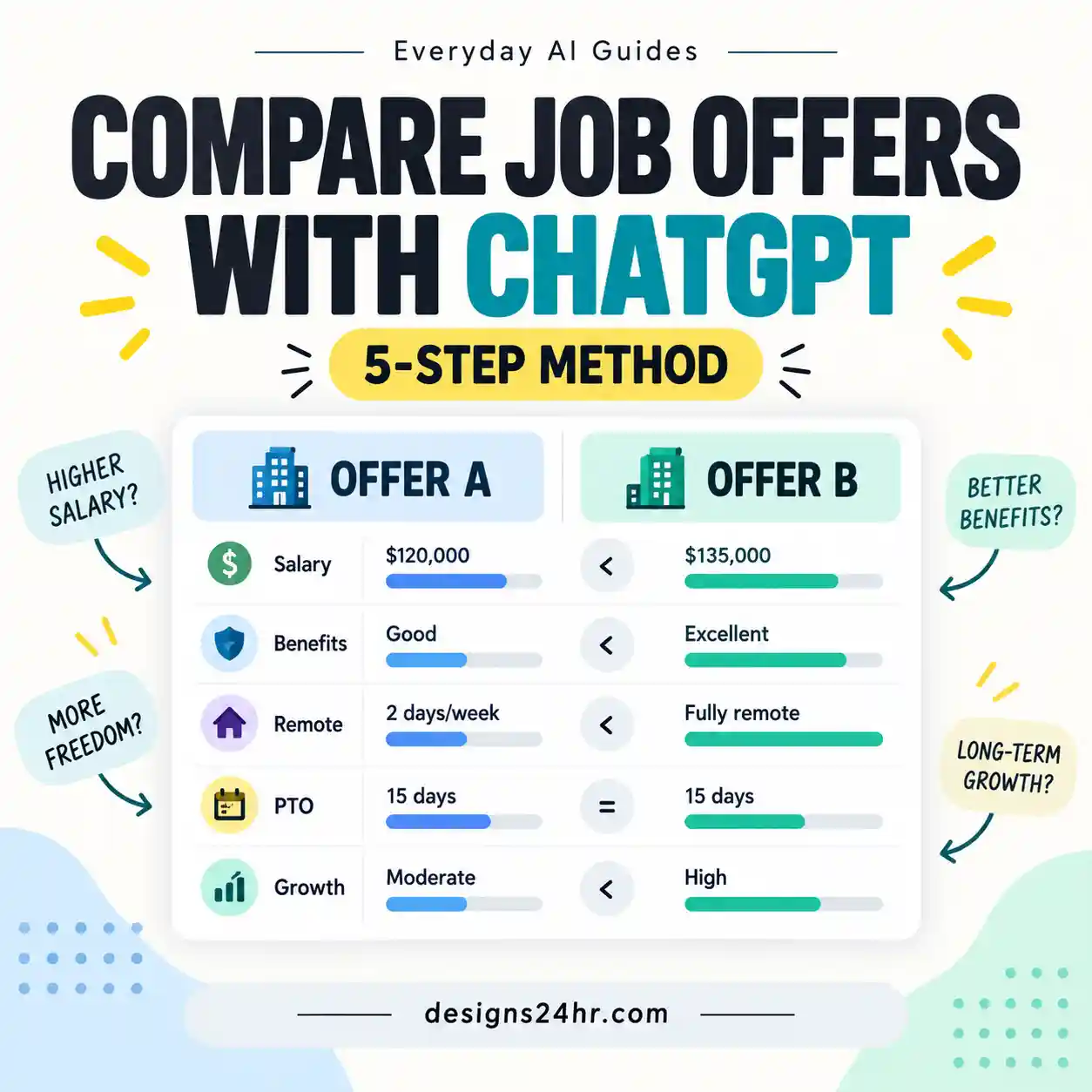
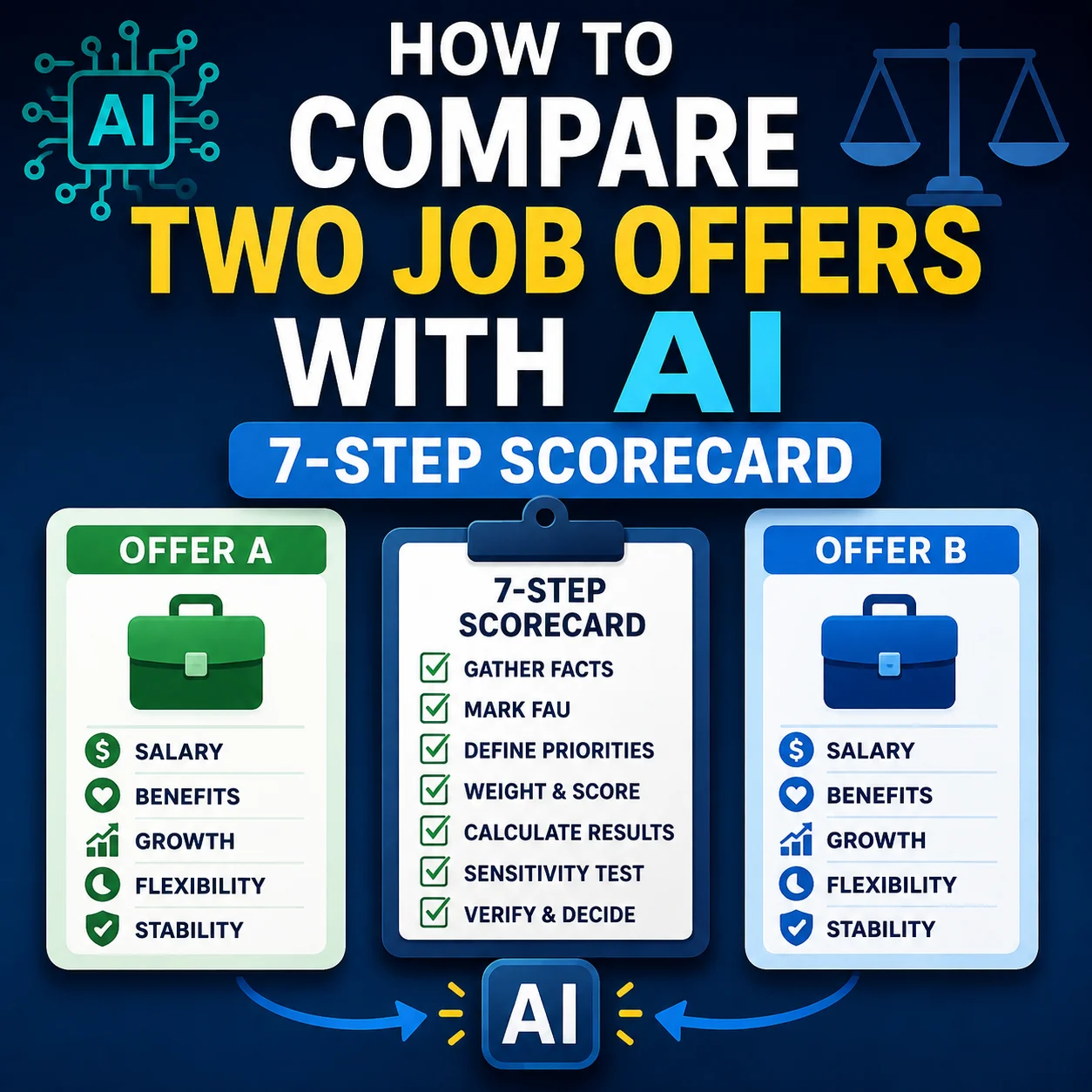
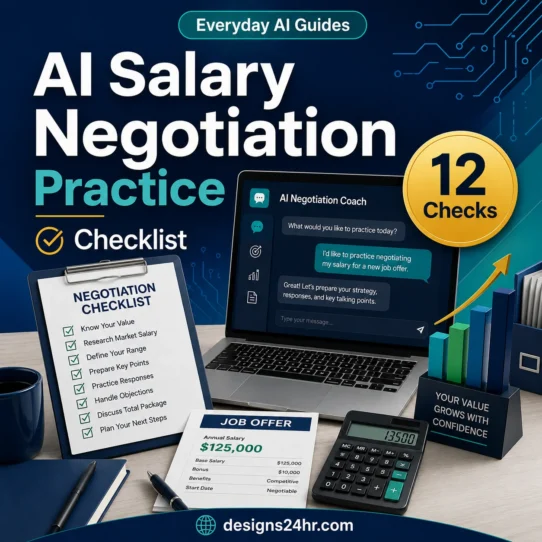
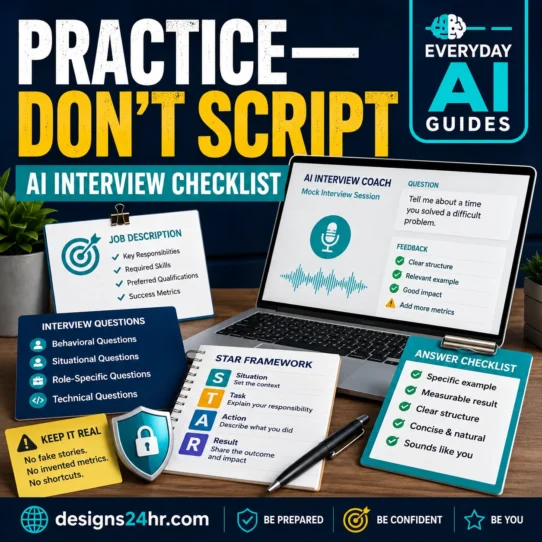
When an interview is confirmed, move from tracking to the AI interview practice checklist. If multiple offers emerge, use the job-offer comparison workflow before the salary-negotiation practice checklist.
Keep privacy and scam resistance inside the workflow
Tracking is safest when it collects only what the next decision requires. If you connect an email or storage account to a third-party tool, review the permissions it requests, authorize only a service you trust, and remove access when you no longer need it. Google explains how to review and remove third-party account connections.
- Verify the employer through its official website and contact channel.
- Check the sender domain carefully; do not trust a display name alone.
- Limit permissions to the smallest access the workflow needs.
- Keep sensitive identity and financial data out of the tracker.
- Do not let AI label a contact “verified” without your evidence.
- Back up the tracker in a format you can open without the AI tool.
The FTC warns that job scammers may impersonate real companies, push for personal or financial information, or ask job seekers to pay. Review the FTC’s job-scam warning signs and reporting guidance, then use the Designs24hr AI job-scam checklist when a contact, offer, payment request, or interview process feels unusual.
Run a 10-minute daily scan and a weekly reset
Fix the five failures that make AI trackers unreliable
| Failure | Why it happens | Fail-safe |
|---|---|---|
| False status | AI treats tone, silence, or a generic email as evidence | Require a source for every stage change; otherwise mark “needs review” |
| Wrong follow-up | A generic interval overrides the employer’s actual instructions | Store the source and reason beside every target date |
| Lost job details | The posting closes or changes | Save a dated snapshot and the submitted document versions |
| Duplicate records | The same role enters from email, a portal, and manual notes | Match company + role + application date before creating a new row |
| Silent sync gap | A connected tool misses or misreads a message | Reconcile against original sources weekly and keep an export |
A shareable pre-send check
- T — Truth: Is each fact present in a source?
- R — Record: Is there only one current row?
- A — Access: Did you minimize data and permissions?
- C — Context: Does the next action have a reason?
- E — Edit: Did a person review the status and message?
For broader next steps, browse the AI Careers & Job Search guides or the complete Everyday AI Guides hub. The goal is not to automate every hiring decision; it is to give yourself a calm, current record that makes the next decision easier.
The rule to remember
AI may organize the evidence. Only verified evidence may change the tracker.