ChatGPT birthday party planning can turn a pile of disconnected decisions into a practical plan. Instead of asking AI to invent the entire party in one shot, give it the guest count, budget, age range, venue, timing and important constraints. Then use it to organize realistic options, a budget, a timeline, a shopping list and a day-of run sheet.
The important part is knowing where AI should stop. ChatGPT can help you draft and organize, but current prices, product availability, venue rules, food labels, allergy information, weather and other safety-sensitive details should still be checked at the original source.
ChatGPT Birthday Party Planning: Quick Answer
To plan a kids’ birthday party with ChatGPT, start with six basics: age range, guest count, budget, venue, duration and constraints. Ask for three realistic party options, choose one, and then have ChatGPT turn it into a budget, schedule, shopping list and preparation checklist.
Best rule: let ChatGPT organize the plan. You verify anything that can change, cost money or affect safety.
Before You Start, Build a Simple Party Brief
A vague request such as “plan a great birthday party” forces ChatGPT to guess what you want. A short party brief gives it enough information to produce ideas that have a chance of working in real life.
Use a general age or range rather than a child’s name or other identifying information.
Give the expected number of children and, where relevant, accompanying adults.
Set a real ceiling so the plan is built around what you are comfortable spending.
Home, backyard, community room, park or another confirmed type of location.
Tell ChatGPT how much time the party actually has from arrival to departure.
Include practical limits such as space, weather backup, accessibility or foods that require verification.
Privacy shortcut: ChatGPT usually does not need a child’s full name, home address, school, exact birth date, guest contact details or other unnecessary personal information to help organize a party.
Start With This Party Brief Prompt
Help me plan a child's birthday party.

Here is the planning brief:

Age range: [AGE RANGE]
Expected number of guests: [GUEST COUNT]
Maximum total budget: [BUDGET]
Venue type: [HOME / BACKYARD / PARK / PARTY ROOM / OTHER]
Party duration: [DURATION]
General interests: [INTERESTS]
Indoor or outdoor: [INDOOR / OUTDOOR / BOTH]
Important practical constraints: [CONSTRAINTS]
Food or dietary information that must be independently verified: [DETAILS]
Accessibility requirements: [DETAILS]
Number of adults/helpers available: [NUMBER]

Before creating the plan, identify any important information I have not supplied.

Do not invent current prices, availability, venue policies, allergy safety, weather or product details.

Whenever the plan depends on one of those facts, label it VERIFY.
Use the PARTY Method to Build the Plan
Instead of treating ChatGPT as an automatic party planner, use the PARTY Method. It keeps the AI focused on organization while leaving purchasing, safety and final decisions with the parent or caregiver.
Give ChatGPT the age range, guest count, budget, venue, duration and important limits.
Generate a few meaningfully different plans rather than accepting the first idea.
Choose the strongest concept, assign spending limits and build a workable timeline.
Create the shopping list, preparation tasks, setup list and day-of run sheet.
Check current prices, labels, policies, availability, weather and safety-sensitive facts yourself.
1. Ask ChatGPT for Three Realistic Party Options
The first useful AI task is not choosing a theme. It is comparing a few plans that solve the same problem differently.
Ask for one simpler option, one balanced option and one version that puts more of the budget into the main activity. This makes the trade-offs visible before you start buying things.
Using my party brief, create three realistic birthday party plans.

Option 1: simple and budget-conscious
Option 2: balanced
Option 3: activity-focused

For each option show:
- the core idea
- why it fits the age range
- suggested party flow
- approximate budget allocation by category
- supplies required
- what could make the option difficult
- which details I must verify myself

Keep all three plans within my maximum budget.

Do not invent real store prices, bookings, availability, venue policies, allergy information or safety claims.

Do not use copyrighted characters, logos or branded artwork as the basis of the theme.
How to Choose Between the Three Options
Do not automatically select the most elaborate plan. Compare them against what will actually make the day easier to run.
- Fits the real budget
- Works in the available space
- Has enough adult supervision
- Does not require excessive setup
- Has a workable backup plan
- Matches the party duration
- Uses supplies you can realistically source
- Leaves time for cleanup
2. Turn the Chosen Idea Into a Birthday Party Budget
ChatGPT can create a useful budget structure, but it should not be trusted to know what your cake, venue or supplies cost today. Give it your confirmed prices when you have them and let it do the organizing and arithmetic around those numbers.
Turn the party plan I selected into a working budget.

My maximum total budget is [BUDGET].

Use these categories where relevant:
- venue
- food and drinks
- cake or dessert
- main activity
- decorations
- invitations
- party supplies
- optional favors
- setup and cleanup supplies
- contingency

For each category show:
1. suggested spending limit
2. confirmed amount if I provide one
3. amount still unverified
4. whether the category is essential or optional

Do not invent current store or venue prices.

If I have not supplied a real price, write VERIFY PRICE instead of presenting an estimate as a confirmed cost.

Make sure the category limits add up to no more than my maximum budget.
Better than asking “How much will this party cost?” Give ChatGPT your own confirmed quotes and prices as you collect them. Then ask it to recalculate the remaining budget. This turns AI into a budgeting assistant instead of an unreliable price source.
3. Build a Birthday Party Timeline That Can Actually Run
A party plan can look good on paper and still fail because every activity is packed too tightly. Build the timeline around transitions, not just attractions.
For example, moving children from an activity to food takes time. So does lighting candles, distributing cake, locating shoes and belongings, handling late arrivals, cleaning spills and getting everyone ready to leave.
Create a practical timeline for this birthday party.

Party start time: [TIME]
Party end time: [TIME]
Main activity: [ACTIVITY]
Food plan: [FOOD PLAN]
Cake or dessert: [DETAILS]
Other activities: [DETAILS]
Number of adult helpers: [NUMBER]

Include:
- final setup before guests arrive
- guest arrival buffer
- main activity
- transition time
- food
- cake or dessert
- second activity or flexible time
- gathering belongings
- guest departure
- immediate cleanup

Avoid scheduling every minute.

Build in realistic buffers and clearly mark any point where the plan depends on venue rules, supervision requirements or another fact I need to verify.
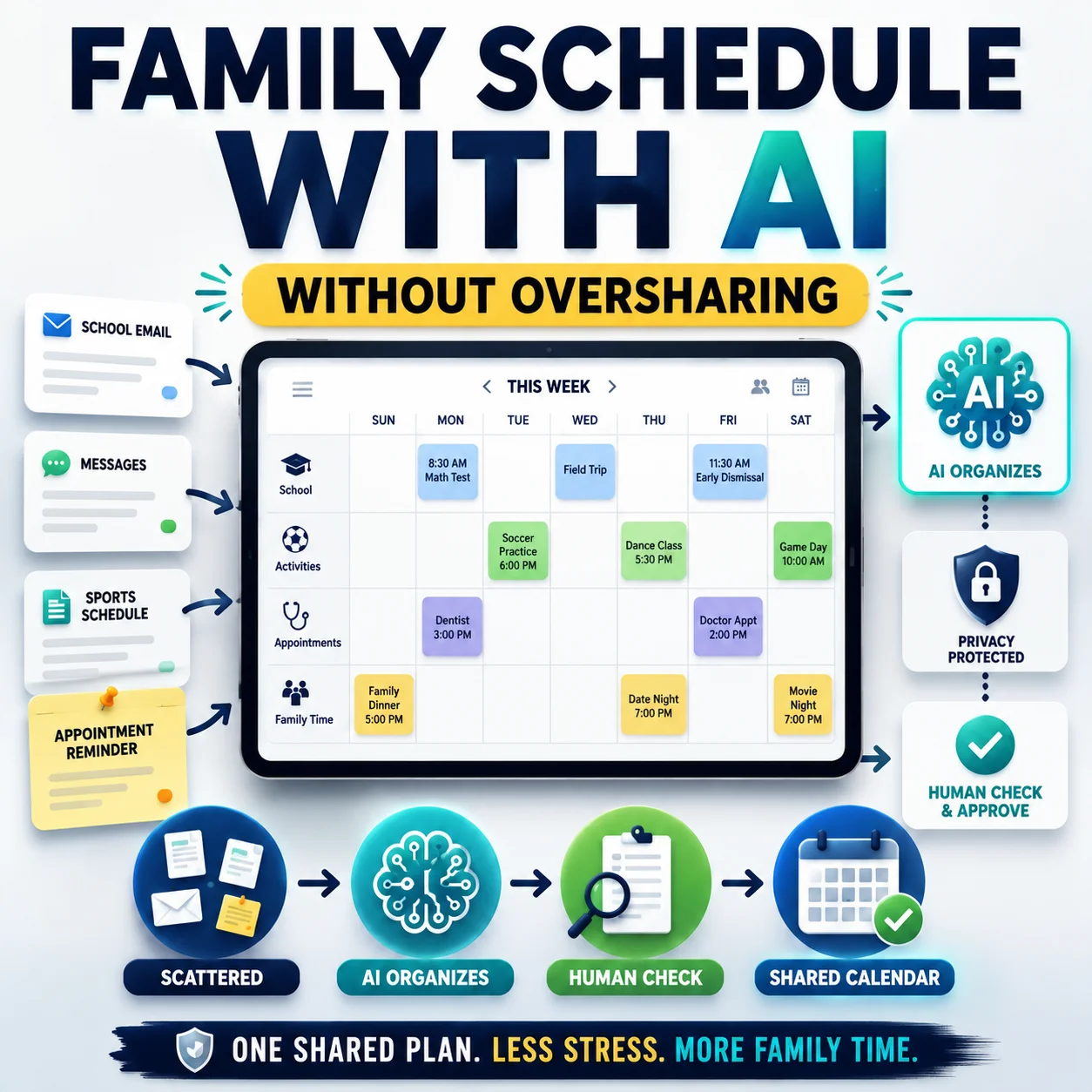
If the party is part of an already crowded household calendar, you may also want to organize your family schedule with AI before choosing the final date and preparation windows.
4. Turn the Plan Into a Shopping List
A long unordered shopping list is easy to ignore. Ask ChatGPT to sort purchases by when they need attention.
Turn my final party plan into a shopping and preparation list.

Organize everything into these groups:

1. Buy or order early
2. Buy closer to the party
3. Fresh food or items to buy last
4. Items I may already own
5. Items to borrow or rent
6. Setup supplies
7. Cleanup supplies

For every item show:
- purpose
- estimated quantity based on the guest count
- whether the quantity needs verification
- whether the item is essential or optional
- the latest sensible time to obtain it

Do not invent current prices or availability.

Do not assume a product is safe, allergy-friendly or appropriate merely because its description sounds suitable. Mark any such item for verification.
Use Shopping Research Only When the Purchase Deserves It
OpenAI describes ChatGPT Shopping Research as a feature for buying decisions involving comparisons, constraints and trade-offs. That can be useful for a larger party purchase such as equipment you expect to keep using. It is usually unnecessary for simple commodity supplies.
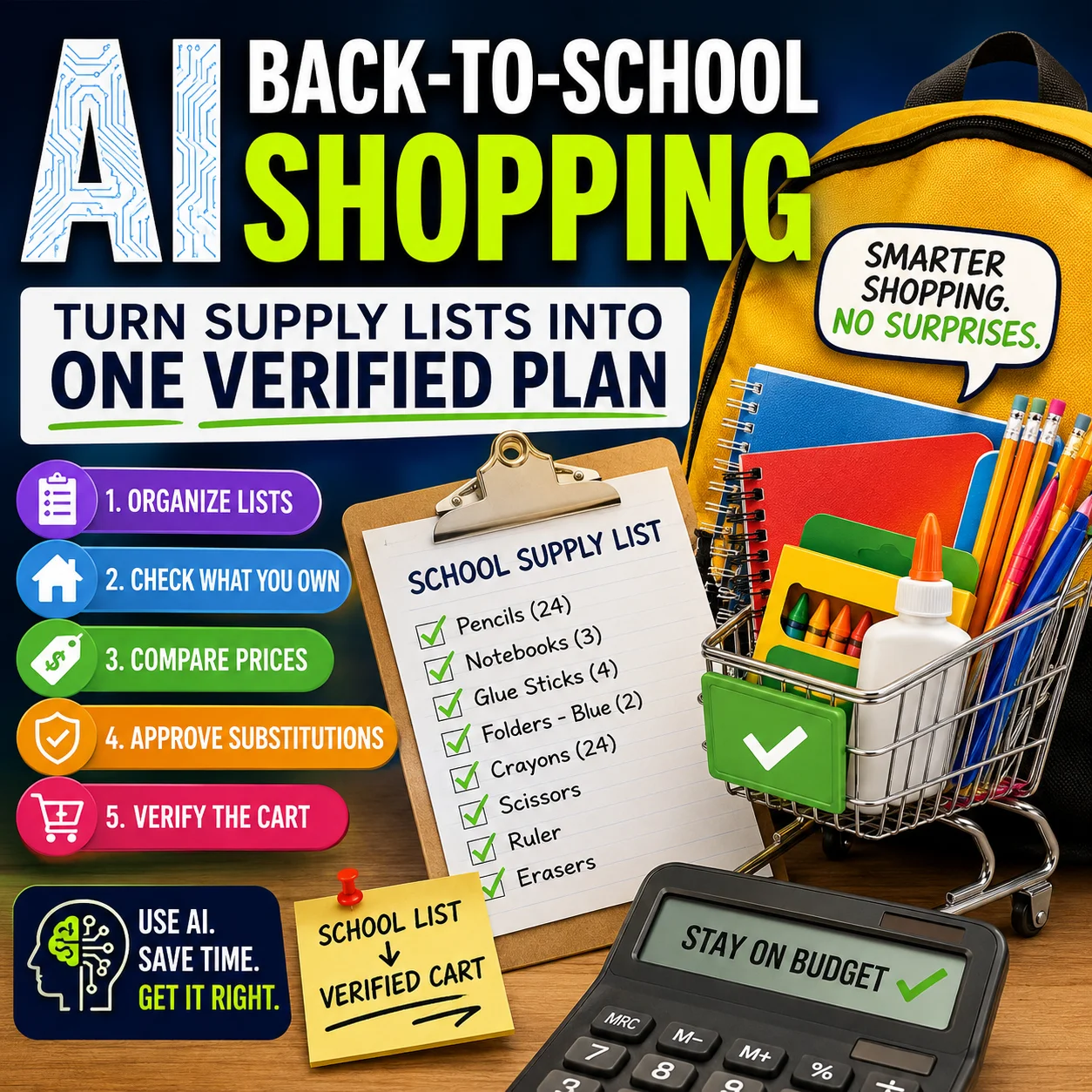
For a complete buying workflow, see our guide to using ChatGPT Shopping Research before you buy.
Verify before checkout: current price, stock, exact variant, shipping, return terms and other purchase-critical details can change. Open the current retailer or manufacturer page before spending money.
5. Use ChatGPT Search for Information That Can Change
ChatGPT can search the web for current information and show citations to supporting sources. This is useful when your party plan depends on details that may have changed since an older webpage or previous conversation.
Potential examples include:
- current venue information;
- opening hours;
- current local options;
- product availability;
- recent policies or instructions; and
- current weather information close to the event.
But search does not remove the need to verify important facts. OpenAI notes that web-search results and citations can still be incomplete, outdated or incorrect. If a detail affects money, logistics or safety, open the cited source and confirm it yourself.
Search the web for the current information needed for this part of my party plan.

Question: [WHAT YOU NEED TO CHECK]
Location if relevant: [GENERAL LOCATION]
Date if relevant: [DATE]

Prioritize the original or authoritative source where possible.

Show me:
- the current answer
- the source
- when the source was published or updated if available
- anything that remains uncertain
- exactly what I should confirm directly before relying on it

Do not fill gaps with assumptions.
ChatGPT Can Draft It. A Parent Should Verify It.
This distinction is the simplest way to make ChatGPT birthday party planning more useful without handing important decisions to AI.
| ChatGPT can help draft or organize | Parent or caregiver should verify |
|---|---|
| General party concepts | Venue rules and booking details |
| Budget categories | Actual current prices and fees |
| Activity sequence | Age suitability and supervision needs |
| Shopping categories | Current availability and exact product details |
| Menu ideas | Ingredients, labels and allergy information |
| Party timeline | Confirmed arrival, booking and departure times |
| Suggested quantities | Real guest count and required quantities |
| Outdoor backup ideas | Current weather and venue restrictions |
| Invitation wording | Names, addresses, dates and contact information |
| Product comparison questions | Price, stock, compatibility, returns and retailer terms |
Birthday Party Details ChatGPT Should Not Decide for You
Food Allergies
Do not ask ChatGPT to certify that a food is safe for a child with an allergy. In the United States, FDA guidance says packaged-food labels identify major food allergens, and consumers should read the ingredient information. Ingredients and formulations can also change.
If food allergies are relevant to your party, use information supplied by the child’s parent or caregiver and check the actual product labels and food provider information. Follow any established medical or emergency instructions provided for that child rather than creating your own plan from an AI answer.
Important: an AI-generated menu is an idea list, not an allergy clearance. For U.S. packaged-food labeling information, see the FDA food allergy guidance.
Supervision and Activity Suitability
ChatGPT does not know the abilities, needs or circumstances of the children attending. Treat activity suggestions as brainstorming. An adult familiar with the guests, venue, equipment and situation should decide what is appropriate.
Venue Rules
Do not rely on an AI summary for occupancy limits, food restrictions, setup rules, deposits, cancellation terms or allowed equipment. Check the current venue information or contact the venue directly.
Weather
For an outdoor party, make the backup plan early but check the actual forecast near the event. A forecast can change after the original party plan was created.
Prices and Availability
AI can help compare your choices, but current prices, stock, delivery windows and fees need a fresh check before you commit the budget.
6. Create a Day-of Birthday Party Run Sheet
A run sheet turns the final party plan into something you can actually use while setting up and hosting. It should be short enough to scan quickly.
Turn my final birthday party plan into a one-page day-of run sheet.

Use these columns:
- time
- task
- supplies needed
- person responsible
- final item to verify

Include:
- setup
- food preparation or collection
- guest arrival
- activities
- transitions
- food
- cake or dessert
- departure
- cleanup

Keep the run sheet concise enough to scan quickly.

Do not add new activities or purchases unless they are necessary. If you think something is missing, put it in a separate "Review before party day" section instead.
| Time | Task | Supplies | Responsible | Verify |
|---|---|---|---|---|
| [TIME] | Final setup | [ITEMS] | [PERSON] | [CHECK] |
| [TIME] | Guest arrival | [ITEMS] | [PERSON] | [CHECK] |
| [TIME] | Main activity | [ITEMS] | [PERSON] | [CHECK] |
| [TIME] | Food | [ITEMS] | [PERSON] | [CHECK] |
| [TIME] | Cake or dessert | [ITEMS] | [PERSON] | [CHECK] |
| [TIME] | Departure | [ITEMS] | [PERSON] | [CHECK] |
| [TIME] | Cleanup | [ITEMS] | [PERSON] | [CHECK] |
Complete ChatGPT Birthday Party Planning Prompt
If you already understand the workflow, use this master prompt to move from the initial brief to a complete draft plan.
Help me build a practical birthday party plan.

PARTY BRIEF

Age range: [AGE RANGE]
Expected guests: [GUEST COUNT]
Maximum total budget: [BUDGET]
Venue type: [VENUE]
Date: [DATE]
Start and end time: [TIMES]
General interests: [INTERESTS]
Indoor or outdoor: [DETAILS]
Number of adult helpers: [NUMBER]
Accessibility requirements: [DETAILS]
Food or dietary information that requires independent verification: [DETAILS]
Other constraints: [DETAILS]

Use this process:

1. Check the brief for missing information.
2. Create three meaningfully different party options:
   - simple and budget-conscious
   - balanced
   - activity-focused
3. Compare the advantages and trade-offs.
4. Wait for me to choose an option before finalizing the plan.
5. Build a budget using category limits, not invented store prices.
6. Create a realistic party timeline with transition buffers.
7. Create a shopping list organized by when items need to be obtained.
8. Create a preparation checklist.
9. Create a one-page day-of run sheet.
10. Finish with a VERIFY BEFORE PARTY DAY list.

Important rules:

- Do not invent current prices.
- Do not invent stock or availability.
- Do not invent venue rules.
- Do not treat allergy information as verified.
- Do not make medical or safety decisions for me.
- Do not treat current weather as known unless current information is checked.
- Do not use copyrighted characters, logos or branded artwork as the core party theme.
- Do not request unnecessary personal information about children or guests.
- Clearly label uncertain or changeable information VERIFY.
Common ChatGPT Birthday Party Planning Mistakes
- Starting with “plan the perfect party.”
A broad request produces broad ideas. Start with the budget, guest count and constraints. - Giving ChatGPT no budget ceiling.
If the AI does not know the limit, it cannot make useful trade-offs. - Treating generated prices as current prices.
Use confirmed store, provider or venue prices when you make the final budget. - Planning too many activities.
A shorter plan with transition time is often easier to run than a packed schedule. - Trusting AI with allergy decisions.
Check actual food labels and follow information from the relevant parent or caregiver. - Sharing unnecessary details about children.
Use general planning information instead of names, school details, addresses or other identifiers. - Buying everything ChatGPT suggests.
Ask which items are essential, optional, reusable, borrowable or unnecessary. - Forgetting setup and cleanup.
Both need time, supplies and somebody responsible for them. - Building the party around protected characters or branded artwork.
Generic themes such as space, science, construction, art, baking, stars or camping can avoid unnecessary intellectual-property complications. - Skipping the final verification pass.
Recheck every detail that can change before party day.
A 10-Minute Final Review Before You Call the Plan Finished
- Guest count is current
- Venue is confirmed
- Date and times are confirmed
- Budget uses real prices where needed
- Food details are verified
- Activity suitability is reviewed
- Accessibility needs are covered
- Supplies are actually available
- Weather backup is workable
- Adult responsibilities are assigned
- Setup time is included
- Cleanup time is included
After the Party: Think Before Sharing Photos
Birthday pictures can reveal more than the moment itself, including names, locations, home details, school information or routines visible in the background. Before posting, use our AI photo privacy checklist for parents to review what a picture could expose.
Frequently Asked Questions
Can ChatGPT plan an entire birthday party?
ChatGPT can help organize most of the planning work, including party concepts, budget categories, activity sequences, shopping lists, preparation tasks and timelines. A parent or caregiver should still make the final decisions and verify current prices, venue rules, availability, food details and anything related to safety.
What should I tell ChatGPT before planning a birthday party?
Start with the age range, expected guest count, maximum budget, venue type, party duration, general interests and practical constraints. Avoid providing unnecessary identifying information about children or guests.
Can ChatGPT create a birthday party budget?
Yes. It is particularly useful for dividing a fixed budget among categories and recalculating the plan as you add confirmed costs. Do not assume generated prices are current. Use real quotes or retailer prices for the final budget.
Can ChatGPT make a birthday party shopping list?
Yes. For a more useful list, ask ChatGPT to separate items into buy early, buy later, fresh items, things you may already own, things to borrow, setup supplies and cleanup supplies.
Can ChatGPT suggest kids’ birthday party activities?
It can brainstorm activities based on a general age range, available space, time and budget. An adult who understands the children, location and equipment should decide whether a particular activity is appropriate.
Should I trust ChatGPT with food allergy information?
No. AI can help organize questions or menu ideas, but it should not certify that a product or menu is safe for someone with a food allergy. Check actual ingredient and allergen information and use the information supplied by the relevant parent or caregiver.
Can ChatGPT search for current party supplies or venues?
ChatGPT Search can retrieve current web information and provide citations. However, important details should still be opened and checked at the original source because search results and citations can be incomplete, outdated or incorrect.
The Designs24hr Recommendation
The best use of ChatGPT for a birthday party is not asking AI to take over. It is removing the repetitive planning work while you remain responsible for the decisions that matter.
Start with the party brief. Ask for a few realistic alternatives. Choose the one that fits your household, not the one that sounds most impressive. Then let ChatGPT organize the budget, timeline, shopping list and run sheet.
Finally, run the Y step of the PARTY Method: you verify the important details.
That is what turns an AI-generated party idea into a plan you can actually use.
Keep Making AI Useful at Home
Once the party plan is under control, these guides can help with the next practical jobs.
Organize a Family Schedule With AI Use ChatGPT Shopping Research Check Kids’ Photo PrivacySources and Editorial Note
This guide was reviewed against current official sources in September 2026. ChatGPT features and interfaces can change after publication.
- OpenAI Help Center: Searching the web with ChatGPT
- OpenAI Help Center: Using shopping research in ChatGPT
- U.S. Food and Drug Administration: Food Allergies
The PARTY Method, parent-verification matrix, prompt workflow and run-sheet structure are original Designs24hr editorial resources. This article provides general organizational information and does not replace professional medical advice or individualized safety guidance.
Get new AI guides every week
Short, practical how-tos and free tools from Designs24hr. No spam, unsubscribe anytime.