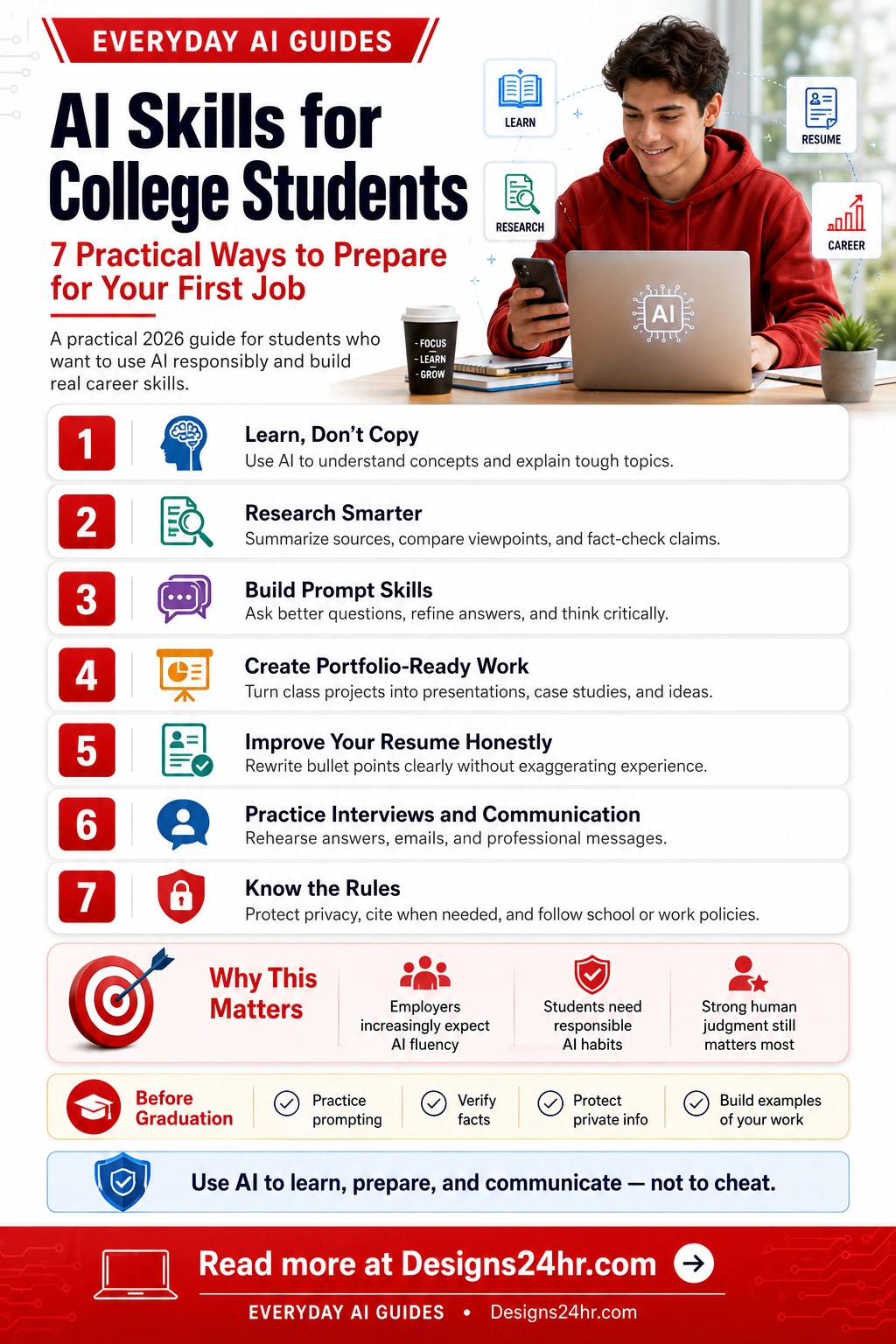
AI Skills for College Students: 7 Practical Ways to Prepare for Your First Job
AI skills for college students are becoming part of real career readiness. The goal is not to let AI do your work for you. The goal is to learn how to research, think, write, communicate, and prepare for work with better judgment.
Quick answer
College students should learn how to use AI for understanding, research, prompt writing, project organization, resume improvement, interview practice, and professional communication. These are practical AI career skills that can help before internships, interviews, and entry-level jobs.
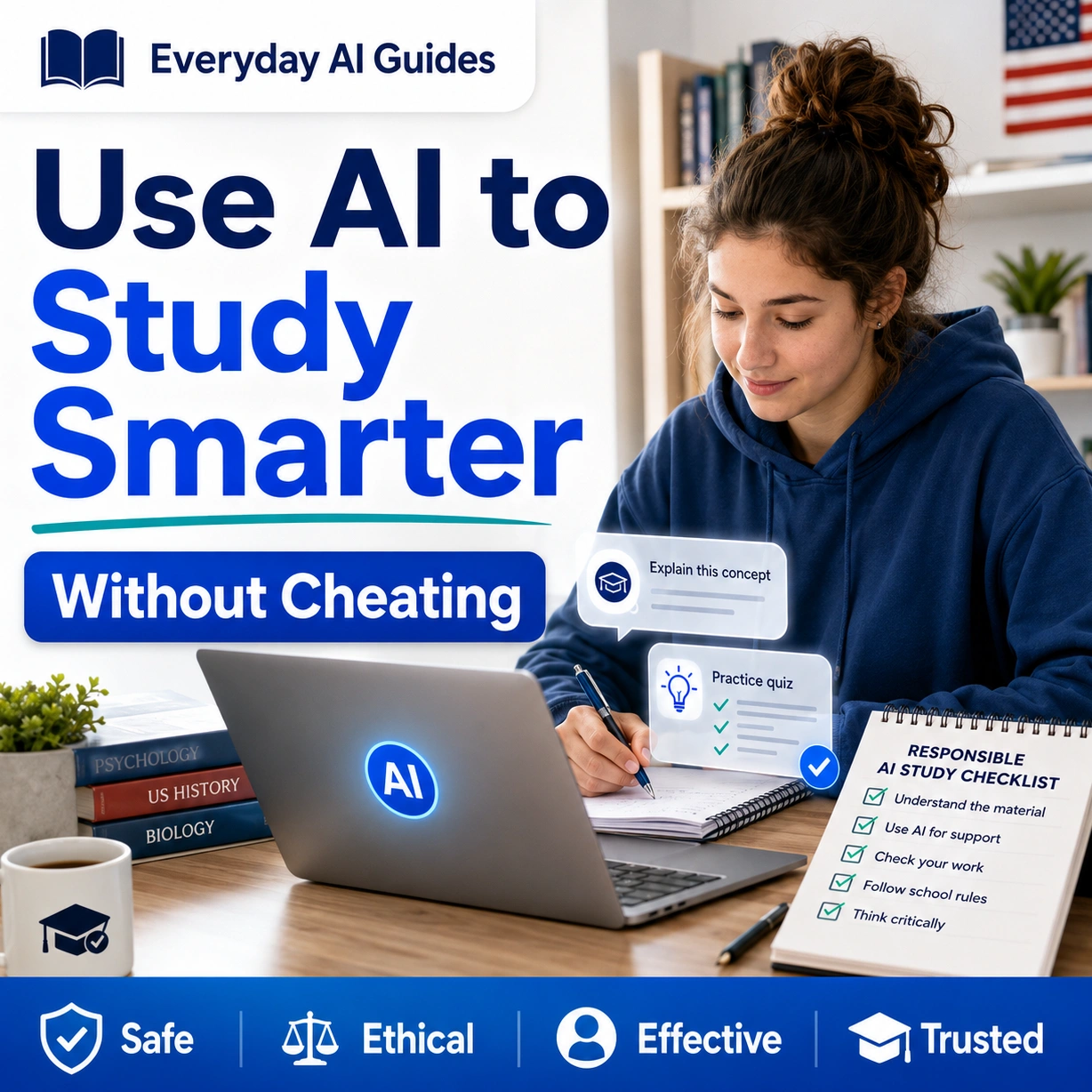
The safest mindset is simple: use AI to learn faster, prepare better, and communicate more clearly. Do not use it to copy assignments, invent experience, hide weak understanding, or ignore school policies.
Why this matters in 2026
According to NACE, AI is increasingly becoming an expectation for early-career talent, and more than one-third of entry-level jobs now require AI skills.
This guide is designed for students who want to build real confidence before their first job, not shortcuts that can damage trust.
Why AI Skills for College Students Matter Now
Many students are getting mixed signals. In class, some instructors limit or ban AI use. In the workplace, many employers now expect students and recent graduates to understand how AI tools can support research, writing, planning, and problem solving. That gap creates confusion, but it also creates an opportunity for students who learn AI responsibly.
The strongest students will not be the ones who paste every assignment into a chatbot. The strongest students will be the ones who can ask better questions, verify information, explain their reasoning, protect private information, and use AI as a learning partner while keeping their own voice and judgment.
Employers care about AI fluency
AI is showing up in job descriptions, internships, and workplace projects. Students need basic confidence with modern tools.
Human judgment still wins
AI can draft, summarize, and suggest. Students still need to check facts, make decisions, and explain their thinking.
Responsible use builds trust
Knowing when not to use AI is just as important as knowing how to use it. Privacy, citations, and honesty matter.
What You Will Learn in This Guide
This guide covers seven practical AI skills for students who want to prepare for their first job without crossing academic or professional lines.
7 Practical AI Skills for College Students
Use these as a simple roadmap. You do not need to master every AI tool. You need to build habits that help you think, learn, and prepare more clearly.
Learn, Don’t Copy
The first AI skill for college students is knowing how to use AI for understanding instead of copying. When a topic feels confusing, ask AI to explain it in plain language, define important terms, compare examples, or quiz you on the main ideas.
This is different from asking AI to write your assignment. A better student prompt sounds like: “Explain this concept to me like I am new to the topic, then give me three practice questions so I can test myself.”
Good use: “Explain opportunity cost with a college budgeting example.”
Risky use: “Write my economics assignment and make it sound like me.”
If you need help understanding a confusing assignment, job description, email, or technical phrase, try the Explain This For Me tool to simplify the wording before you take action.
Research Smarter
AI can help students move faster through early research, but it should not be treated as the final source. Use AI to create search terms, summarize notes, compare viewpoints, list possible arguments, or identify gaps in your understanding. Then verify important claims with reliable sources such as your textbook, library database, professor’s instructions, government sources, academic sources, or official company pages.
A strong research workflow is: ask AI for a starting map, check the facts yourself, save reliable sources, and write your final explanation in your own words.
Student prompt: “Give me a research map for this topic. Separate background concepts, possible arguments, sources I should look for, and questions I should verify before writing.”
This skill matters because workplace AI use often involves messy information. A student who can summarize and verify information is more useful than a student who blindly trusts the first answer.
Build Prompt Skills
Prompt writing is not about magic words. It is about giving clear instructions. Good prompts explain the goal, context, audience, format, limits, and quality standard. That makes AI output more useful and easier to check.
Instead of asking, “Help with my resume,” a stronger prompt is: “Act as a career coach. Help me rewrite these three resume bullets for an entry-level marketing internship. Keep the facts honest, use clear action verbs, and do not invent results.”
Use the AI Prompt Generator when you want to practice building better prompts for studying, research, communication, resumes, and planning.
Simple prompt formula: Goal + context + audience + format + rules + review request.
Example: “Help me prepare for a customer support internship interview. Ask one question at a time, wait for my answer, then give feedback on clarity, confidence, and examples.”
Create Portfolio-Ready Work
College projects can become career examples when students organize them clearly. AI can help turn a class project into a short case study, presentation outline, project summary, or portfolio description. The key is to use your real work and your real role.
For example, if you completed a group project, AI can help you describe the problem, your contribution, the process, tools used, result, and what you learned. This is useful for resumes, LinkedIn summaries, interviews, and portfolio pages.
Portfolio prompt: “Turn these notes about my class project into a simple portfolio case study. Use headings for problem, process, my role, tools, outcome, and what I learned. Do not exaggerate results.”
This skill helps students show evidence of learning instead of only listing classes. Employers often want to see how you think, communicate, and solve problems.
Improve Your Resume Honestly
AI can help students write clearer resume bullets, but honesty is non-negotiable. Do not invent job titles, metrics, software, certifications, leadership roles, or results. Use AI to improve wording, not to create a fake background.
A weak bullet might say, “Helped with social media.” A stronger honest bullet could say, “Created weekly social media posts for a student organization to improve event awareness and member engagement.” If you have numbers, include them. If you do not, keep the wording specific without pretending.
For practical resume wording help, use the AI Resume Optimizer. It is designed to improve resume bullets, clarity, keywords, and job application confidence while reminding users to verify facts before using suggestions.
Important: AI can make weak experience sound polished, but it cannot make false experience safe. If you cannot explain a resume bullet in an interview, do not use it.
Practice Interviews and Communication
Interview practice is one of the best uses of AI for job readiness. Students can ask AI to act like a recruiter, ask one question at a time, evaluate answers, and suggest stronger examples. This builds confidence before real interviews.
AI can also help with professional communication: writing polite emails, replying to recruiters, asking professors for recommendations, preparing networking messages, or practicing how to explain a project in simple language.
Use the AI Interview Coach to practice interview questions and improve your answers before internships, campus jobs, and first full-time roles.
Interview prompt: “Ask me five behavioral interview questions for an entry-level business analyst role. After each answer, rate my response for clarity, structure, and specific examples.”
The goal is not to memorize robotic answers. The goal is to learn how to structure your thoughts, tell real stories, and communicate with confidence.
Know the Rules
Responsible AI use starts with knowing the rules. Every class, professor, internship, employer, and platform may have different expectations. Some assignments allow AI brainstorming but not AI-written text. Some jobs allow AI for summaries but not for confidential customer information. Students need to ask, check, and document what is allowed.
Protect private information. Do not paste Social Security numbers, student ID numbers, passwords, private family details, financial information, medical information, unpublished research, confidential company data, or someone else’s personal information into AI tools.
Simple rule: If you would not want a professor, employer, parent, recruiter, or stranger to see the text, think carefully before putting it into an AI tool.
Knowing the rules is a career skill. It shows maturity, judgment, and respect for trust.
Before-Graduation AI Skills Checklist
Students do not need to become AI experts before graduation. A practical goal is to build repeatable habits that help with school, internships, job applications, and early work responsibilities.
If you want to organize these habits into a daily or weekly routine, try the AI Daily Task Planner to break your study, resume, interview, and portfolio tasks into clearer steps.
How to Talk About AI Skills in a Job Interview
Students should be ready to explain how they use AI responsibly. A strong answer is specific, honest, and focused on judgment.
Weak answer: “I use ChatGPT for everything.”
Stronger answer: “I use AI to organize research, create first-draft outlines, practice interview questions, and improve clarity. I still verify facts, follow policy, and make the final decisions myself.”
That kind of answer shows employers that you understand both the benefit and the risk. It also shows that you are not replacing your thinking with a tool.
Use this simple interview structure
Tool: Name the kind of AI support you used.
Task: Explain the problem you were trying to solve.
Judgment: Explain how you checked, edited, or improved the output.
Result: Explain what became clearer, faster, or better because of the workflow.
Common AI Mistakes Students Should Avoid
AI can help, but careless use can hurt your grades, credibility, job applications, and privacy. Avoid these common mistakes:
Free Designs24hr Tools That Support Student AI Skills
After reading this guide, students can practice with simple free tools that support learning, writing, planning, and career preparation.
AI Prompt Generator
Create clearer prompts for studying, research, career planning, and communication.
Try the AI Prompt GeneratorAI Resume Optimizer
Improve resume bullets and job application wording without inventing experience.
Try the AI Resume OptimizerAI Interview Coach
Practice interview questions, strengthen answers, and prepare for your first job.
Try the AI Interview CoachExplain This For Me
Turn confusing assignments, job descriptions, or messages into plain language.
Try Explain This For MeAI Daily Task Planner
Break school, internship, resume, and interview tasks into a clearer action plan.
Try the AI Daily Task PlannerEveryday AI Guides
Explore more simple AI guides for students, workers, families, safety, and daily life.
Visit Everyday AI GuidesHelpful Sources for Students and Parents
Use these sources to understand why AI skills are becoming part of early-career preparation and why responsible use still matters.
Final Takeaway: Use AI to Build Skill, Not Hide Weakness
The best AI skills for college students are not just technical. They are practical habits: asking better questions, checking facts, improving communication, protecting privacy, and using tools with honesty.
If you are a student, treat AI like a coach, tutor, editor, and practice partner. Let it help you understand hard topics, organize ideas, prepare for interviews, and communicate more clearly. But keep your own judgment in charge.
That is the real first-job advantage: not just knowing how to use AI, but knowing how to use it responsibly when trust, accuracy, and human judgment matter.
Frequently Asked Questions
What AI skills should college students learn first?
College students should start with responsible prompt writing, source checking, research summaries, privacy awareness, resume improvement, interview practice, and clear professional communication.
Can students use AI without cheating?
Yes. Students can use AI to explain concepts, organize notes, practice questions, check understanding, and improve drafts. They should avoid submitting AI-written work as their own if their school policy does not allow it.
How can AI help with research and studying?
AI can help students break down complex topics, create study plans, summarize notes, compare viewpoints, and prepare questions to ask in class. Students should still verify facts with reliable sources.
Should students use AI for resumes?
Students can use AI to make resume bullets clearer and more professional, but they should not invent experience, skills, results, certifications, or responsibilities they do not have.
Can AI help students prepare for job interviews?
Yes. AI can generate practice questions, help structure answers, improve confidence, and explain how to use frameworks like STAR for behavioral interview responses.
What should students avoid sharing with AI tools?
Students should avoid sharing private information such as Social Security numbers, school login details, financial information, personal documents, confidential internship data, or anything they would not want stored or reviewed.
How can students show AI skills to employers?
Students can show AI skills by describing class projects, portfolios, research workflows, writing improvements, data summaries, or productivity systems where they used AI responsibly and verified the final work.
Build Your First-Job AI Skills One Step at a Time
Start with one practical habit: write a better prompt, simplify a confusing message, improve one honest resume bullet, or practice one interview answer. Small AI habits can become real career confidence when you use them responsibly.
Explore More Everyday AI Guides