The Google AI Pro student offer gives eligible U.S. higher-education students a 12-month Google AI Pro trial at no cost. Google currently requires student verification through SheerID, a personal Google Account, a Google Payments account, and a qualifying form of payment. The U.S. offer can be redeemed through December 31, 2026.
If you attend a U.S. higher-education institution, can verify your student status through SheerID, and meet Google’s account and payment requirements, you may be eligible for the Google AI Pro student offer. Start on Google’s official student-offer page, verify your status, review the exact trial and renewal terms shown for your account, and complete the subscription.
Important: Google says the trial automatically converts to a regular paid Google AI Pro plan when the offer ends unless cancelled earlier, except where applicable law requires additional consent.
Offer details checked against Google One’s current student-offer documentation and Google’s August 19, 2026 announcement . Promotional terms can change, so verify the terms displayed in your Google account before subscribing.
Google AI Pro Student Offer at a Glance
Google introduced the current U.S. offer for the 2026 back-to-school period. It is specifically a 12-month Google AI Pro student trial, rather than a permanent free student plan.
| Requirement | Current U.S. Google AI Pro Student Offer |
|---|---|
| Student status | Student at a higher-education institution in the United States |
| Verification | SheerID verification using a valid school email address |
| Google account | Personal Google Account |
| Payments | Google Payments account with a qualifying payment method |
| Trial length | 12 months |
| Cost during trial | $0 for eligible students who successfully claim the offer |
| Redeem by | December 31, 2026 |
| After the trial | Converts to the regular paid plan unless cancelled earlier, subject to applicable law |
Who Is Eligible for the Google AI Pro Student Offer?
The core eligibility rules are fairly simple, but account type and existing subscriptions can create complications. According to Google’s current help documentation, the Google AI Pro student offer requires all of the following:
- You are a student at a higher-education institution in the United States.
- You can verify your student status through SheerID.
- You have a valid school email address for the verification process.
- You have a personal Google Account.
- You have a Google Payments account.
- You have a qualifying form of payment at signup.
Google says both new and existing Google One members may qualify, but there are important exceptions. Family-group members generally need to leave the shared plan first, and users whose memberships come through certain third-party partners, Pixel Pass, or Google Fi are excluded under Google’s current rules.
Google AI Pro Student Offer Eligibility Decision Tree
Use this quick decision path before spending time on the signup process.
If no → the U.S. 12-month Google AI Pro trial is not the right offer.
If no → resolve the verification issue before continuing.
If no → switch to the personal account you intend to use for the subscription.
If no → complete the payment setup required by Google.
If yes → check Google’s current eligibility rules before changing anything.
What You Need Before You Start
Preparing a few things first can prevent most signup delays.
SheerID says acceptable proof can include items such as a current school ID with an expiration date, class schedule, or tuition receipt when documentation is required. The exact verification flow can vary. See SheerID’s Student FAQ for current verification guidance.
How to Claim the Google AI Pro Student Offer
Google’s official process is short. The important part is using the correct account and checking the final subscription terms before you confirm.
Ready to check your eligibility?
Use Google’s official student-offer page. Designs24hr is not affiliated with Google and does not provide or administer this promotion.
Check the Official Google Student Offer →How SheerID Student Verification Works
SheerID is the verification service Google uses to confirm student status for the Google AI Pro student offer. Google currently says students must verify through SheerID using a valid school email address.
SheerID may be able to verify you from the information you enter, or it may ask for current documentation. If documents are requested, SheerID says the proof should show your name, your school, and a date indicating current enrollment.
If SheerID cannot verify you
- Check that your name matches your school records.
- Use the correct full school name.
- Make sure the enrollment information is current.
- Check the email address you entered.
- Upload a current document if the verification form requests one.
- Use SheerID support for verification-specific problems.
Google AI Pro Student Offer Not Showing? Troubleshooting Guide
If the Google AI Pro student offer is missing or signup fails, identify which stage is actually causing the problem before repeatedly restarting verification.
| Problem | What to Check | Best Next Step |
|---|---|---|
| Offer is not showing | Signed-in account, U.S. student eligibility, and official student-offer page | Sign in with the intended personal Google Account and check the official offer page again |
| SheerID cannot verify enrollment | Name, school, school email, current enrollment information, requested documents | Correct the verification information or contact SheerID support |
| SheerID verified you, but activation fails | Google Account, Google Payments account, payment method, subscription state | Troubleshoot through Google because SheerID only handles verification |
| You are in a Google One family group | Whether you are a family-group member on a shared plan | Review Google’s rules before leaving a shared plan; current rules generally require members to leave first |
| Your Google One membership comes through another company | Third-party partner, Pixel Pass, or Google Fi billing | Check Google’s current eligibility exclusions before changing your subscription |
| You already pay for Google AI Pro | Your current billing cycle and plan type | Google says some paid Pro users switching to the student trial remain on the current plan until the billing cycle ends |
| You are already on another extended Google One trial | Your current promotion | Be careful: Google says claiming a student offer can revoke the current extended trial |
| You used a student trial in 2025 or early 2026 | The offers currently shown for your signed-in account | Do not assume you receive another full trial; Google says some previous trial users may instead see a limited-time discount |
| Payment method is rejected | Google Payments account and qualifying payment method | Resolve the payment-account problem through Google before retrying signup |
What Do You Get With Google AI Pro?
The purpose of this guide is claiming and managing the offer, not duplicating every Gemini feature. But it helps to understand what the plan unlocks.
Google’s August 2026 announcement says the U.S. student offer includes increased Gemini usage limits, access to Google AI Pro features, Gemini in apps such as Gmail and Docs, Gemini Spark, and 5 TB of storage for this student offer. Google maintains a broader and changing list of AI Pro features in its official Google AI Pro benefits documentation .
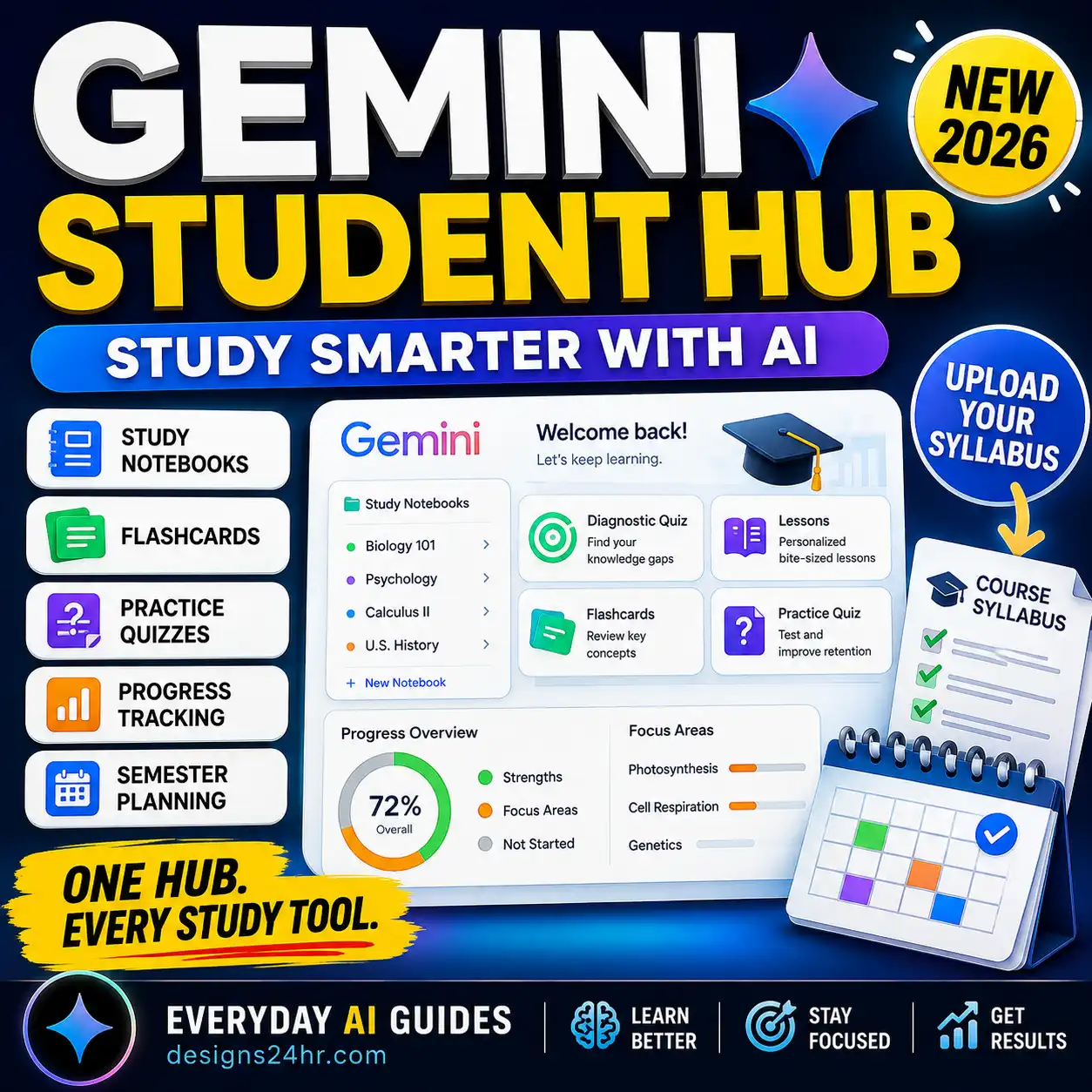
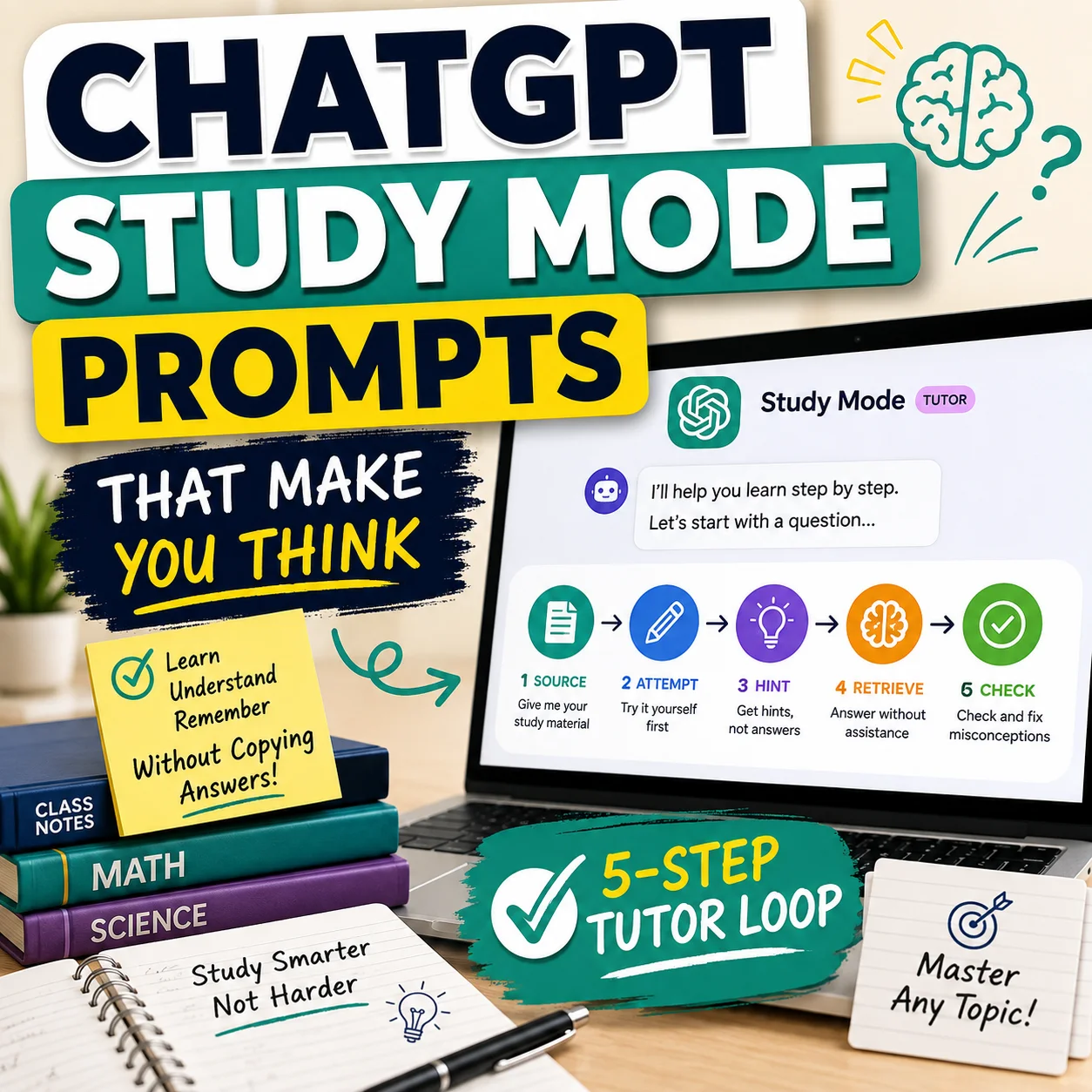
After activating the offer, do not just generate answers for assignments. Use the Gemini Student Hub guide to turn Gemini’s notebooks, quizzes, flashcards, and study tools into a repeatable learning system.
Practical ways students can use the plan
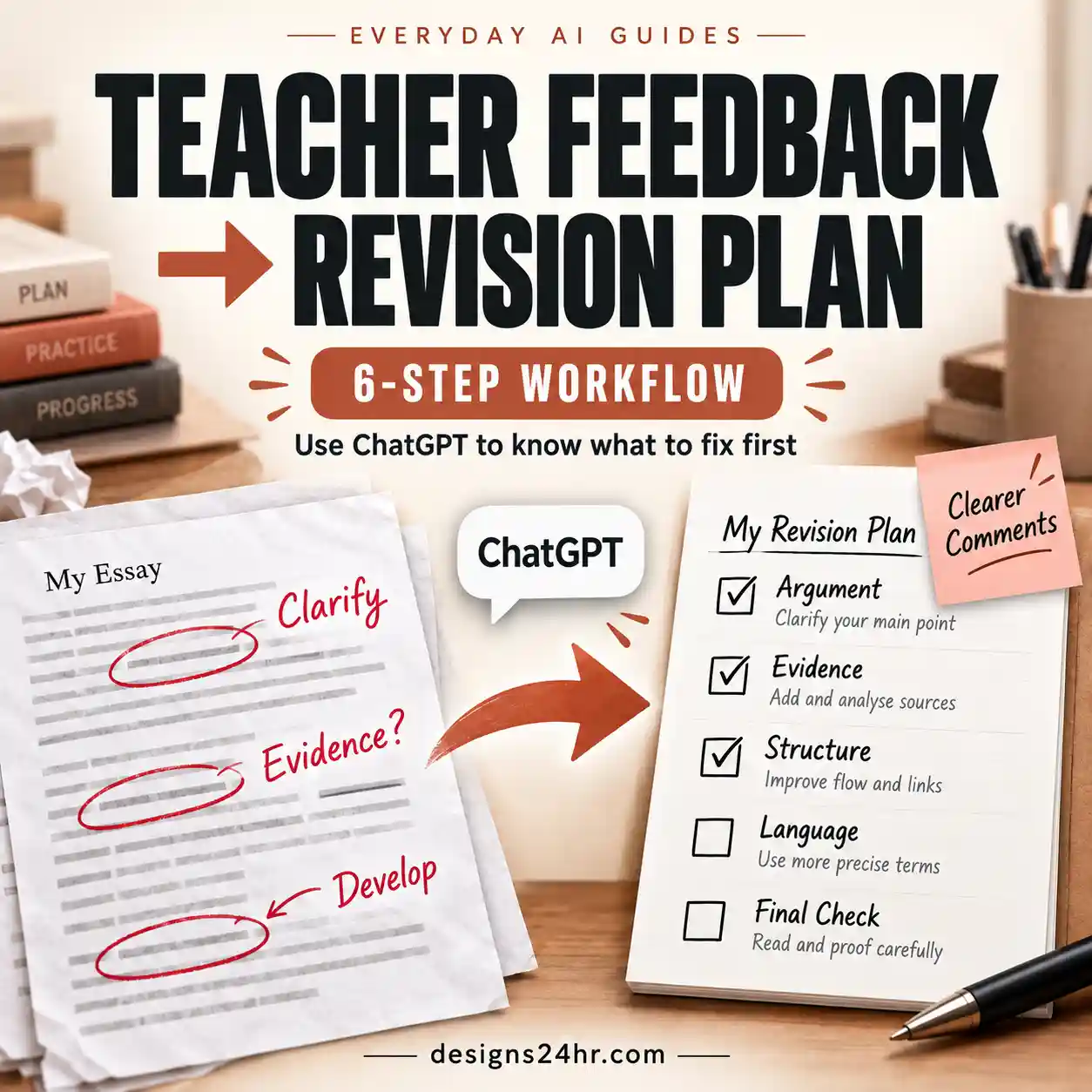
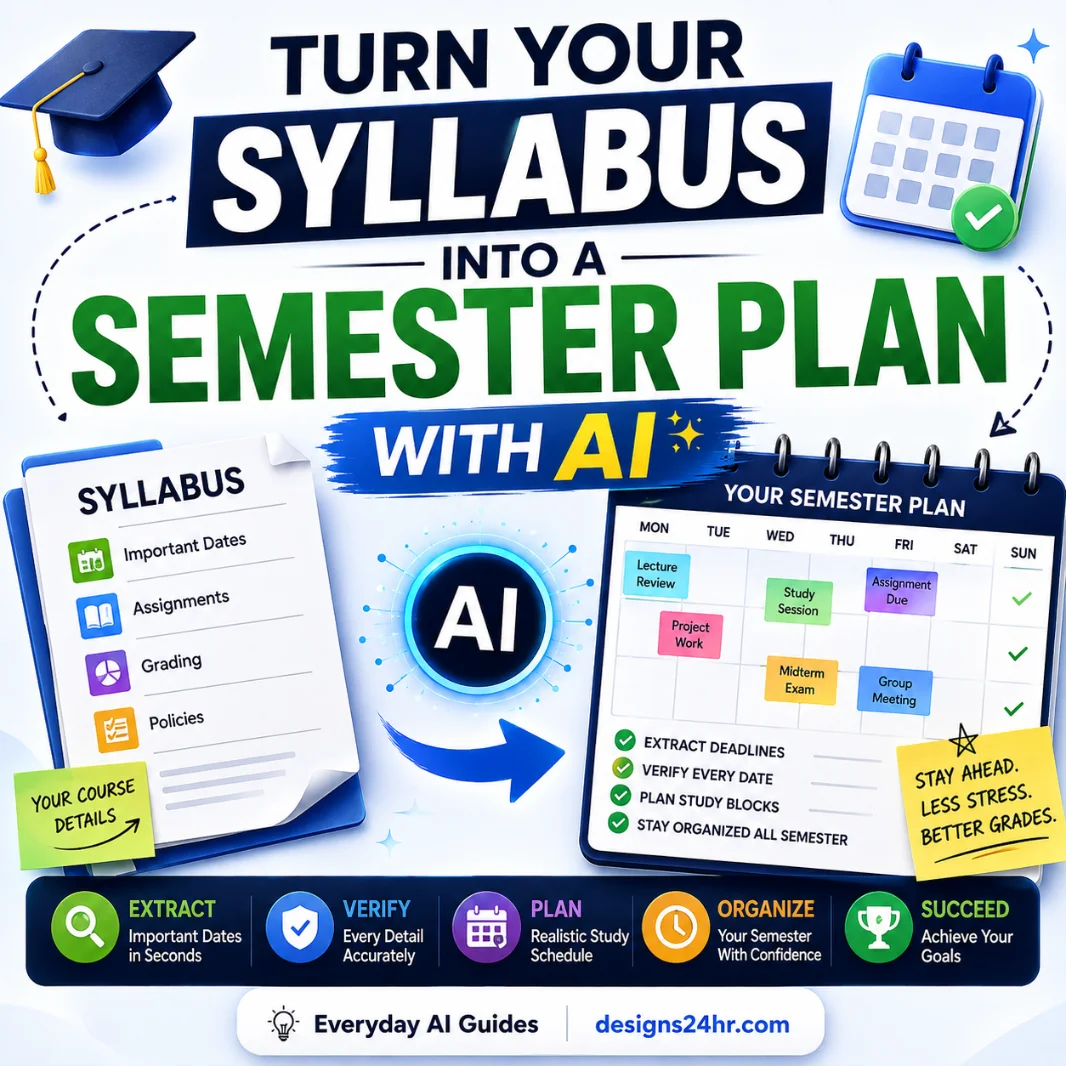
If your biggest problem is organization rather than studying itself, follow our five-step workflow for turning a syllabus into a semester plan with AI .
What Happens After the 12 Free Months?
This is the part students should understand before subscribing.
Google says that when a student offer ends, the membership automatically converts to the corresponding regular paid Google AI plan, except where applicable law requires consent. Google also says it will notify users ahead of the upcoming change.
For the U.S. 12-month Google AI Pro promotion announced on August 19, Google stated that the plan would automatically charge $19.99 per month after the trial unless cancelled earlier. Pricing and plan terms can change, so the price displayed in your account at signup and near renewal is the one you should review.
- Make sure the correct personal Google Account is selected.
- Confirm that Google shows the expected 12-month student trial.
- Confirm the displayed charge during the trial.
- Read the renewal price and renewal date shown for your account.
- Know where the subscription can be managed or cancelled.
- Save the signup confirmation for reference.
Can You Switch Plans During the Student Trial?
You can encounter important consequences when switching plans. Google currently says that upgrading from the 12-month student trial to a paid membership ends the trial, and you cannot later downgrade back to that trial.
Google also says signing up for a student offer while you are already using another Google One extended trial can revoke the existing offer and move you to the new one.
Do You Need to Reverify Your Student Status?
Google says students who claim applicable Google AI Pro student offers generally need to reverify through SheerID about every 12 months for continued student benefits where the offer extends beyond the initial period. Google sends an email when reverification is required.
For this specific 12-month Google AI Pro student trial, your immediate concern is the expiration of the free trial itself. Do not assume reverification automatically creates another free year. Check whichever offer Google presents to your account when the current trial approaches its end.
Outside the United States?
This guide targets the U.S. Google AI Pro offer. Google’s August 2026 announcement says eligible students outside the United States may receive a different 12-month offer for Google AI Plus in supported markets instead.
Plan names, storage, pricing, eligibility, supported countries, and renewal rates can differ, so international students should use Google’s current student-offer page rather than applying the U.S. terms in this guide.
Use Google AI Pro Without Outsourcing Your Learning
Getting premium AI access does not make every AI-generated answer trustworthy, and it does not change your instructor’s rules. The strongest use of Google AI Pro is to make learning more structured: explain difficult ideas, organize course material, identify weak areas, generate practice, and then prove that you can solve or explain the material without the AI.
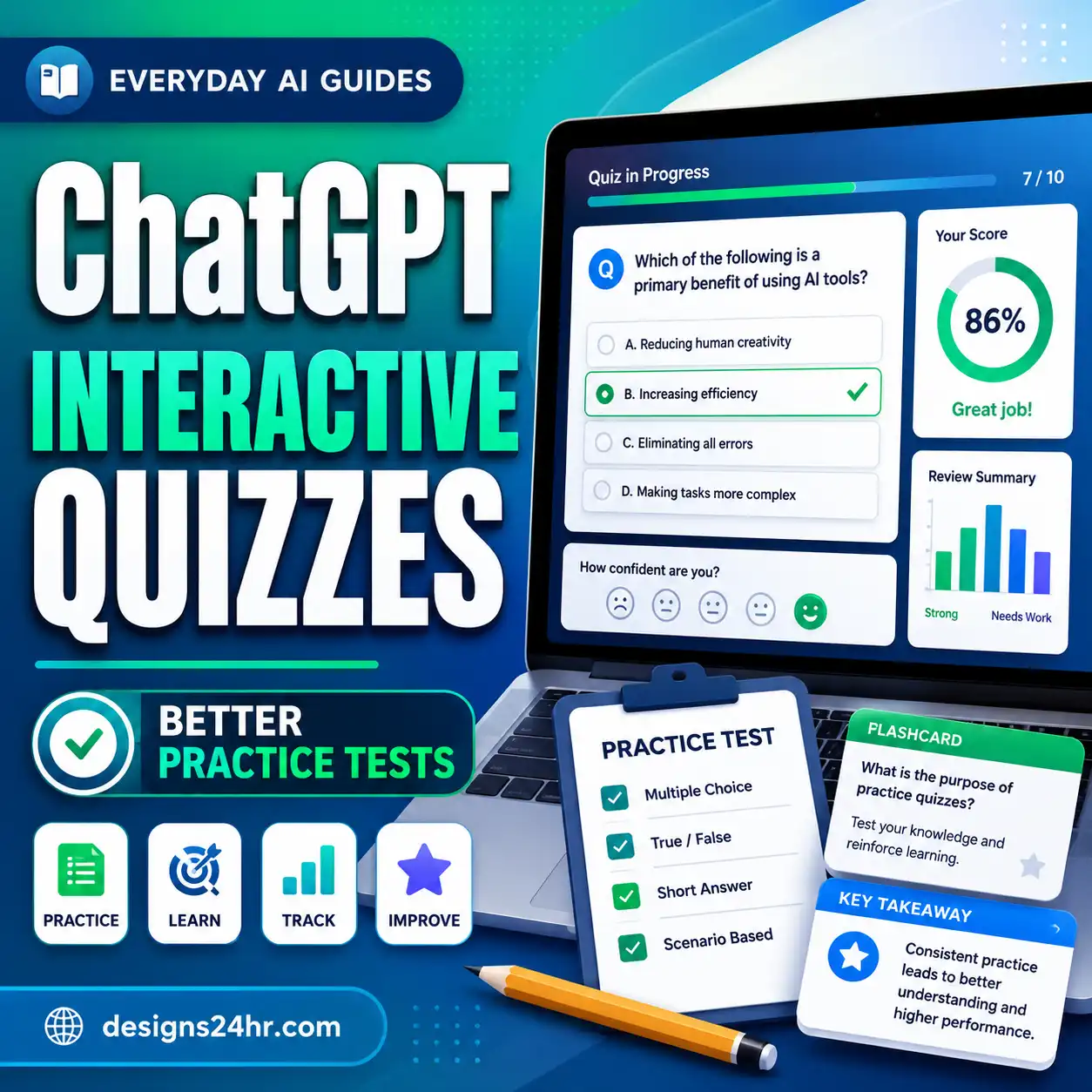
Our guide to studying with AI without letting it do the learning shows how to keep the reasoning on your side of the screen.
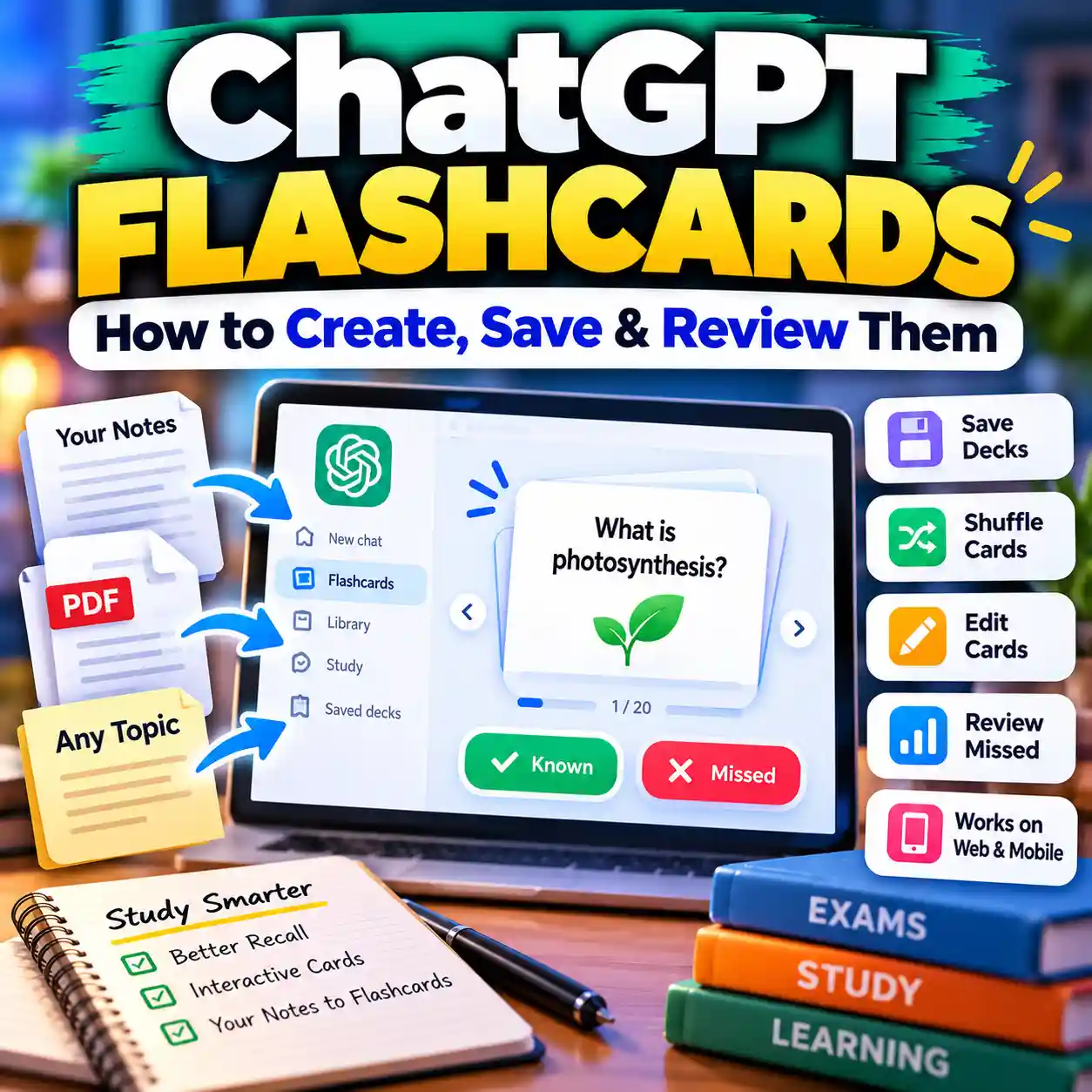
If you create study cards from notes or PDFs, use the AI flashcard maker checklist to catch weak questions, factual mistakes, and low-value cards before you study from them.
Frequently Asked Questions
Is Google AI Pro free for college students in 2026?
Eligible U.S. higher-education students can currently claim a 12-month Google AI Pro student trial at no cost. It is a temporary trial, not a permanently free plan, and Google requires a qualifying payment method at signup.
Who qualifies for the Google AI Pro student offer?
Google’s current requirements include being a student at a U.S. higher-education institution, verifying student status through SheerID, using a personal Google Account, and having a Google Payments account with a qualifying form of payment.
Do I need a .edu email for the Google AI Pro student offer?
Google says you must verify through SheerID using a valid school email address. It does not describe the requirement simply as “any .edu address.” Verification is based on your eligible student status, not merely the ending of an email domain.
Why is the Google AI Pro student offer not showing?
Check that you are signed into the correct personal Google Account, meet the U.S. higher-education requirements, and are using Google’s official student-offer page. Existing family-group membership, third-party billing, current promotions, or account/payment issues can also affect eligibility or signup.
Can existing Google One members get the student offer?
Yes, Google currently says new and existing Google One members can be eligible, but family-group members and memberships through certain third-party partners, Pixel Pass, or Google Fi are exceptions.
Can I use a school-issued Google Account?
The U.S. Google AI Pro student-offer requirements specify a personal Google Account. Your school information is used for student verification through SheerID.
Do I need a payment method for the free student trial?
Yes. Google requires a Google Payments account with a qualifying form of payment at signup even though the eligible 12-month trial begins at no cost.
When does the 2026 Google AI Pro student offer expire?
Google’s August 2026 announcement says eligible U.S. students can redeem the current offer through December 31, 2026.
What happens after the 12-month Google AI Pro student trial?
Google says the membership converts to the applicable regular paid plan after the offer ends unless cancelled earlier, except where applicable law requires additional consent. Review the price and renewal date shown in your own subscription because plan pricing can change.
Can I cancel before Google AI Pro starts charging me?
Google’s offer terms say you can cancel. Check the subscription-management page in your account for your exact renewal date and cancellation terms before the trial ends.
Final Takeaway
The Google AI Pro student offer is a valuable 2026 promotion for eligible U.S. college students, but the best signup experience starts with checking the details first. Confirm your eligibility, use the correct personal Google Account, complete SheerID verification, review any existing Google One plan, and understand the renewal terms before you subscribe.
If everything checks out, claim the offer through Google’s official page. Then use the premium AI access as a learning tool—not an answer shortcut.
The free year is useful only if the tools actually improve how you learn. These live Designs24hr guides are the best next steps.
Build a better study workflow with notebooks, quizzes, flashcards, and knowledge-gap tracking. How to Study With AI →
Use AI to learn without letting it replace the thinking you need to do yourself. Syllabus to Semester Plan →
Turn deadlines and course requirements into a practical semester plan. AI Flashcard Maker Checklist →
Create better study cards from notes and PDFs while catching common AI mistakes.
Official Sources
- Google One Help — Claim a Google One student offer
- Google — Start the semester with one year of Gemini, on us
- Google One Help — Google AI Pro benefits
- SheerID — Student Verification FAQ
Editorial note: Designs24hr is not affiliated with Google or SheerID. Product features, eligibility rules, prices, promotional deadlines, and availability can change. This guide reflects the official information available on August 26, 2026; check Google’s current terms before subscribing.