Gemini Student Hub gives students a central place to start study notebooks, create flashcards, take practice quizzes, and access Google’s growing set of AI learning tools. The real advantage, however, is not generating more study material. It is using the tools in the right order so you spend less time reviewing what you already know and more time fixing genuine knowledge gaps.
This guide shows you how to use Gemini Student Hub as a repeatable study system: organize trusted class material, diagnose weak areas, learn targeted concepts, test yourself without notes, verify important information, and use your progress to decide what to study next.
What Is Gemini Student Hub?
Gemini Student Hub is a dedicated student area in the Gemini app that Google introduced for the 2026 back-to-school period. Google describes it as a central place where students can get started with learning tools and student offers, including study notebooks, flashcards, practice quizzes, and other educational features as they are added.
You can access the hub at Gemini’s official Student Hub.
What Can You Do in Gemini Student Hub?
The most useful feature depends on the problem you are trying to solve. Use this table to choose the right tool rather than opening Gemini and asking it to “help me study.”
| Gemini study tool | Best use | Avoid using it for |
|---|---|---|
| Study notebooks | Building a focused learning space around one course, exam, or goal | Mixing unrelated subjects into one giant notebook |
| Diagnostic quizzes | Finding strengths and knowledge gaps before you study | Using one quiz score as a perfect measure of your ability |
| Personalized lessons | Working through concepts identified as weak areas | Replacing your assigned course material |
| Practice quizzes | Retrieval practice and checking whether learning is sticking | Memorizing Gemini’s exact question wording |
| Flashcards | Definitions, concepts, formulas, terminology, and rapid recall | Turning every sentence in your notes into a card |
| Progress dashboard | Choosing what deserves your next study session | Studying only topics already labeled as strengths |
| Interactive visualizations | Exploring concepts that benefit from spatial or interactive explanation | Assuming every generated visualization is scientifically perfect |
| Gemini Live | Talking through difficult ideas and research while studying | Replacing careful reading of important sources |
| Syllabus organization | Extracting assignments, exams, deadlines, and planning information | Adding dates to your calendar without checking the original syllabus |
The Designs24hr Gemini Study Loop
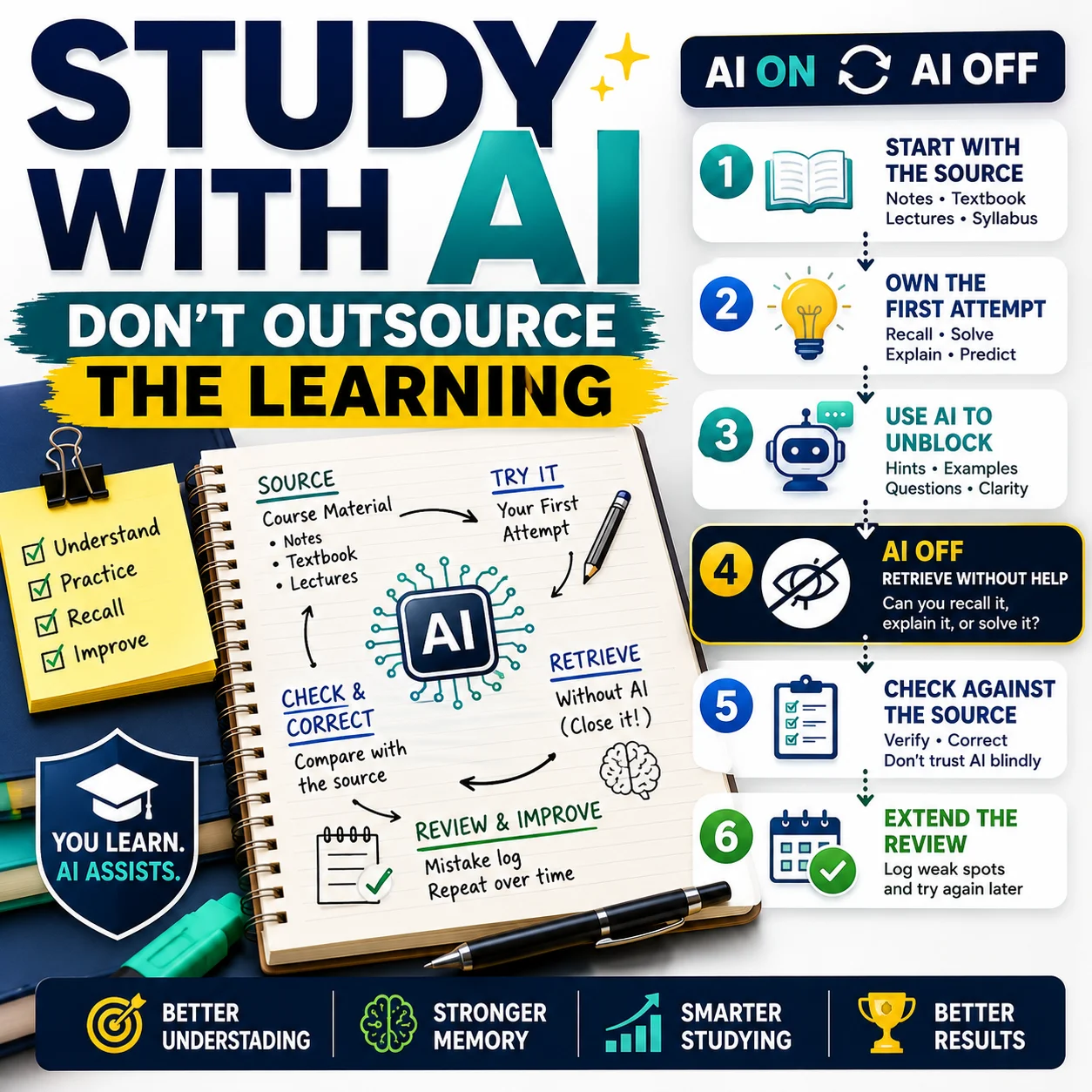
The strongest way to use Gemini Student Hub is not “prompt → answer.” Use this six-part cycle instead: SOURCE → DIAGNOSE → LEARN → RETRIEVE → VERIFY → REPEAT.
Source
Start with trustworthy materials such as your syllabus, notes, readings, slides, and instructor-approved resources.
Diagnose
Use the diagnostic quiz to establish what you understand and where the largest gaps remain.
Learn
Work through targeted explanations and lessons instead of reviewing the entire course equally.
Retrieve
Close the notes and answer questions, recall concepts, or explain the topic from memory.
Verify
Check mistakes and important facts against the original class material or another authoritative source.
Repeat
Use your updated progress and quiz performance to decide what deserves attention next.
How to Use Gemini Student Hub: 6-Step Semester Workflow
The following workflow turns the individual Gemini study tools into one coherent system you can reuse throughout a course.
Create One Study Notebook for One Clear Goal
Start by creating a study notebook for a specific course, exam, or learning objective. Google says study notebooks let you upload study materials and create personalized interactive lessons built around a defined learning goal.
Good notebook examples:
- Biology 101 — Fall Semester
- Calculus II Midterm
- Psychology Final Exam
- SAT Math Preparation
- U.S. History Unit 4
Avoid creating one notebook called “School” and filling it with material from five different courses. Focus improves both organization and your ability to interpret the progress dashboard.
My goal is to master the material for my [COURSE / EXAM] by [DATE].

Use the materials I upload as the primary source.

Help me identify:
1. the major topics I need to know,
2. my current knowledge gaps,
3. the highest-priority concepts to study first,
4. what I should be able to explain without notes before the exam.

Do not assume I understand something just because I recognize the terminology.Add Trusted Course Material Before Asking for Answers
A study notebook becomes much more useful when it has the right source material. Google specifically suggests materials such as a syllabus, notes, reading material, and other class resources.
Useful sources can include:
- your current course syllabus;
- lecture notes;
- professor or teacher slides;
- assigned readings;
- review sheets;
- your own study notes;
- approved course files stored in Google Drive.
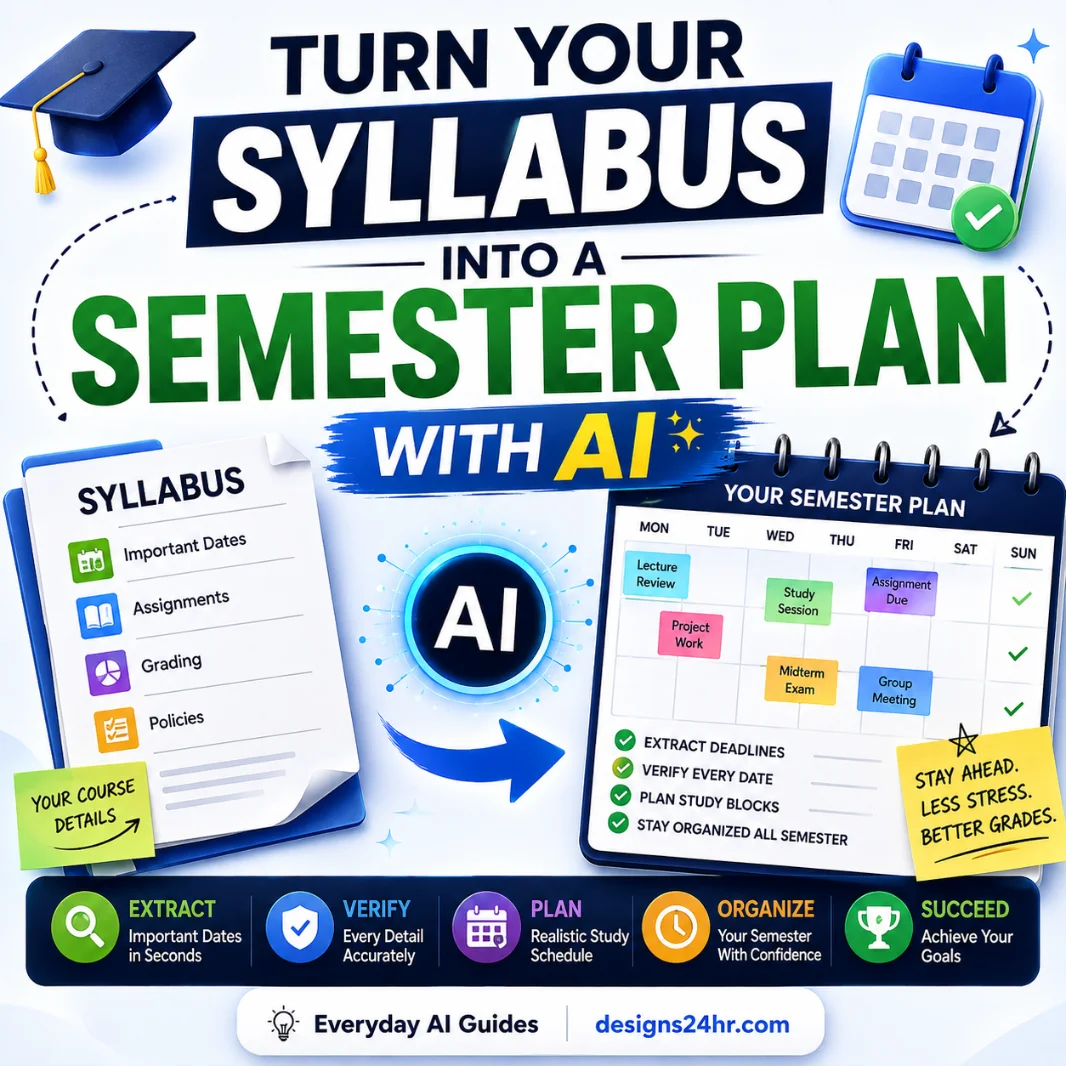
If your course begins with a detailed syllabus, first use our guide to turning a syllabus into a semester plan with AI so important dates are checked before they become part of your planning system.
Take the Diagnostic Quiz Before You Start Reviewing
This is one of the highest-value parts of the study-notebook workflow. Google says the diagnostic quiz establishes an academic baseline and helps identify your strengths and knowledge gaps.
The practical advantage is simple: you do not need to study every topic for the same amount of time.
If you already understand cellular respiration but consistently miss questions about genetics, another hour rereading cellular respiration may feel productive while producing very little improvement.
Study the Weak Areas With Bite-Sized Lessons
After identifying gaps, study notebooks can create personalized lessons focused on those weaker areas. Google says lesson recommendations and progress update as you complete activities and follow-up quizzes.
Instead of asking Gemini to “explain the whole chapter,” narrow your request to the exact concept you are missing.
I am weak on [CONCEPT].

Teach it using only the level of detail I need for this course.

Use this sequence:
1. explain the core idea simply,
2. connect it to something I already know,
3. show one worked example,
4. ask me one question before giving the answer,
5. identify the exact misconception if I answer incorrectly.

Do not move on until I can explain the concept back in my own words.
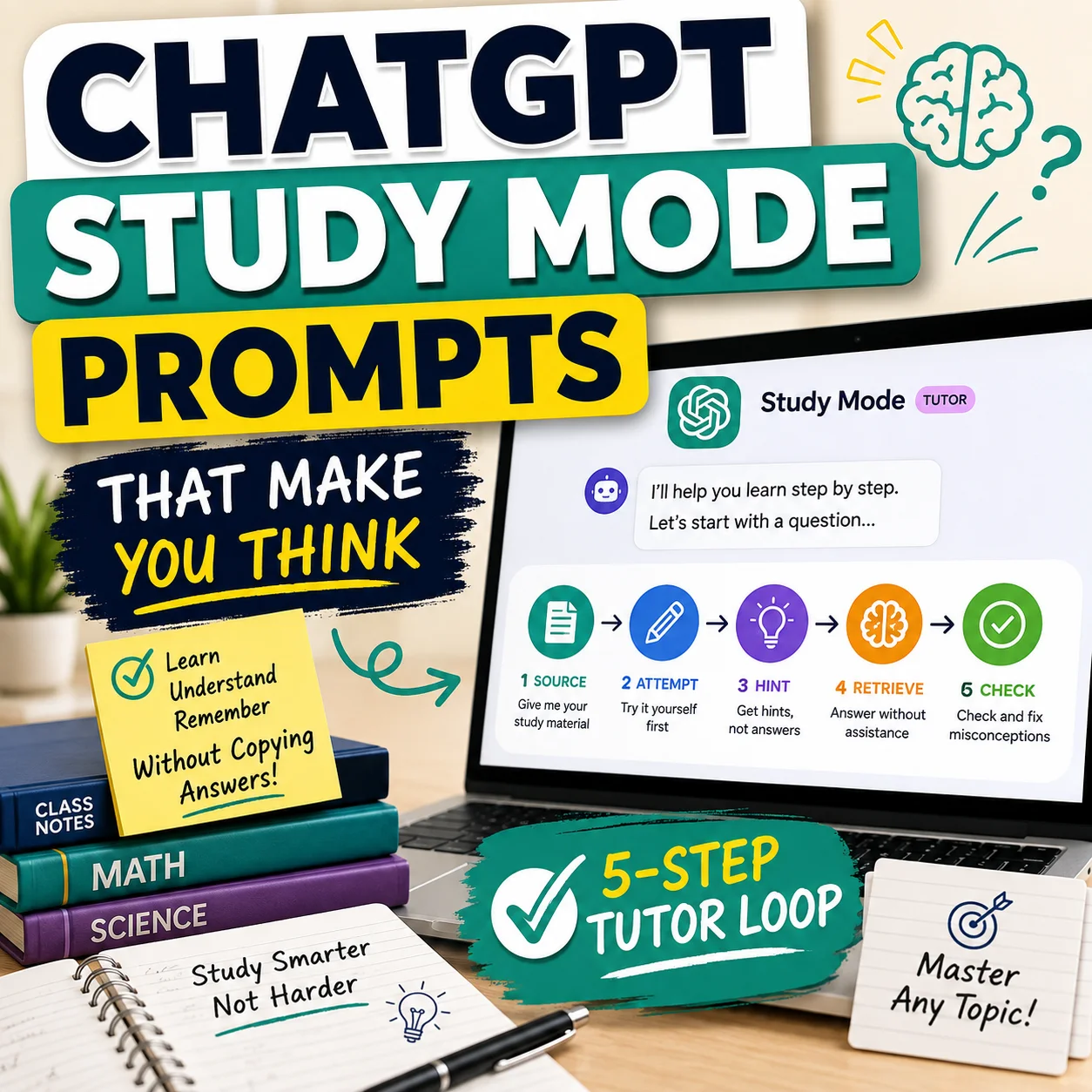
This is also where studying with AI without letting it do the learning becomes important: explanations help, but understanding has to survive after the AI response disappears.
Use Flashcards and Quizzes for Retrieval Practice
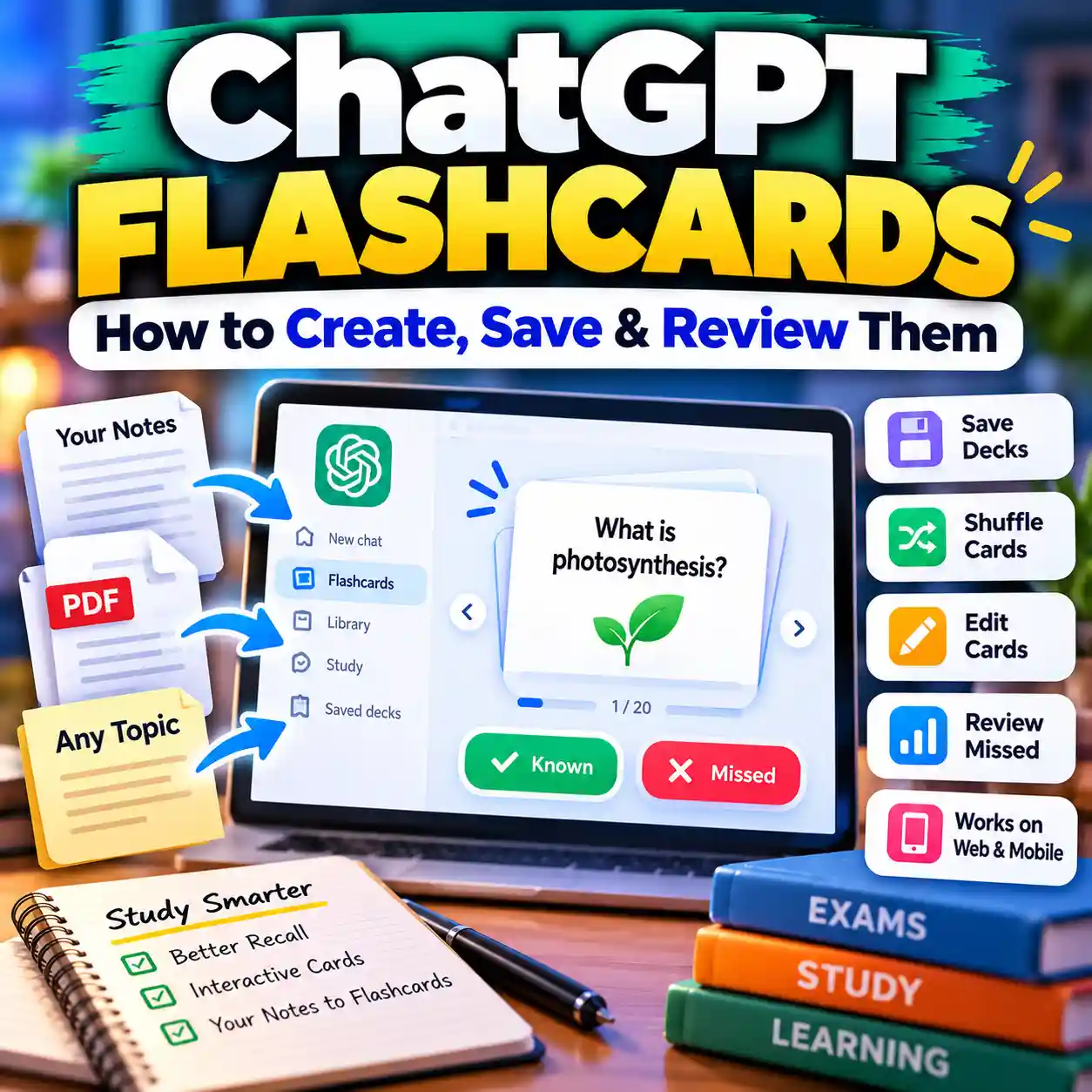
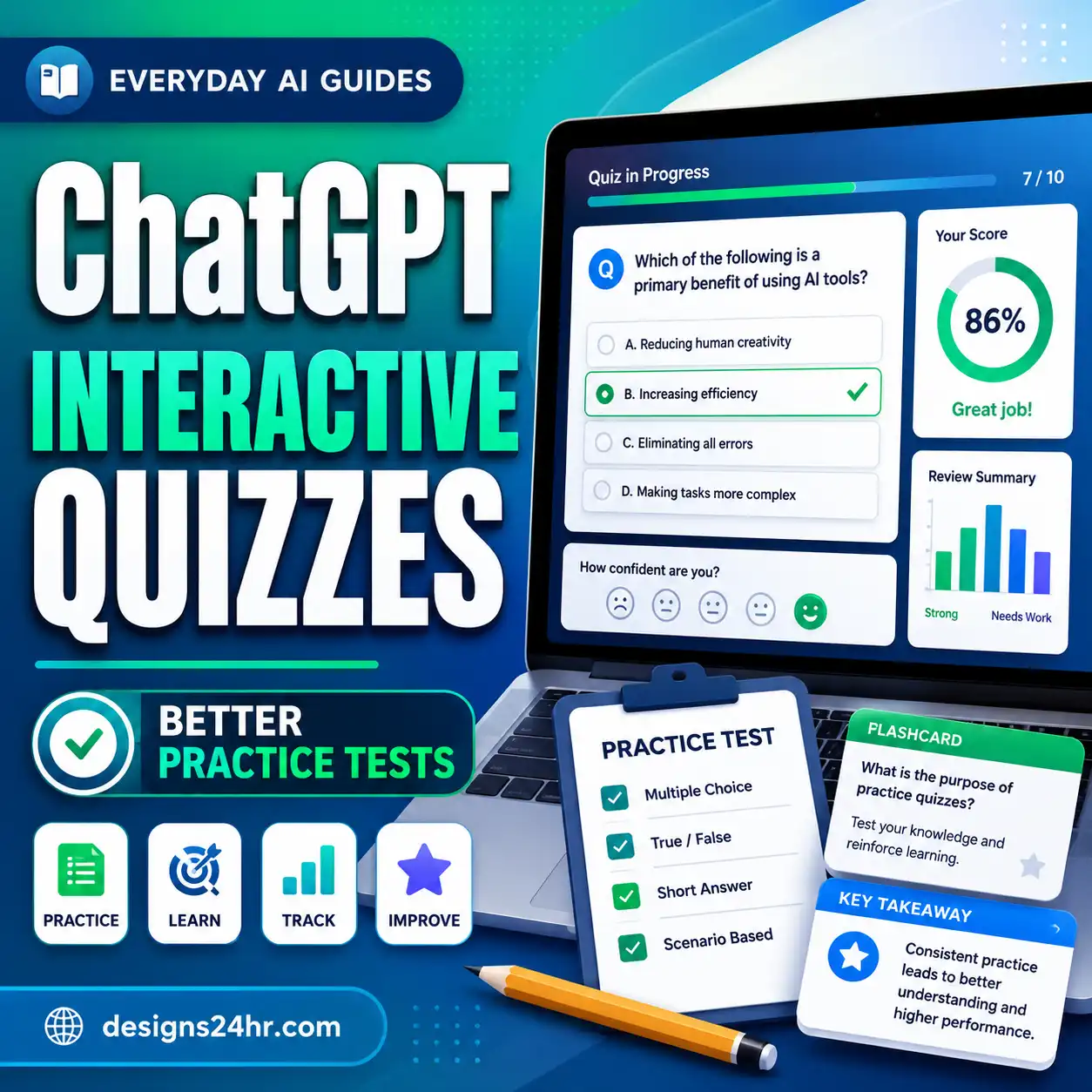
Gemini Apps can create flashcards, quizzes, study guides, and supported practice tests from a topic or uploaded source material. Its quiz interface can also provide hints, follow-up questions, additional practice, and a performance review.
The key is to use these tools for retrieval, not passive rereading.
Try this sequence:
- Study one concept.
- Close your notes.
- Answer a small set of questions.
- Explain why each wrong answer was wrong.
- Return to the original course source.
- Retest the same concept later with different questions.
If you regularly generate study cards, use the AI flashcard maker checklist to avoid weak cards, unnecessary trivia, and misleading answers.
For generated tests, our AI quiz generator checklist helps you review question quality, answers, difficulty, and usefulness before relying on the quiz.
Use the Progress Dashboard to Choose What Comes Next
Google’s study notebooks track performance and organize learning areas into categories such as Strengths, Focus areas, and Not started. The dashboard can then prioritize lessons based on your progress.
That creates a useful rule for your next study session:
The 30-Minute Gemini Study Session
If you do not want a complicated routine, use this compact session whenever you open your study notebook.
- 0–3 min Check your Focus areas. Pick one topic instead of jumping between several.
- 3–12 min Learn one weak concept. Work through the relevant lesson or explanation.
- 12–20 min Retrieve without notes. Answer practice questions or explain the concept from memory.
- 20–25 min Review mistakes. Identify why your answer failed instead of simply reading the correct response.
- 25–28 min Explain it back. Summarize the concept in your own words without copying Gemini.
- 28–30 min Choose the next priority. Let progress—not habit—determine your next session.
Weak Gemini Study Habits vs Better Study Habits
| Weak use | Better use |
|---|---|
| “Summarize this entire chapter.” | Identify the three concepts I am least able to explain. |
| Generate 100 flashcards. | Create a smaller deck around high-value concepts and real knowledge gaps. |
| Read AI explanations repeatedly. | Close the explanation and retrieve the idea from memory. |
| Ask for the final homework answer immediately. | Attempt the problem first, then request a hint or explanation. |
| Trust every generated quiz answer. | Verify questionable answers against course materials. |
| Put every subject in one notebook. | Use one clear notebook for one course, exam, or goal. |
| Upload a syllabus and trust every extracted date. | Compare every important date with the original syllabus. |
| Keep studying topics that feel easy. | Prioritize measured Focus areas and repeated mistakes. |
How to Use Your Syllabus With Gemini
Google’s August 2026 Student Hub announcement says Gemini is adding the ability to schedule key dates, such as exams and assignment due dates, in Google Calendar from a syllabus with the user’s permission.
That can save time, but calendar automation should come after verification.
- Upload the latest official syllabus.
- Ask Gemini to extract exams, assignments, projects, and deadlines.
- Ask it to flag dates marked TBA, tentative, or conditional.
- Compare every important extracted date with the original document.
- Correct mistakes before adding anything to your calendar.
- Check the course portal for later schedule changes.
Review this syllabus and create a table with:

- assignment or exam,
- due date,
- time if stated,
- percentage/points if stated,
- whether the date is confirmed or tentative,
- the exact syllabus section where you found it.

Do not invent missing dates.

Label anything unclear, TBA, conditional, or conflicting as NEEDS MANUAL CHECK.
For a complete planning workflow, see how to turn a syllabus into a semester plan with AI .
When to Use Gemini’s Visual and Research Tools
Interactive Visualizations
Use interactive visuals for concepts where movement, structure, or spatial relationships matter. Google says Gemini can generate interactive elements such as 3D simulations, tables, grids, and visual explanations.
Gemini Live
Use Gemini Live when talking through a concept is more useful than typing. It can help you verbalize reasoning, question an explanation, or discuss study material while away from your desk.
Deep Research
Use deeper research tools when you need to explore a topic beyond your uploaded class notes. Treat generated reports as research assistance—not automatic authority.
When Gemini supplies citations for academic work, do not submit them without checking the source itself. Use the Designs24hr five-layer AI citation verification method before relying on an AI-generated citation in an assignment.
What Gemini Student Hub Cannot Do for You
Gemini can organize learning and make practice more interactive, but a useful student guide also needs to be clear about what the product cannot guarantee.
It Cannot Guarantee Every Answer Is Correct
AI systems can generate incorrect or misleading information. Important academic facts should still be checked against trustworthy sources.
It Cannot Know Every Instructor’s AI Policy
A tool being technically available does not mean it is permitted on a specific class, assessment, or assignment.
It Cannot Prove You Understand the Material
Understanding has to survive after the notebook, lesson, flashcard, or AI explanation is closed. Retrieval without assistance is the real test.
It Cannot Remove the Need to Verify Sources
Course deadlines, citations, formulas, quotations, research claims, and consequential information still deserve independent checking.
Use Gemini to Learn, Not to Outsource the Thinking
Gemini Student Hub is most useful when the AI makes the learning process easier to organize, not when it removes the thinking that an assignment is supposed to develop.
Before using Gemini on coursework:
- check the instructor’s or school’s AI policy;
- attempt important problems before asking for a solution;
- ask for hints or explanations when appropriate;
- do not submit AI-generated writing as your own when that is prohibited;
- verify citations and quotations;
- disclose AI assistance when required;
- make sure you can explain the final work yourself.
Is Gemini Student Hub Free?
Google says the Student Hub, study notebooks, interactive visualizations, and Deep Research in Gemini Live are rolling out to Gemini app users, while particular limits and capabilities can still depend on the user’s account, plan, location, device, age, or feature availability.
Separately, Google announced a one-year Google AI plan offer for eligible college students. For eligible U.S. college students, Google’s August 19 announcement lists one year of Google AI Pro at no charge, with the offer redeemable through December 31, 2026. Google states that a valid payment method is required and that the plan automatically converts to the applicable paid rate after the free period unless cancelled earlier.
Because promotions and eligibility can change, always check the current official Gemini student page before signing up.
Is Gemini Student Hub Worth Using?
Gemini Student Hub is most compelling when you use it as a closed study loop rather than a collection of AI shortcuts.
Study notebooks can help organize your materials, diagnostic quizzes can identify likely gaps, targeted lessons can focus your review, quizzes and flashcards can support retrieval practice, and the progress dashboard can help prioritize what comes next.
But the student still has the most important jobs: choosing reliable source material, attempting difficult work, recognizing uncertainty, verifying important information, and making sure learning continues when Gemini is no longer on the screen.
Frequently Asked Questions
What is Gemini Student Hub?
Gemini Student Hub is a dedicated area Google created for students to access learning tools and offers. It includes entry points for features such as study notebooks, flashcards, practice quizzes, and other student-focused Gemini tools.
How do I access Gemini Student Hub?
Google directs users to gemini.google.com/app. You must be signed in to an eligible Google account. Individual tools may have additional requirements or availability limits.
What is a Gemini study notebook?
A study notebook is a focused learning space in Gemini where you can add study materials, define a learning goal, take diagnostic quizzes, work through personalized lessons, complete follow-up quizzes, and track progress.
Can Gemini make flashcards from my notes?
Yes. Gemini Apps can create flashcards from a topic or source material you provide. You can also use flashcards with study-notebook workflows.
Can Gemini create practice quizzes?
Yes. Gemini Apps can create quizzes and other supported study materials. Current quiz features can include hints, follow-up questions, additional practice, and performance analysis.
Does Gemini track what I need to study?
Study notebooks include progress tracking. Google says the dashboard can classify areas such as Strengths, Focus areas, and Not started, then update recommendations as you complete quizzes and lessons.
Can Gemini add syllabus deadlines to Google Calendar?
Google announced that Gemini is adding the ability to schedule key dates such as exams and assignment deadlines in Google Calendar from a syllabus with the user’s permission. Always verify extracted dates against the original syllabus before relying on them.
Is Gemini Student Hub free?
Google says the Student Hub and several new learning features are rolling out to Gemini users, but individual features and usage limits can depend on account eligibility, plan, age, region, and availability. Google is also running separate student-plan promotions for eligible college students.
Should I trust every Gemini study answer?
No. Gemini can help explain and organize material, but AI-generated information can still be incorrect. Verify important answers, dates, quotations, citations, formulas, and course-specific requirements against trustworthy sources.
Can I use Gemini Student Hub for homework?
You can use Gemini as a learning aid where your instructor or school’s rules allow it. Whether AI assistance is acceptable depends on the specific course and assignment, so check the applicable academic-integrity policy before using it for assessed work.
Build a Better AI Study System
Continue with these Designs24hr guides to improve the parts of your study workflow that Gemini alone cannot guarantee.
Sources & Editorial Method
How Designs24hr built this guide: We reviewed Google’s current Student Hub announcement, study-notebook documentation, and Gemini learning-tool help pages, then organized the features into a practical six-step student workflow: Source, Diagnose, Learn, Retrieve, Verify, Repeat.
Designs24hr did not claim first-hand testing of every Gemini Student Hub feature. Availability, interfaces, limits, promotions, and account requirements can change.
- Google — Start the semester with one year of Gemini, on us
- Google — Study notebooks in the Gemini app
- Gemini Apps Help — Create and use notebooks in Gemini Apps
- Gemini Apps Help — Create quizzes, flashcards, practice tests and study guides
- Gemini Apps Help — Use learning tools in Gemini Apps
Editorial update note: Gemini Student Hub is a fast-changing product area. Before relying on a particular feature, plan, promotion, or eligibility rule, check the current Gemini interface and Google’s latest documentation.