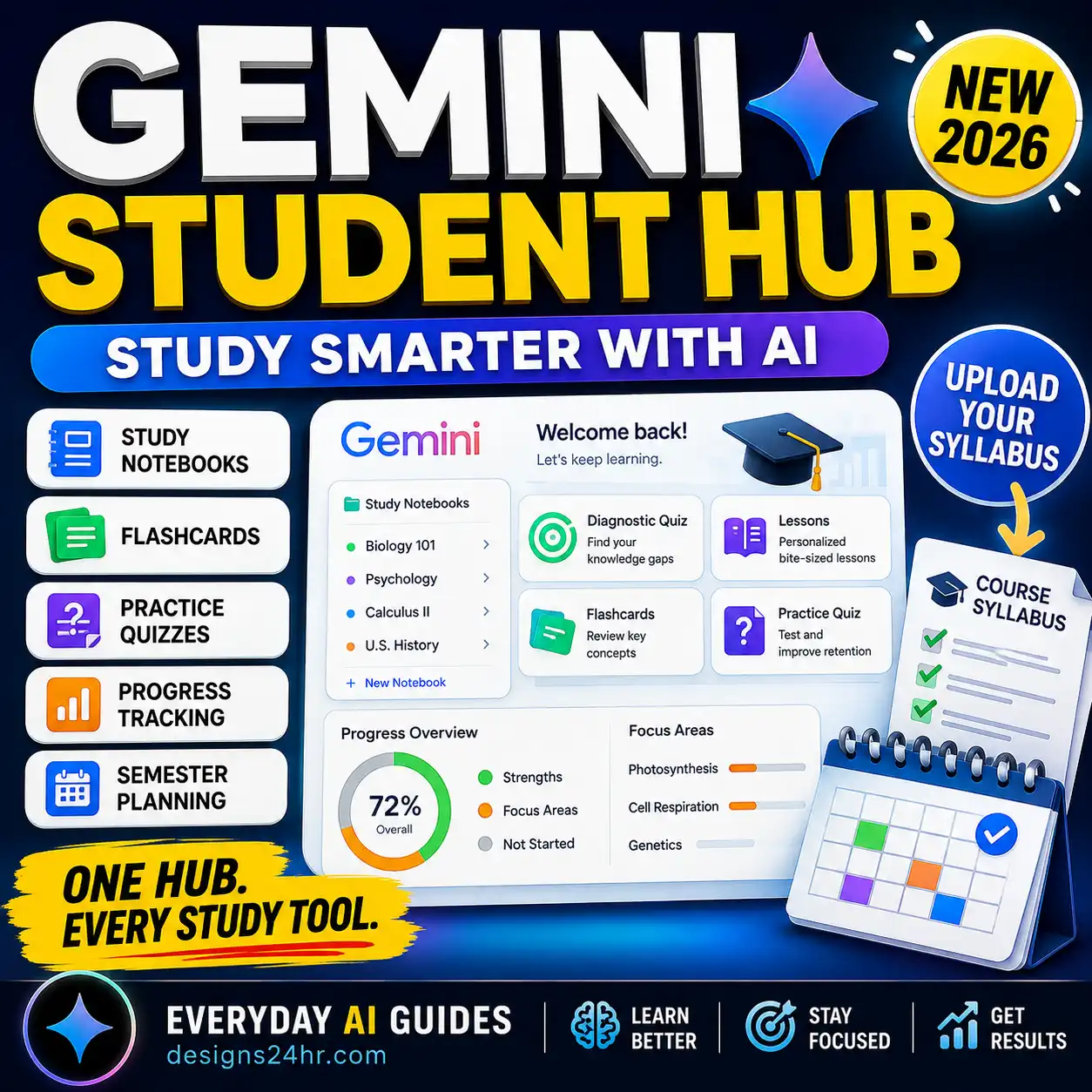
AI can explain a chapter, quiz you, and find the mistake in your work in seconds. But reading a good answer isn’t the same as learning it. Students who get the most from AI use it to get unstuck and to practice, then close it and prove they can do the work alone.
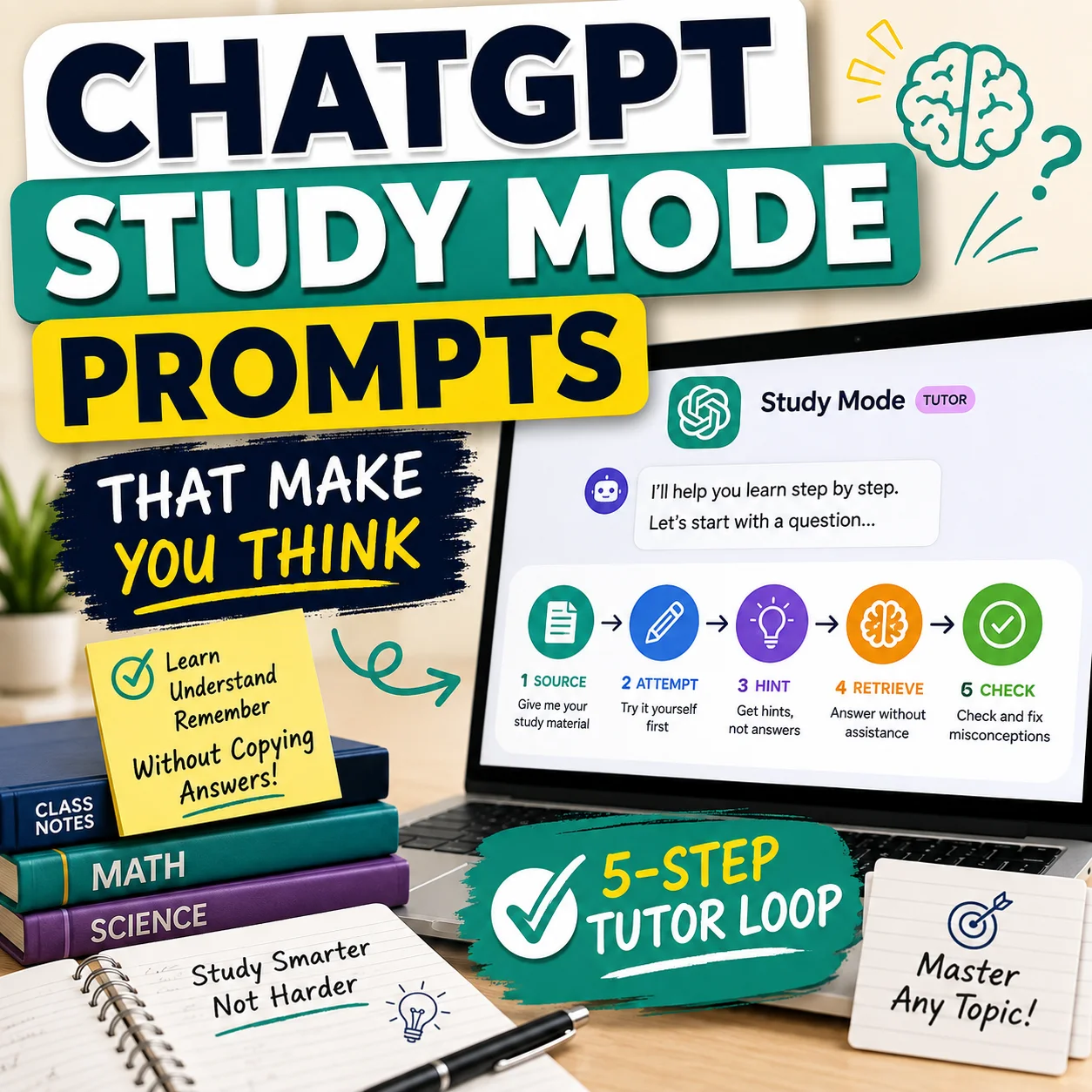
To study with AI, try the problem yourself first, then ask for a hint, not the answer. Use AI to explain the one step you’re stuck on, quiz you, and check your reasoning. Then close it and redo a fresh problem from memory. In ChatGPT, turn on study mode (type @study or go to chatgpt.com/studymode) so it asks guiding questions instead of handing over answers. Always check facts against your textbook or notes, and follow your teacher’s AI rules.
1. The SOURCE Study Loop
Use this six-step loop for any subject. It keeps a clear line between getting help and actually learning.
Worked example: high school chemistry, balancing equations
2. How to Use ChatGPT Study Mode
Study mode makes ChatGPT teach step by step. It asks what you know, gives hints, and checks your understanding instead of just giving answers. It’s available on all ChatGPT plans on the web, iOS, and Android.
| Where | How to turn it on |
|---|---|
| Web | Type @study in the message box, or click +, search “study,” and choose Study. You can also go to chatgpt.com/studymode. |
| iPhone / Android | Tap + and choose Study (search for it if you don’t see it). |
| Turn it off | Remove the Study tag from the message box. |
| Not available in | Temporary Chats, custom GPTs, and Projects. Use a regular chat. |
Make your first message count. Tell it your grade or level, the subject, your goal (test, homework, project), what you already know, your deadline, and paste or upload the material. Example: “11th grade US History, test Friday on the causes of WWI. I know the alliances but mix up the dates. Quiz me one question at a time.”
3. When to Use AI and When to Turn It Off
| Study activity | Best default | Why |
|---|---|---|
| Rewording a confusing explanation | AI ON | A second explanation often clicks. |
| Making practice questions or flashcards | AI ON | Fast, varied practice from your own notes. |
| Finding the mistake in your work | AI ON | Ask it to point to the step, not fix it. |
| Answering the practice questions | AI OFF | Recall is what builds memory. |
| Graded homework and take-home tests | AI OFF | Unless your teacher says otherwise. |
| Facts, dates, formulas, citations | CHECK SOURCE | AI can be confidently wrong. |
4. A 25-Minute AI Study Session
5. Five Prompts That Make You Think
To copy a prompt, highlight the text in the box and press Ctrl+C (Cmd+C on Mac).
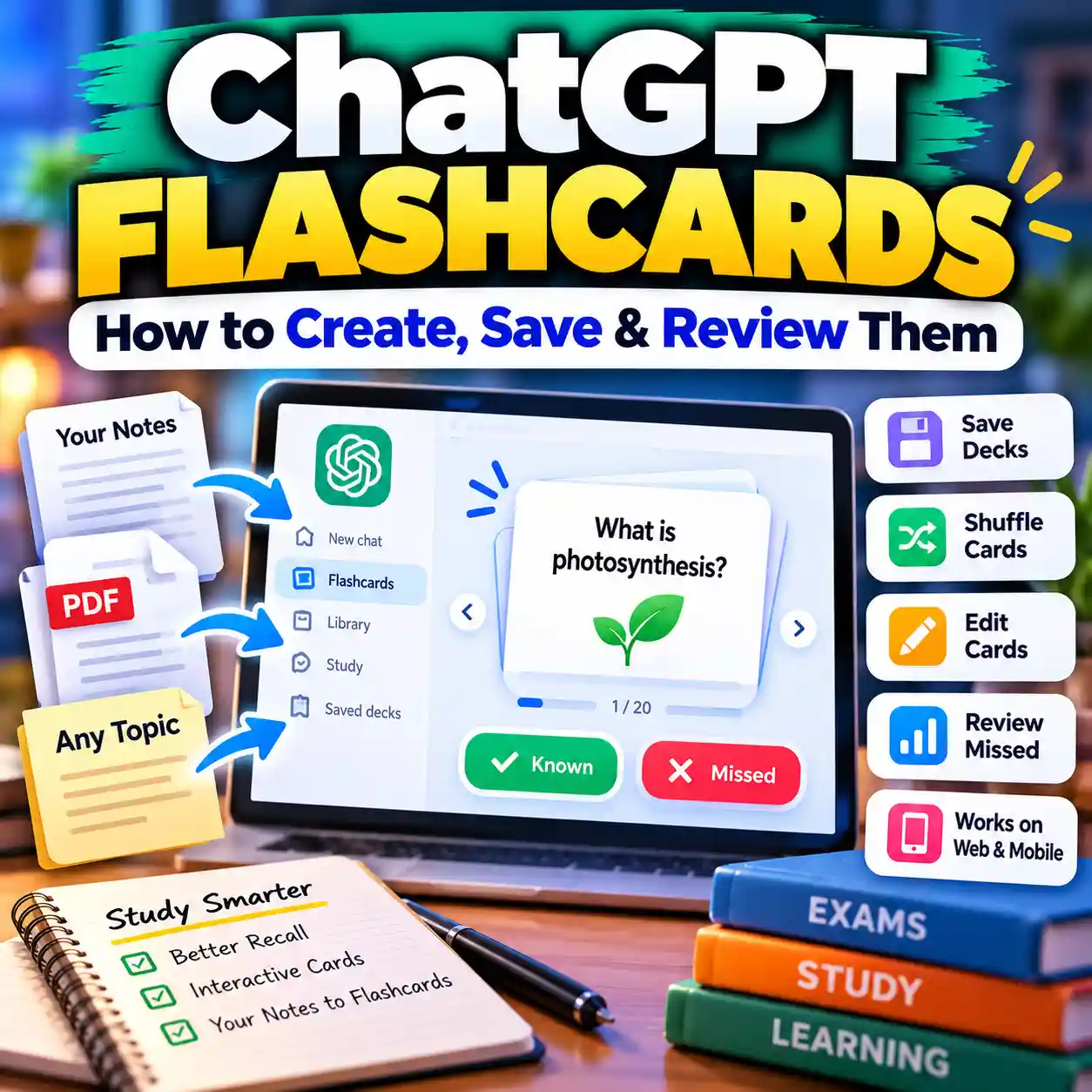
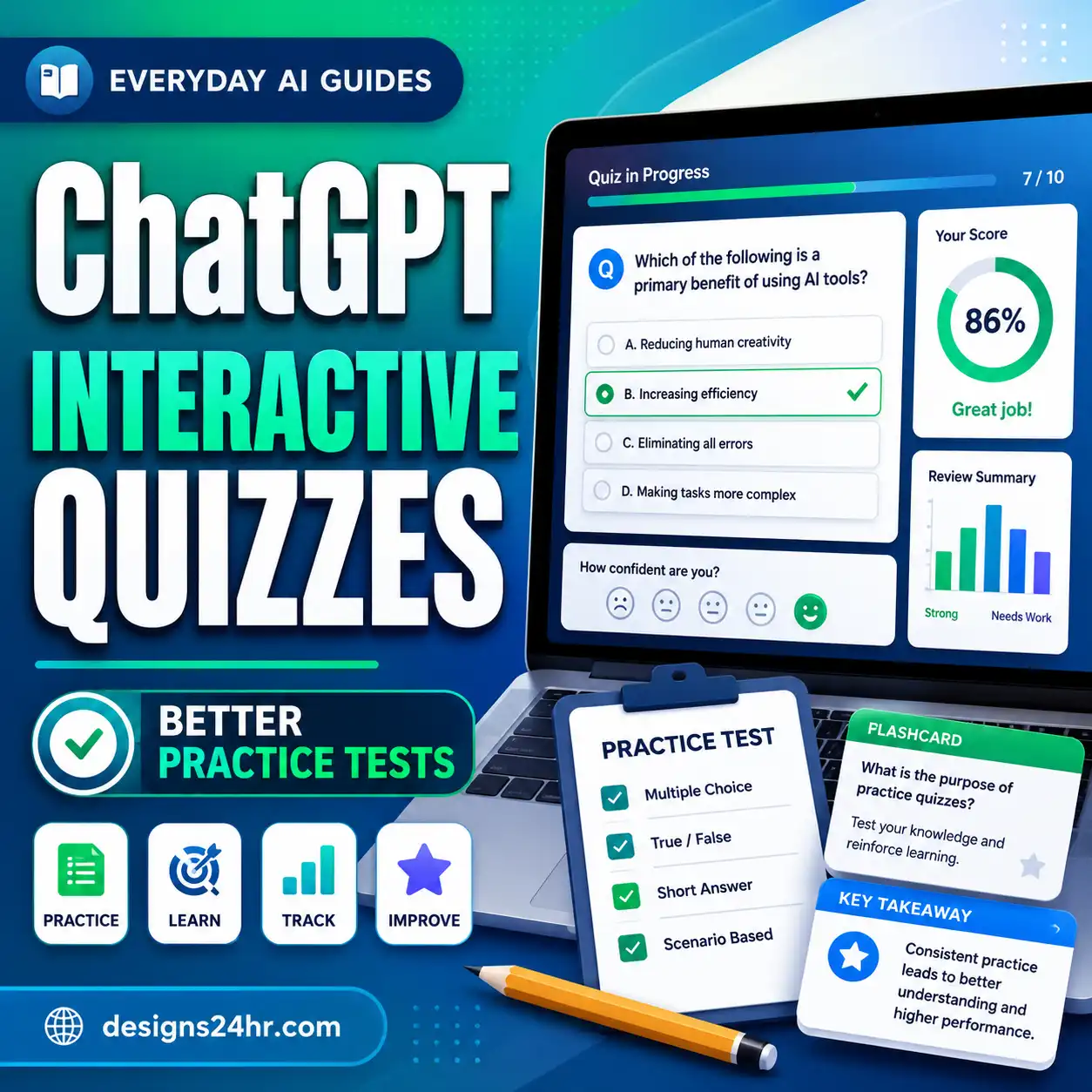
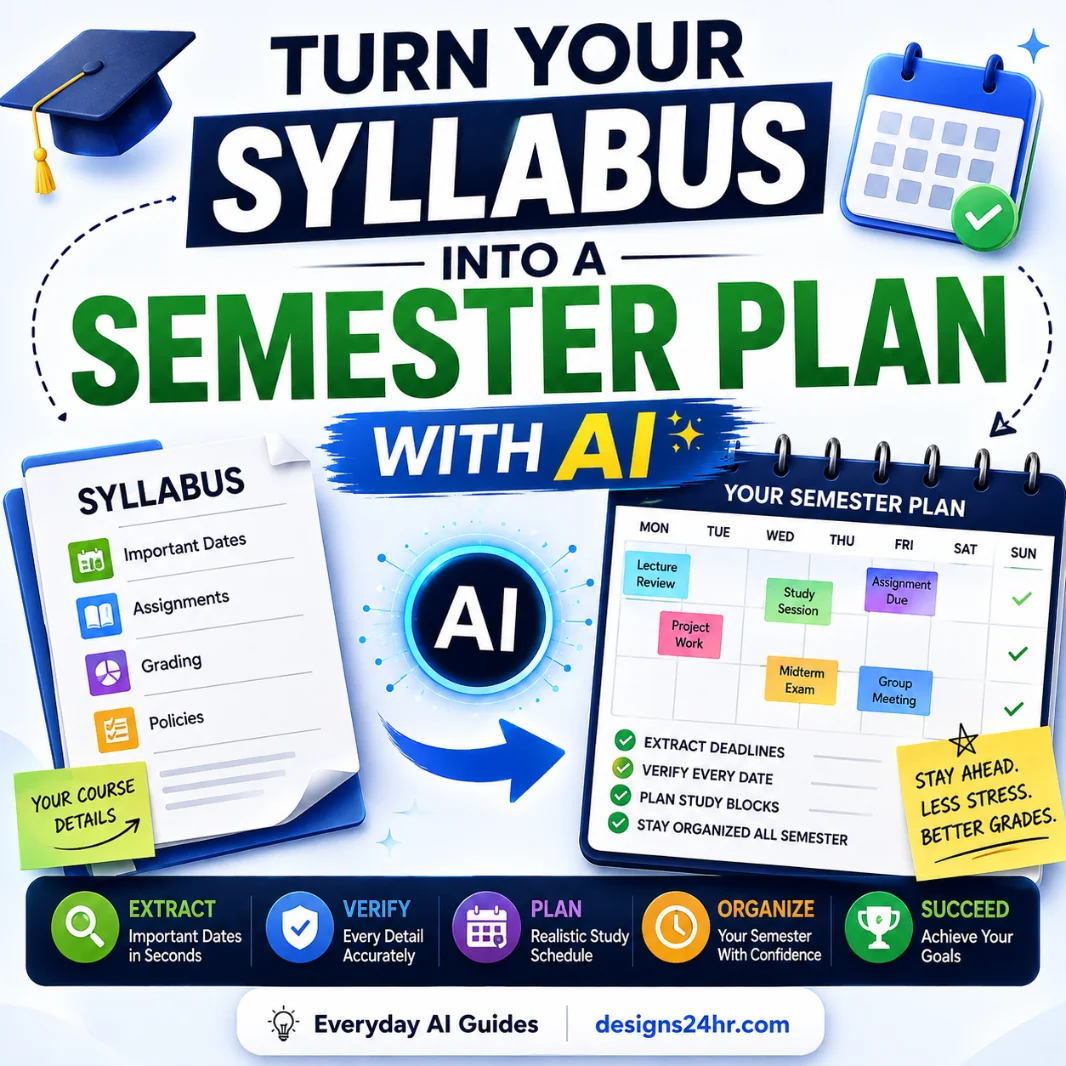
Here's the problem and my attempt so far: [paste]. Don't solve it. Tell me which step looks wrong and give me one hint. Wait for my next try.Using only these notes: [paste], ask me 8 questions one at a time, mixing easy and hard. After each answer, tell me if I'm right and why. At the end, list my weak spots.Explain [concept] for a [grade level] student in two different ways: one with an everyday example and one step by step. Then ask me to explain it back in my own words.Here is my thesis and outline: [paste]. Don't rewrite it. Point out the weakest claim, any missing evidence, and one counterargument I should address.My [subject] test is on [date]. Topics: [list]. I'm weakest at [topics]. Make a day-by-day plan with 25-minute sessions that uses spaced review and practice tests, not rereading.Want ready-made practice? Try ChatGPT flashcards and ChatGPT interactive quizzes, or the free Explain This For Me tool.
6. If AI Gives You a Wrong Answer
1. Stop
Don’t build flashcards or notes on an answer you doubt.
2. Verify
Check your textbook, class notes, answer key, or teacher.
3. Correct
Tell the AI what the source says and ask it to redo the explanation.
4. Log it
Write the correct version in your error list for review.
Citations are a common problem. AI can invent sources that look real. Use our guide to verifying AI citations before you put any source in a paper.
7. Academic Integrity: Know the Rules First
- Read your syllabus for an AI policy, and ask your teacher if it’s unclear.
- Assume graded work must be your own unless you’re told otherwise.
- If AI use is allowed, save your prompts in case you need to show your process.
- Never paste a take-home test or quiz into AI.
- Don’t share passwords, student ID numbers, or other private info.
Families can set shared expectations with our AI homework rules.
Frequently Asked Questions
Is studying with AI cheating?
Using AI to explain ideas or quiz yourself is usually fine. Having it do graded work you hand in as your own usually isn’t. Your teacher’s policy decides.
Is ChatGPT study mode free?
Yes. Study mode is available on all ChatGPT plans, including Free, on the web, iOS, and Android.
Why can’t I find study mode in my Project?
Study mode isn’t available in Projects, custom GPTs, or Temporary Chats. Start a regular chat and type @study.
What’s the best AI for studying?
The method matters more than the tool. Any capable assistant works if you attempt first, ask for hints, quiz yourself without it, and verify against your course material.
How do I stop AI from just giving me the answer?
Turn on study mode, or say “Don’t solve it. Give me one hint and wait for my attempt” at the start of your message.
Keep Going
Last verified: November 3, 2026, against OpenAI Help Center: Using study mode in ChatGPT.
Editorial note: AI tools can make mistakes, and school policies differ. Use your course materials and instructor guidance as the authority for what you need to learn and what forms of AI assistance are permitted. This guide is educational guidance, not a substitute for your school’s academic-integrity policy.
Get new AI guides every week
Short, practical how-tos and free tools from Designs24hr. No spam, unsubscribe anytime.