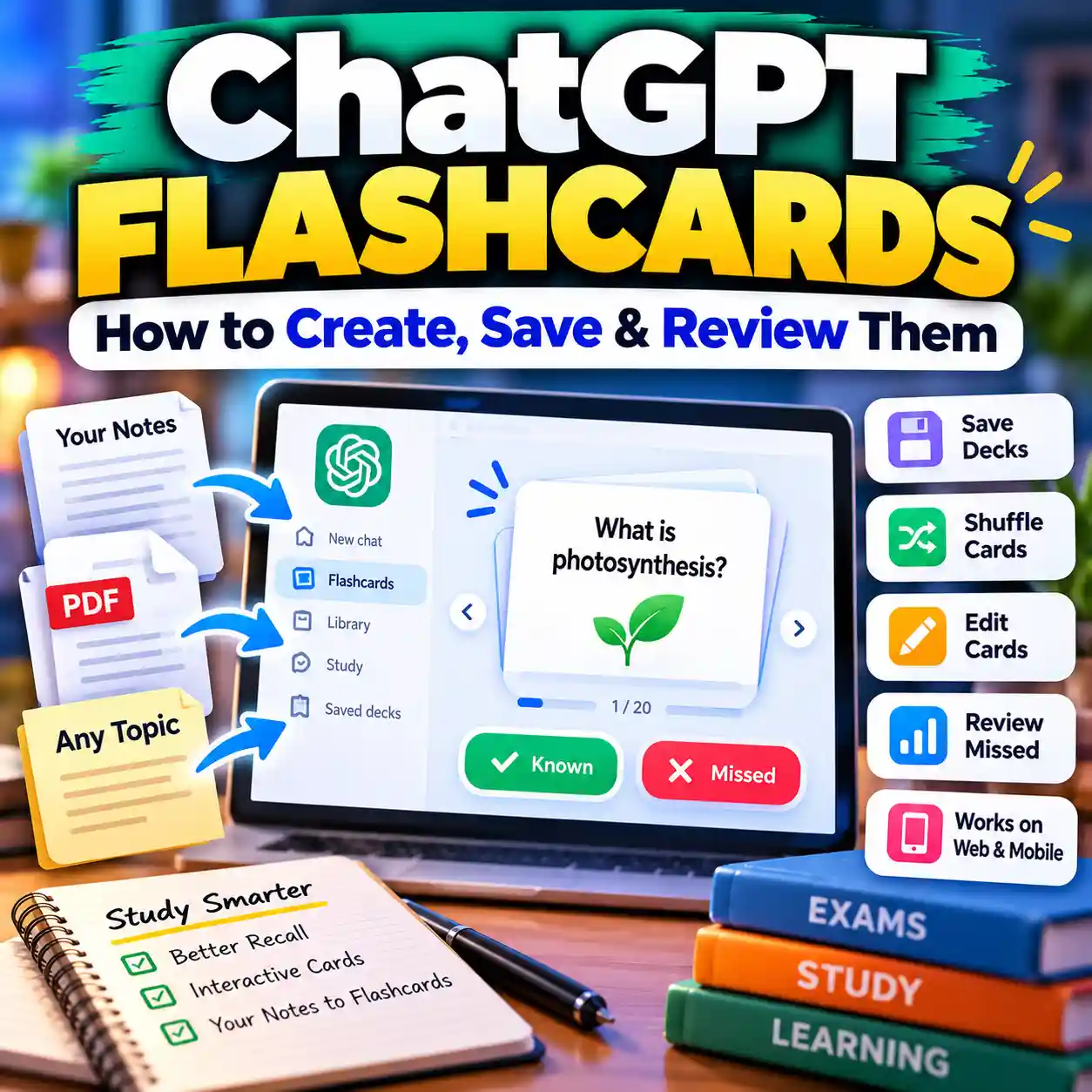
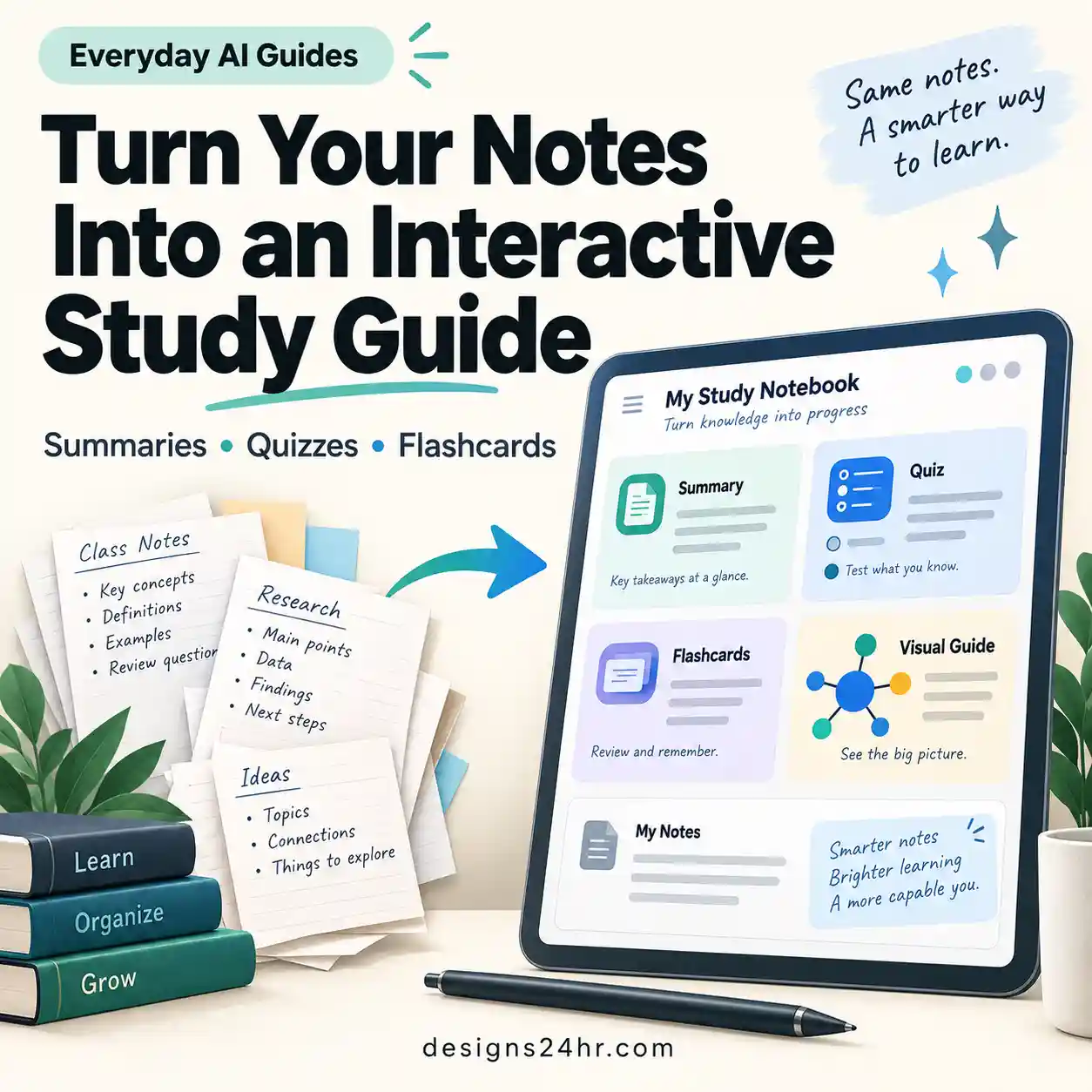
An AI flashcard maker can transform notes, PDFs, presentations, and study guides into question-and-answer cards in minutes. An AI flashcard generator can save preparation time, but the cards still need a clear learning goal, careful editing, source checking, and an active study routine. This practical guide walks you through seven steps for creating accurate, focused, and useful study cards.
How does an AI flashcard maker work?
An AI flashcard maker reads the material you provide, identifies important ideas, and converts them into study questions and answers. You should then review every generated card, correct mistakes, shorten unclear answers, remove duplicates, and organize the finished deck before studying.
What is an AI flashcard maker?
An AI flashcard maker is a learning tool that turns source material into digital flashcards. Depending on the platform, you may be able to paste text, upload a PDF, import notes, add slides, scan an image, or type a topic manually.
The tool looks for definitions, facts, relationships, formulas, dates, processes, examples, and vocabulary. It then converts those ideas into questions, answers, cloze cards, comparison cards, or other review formats.
The technology can save preparation time, but it does not guarantee that every card will be accurate or useful. Treat the output as an editable first draft rather than a finished study resource.
When your source starts as lecture or meeting notes, first use the AI note taker checklist to clean incomplete notes, identify missing context, and verify important details before turning them into flashcards.
Let the AI flashcard maker organize the first draft, then compare every important card with your notes, textbook, course material, or another trusted source.
Who can use AI-generated flashcards?
- High school and college students preparing for exams.
- Language learners reviewing words, phrases, and definitions.
- Professionals studying certification or training material.
- Teachers preparing optional classroom review resources.
- Parents helping children revise school subjects.
- Independent learners studying new terminology or processes.
Flashcards, study guides, notes, or quizzes: which format do you need?
Flashcards work best for focused recall. They are not automatically the best format for every learning task. Use this decision table before asking AI to generate hundreds of cards from material that may be better suited to another study format.
| Your learning need | Best starting format | Why it fits |
|---|---|---|
| Capture information from a lecture or discussion | Structured notes | Notes preserve context, explanations, examples, and the order in which ideas were presented. |
| Understand a long PDF before studying details | Verified PDF summary | A summary can reveal the document’s structure and main ideas before you create detailed cards. |
| Memorize terms, formulas, dates, and short concepts | Flashcards | Flashcards support repeated retrieval of small, clearly defined learning points. |
| Review an entire unit or connect related ideas | Study guide | A study guide can organize themes, explanations, examples, and relationships across a wider topic. |
| Test whether you can apply or recognize what you learned | Practice quiz | Quiz questions can test application, comparison, reasoning, and exam-style decision-making. |
Organize the notes or PDF first, create a focused flashcard deck second, and finish with a study guide or practice quiz. Each format serves a different purpose, so do not force the entire learning process into one oversized deck.
AI flashcard maker checklist: 7 essential steps
Choose a suitable tool
Check supported file types, editing controls, privacy options, study features, and export formats.
Prepare clean material
Use clear notes, readable PDFs, complete sentences, and organized headings.
Set a learning goal
Tell the AI flashcard maker which concepts, definitions, or skills you need to study.
Generate focused cards
Ask for one clear idea per card and concise answers that are easy to review.
Check every answer
Compare dates, names, formulas, terms, and explanations with the source.
Improve and organize
Rewrite vague cards, delete duplicates, and group the deck by subject or chapter.
Study actively
Answer before revealing the back of the card and repeat difficult material more frequently.
Choose the right AI flashcard maker
Start by deciding how you plan to create and use the cards. A basic text-based AI flashcard maker may be enough for short notes. A long textbook chapter or study guide may require PDF uploads, page selection, deck folders, editing controls, and export support.
Important features to check
- Input formats: pasted text, notes, PDF files, presentations, images, or website text.
- Editing controls: the ability to revise questions, answers, tags, and card order.
- Card formats: question-and-answer, vocabulary, cloze, true-or-false, comparison, or multiple choice.
- Organization: folders, subjects, chapters, tags, or difficulty levels.
- Export support: formats compatible with the study app you intend to use.
- Privacy settings: clear information about uploaded files, account data, retention, and deletion.
- Usage limits: restrictions on pages, cards, file size, exports, or monthly generations.
Upload one or two pages first. This gives you a quick way to evaluate the AI flashcard generator before creating a large deck that may require extensive corrections.
Prepare notes and PDFs for better results
An AI flashcard maker usually performs better when the source is readable, organized, and focused on one subject. Cleaning the material before uploading it can reduce irrelevant, incomplete, and repetitive cards.
For long reports, articles, or textbook chapters, use the AI PDF summarizer checklist to confirm that headings, tables, examples, qualifications, and important sections were not omitted before you convert the document into study cards.
Clean the source material
- Remove blank pages and duplicated sections.
- Separate unrelated subjects into different documents.
- Use headings for chapters, lessons, and subtopics.
- Correct obvious spelling or formatting problems.
- Make sure scanned pages are sharp and readable.
- Explain abbreviations that may be unclear outside the class.
- Keep important examples close to the concept they explain.
Remove names, student records, passwords, financial details, confidential workplace information, unpublished research, and other sensitive material before uploading a document. Review the provider’s privacy policy and file-retention settings first.
Give the AI flashcard maker a clear learning goal
A broad instruction such as “make flashcards from this file” may produce too many low-value cards. Tell the tool what you are studying and which information deserves the most attention.
Your goal might be to:
- memorize important definitions;
- review formulas and when to use them;
- understand cause-and-effect relationships;
- remember dates, events, and important people;
- practice steps in the correct order;
- compare two related concepts;
- prepare for a specific exam or certification.
Decide what you should be able to recall, explain, compare, or apply after studying the deck. This prevents the AI from turning every sentence into a card regardless of its importance.
AI flashcard maker prompts for better study cards
A useful prompt tells the AI flashcard maker what material to use, what concepts to prioritize, how many cards to create, and how long each answer should be.
You can also use the Designs24hr AI Prompt Generator to adapt these instructions to a specific subject, exam, chapter, or card format.
Check every AI-generated flashcard
Never assume that every result from an AI flashcard maker is correct. The system may misunderstand a sentence, remove essential context, combine unrelated ideas, or create an answer that sounds convincing but is not supported by the source.
For high-stakes facts, dates, quotations, statistics, scientific claims, or disputed information, follow this AI answer fact-checking checklist before adding the card to your final deck.
Details that need careful review
- Names, dates, numbers, formulas, and units.
- Definitions that change according to context.
- Statements containing “always,” “never,” “only,” or “all.”
- Cause-and-effect relationships.
- Processes that must appear in a particular order.
- Lists where an important item may be missing.
- Questions that accidentally reveal part of the answer.
- Claims that are not supported by the uploaded source.
| Problem | Weak card | Improved card |
|---|---|---|
| Too broad | Explain photosynthesis. | What is the main purpose of photosynthesis in plants? |
| Too many ideas | List and explain every stage of the process. | Create one flashcard for each stage. |
| Vague answer | It makes the system work better. | Name the exact effect and explain how it helps. |
| Two questions | What is the term, and how is it different from another term? | Use one definition card and one comparison card. |
| Unsupported claim | An added explanation that does not appear in the source. | Remove it or verify it with a reliable independent source. |
Simplify answers without losing meaning
Short answers are easier to review, but an answer can become misleading when important context is removed. Keep every card concise while preserving the details needed to make it accurate.
A useful flashcard usually contains:
- one specific question;
- one main answer;
- plain and direct wording;
- enough context to stand alone;
- a short example when the idea is difficult;
- a format that is consistent with the rest of the deck.
When you repeatedly remember only half of an answer, divide the original card into two smaller cards.
Organize the finished flashcard deck
After the AI flashcard maker generates the first draft, organize the cards in a way that matches your course, textbook, learning goal, or exam schedule.
- Create separate decks for different subjects.
- Use subdecks for chapters, lessons, or units.
- Tag cards containing formulas, vocabulary, or dates.
- Mark difficult cards for additional review.
- Remove repeated or nearly identical cards.
- Archive content that is not needed for the current exam.
- Keep a source reference for cards that may need rechecking.
Study with active recall and spaced repetition
A strong deck is most useful when you try to retrieve the answer before revealing it. Reading the front and back together may feel familiar, but it does not properly test whether you can recall the information.
Use this review process
- Read the question on the front of the card.
- Answer aloud or write a short response.
- Reveal the answer only after making a genuine attempt.
- Compare your answer with the card.
- Mark the card as easy, difficult, or incorrect.
- Review difficult cards sooner.
- Increase the interval after repeated correct answers.
Once the deck covers the essential facts, review the broader topic with an AI-generated study guide and then test recognition, comparison, and application with an AI-generated practice quiz .
For more information about the learning method, read the Anki Manual explanation of active recall and spaced repetition and the retrieval-practice resources from The Learning Scientists .
Do not reveal the answer immediately because it looks familiar. Give yourself enough time to produce a complete response first.
Common AI flashcard maker mistakes to avoid
Generating too many cards
A deck containing hundreds of weak cards can take longer to correct than a smaller, focused deck. Begin with the most important concepts and add detail only where it supports your learning goal.
Using vague questions
Questions such as “What is it?” or “Why is this important?” may not make sense when reviewed outside the original chapter. Add enough context to identify the concept clearly.
Testing several ideas on one card
Long lists and multi-part questions are difficult to recall completely. Divide them into smaller cards that each test one idea.
Accepting the first draft
An AI flashcard maker can produce a useful starting point, but the deck still needs editing. Verify answers, improve wording, remove duplicates, and test several cards before relying on the final set.
Memorizing without understanding
Flashcards support recall, but they should not replace reading, explanations, practice problems, projects, or discussions. For assignments and explanations, use the AI homework helper checklist to keep AI support focused on learning rather than replacing your work.
Uploading confidential material
Do not upload restricted school records, workplace documents, medical information, passwords, financial data, unpublished research, or private personal files. The Federal Trade Commission provides additional online privacy and security guidance .
Final AI flashcard maker quality checklist
- The deck has one clear subject and learning goal.
- Every question makes sense without the original page.
- Each card tests one main idea.
- Answers are short but still accurate.
- Dates, formulas, terms, names, and units match the source.
- Unsupported additions have been removed or independently verified.
- Repeated and irrelevant cards have been removed.
- Difficult material has been divided into smaller cards.
- The deck is organized by chapter, subject, or exam.
- No private or confidential information remains.
- The export format works with your preferred study app.
- You have tested a small sample before generating a larger deck.
Helpful study resources
Frequently asked questions
Can an AI flashcard maker turn notes into flashcards?
Yes. An AI flashcard maker can convert pasted notes into questions and answers. Organized notes with clear headings and complete explanations normally produce better results than incomplete or mixed material.
Can an AI flashcard maker read a PDF?
Some tools accept PDFs directly. Results depend on the document’s quality, formatting, length, and readability. Scanned PDFs may require text recognition before the content can be processed correctly.
Is an AI flashcard generator different from an AI flashcard maker?
The phrases are commonly used for the same type of tool. Both generally describe software that converts notes, PDFs, topics, or other study material into digital flashcards.
Are AI-generated flashcards always accurate?
No. AI may misunderstand the source, remove important context, or create an unsupported answer. Compare every important card with your original notes, textbook, course materials, or another trusted source.
How many flashcards should I generate at once?
Start with a small batch for one focused topic, such as 10 to 30 cards. Review their quality before asking the AI flashcard maker to generate a much larger deck.
Can I export AI flashcards to another app?
Export options vary by platform. Check whether the tool supports the file format required by your preferred flashcard or spaced-repetition application before creating a large deck.
What makes a good AI-generated flashcard?
A good card asks one specific question, gives one accurate answer, includes enough context to stand alone, and can be reviewed quickly without testing several unrelated ideas.
Should flashcards replace normal note-taking?
No. Notes help organize and understand ideas, while flashcards help you practice recalling selected information. They work best as complementary study formats.
When should I use a quiz instead of flashcards?
Use a quiz when you need to test application, comparisons, multi-step reasoning, or exam-style choices. Use flashcards for focused recall of terms, facts, formulas, definitions, and short concepts.
Create better study cards with AI
An AI flashcard maker can reduce preparation time, but the final quality depends on your review. Use clear source material, write focused prompts, verify every important answer, simplify weak cards, and study the finished deck using active recall.
Explore AI for Students & Learning GuidesGet new AI guides every week
Short, practical how-tos and free tools from Designs24hr. No spam, unsubscribe anytime.