ChatGPT teacher feedback can be useful when the comments on your paper make sense individually but you still do not know what to change first. Instead of asking AI to rewrite the assignment, use it to explain unclear comments, group repeated issues, turn feedback into specific revision tasks, and help you check whether you actually addressed each point.
If you are choosing a tool, compare Claude for Teachers vs ChatGPT for Teachers.
To use ChatGPT with teacher feedback, keep your teacher’s original comments as the source of truth. Ask ChatGPT to explain anything unclear, group related comments, identify the changes that affect the whole assignment, and convert every comment into a specific revision task. Make the substantive changes yourself, then compare your revised draft with the original feedback and rubric.
Let AI help you understand and organize the feedback. Let your teacher, assignment instructions, rubric, permitted course materials, and your own reasoning control the final revision.
How to Use ChatGPT Teacher Feedback Without Letting AI Rewrite the Assignment
Teacher feedback often arrives as short comments: clarify this, develop the idea, needs stronger evidence, organization, or too descriptive. The difficult part is not always reading those words. It is working out what concrete change would satisfy them.
A useful ChatGPT teacher feedback workflow separates that job into six stages. Designs24hr calls this the FEEDBACK → ACTION method.
Keep the instructor’s original wording before interpreting anything.
Translate unclear comments into plain language without inventing intent.
Combine comments that point to the same underlying problem.
Fix high-impact structural issues before polishing sentences.
Turn each comment into a revision action you can complete yourself.
Check the new draft against the original feedback and rubric.
Step 1: Preserve the Original Teacher Feedback
Start by keeping a clean copy of every comment exactly as your teacher or professor wrote it. Do not begin by asking ChatGPT to summarize everything. A summary can hide differences between comments that look similar but require different changes.
If your instructor wrote five comments, keep all five. If a comment is attached to one sentence or paragraph, record that context too. If the rubric contains related wording, keep the relevant rubric criterion beside the comment.
This gives you a reference point later. You should always be able to ask: Did I actually address the original feedback, or did I merely follow an AI interpretation of it?
Step 2: Explain Comments You Do Not Understand
Ask ChatGPT to explain the likely meaning of a comment in plain language, but tell it not to pretend it knows your instructor’s private intention.
For example, “develop this idea” could mean that your paragraph needs more reasoning, an example, stronger evidence, a clearer connection to the thesis, or something else. ChatGPT can identify plausible interpretations. It cannot know which interpretation your instructor intended unless the assignment context makes that clear.
That distinction matters. Use AI to reduce confusion, not manufacture certainty.
Step 3: Group Repeated Feedback
Several comments may actually describe one larger problem. Comments such as “explain why,” “too descriptive,” “more analysis,” and “connect this to your argument” may all point toward insufficient reasoning.
Ask ChatGPT to place comments into practical categories such as:
- assignment requirements;
- thesis or central argument;
- evidence;
- analysis and reasoning;
- organization;
- paragraph clarity;
- citations or source use;
- grammar, wording, and formatting;
- unclear items that require instructor clarification.
Grouping feedback helps you avoid revising the same underlying problem one sentence at a time.
Step 4: Prioritize the Changes
Do not start with the easiest comment merely because it is easy. Fixing punctuation for 20 minutes is wasted effort if you later rewrite the entire paragraph because the argument is wrong.
Prioritize feedback by impact and dependency. Ask which problems affect the rest of the assignment and which ones can safely wait until later.
Step 5: Convert Every Comment Into an Action
A revision plan should not say “improve evidence”. That simply repeats the problem. It should tell you what action to take.
A more useful task might be: “Review paragraph four. Identify the unsupported claim. Find an appropriate source permitted by the assignment, add evidence, then write two sentences explaining how that evidence supports the paragraph’s point.”
Notice that the task describes the work without asking AI to perform the thinking for you.
Step 6: Verify the Revision
When you finish revising, return to the teacher’s original comments. Mark each item as:
- Addressed — the revision clearly responds to it;
- Partly addressed — more work is needed;
- Not addressed — the issue remains;
- Needs clarification — you cannot confidently determine what the instructor expects.
If your revision introduces AI-assisted citations or sources, do not assume they are accurate. Use the Designs24hr guide to verify AI citations before you submit.
Copy-and-Paste ChatGPT Teacher Feedback Prompt
Use this when you have several teacher or professor comments and want one organized revision plan. Replace the bracketed sections with your own information.
Prompt 1 — Turn Teacher Feedback Into a Revision Plan
I want help understanding and organizing feedback I already received from my teacher or professor.

Do NOT rewrite my assignment for me.

Treat the teacher's original comments, assignment instructions, and rubric as more authoritative than your interpretation.

ASSIGNMENT CONTEXT:
[Briefly describe the assignment]

TEACHER / PROFESSOR FEEDBACK:
[Paste only feedback you are permitted to share]

RUBRIC OR RELEVANT REQUIREMENTS:
[Paste permitted criteria, or write "Not provided"]

Please do these six things:

1. PRESERVE
List each teacher comment exactly as I provided it. Do not silently rewrite the original feedback.

2. EXPLAIN
For each comment, explain in plain language what it may be asking me to improve.

If the comment could reasonably mean more than one thing, show the possible interpretations instead of pretending you know which one the teacher intended.

3. GROUP
Group related comments under categories such as:
- assignment requirements
- thesis / central argument
- evidence
- analysis / reasoning
- organization
- paragraph clarity
- citations
- grammar / wording / formatting
- needs instructor clarification

4. PRIORITIZE
Rank the revision work by impact.

Put structural or assignment-level issues before sentence-level polishing when appropriate.

5. CONVERT
Turn every comment into a specific revision task that I can perform myself.

Do not write replacement paragraphs, new arguments, evidence, or final assignment text for me.

6. VERIFY
For each task, tell me what I should check afterward to decide whether I actually addressed the original feedback.

Finish with a revision checklist in this format:

HIGH PRIORITY
- [task]

MEDIUM PRIORITY
- [task]

POLISH LATER
- [task]

ASK THE TEACHER
- [anything that cannot be interpreted confidently]
Best use: Let this prompt build the map. Then work through the actual revisions yourself instead of asking for a completely rewritten paper.
Turn Teacher Comments Into Specific Revision Tasks
A teacher comment becomes useful when you can connect it to an observable action. This table shows the difference using fictional examples.
| Teacher feedback | What to investigate | Revision action | How to verify it |
|---|---|---|---|
| “Needs stronger evidence.” | Is the claim unsupported, weakly supported, or poorly connected to the source? | Locate the relevant claim, add appropriate permitted evidence, then explain why the evidence supports the point. | The claim now has both support and reasoning rather than a citation alone. |
| “Clarify this.” | Which word, sentence, reference, or logical step could confuse the reader? | Identify the intended meaning and rewrite the explanation in your own words. | The sentence can be understood without extra explanation from you. |
| “Develop this idea.” | Is the paragraph missing reasoning, implications, evidence, an example, or a connection? | Add the missing reasoning or permitted support rather than simply making the paragraph longer. | The paragraph now answers an important “how?”, “why?”, or “so what?” question. |
| “Organization.” | Are ideas in the wrong order, duplicated, or disconnected from the thesis? | Write the purpose of each paragraph in one short line, then reorder or combine sections where necessary. | Each paragraph has a clear job and the sequence of ideas is logical. |
| “Too descriptive.” | Are you reporting what happened without explaining significance or meaning? | After important evidence or examples, add your own analysis of why they matter to the argument. | The paragraph interprets the material rather than only describing it. |
| “Connect this to your thesis.” | Does the paragraph contribute to the paper’s central claim? | Identify the connection between the paragraph’s point and the thesis, then make that reasoning explicit. | A reader can explain why the paragraph belongs in the paper. |
The goal is not to find one universal translation for every teacher comment. The goal is to move from a vague label to a question you can investigate and an action you can complete.
What Should You Fix First?
When you have many teacher comments, revise from the top of the dependency chain downward. A structural change can make several smaller edits unnecessary.
This order is a default, not a rule for every assignment. If your teacher explicitly tells you which issue matters most, follow that instruction.
Worked Example: Teacher Feedback → Revision Plan
Here is a fictional example showing how the FEEDBACK → ACTION method works without letting AI write the student’s answer.
A student is writing an essay analyzing why a fictional city changed its public transportation policy.
Notice what ChatGPT does not need to do here. It does not need to invent the missing analysis. It can help diagnose the job, while the student supplies the reasoning.
A Prompt for Teacher Feedback You Do Not Understand
Use this smaller prompt when one comment is blocking your revision.
Prompt 2 — Explain One Teacher Comment
Help me understand one teacher comment without rewriting my work.

TEACHER COMMENT:
[Paste the comment]

CONTEXT:
[Briefly explain what part of the assignment the comment refers to]

Do the following:

1. Repeat the original comment exactly.
2. Explain its likely meaning in plain language.
3. If it could have several meanings, list the reasonable possibilities.
4. Tell me what part of my work I should inspect.
5. Give me 2 to 4 questions I can ask myself while revising.
6. Do NOT write the revised passage for me.
7. Tell me if this is something I should clarify with my teacher instead of guessing.
Use ChatGPT to Prioritize Several Teacher Comments
If your document looks like a wall of comments, use AI as a sorting tool. The important instruction is to prioritize by the effect a change could have on other revisions—not by which fix appears quickest.
Prompt 3 — Decide What to Revise First
I have several teacher comments and need help deciding what to revise first.

Do not rewrite my assignment.

Here is the feedback:
[PASTE PERMITTED FEEDBACK]

Organize the comments into four groups:

1. HIGH IMPACT
Problems that affect the assignment requirements, thesis, central argument, major reasoning, evidence, or overall structure.

2. IMPORTANT BUT LOCAL
Problems that mainly affect one paragraph, example, explanation, source, or section.

3. POLISH LATER
Sentence-level wording, repetition, grammar, formatting, or other changes that should usually wait until the main content is stable.

4. ASK THE TEACHER
Comments that are too ambiguous to interpret confidently or depend on instructor-specific expectations.

For every item:
- preserve the teacher's original wording;
- explain why you put it in that group;
- turn it into one specific revision task;
- do not complete the revision for me.

Finally, suggest an efficient order for completing the tasks.
When Should You Ask the Teacher Instead of ChatGPT?
ChatGPT can help you interpret language. It cannot replace instructor-specific judgment. Ask your teacher, professor, teaching assistant, or another appropriate course contact when:
- a comment could reasonably mean two different things;
- the feedback appears to conflict with the rubric or assignment instructions;
- you are unsure whether a particular type of AI assistance is allowed;
- the instructor uses course-specific terminology you cannot confidently interpret;
- you believe a grade or requirement may have been recorded incorrectly;
- you need to know what evidence, format, source type, citation style, or method the instructor expects;
- the answer depends on something only the instructor can decide.
If the question is “What might this comment mean?”, AI can help you think through it. If the question is “What did my instructor specifically intend or permit?”, ask the instructor.
What Not to Paste Into ChatGPT
Before using ChatGPT with professor or teacher feedback, separate the workflow from the material you are allowed to share. Do not assume that because you can copy something, you should upload it.
Avoid pasting or uploading material such as:
- another student’s private work;
- personal or sensitive student information;
- restricted examinations, answer keys, or assessment material;
- confidential communications you are not permitted to share;
- paid or restricted course packs when sharing them is not allowed;
- unpublished or confidential research;
- documents containing unnecessary private data;
- any material your school, instructor, employer, or content owner says must not be uploaded to an AI service.
When possible, provide only the minimum context needed to understand the feedback. You may be able to type a short comment such as “develop your analysis” without uploading an entire paper or document.
Good vs. Bad Ways to Use ChatGPT With Teacher Feedback
Better use
- “Explain what this comment may mean.”
- “Which comments seem related?”
- “Turn these comments into revision tasks.”
- “Which change should I make before proofreading?”
- “Give me questions to ask myself while revising.”
- “Tell me which comments are too ambiguous to interpret safely.”
Riskier use
- “Rewrite my whole paper based on this feedback.”
- “Fix everything and give me the final version.”
- “Invent evidence that makes this argument stronger.”
- “Ignore the rubric and make it sound academic.”
- “Tell me what my professor definitely meant.”
- “Generate citations I can submit without checking.”
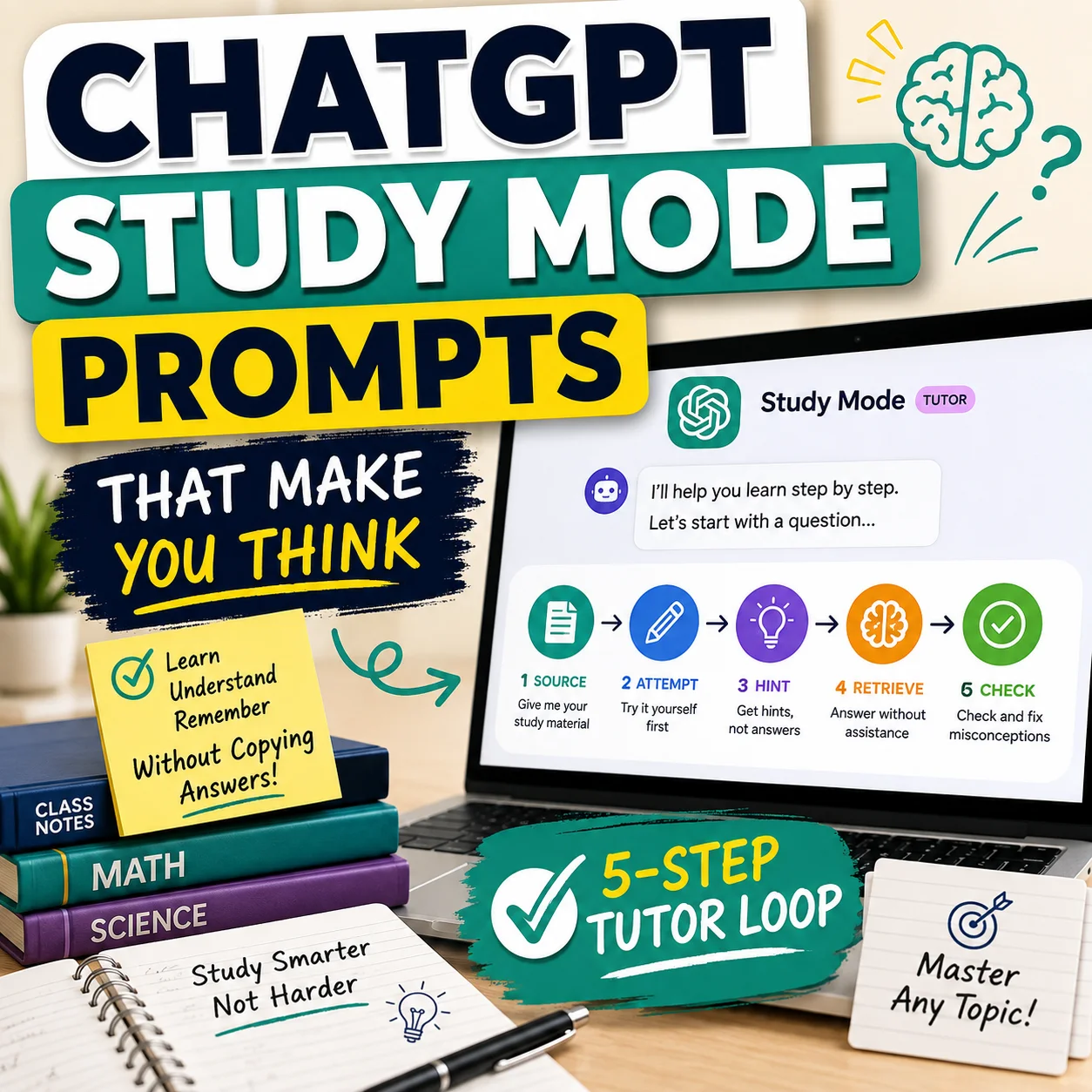
If you want AI to behave more like a tutor while you work through weaknesses uncovered by the feedback, use these ChatGPT Study Mode prompts that make you do the thinking.
What If ChatGPT Disagrees With Your Teacher?
Treat that disagreement as a reason to slow down, not as permission to ignore the feedback.
ChatGPT does not grade your course, set the assignment requirements, or know every expectation your teacher has established in class. If an AI response contradicts the teacher’s written feedback, rubric, syllabus, or course instructions, those course sources should guide your assignment.
A useful follow-up is:
“My teacher’s feedback says [X], while your suggestion says [Y]. Do not decide which is correct. Show me exactly where the two differ and what question I should ask my teacher to resolve the conflict.”
That converts disagreement into a clarification question instead of letting the AI overrule the person responsible for the assignment.
How to Revise Without Losing Your Own Voice
One danger of AI-assisted revision is that a paper can become smoother while becoming less recognizably yours. You can reduce that risk by asking for diagnosis before asking for wording.
Try this order:
- Ask what the teacher comment may be identifying.
- Ask what questions you should answer to repair the problem.
- Close or ignore the AI response while you make the substantive revision yourself.
- Return afterward only if you need a clarity check.
OpenAI’s higher-education guidance similarly frames ChatGPT as support for revision while keeping ownership of the ideas with the student. Your own course policy still determines what type of AI assistance is allowed.
For a broader learning workflow built around the same principle, read how to study with AI without letting it do the learning.
Final ChatGPT Teacher Feedback Revision Checklist
Use this after you finish revising. The goal is to prove that you addressed the human feedback—not merely that the new version sounds better.
Build the Rest of Your Study Workflow
Teacher feedback often reveals a larger problem: a concept you do not fully understand, weak source verification, or a planning problem that caused the assignment to become rushed. Use the feedback to decide what skill to strengthen next.
Frequently Asked Questions About ChatGPT Teacher Feedback
Can I use ChatGPT to understand teacher feedback?
Yes, ChatGPT can help explain unclear teacher feedback, identify possible interpretations, group related comments, and turn comments into revision tasks. It should not be treated as knowing your instructor’s private intention. When a comment is ambiguous or course-specific, ask the instructor rather than relying on an AI guess.
Can I paste teacher feedback into ChatGPT?
Only paste material you are permitted to share, and provide no more information than necessary. Avoid uploading restricted assessments, confidential material, unnecessary personal information, other students’ work, or content your instructor, institution, employer, or content owner does not permit you to share.
Can ChatGPT explain professor comments on an essay?
It can help translate comments into plain language and identify questions the comment may be asking you to address. For example, it can explain possible meanings of “develop this idea” or “needs more analysis.” It cannot know exactly what a professor intended when the wording or course context is ambiguous.
How do I turn teacher feedback into a revision plan?
Preserve each original comment, explain anything unclear, group related feedback, prioritize high-impact problems, convert each comment into a specific revision task, and verify the revised work against the original feedback and rubric. This is the six-step FEEDBACK → ACTION method used in this guide.
Should I ask ChatGPT to rewrite my essay from teacher feedback?
A stronger learning workflow is to use ChatGPT for diagnosis, clarification, organization, questions, and revision planning while keeping the substantive writing and reasoning under your control. Also follow whatever AI-use rules apply to your course.
What if I do not understand my teacher’s feedback?
Ask ChatGPT to show several reasonable interpretations and the questions you should investigate, rather than asking it to choose one interpretation with certainty. If the answer depends on instructor-specific expectations, ask your teacher or professor directly.
Should I follow ChatGPT or my teacher if they disagree?
For your course, your instructor’s feedback, assignment instructions, rubric, approved course materials, and applicable policies are the relevant authorities. Use the disagreement to identify a clarification question rather than letting ChatGPT override course requirements.
Save the FEEDBACK → ACTION Method
PRESERVE → EXPLAIN → GROUP → PRIORITIZE → CONVERT → VERIFY. Save this workflow for your next returned assignment, or share it with a student who has a page full of comments but no clear revision plan.
The best use of ChatGPT teacher feedback is not to make the AI the new teacher. It is to make the feedback you already received easier to act on. Preserve the original comments, understand the problem, decide what matters most, make the revision yourself, and then verify that your new draft actually answers the feedback.
If the feedback shows that you need to rebuild your understanding before revising, switch from editing mode to learning mode and use a structured study workflow instead.
Source and responsibility note: OpenAI’s current higher-education guidance describes ChatGPT as a tool that can support revision while students retain ownership of their ideas and follow course policies. ChatGPT features and interfaces can change. Always follow your instructor’s and institution’s current requirements for AI use.
External reference: OpenAI Academy — Improve Your Papers Without Losing Your Voice
Designs24hr is an independent educational website. This guide does not replace instructions from your teacher, professor, school, or university.
Get new AI guides every week
Short, practical how-tos and free tools from Designs24hr. No spam, unsubscribe anytime.