An AI study guide generator can turn notes, slides, readings and PDFs into an organized revision guide within minutes. However, professional formatting does not prove that every definition, date, formula, example or practice answer is correct.
Use this AI study guide generator checklist before relying on generated material for a class, quiz or exam. The goal is not to reject AI-generated study guides. It is to treat the output as a useful first draft, compare it with your actual course sources and correct mistakes before you accidentally study them.
The Quick Answer
A reliable AI-generated study guide should match your syllabus, use approved course sources, preserve important conditions and exceptions, contain verified practice answers and help you retrieve information from memory. Do not assume that polished wording, confident explanations or source-like formatting proves accuracy.
Quick AI Study Guide Generator Checklist
Complete these 12 checks before treating an AI-generated guide as a dependable revision resource.
- Define the exact course, unit, assessment and learning objectives.
- Build the guide from approved, relevant and readable source material.
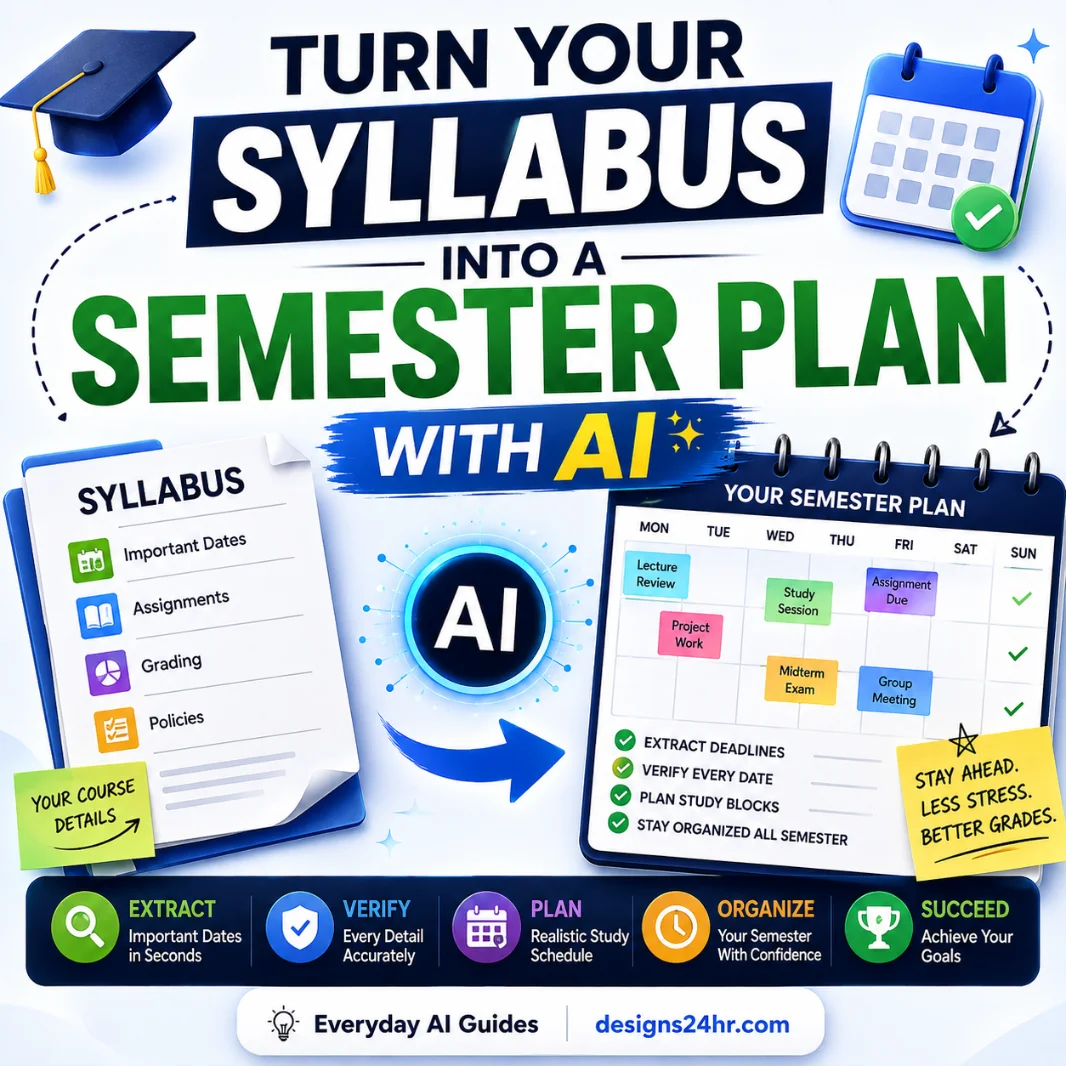
- Compare every required syllabus topic with the generated guide.
- Verify important facts, terms, names, dates, formulas and units.
- Restore conditions, limits and exceptions lost during summarization.
- Separate source-backed information from explanations added by the AI.
- Test worked examples, calculations and step-by-step solutions yourself.
- Check every practice question and answer key for accuracy and clarity.
- Find missing topics and sections receiving too much attention.
- Convert passive summaries into active-recall questions and practice.
- Review privacy, copyright, teacher instructions and school AI rules.
- Complete a source-by-source audit before beginning serious revision.
What Does an AI Study Guide Generator Create?
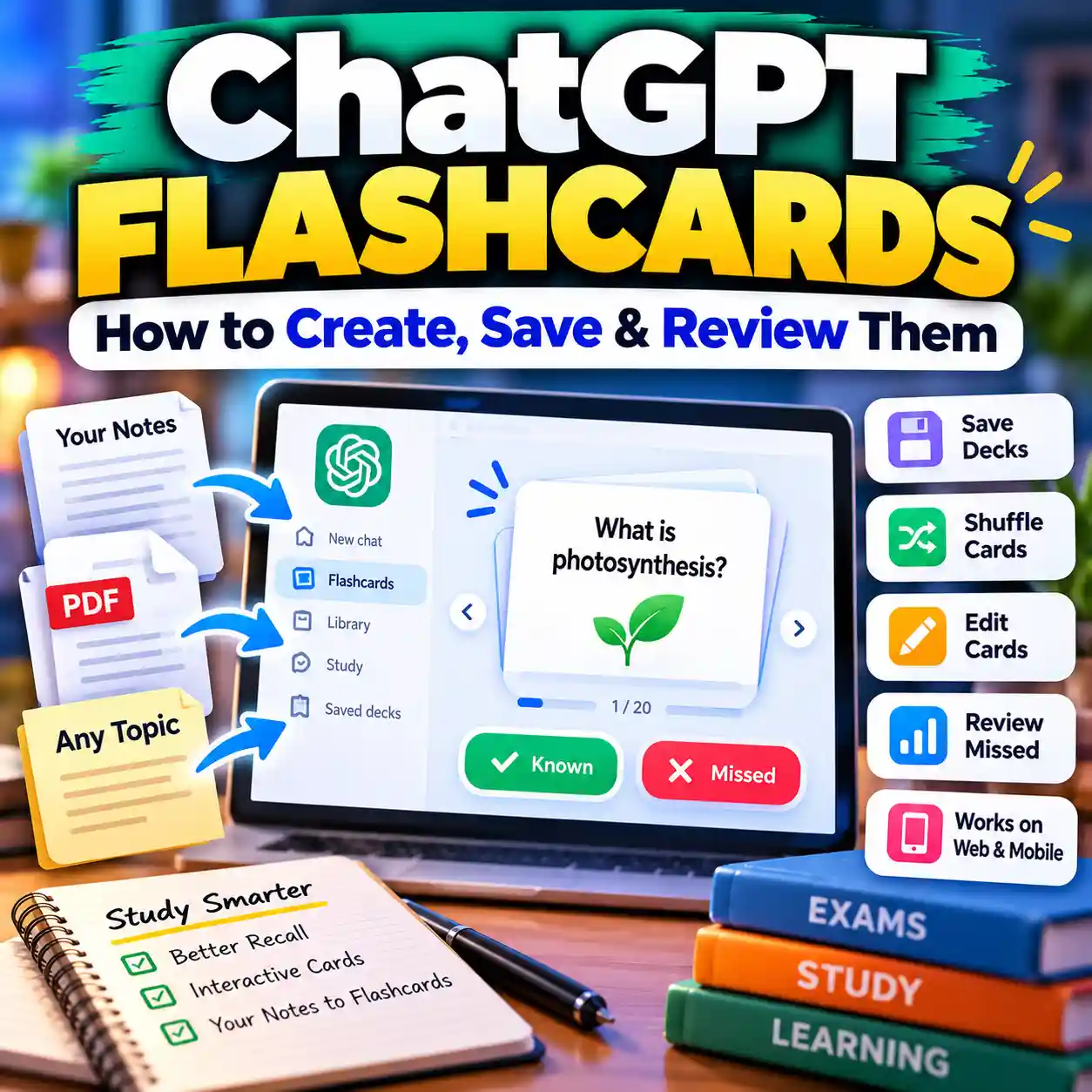
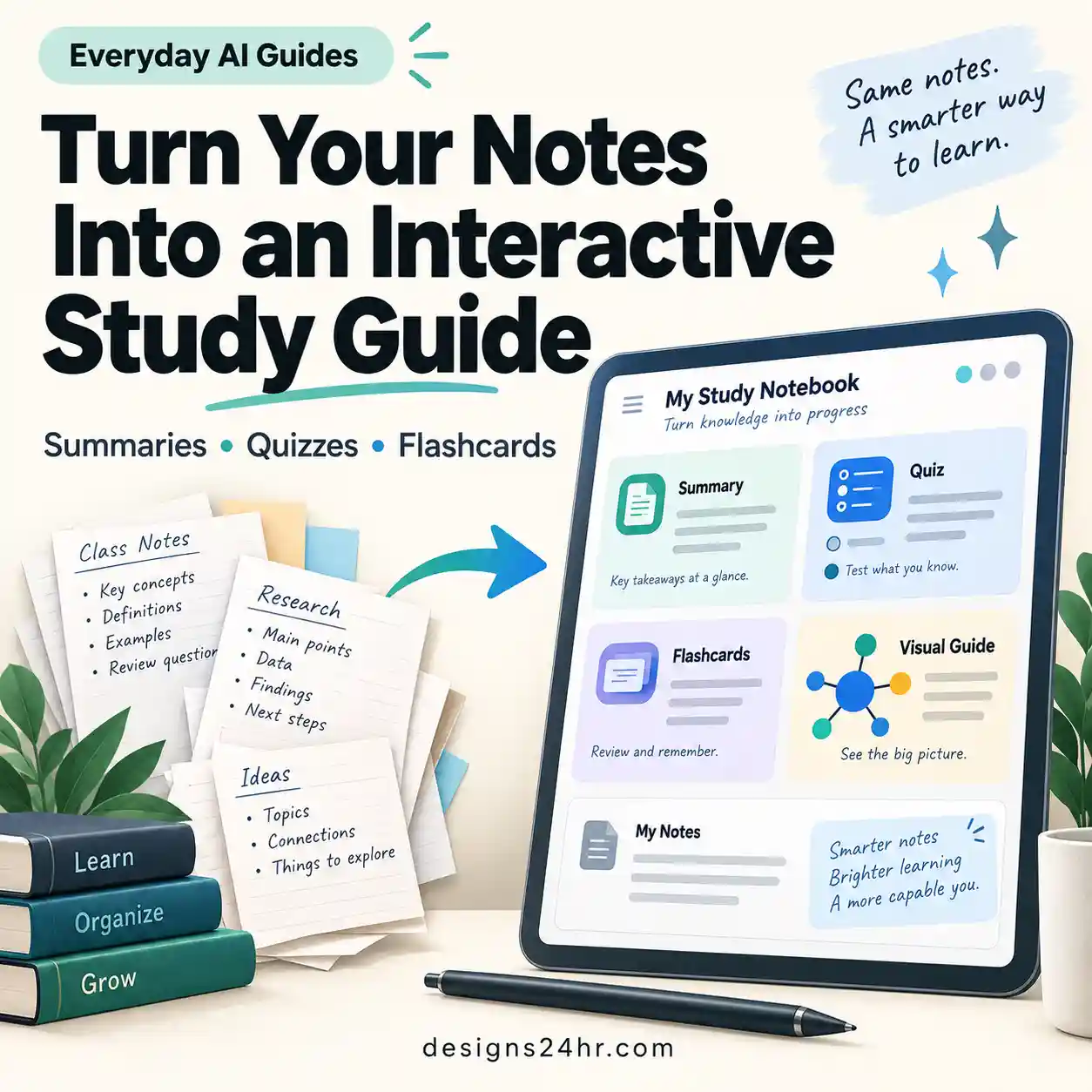
An AI study guide maker may organize pasted text or uploaded documents into topic summaries, chapter outlines, key terms, timelines, comparison tables, formula sheets, practice questions, flashcards or quizzes. The exact result depends on the source material, instructions and features available in the tool.
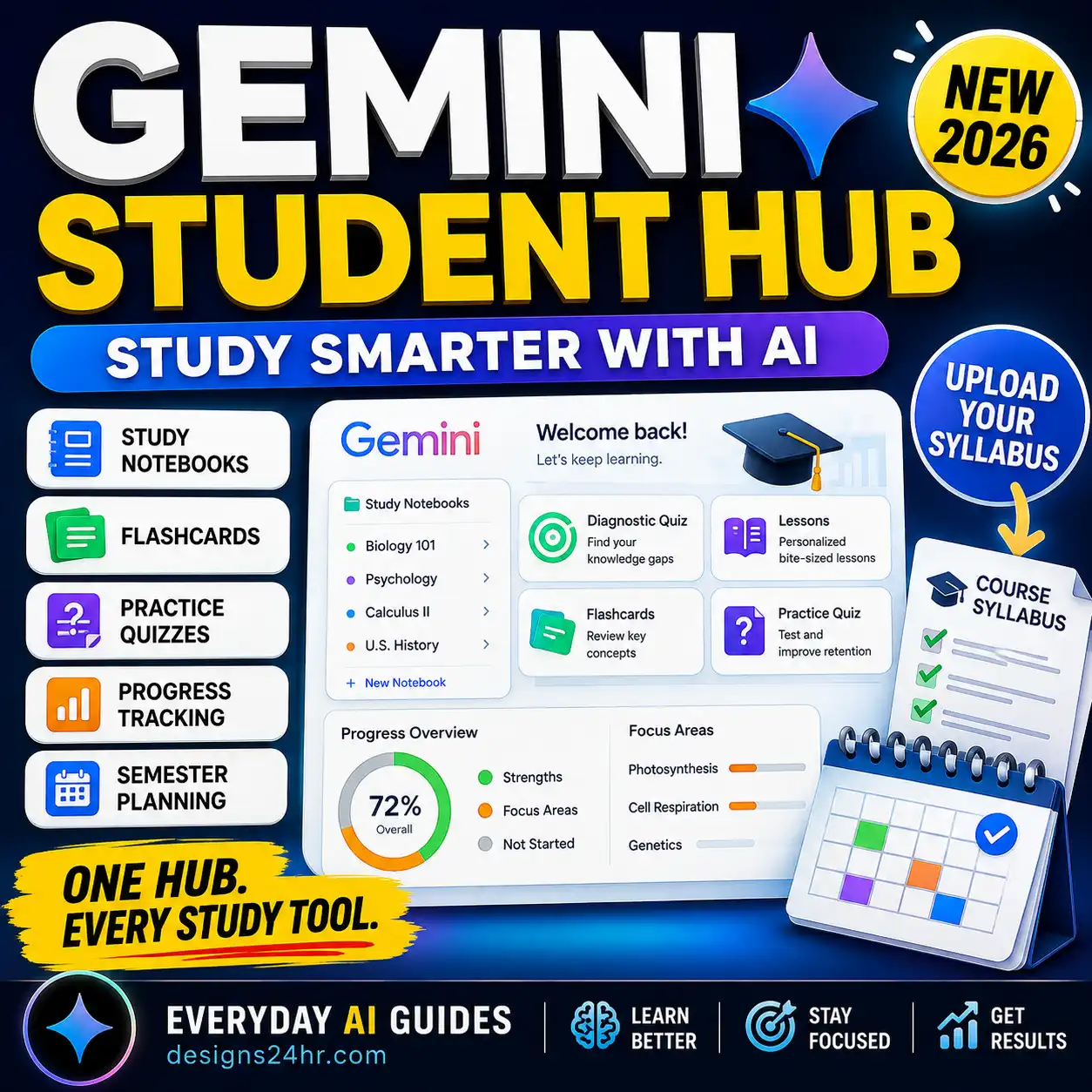
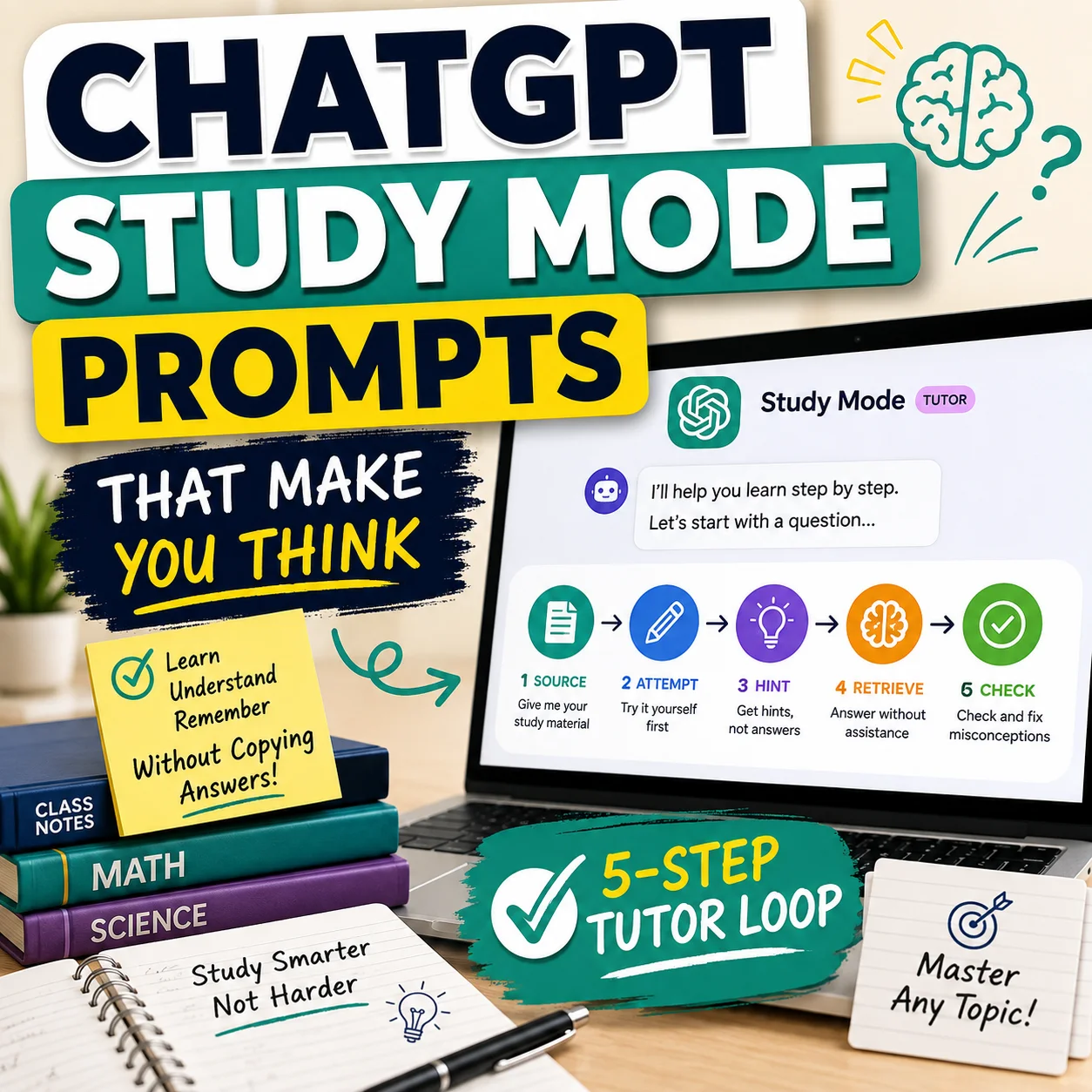
Some learning tools are designed to work from selected sources. Google’s official Gemini Notebook help, for example, describes creating flashcards and quizzes from information in notebook sources. OpenAI’s official Study Mode documentation describes a guided learning experience that can ask questions, explain ideas step by step and check understanding instead of only giving a final answer.
Those features can support studying, but the student still needs to confirm that the source selection matches the real course and that the generated material preserves the meaning of the original content.
| Generated section | Possible benefit | Main risk | What to verify |
|---|---|---|---|
| Topic summaries | Condense long readings into faster review material. | Important context, conditions or exceptions may disappear. | Compare each major claim with the original source. |
| Key-term definitions | Create a compact vocabulary list. | Definitions may be too broad, vague or wrong for the course context. | Check the course’s wording and required level of detail. |
| Formula sheets | Collect equations, variables and units in one place. | A symbol, sign, unit or required condition may be incorrect. | Verify every formula and solve at least one example independently. |
| Practice questions | Provide quick self-testing opportunities. | Questions may be ambiguous or test material outside the assessment. | Check the wording, difficulty, scope and intended answer. |
| Answer keys | Give immediate feedback during revision. | Incorrect answers can make mistakes feel authoritative. | Recalculate or confirm every important answer. |
| Timelines | Organize events in sequence. | Dates, relationships or important events may be missing. | Compare the sequence with lectures, readings and teacher materials. |
| Flashcards | Turn a guide into active-recall practice. | Weak cards may be vague, repetitive or unsupported. | Check each card before memorizing it. |
The 12-Check AI Study Guide Generator Checklist
Define the Course, Unit and Assessment
Begin by identifying exactly what you are preparing for. A broad prompt such as “make a biology study guide” may produce an impressive overview that does not match your teacher’s lessons, exam format or required depth.
Write down:
- The course and unit name
- The quiz, exam, assignment or certification date
- The chapters, lectures or weeks included
- Any material specifically excluded
- The assessment format
- Teacher-provided learning objectives
- The expected difficulty and depth
Use Approved Source Material
Build a course-specific study guide from the sources your teacher, instructor or program expects you to use. Good starting material may include:
- Teacher or professor notes
- Lecture slides and handouts
- Assigned textbook chapters
- The official syllabus
- Learning objectives
- Corrected assignments
- Teacher-provided review sheets
- Approved readings and reference material
Check that scans are readable, pages are complete and headings remain connected to the correct text. Remove duplicate pages and separate unrelated subjects before uploading anything.
Avoid mixing random web summaries into a course-specific guide unless you independently verify that they are accurate and consistent with the material your class uses.
Check Syllabus and Learning-Objective Coverage
Compare the generated guide with your syllabus, review sheet and learning objectives. The AI may emphasize topics that appear frequently in the uploaded material while overlooking a short section your teacher considers important.
| Required objective | Included? | Accurate? | Needs expansion? |
|---|---|---|---|
| Objective 1 | Yes / No | Yes / No | Yes / No |
| Objective 2 | Yes / No | Yes / No | Yes / No |
| Objective 3 | Yes / No | Yes / No | Yes / No |
| Objective 4 | Yes / No | Yes / No | Yes / No |
Add any missing objective before moving to detailed fact-checking. A perfectly written guide is still incomplete when it leaves out material that may appear on the assessment.
Teachers evaluating AI-generated learning material may also find the AI lesson plan generator checklist useful for checking objectives, timing, assessment and instructional alignment.
Verify Facts, Terms, Dates and Formulas
Review details that can change the meaning of an answer or cause you to lose marks. Pay close attention to:
- Names, dates and historical sequences
- Definitions and subject-specific terminology
- Numbers, statistics and quantities
- Formulas, symbols, signs and units
- Scientific processes and classifications
- Cause-and-effect statements
- Quotations and source attributions
- Grammar rules and language examples
Check the information against the source where the class originally introduced it. Do not treat a second AI answer as independent confirmation of the first AI answer.
Restore Missing Conditions and Exceptions
Summaries become misleading when shortening removes the condition that makes a statement true. Review claims containing absolute words such as:
- Always
- Never
- Only
- All
- Must
- Causes
- Proves
- Guarantees
Compare each absolute statement with the original source. Look for phrases such as “in most cases,” “under these conditions,” “except when,” “may,” “is associated with” or “within this model.”
This check is especially important in science, history, economics, law, health education and any subject where the correct answer depends on context.
Separate Source-Backed Content From AI Additions
An AI may add a helpful analogy, explanation or example that was not in your course material. That addition is not automatically wrong, but it should not be confused with an assigned source.
Highlight uncertain and AI-added material in the draft. Verify it, remove it or clearly separate it as optional background information before using the guide for revision.
Test Examples and Worked Solutions
Do not verify a worked example by reading it passively. Cover the solution and attempt the task independently.
Check:
- Whether every necessary step appears
- Whether equations were copied correctly
- Whether units remain consistent
- Whether a diagram matches the written explanation
- Whether a grammar or translation example follows the stated rule
- Whether code examples actually produce the described result
- Whether the conclusion follows from the evidence
A reasonable-looking final answer does not prove that the method is valid. One incorrect middle step can be hidden by a coincidentally correct result.
Verify Practice Questions and Answer Keys
Practice material is useful only when the questions and feedback are dependable. Review every generated question before using it to measure your knowledge.
- Does the question contain enough information?
- Does it test material included in the assessment?
- Is the wording clear and grammatically complete?
- Could more than one answer reasonably be correct?
- Are incorrect multiple-choice options genuinely incorrect?
- Does the answer key respond to the exact question asked?
- Were calculations solved independently?
- Was the answer key updated after the question was edited?
The AI worksheet generator checklist includes additional checks for question quality, answer keys, difficulty, accessibility and classroom readiness.
Find Missing and Overemphasized Topics
AI-generated guides can repeat obvious concepts because those ideas appear frequently in the source, while giving too little space to a difficult process, diagram or comparison.
Ask:
- Which syllabus topics are completely absent?
- Which topic receives more space than its importance justifies?
- Were diagrams, timelines or processes converted into useful text?
- Were examples separated from the principles they explain?
- Did the guide preserve the teacher’s repeated points?
- Are difficult topics simplified so much that essential meaning is lost?
Convert Passive Summaries Into Active Recall
Reading a summary repeatedly can make information feel familiar without proving that you can retrieve it during an exam. Turn each major section into a task that requires an answer from memory.
- Questions with the answers hidden
- Blank diagrams to label
- Practice calculations
- Concepts to explain aloud
- Comparison tables completed from memory
- One-minute written summaries
- Flashcards for focused facts and definitions
- Mixed quizzes that combine several topics
The University of North Carolina Learning Center recommends active study approaches such as organizing a guide by topic, creating questions and complete answers, building quizzes and explaining material aloud in your own words.
For a dedicated card-quality workflow, use the AI flashcard maker checklist .
Review Privacy, Copyright and School Rules
Before uploading course material, remove private or restricted information and confirm that the intended use follows your teacher’s and institution’s rules.
Avoid uploading:
- Student records or identifying information
- Private teacher feedback
- Restricted exams or answer keys
- Confidential workplace or clinical material
- Unpublished research
- Passwords or account details
- Paid course packs intended only for enrolled students
- Licensed textbook material you are not permitted to upload
Educational use does not automatically make every copying or upload lawful. The U.S. Copyright Office explains that fair use depends on the circumstances and four statutory factors. It does not provide an automatic rule based on a fixed word count, page count or percentage.
School AI policies also vary. One class may allow AI for revision questions but not for summarizing assigned readings. Another may require disclosure of AI use. When the rules are unclear, ask the teacher before uploading or submitting anything.
Read the AI homework helper checklist for a broader explanation of using AI to support learning without replacing your own work.
Complete a Source-by-Source Final Audit
Review the finished document one section at a time. Every important section should identify the source used to verify it or be clearly marked as optional supplementary material.
| Study-guide section | Original source | Verified? | Correction needed |
|---|---|---|---|
| Key concepts | Lecture 3 | Yes | None |
| Formula section | Chapter 5 | No | Correct the unit in formula 2 |
| Practice quiz | Course notes | Partial | Replace question 4 |
| Timeline | Slides 8–15 | Yes | Add one missing event |
The final guide should contain no unresolved high-impact errors. Mark optional material clearly so you do not confuse general background information with what your course expects you to know.
AI Study Guide Red Flags
Pause and investigate when the generated guide shows any of these warning signs.
A Safer AI Study Guide Workflow
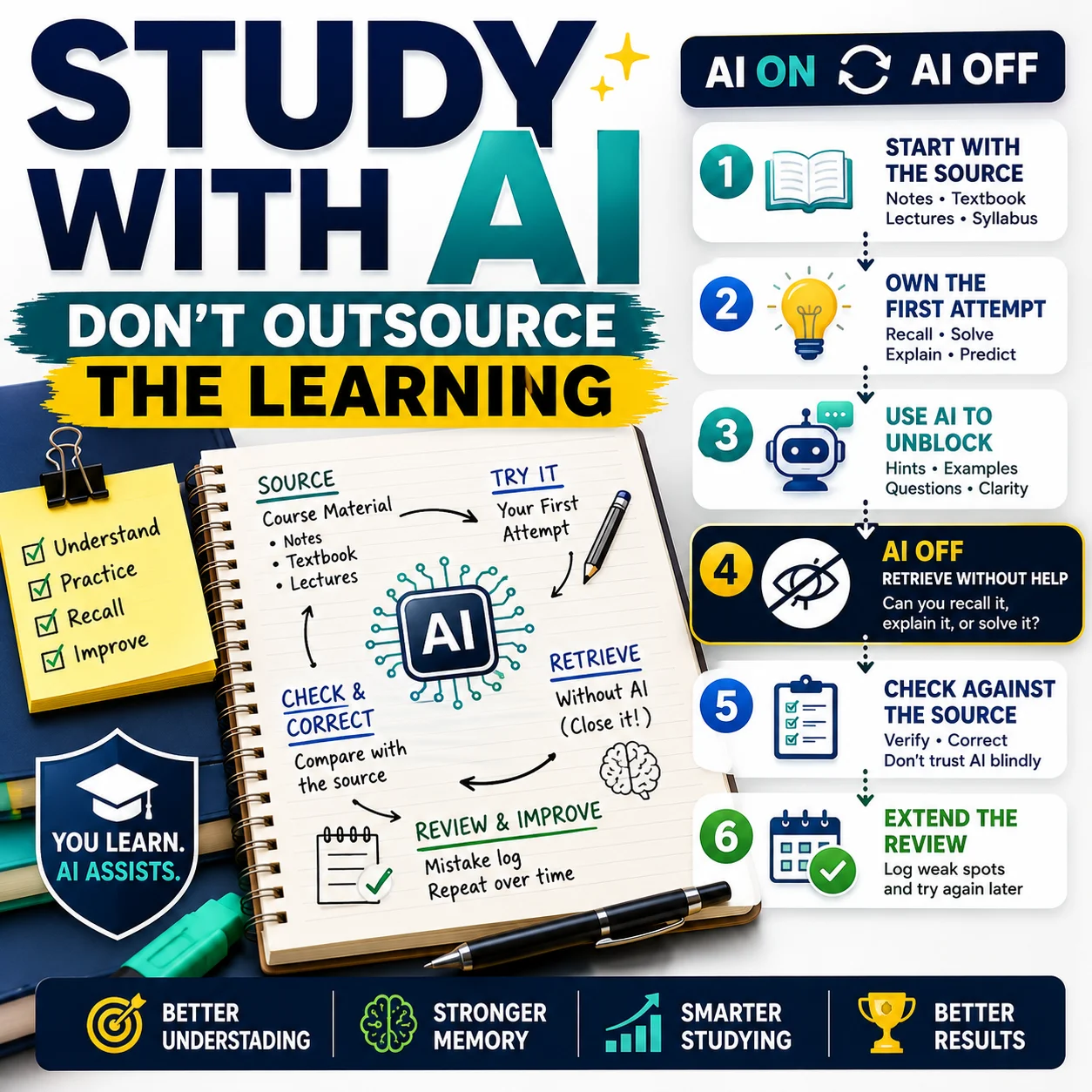
This workflow keeps the AI in a supporting role. It handles organization and drafting, while the original sources determine what is correct and the student remains responsible for learning and final verification.
Five-Minute Final Review Before Studying
When one answer is “no,” correct that part before using the guide as your main revision resource.
Copyable Prompt for a Better AI Study Guide
This prompt limits unsupported additions and asks the tool to reveal gaps that need manual review.
Study Guide Draft Prompt
Create a study-guide draft using only the course material I provide. Organize the guide according to the learning objectives and clearly label every section. Include: – key concepts; – important definitions; – comparisons; – processes; – formulas and units; – short examples; – practice questions. Do not add unsupported facts, quotations, citations or sources. Keep important conditions, exceptions and limitations. After the study guide: 1. list any statement that may need manual verification; 2. identify any learning objective that is missing or not fully supported by the material; 3. separate source-backed information from optional explanations; 4. provide an answer key for the practice questions, but label it as requiring human review.
Do not paste private student data, restricted exams, copyrighted course packs or confidential information into the prompt.
You can also use the free Designs24hr AI Prompt Generator to create a more focused prompt for your subject and study goal.
How to Study From the Finished Guide
Once the guide has been verified, use it to make your brain retrieve and apply information rather than simply recognize familiar wording.
- Read one short section carefully.
- Close or cover the section.
- State the main idea from memory.
- Answer one or two questions without looking.
- Explain the concept aloud in your own words.
- Check the source and correct your answer.
- Mark weak areas for another review.
- Return to difficult material after a break.
When a sentence remains confusing, the free Explain This For Me tool can help turn difficult wording into a simpler explanation. Compare the simplified version with the original course source to ensure that its meaning remains accurate.
Frequently Asked Questions
What is an AI study guide generator?
An AI study guide generator is a tool that organizes notes, readings, slides or uploaded documents into revision material. Depending on the tool, it may create summaries, outlines, definitions, flashcards, practice questions or quizzes. Its output should be reviewed against the original course sources before studying.
Are AI-generated study guides accurate?
They can be useful, but they are not automatically accurate. An AI may misunderstand a source, remove important context, omit required topics or produce an incorrect answer key. Verify important facts, formulas, examples and questions against your notes, textbook, syllabus and teacher-provided material.
What can I upload to an AI study guide generator?
Use material you are permitted to process, such as your own notes or approved class documents. Avoid uploading private student records, restricted exams, confidential work, passwords or content you are not authorized to share. Review the service’s current privacy and file retention terms before uploading documents.
Can an AI study guide generator make practice questions?
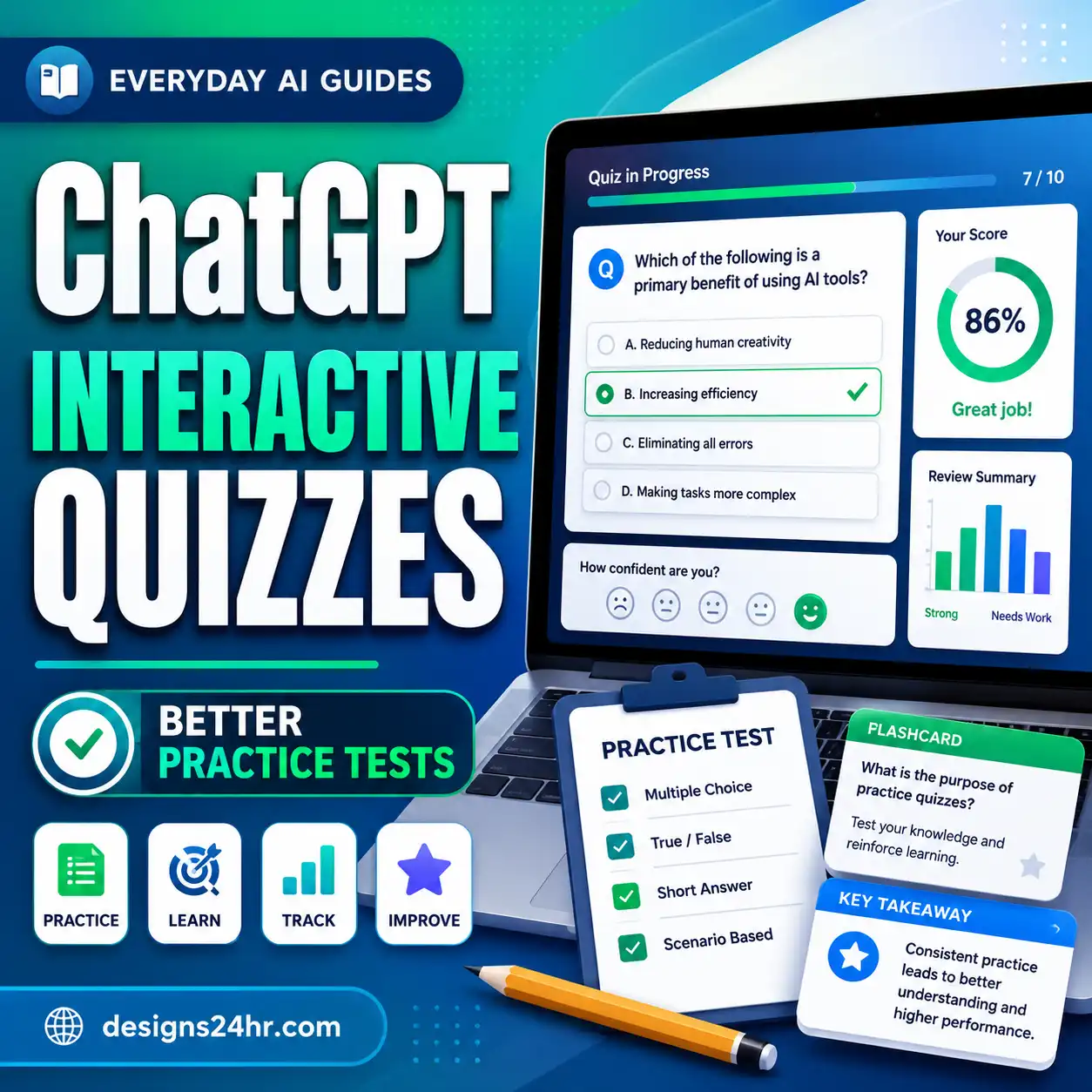
Many tools can create practice questions, quizzes or flashcards. Check that each question matches your course scope, contains enough information and has a correct answer. Recalculate numerical answers and review multiple-choice options before using the questions to test yourself.
How do I check an AI-generated answer key?
Solve each question independently before looking at the generated answer. Compare factual answers with course sources, check calculations step by step and confirm that the answer responds to the exact wording of the question. Update the answer key whenever a question is revised.
Can I use an AI-generated study guide for an exam?
You can use a verified guide for revision when doing so follows your course rules. Do not rely on the first generated draft. Check syllabus coverage, correct factual errors, confirm formulas and add active-recall practice before treating the guide as an exam-preparation resource.
Is using an AI study guide considered cheating?
That depends on the class, institution, assessment and way the tool is used. Using AI to organize permitted notes or create practice questions may be allowed, while uploading a restricted exam or submitting AI-generated work may violate the rules. Check your teacher’s policy rather than assuming one rule applies everywhere.
How do I turn an AI study guide into flashcards?
Select verified definitions, relationships, formulas and important facts. Turn each into one focused question with one clear answer. Remove duplicates, keep enough context for each card to stand alone and check every answer against the source before beginning active-recall practice.
Final Takeaway
AI can create the first draft, but your course sources decide what is correct.
Define the assessment, use approved material, check syllabus coverage, verify important details and convert the final guide into active-recall practice. A study guide is ready only when you have corrected its mistakes, filled its gaps and confirmed that its use follows your course rules.
Sources and Further Reading
- OpenAI Help Center: Using Study Mode in ChatGPT
- Google Help: Generate Flashcards or Quizzes in Gemini Notebook
- UNC Learning Center: Studying 101 — Study Smarter, Not Harder
- UNC Learning Center: Memorization Strategies
- U.S. Copyright Office: Fair Use Index
- U.S. Copyright Office: Fair Use Frequently Asked Questions
This guide provides general educational information and is not legal advice. School policies, course rules, app features, privacy terms and file-retention practices can change. Review the current rules and documentation that apply to your class and the specific service you use.
Get new AI guides every week
Short, practical how-tos and free tools from Designs24hr. No spam, unsubscribe anytime.