AI can make studying feel incredibly productive. In seconds, it can summarize a chapter, explain a difficult concept, create flashcards, solve a problem, and generate practice questions. But there is an important catch: getting an answer quickly is not the same as learning it.
If you are trying to figure out how to study with AI, the strongest approach is not to keep a chatbot beside you for every step. Use AI where it removes confusion or creates useful practice, then deliberately turn it off so you can recall, explain, and apply the material yourself.
To study with AI effectively, start with your real course material and make a genuine first attempt before asking for help. Use AI to clarify difficult ideas, provide hints, create practice questions, or analyze mistakes. Then close the AI and retrieve the material from memory, explain it in your own words, or solve a fresh problem. Check important answers against your course source and use mistakes to decide what you need to review again.
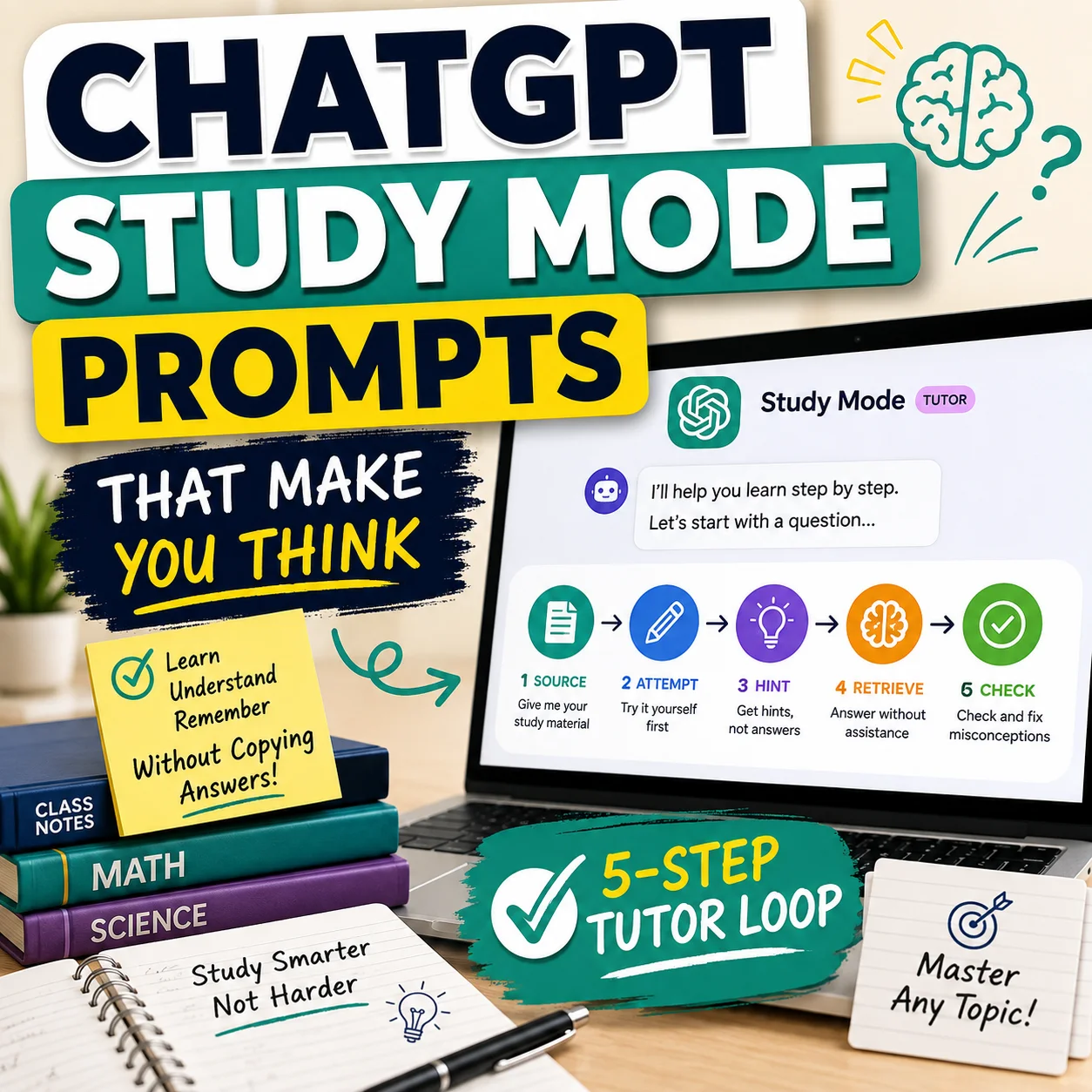
1. How to Study With AI: Use the SOURCE Study Loop
A useful AI study system needs a clear boundary between AI-assisted understanding and independent learning. The SOURCE Study Loop gives you that boundary.
The important idea is simple: AI helps during selected parts of the study session, but it should not replace the parts where your brain has to retrieve, reason, explain, or solve.
1.1 Start With the Real Course Source
Your instructor’s material should define what you need to learn. Depending on the class, that might include:
- lecture notes;
- assigned textbook sections;
- course readings;
- slides;
- teacher-provided examples;
- your syllabus; and
- other approved course resources.
Do not begin by asking AI something broad such as, “Teach me everything I need to know for Chapter 6.” The AI may emphasize material your instructor does not, omit details that matter in your class, or confidently introduce information that was never part of the assigned material.
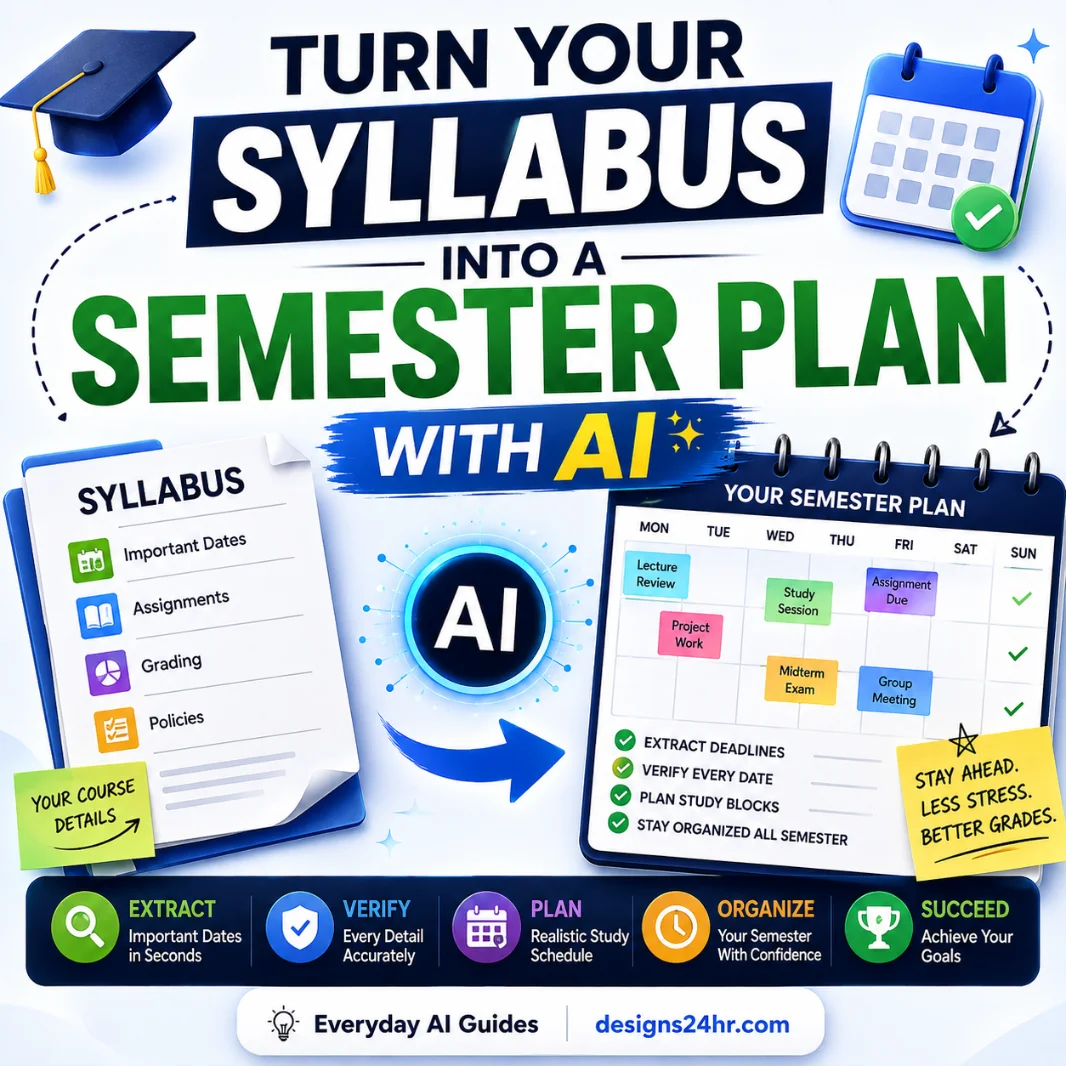
If your course organization is already messy, start by turning the official course schedule into a clear plan with the syllabus-to-semester-plan AI workflow. The syllabus remains the source; AI helps organize it.
1.2 Own the First Attempt
Before asking AI for the explanation or solution, do something yourself.
Depending on what you are studying, that might mean:
- trying to recall a definition;
- solving the first step of a problem;
- outlining an answer;
- predicting what happens next;
- explaining a concept in your own words;
- drawing a process from memory; or
- writing down exactly where you become confused.
Your first attempt does not need to be correct. In fact, discovering exactly where your understanding breaks down makes the next AI question much more useful.
Weaker sequence: Ask AI → read answer → assume you understand.
1.3 Use AI to Unblock Understanding
Once you know what is confusing, AI can be extremely useful. Ask for help that still leaves some thinking for you to do.
Good requests include:
- Explain this idea in simpler language.
- Give me one additional example.
- Compare these two concepts.
- Give me a hint without giving me the answer.
- Ask me a question that helps me find the mistake.
- Create a similar practice problem.
- Tell me which part of my reasoning appears to break down.
The goal is to use AI like a tutor or feedback partner—not like an answer vending machine.
I am studying the material below.

Help me understand it without doing the learning for me.

Rules:
1. Do not immediately give me the final answer.
2. Ask me what I already understand first.
3. If I am stuck, give one small hint at a time.
4. Explain difficult ideas in clear language.
5. Use an additional example when helpful.
6. Ask me to explain the idea back in my own words.
7. If information is uncertain, say so instead of guessing.

Course material or problem:
[PASTE RELEVANT MATERIAL HERE]

My current attempt:
[PASTE YOUR ATTEMPT HERE]
1.4 Retrieve Without AI
This is the step that is easiest to skip—and one of the most important.
After using AI to clarify the concept, close or hide the AI. Then prove you can do something with the information without assistance.
Try one of these:
- write the definition from memory;
- explain the concept out loud;
- solve a new problem;
- reconstruct the process from memory;
- list the key ideas without looking;
- answer a practice question before revealing the answer.
This is where the study session shifts from “I recognize this when I see it” to “I can retrieve or use this myself.”
1.5 Check Mistakes Against the Source
AI feedback should not automatically become your answer key.
Use this sequence instead:
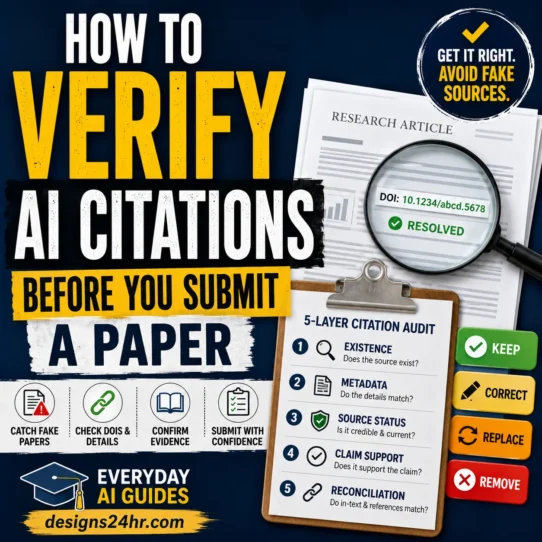
Verify important facts, formulas, definitions, dates, quotations, and citations against the source your course actually uses. If AI provides a citation for research, do not assume that citation exists or supports the claim. Use the dedicated AI citation verification workflow when research references matter.
1.6 Extend the Review
A useful mistake should affect what you study next.
When you miss something, record:
- what you got wrong;
- why you think you got it wrong;
- the corrected idea;
- one new example or practice problem; and
- when you will test yourself again.
You do not need an elaborate system. A small mistake log can be enough to turn the next study session toward the concepts that actually need attention.
2. Know When AI Should Be On—and When It Should Be Off
One of the easiest ways to misuse AI while studying is to leave it open during every activity. That can make the session smoother, but it also makes it difficult to see what you can do independently.
| Study activity | Best default | Why |
|---|---|---|
| Clarifying confusing wording | AI ON | AI can simplify or reframe the explanation. |
| Getting another example | AI ON | Examples can help connect an abstract idea to something concrete. |
| Asking for a hint | AI ON | A small hint can unblock you without replacing the attempt. |
| Generating practice questions | AI ON | AI can create additional practice from verified material. |
| Recalling a definition | AI OFF | You need to discover what you can remember unaided. |
| Solving a fresh problem | AI OFF first | Make a real attempt before asking for help. |
| Explaining a concept from memory | AI OFF | Independent explanation exposes weak spots quickly. |
| Checking important facts | SOURCE ON | Your trusted course material should be the authority. |
| Reviewing mistakes afterward | AI ON | AI can help categorize errors and generate targeted follow-up practice. |
If AI is present during every second of studying, you never get a clean test of what your brain can do without it.
3. Try This 20-Minute AI Study Session
You do not need an elaborate system to start studying with AI more deliberately. Try this short session with one topic.
Minutes 0–3: Start With the Source
Read the relevant section of your notes, textbook, lecture material, or assigned resource. Keep the scope small enough that you can actually test yourself on it.
Minutes 3–7: Make a First Attempt
Close the material and retrieve what you can. Solve a problem, sketch an outline, write key ideas, or explain the concept without AI.
Minutes 7–11: Use AI for the Gap
Now ask about the specific point that blocked you. Avoid restarting from zero with a request for a complete summary.
Minutes 11–16: Turn AI Off
Try again without help. If you asked AI for an explanation, explain the idea back. If you asked for a hint, finish the problem yourself. If AI created a practice question, answer it before seeing the solution.
Minutes 16–19: Check
Compare your result with your course source, correct mistakes, and identify the precise concept behind each error.
Minute 20: Choose the Next Review
Write down the one thing you need to retrieve or practice again later. This prevents every study session from resetting to whatever feels easiest.
4. AI Studying That Helps vs. AI Studying That Replaces Learning
| Weak AI study habit | Better study habit |
|---|---|
| Ask AI to summarize before reading the assigned material | Read or inspect the source first, then ask AI about unclear sections |
| Ask for the solution immediately | Attempt the problem first, then request a hint |
| Read generated flashcards passively | Answer each card before revealing the answer |
| Leave AI open during every problem | Create AI-off retrieval periods |
| Trust AI feedback automatically | Verify important information against the source |
| Let AI choose everything to study | Use your syllabus and course requirements to define the scope |
| Move on as soon as AI explains the answer | Retry the concept without AI |
| Submit AI-generated graded work | Follow your instructor’s rules and produce your own work |
5. Use AI to Explain Something You Don’t Understand
AI is often most useful when you can point to a specific sentence, concept, equation step, instruction, or paragraph that you do not understand.
Instead of asking for a complete replacement explanation of an entire subject, narrow the request:
- “Explain the difference between these two terms.”
- “Why does this step follow from the previous one?”
- “Give me a simpler example of this idea.”
- “What prerequisite concept am I missing?”
- “Ask me questions until I find the mistake myself.”
I am going to explain a concept in my own words.

Evaluate my explanation without replacing it with a finished essay.

Return:
1. What I explained accurately
2. What is incomplete
3. What appears confused or incorrect
4. One question that tests the weakest part
5. One short hint if I need help

Do not tell me I understand something unless my explanation demonstrates it.
Do not invent facts that are not supported by the material.

Source material:
[PASTE RELEVANT VERIFIED MATERIAL]

My explanation:
[WRITE YOUR EXPLANATION]
Have a paragraph or instruction that still feels confusing?
Use the free Explain This For Me tool to simplify difficult wording, then return to the original material and test whether you can explain the idea yourself.
Open Explain This For Me6. Use AI to Practice, Not Just Review
Reading an explanation can create familiarity. Practice forces you to produce an answer.
AI can help generate:
- short-answer questions;
- multiple-choice practice;
- application questions;
- similar math or logic problems;
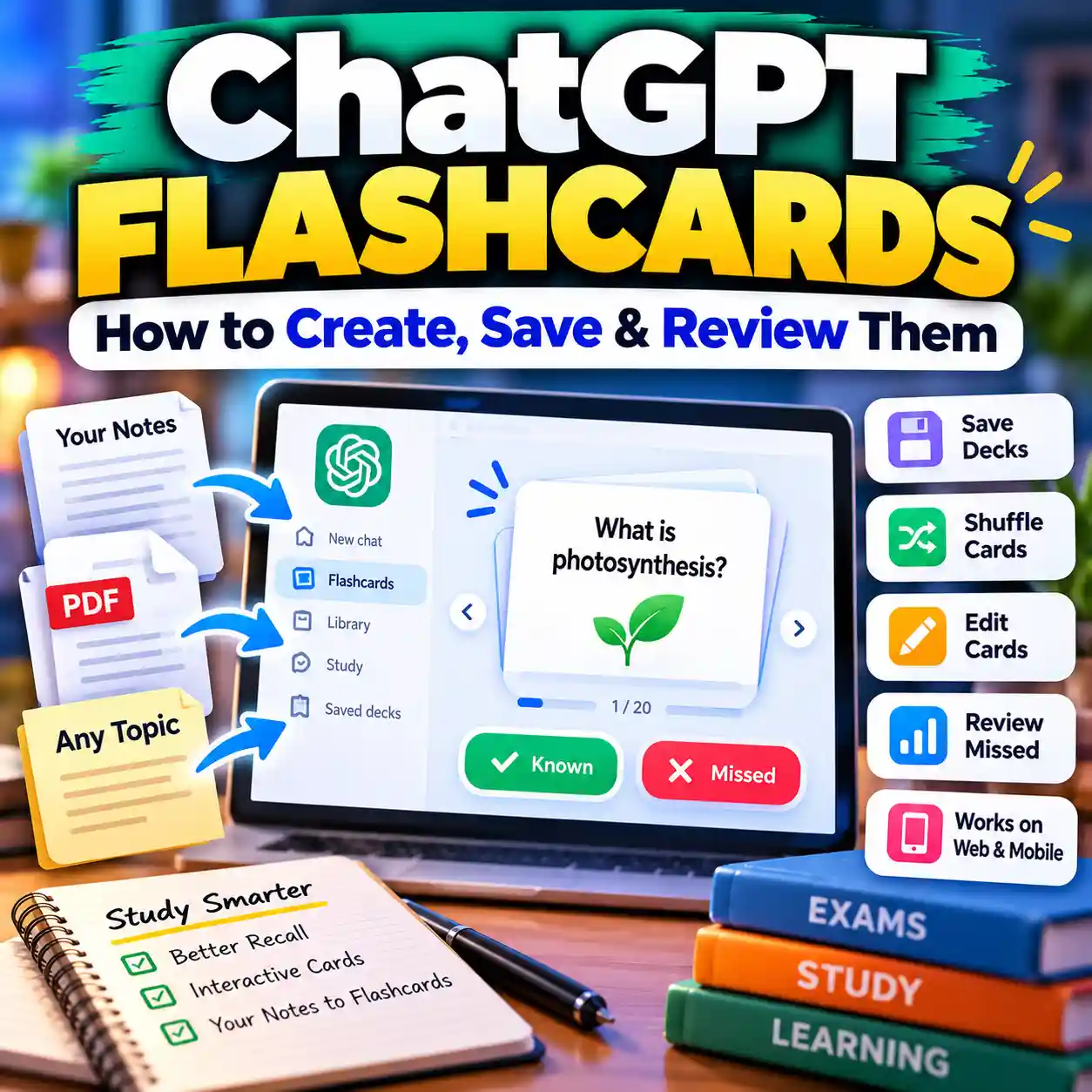
- flashcard prompts;
- compare-and-contrast questions; and
- questions targeted at a mistake you just made.
The important rule is to hide the answer until after you attempt the question.
Create retrieval-practice questions only from the verified material below.

Requirements:
- Mix factual recall, explanation, comparison, and application questions.
- Do not introduce topics that are not in the source.
- Ask one question at a time.
- Do not reveal the answer until after I respond.
- After I answer, tell me what was correct, what was missing, and what I should review.
- If my answer is wrong, ask me to try again before showing a complete answer.

Verified study material:
[PASTE MATERIAL HERE]
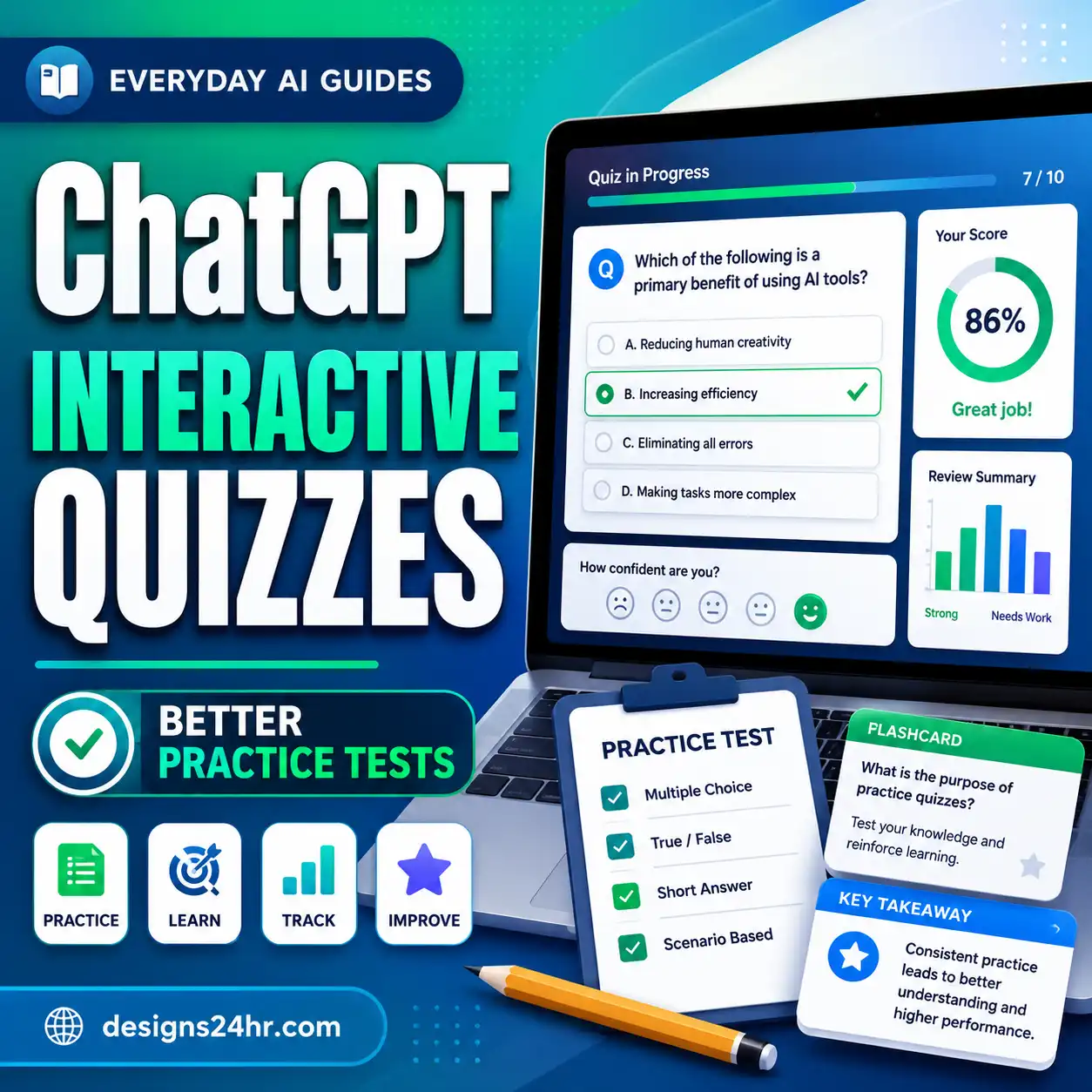
If you want to use AI-generated quizzes more systematically, use the AI quiz generator checklist to check question accuracy, scope, answer quality, difficulty, and misleading distractors.
For flashcards, use the AI flashcard maker checklist so the cards do not become a pile of vague, overloaded, or incorrect prompts.
7. How to Tell Whether You Actually Learned It
Do not measure a study session only by how many pages you reviewed or how many AI conversations you completed.
Use the 3-Proof Test.
You do not need perfect performance every time. The purpose is to expose the difference between recognizing an AI explanation and being able to produce the knowledge yourself.
8. Turn Mistakes Into Your Next Study Plan
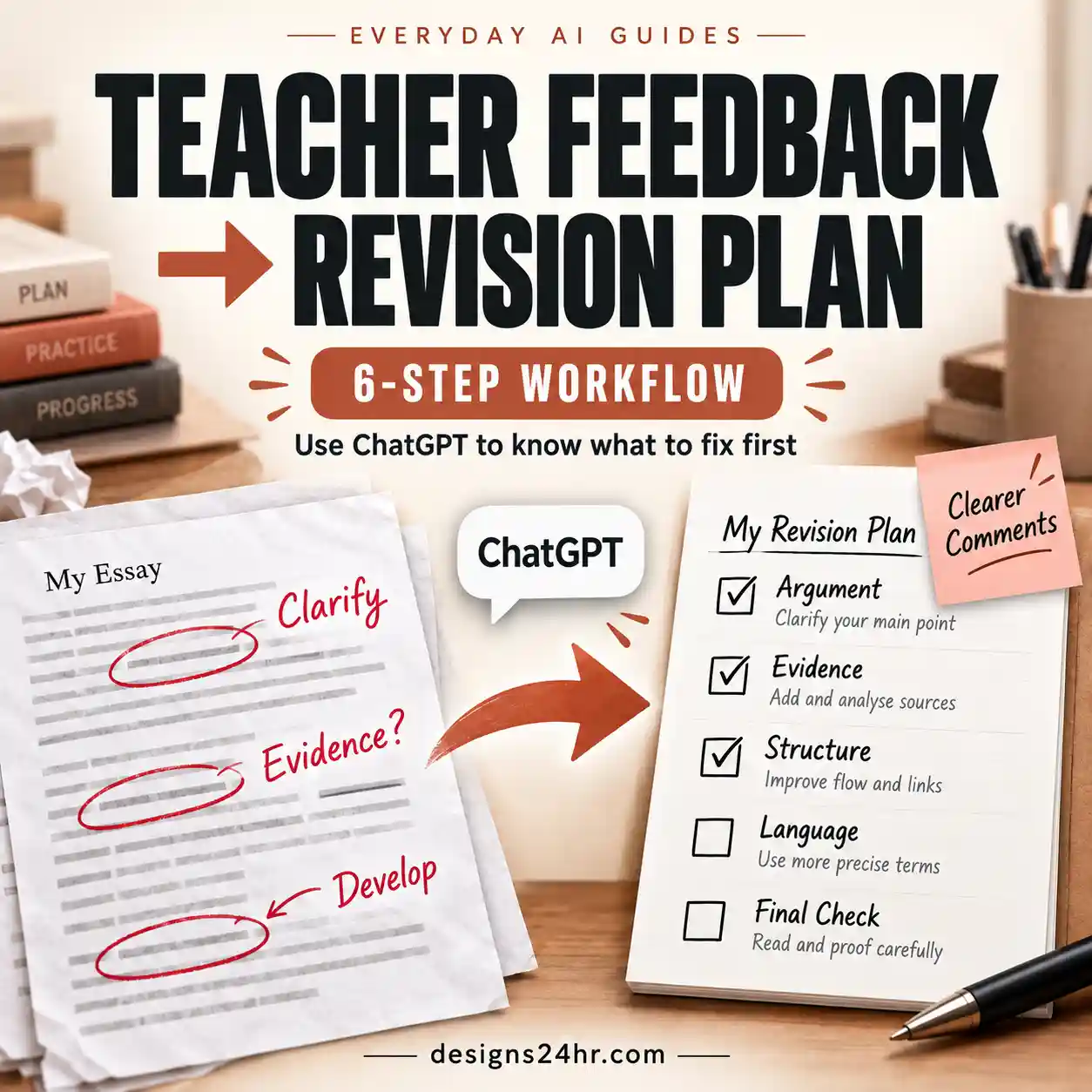
One of the most useful things AI can do is help you analyze mistakes after you have already tried.
Instead of asking, “Why is the answer B?”, give AI your reasoning and ask it to identify where the reasoning failed.
Help me analyze a mistake I made while studying.

Use the verified source or answer key I provide as the authority.

Return:
1. The type of mistake I made
2. The exact point where my reasoning went wrong
3. The concept I appear to be missing
4. A short corrective explanation
5. One similar practice question
6. One harder follow-up question
7. What I should review again later

Do not simply rewrite the correct answer.
Do not guess when the source does not provide enough information.

Question:
[PASTE QUESTION]

My answer or reasoning:
[PASTE YOUR ATTEMPT]

Verified source or answer:
[PASTE VERIFIED MATERIAL]
A simple mistake log might include:
| Mistake | Cause | Correction | Next action |
|---|---|---|---|
| Mixed up two similar definitions | Could recognize them but not distinguish them | Write the difference in one sentence | Retry tomorrow |
| Used the wrong equation step | Skipped a prerequisite rule | Review the rule and solve two fresh examples | Retry later this week |
| Missed a key argument | Relied on summary instead of assigned reading | Return to the original section | Explain it from memory |
9. What to Do When AI Gives a Wrong Answer
AI can produce useful explanations and still make factual, mathematical, or citation mistakes. Do not treat confidence as proof.
Use this four-step response:
1. Stop
Do not build additional notes or practice material on top of an answer you suspect is wrong.
2. Verify
Check your textbook, lecture material, instructor resource, official answer key, or another authoritative source.
3. Correct
Replace the incorrect idea in your notes or mistake log so it does not become part of your study set.
4. Retry
Answer a fresh question without AI to confirm that the corrected idea now makes sense.
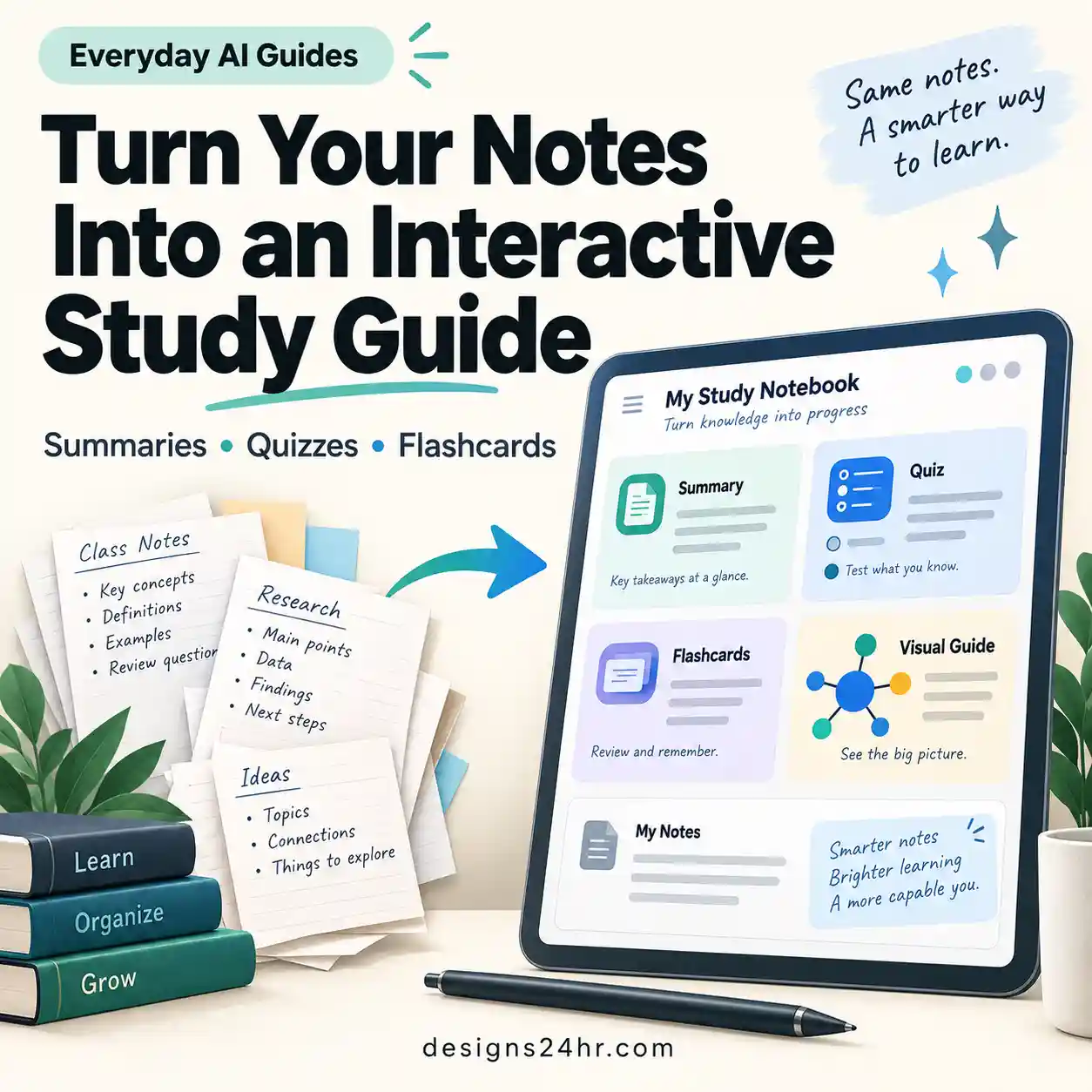
If AI generated a study guide from your material, run it through the AI study guide generator checklist before assuming the guide accurately represents what you need to learn.
10. When Using AI for School Becomes a Problem
Using AI to study is not the same as having AI complete work that your instructor expects you to do independently.
Before using AI for a class, check the course or school rules. Policies may distinguish between allowed uses such as brainstorming, tutoring, practice, or grammar support and prohibited uses such as generating answers for graded assignments.
As a practical default:
- follow your instructor’s AI policy;
- make your own first attempt;
- do not submit AI-generated work as your own when that is prohibited;
- do not invent citations or sources;
- verify important information;
- avoid uploading unnecessary personal information;
- do not upload copyrighted or restricted course materials when you do not have permission to share them; and
- use AI to assist learning rather than conceal that learning did not happen.
UNESCO’s guidance on generative AI in education emphasizes human-centered use, privacy, appropriate educational application, and the need to protect human agency. See the current UNESCO guidance for generative AI in education and research.
If you are using AI while completing homework, the separate AI homework helper checklist goes deeper into maintaining academic integrity while still using AI for explanations and support.
11. Common AI Study Mistakes
- Asking AI before trying: you never discover what you already know or where the real gap is.
- Reading summaries instead of the assigned source: you may learn a simplified version that does not match your course.
- Leaving AI open too long: the tool becomes part of every answer instead of temporary support.
- Trusting AI without checking: wrong facts can quietly enter your notes.
- Using AI-generated citations without verification: references may be incorrect, irrelevant, or nonexistent.
- Letting AI choose the entire study scope: your syllabus and instructor—not the chatbot—define what the course requires.
- Using AI for graded work when prohibited: study support does not override course rules.
- Keeping no mistake log: weak areas disappear from your plan as soon as the session ends.
- Confusing speed with learning: finishing faster does not prove you can retrieve or apply the material.
- Reviewing once and moving on: difficult material often needs another independent attempt later.
12. Example: Studying One Difficult Concept With AI
Imagine you are studying a difficult concept from a biology lecture.
This workflow is slower than simply asking AI to summarize the concept, but it gives you much more information about what you can actually retrieve and use.
13. A Practical Checklist for Studying With AI
- Start with trusted course material.
- Define a small study goal.
- Make a first attempt before asking AI.
- Ask AI about a specific gap.
- Prefer hints, explanations, examples, and questions over final answers.
- Turn AI off during retrieval.
- Recall, explain, or solve without assistance.
- Check important information against the source.
- Record mistakes instead of hiding them.
- Schedule another attempt for weak material.
- Follow your instructor’s AI policy.
- Protect private and restricted information.
If you follow those steps, learning how to study with AI becomes less about finding the most powerful chatbot and more about deciding exactly where AI belongs in the learning process.
14. Frequently Asked Questions
What is the best way to study with AI?
Start with your real course material, try the concept or problem yourself, and use AI only for specific gaps such as confusing explanations, hints, examples, or practice questions. Then turn AI off and retrieve, explain, or apply the material independently before checking your work against the source.
Can I use AI to study without cheating?
Often, yes, but the rules depend on your instructor and school. Using AI for explanations, practice, or feedback may be treated differently from using it to produce graded work. Always follow the rules for your course rather than assuming every AI use is allowed.
Is ChatGPT good for studying?
ChatGPT and similar AI tools can be useful for explaining difficult ideas, creating practice questions, comparing concepts, and analyzing mistakes. They can also be wrong, so important information should still be checked against trusted course material.
Should I use AI before or after trying a problem myself?
For learning, making a genuine first attempt is usually the stronger default. It reveals what you already understand and makes your AI question more targeted. If you are completely blocked by unfamiliar terminology or instructions, AI can first help clarify what the problem is asking without solving it for you.
Can AI make practice questions and flashcards?
Yes. AI can generate useful practice from verified material, but questions and answers should be checked for accuracy and scope. For better results, answer the question or flashcard before revealing the AI-generated answer.
How do I know whether I actually learned something with AI?
Use the 3-Proof Test: can you recall it without looking, explain it in your own words, and use it in a new question or problem? If you cannot do those things without AI, you have identified material that still needs review.
15. Final Takeaway
AI can remove friction from studying. It can explain difficult language, create another example, generate practice, and help you understand why an answer went wrong.
But the parts that prove learning happened still belong to you.
Start with the source. Try first. Use AI to unblock. Turn AI off. Retrieve. Check. Review again.
That is the difference between using AI to study and letting AI do the studying for you.
Related AI for Students & Learning Guides
Editorial note: AI tools can make mistakes, and school policies differ. Use your course materials and instructor guidance as the authority for what you need to learn and what forms of AI assistance are permitted. This guide is educational guidance, not a substitute for your school’s academic-integrity policy.